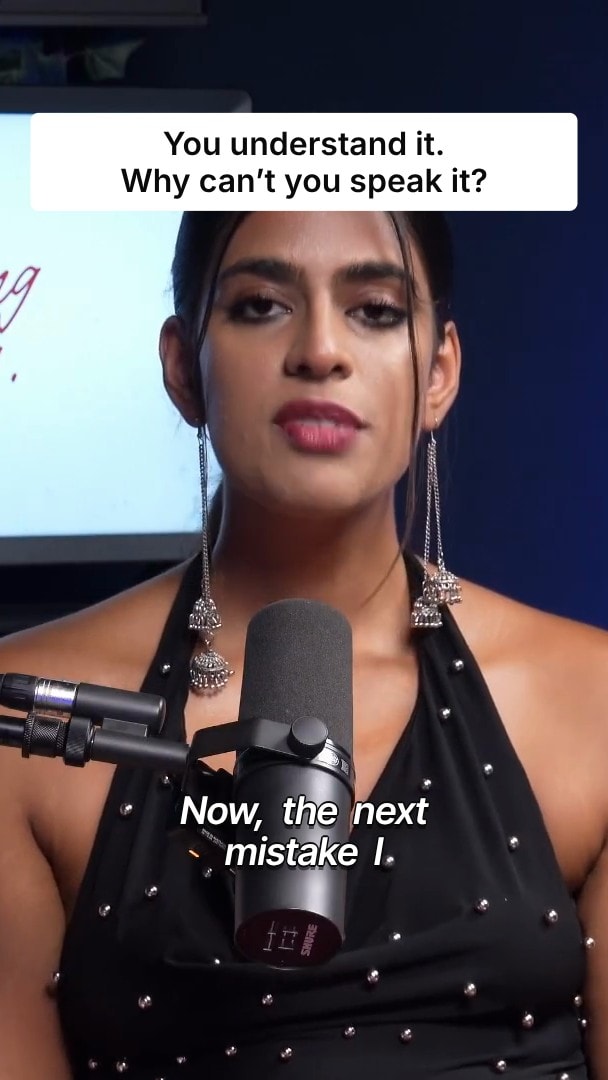
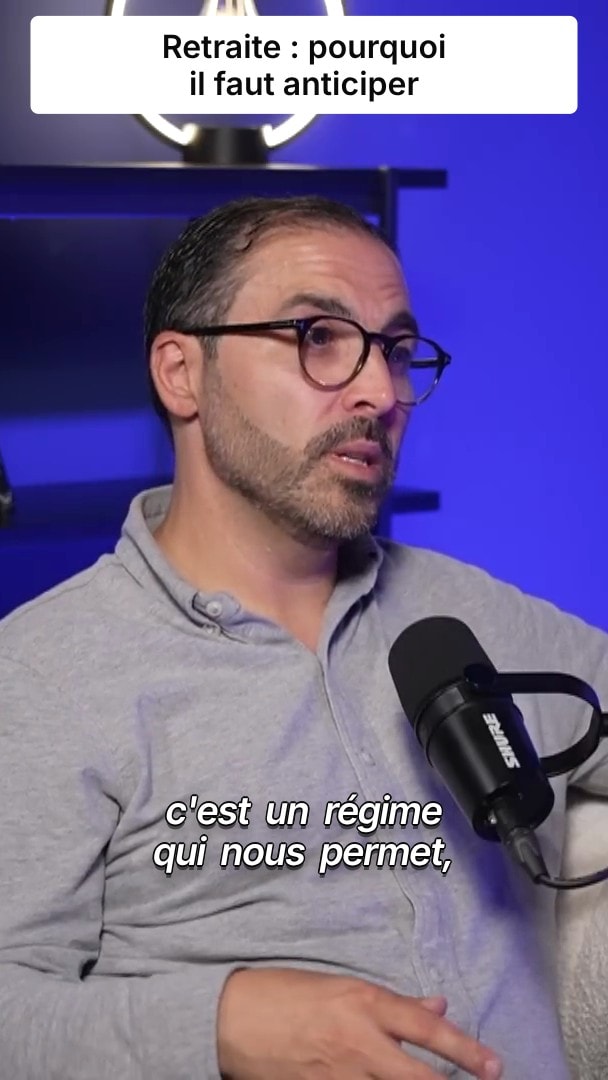
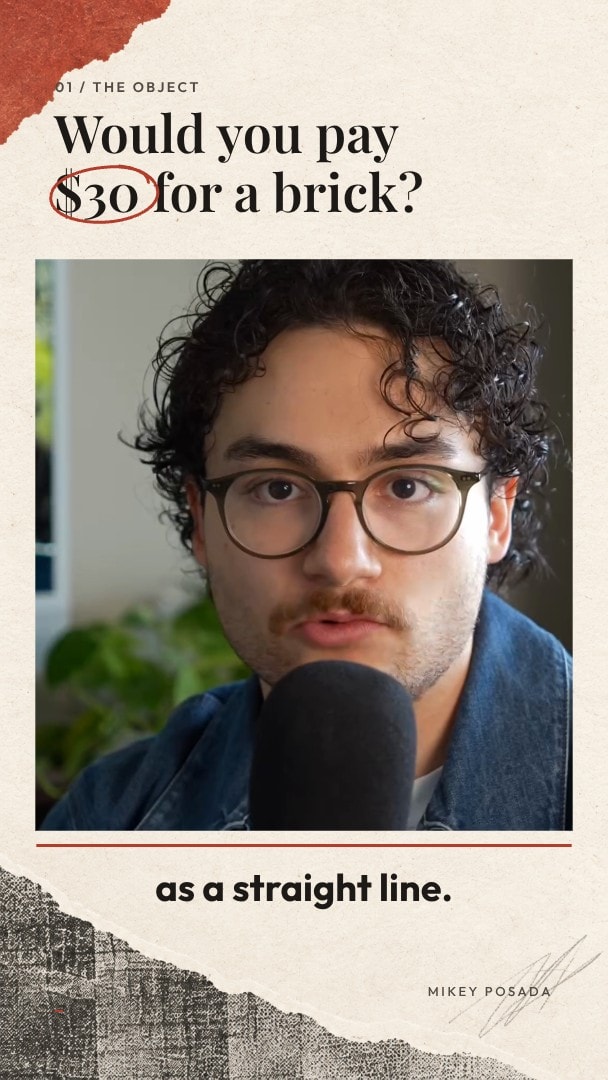
B-roll that matches what you’re saying.
BlitzReels reads your transcript, picks the lines that need a visual and generates a cutaway for each one. Your voice keeps playing underneath, captions stay on top, and every cutaway lands on the timeline for you to move or replace.
- Included on every paid plan
- Still images or animated clips
- Edit every cutaway afterwards


Trusted by 10,000+ creators



“you get paid to write words”
0:01 – 0:03
“i'm gonna pay you to write 1,200 words 1,500 words”
0:05 – 0:07
“don't get paid to write lots of words”
0:11 – 0:14
From transcript to cutaway
The picture changes when the words call for it, and the talking continues.
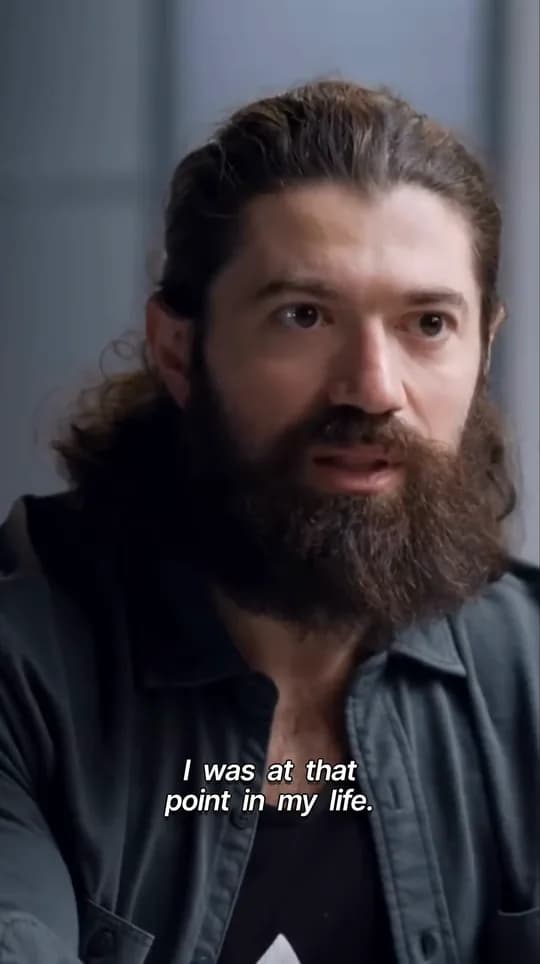
as a content writer you get paid to write words so someone's like i'm gonna pay you to write 800 words i'm gonna pay you to write 1,200 words 1,500 words and it took me a long time that to look long time to realize that great writers don't get paid to write lots of words they get paid to write two or three words that then dictate the direction
It reads what you say
An AI editor goes through your timestamped transcript and marks the lines a visual would help. When the footage should stay uninterrupted, it adds nothing.
It makes a visual for each line
Every marked line gets an AI-generated image. Choose Animated clips and each image becomes a short moving shot.
It places the cutaway
Each one fills the frame for a few seconds, never overlapping the next, with your voice underneath and captions on top.
You set how often the picture changes.
Minimal keeps cutaways rare, for videos where your face carries the message. Dynamic breaks up the speaker more often. Either way, most of the video stays on you.
- Minimal or Dynamic rhythm
- Still images or animated clips
- On by default in the High Retention preset
Every cutaway stays editable.
Cutaways land on their own layer, under the captions and over your video. Move one, trim it, replace its media or remove it. The original footage and its audio are never touched.
- Remove a visual you don’t want
- Replace the media and keep the timing
- Move or trim it like any other clip
More ways to add B-roll
Search stock footage
The editor’s B-roll tab searches videos and images from Pexels and the BlitzReels catalog. Add one to the timeline with a click.
Use your own footage
Tag uploads as B-roll in your media library so they are suggested as cutaways later.
Ask the agent first
Suggest B-roll in the editor’s agent panel marks candidate moments as previews, so you decide before anything is generated.
Your competitors already use BlitzReels.



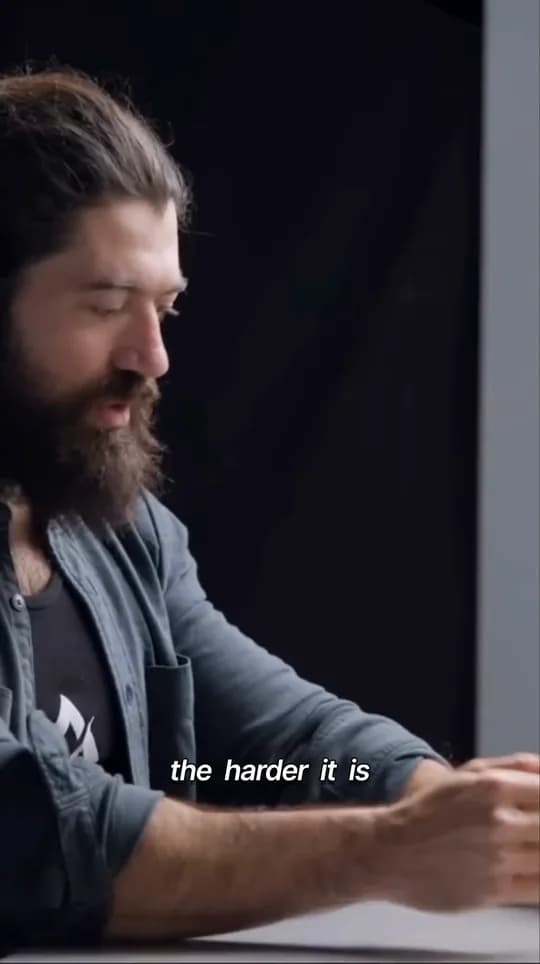
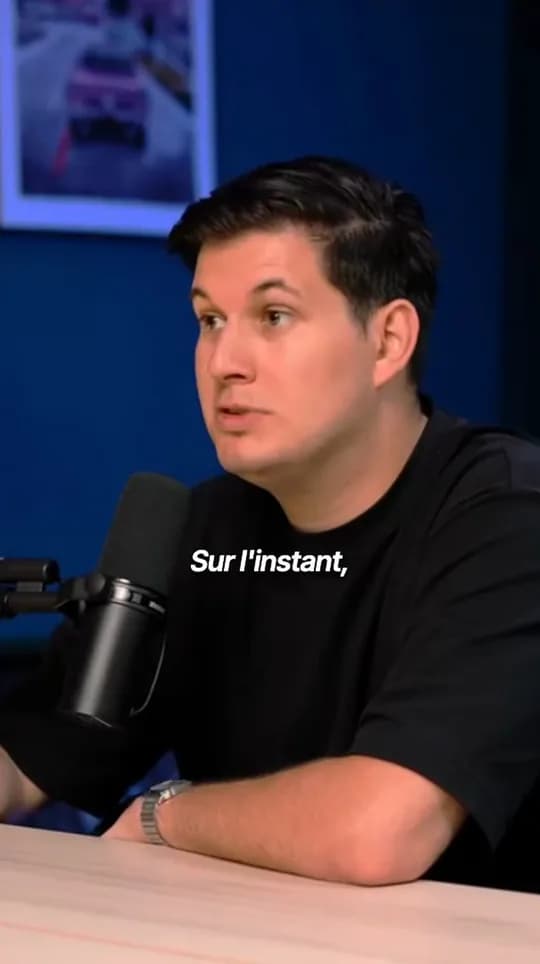

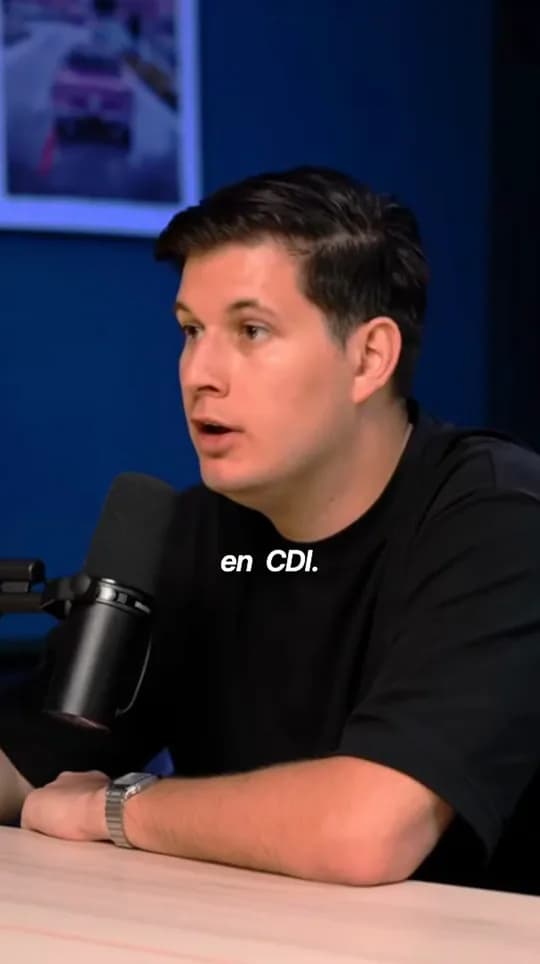
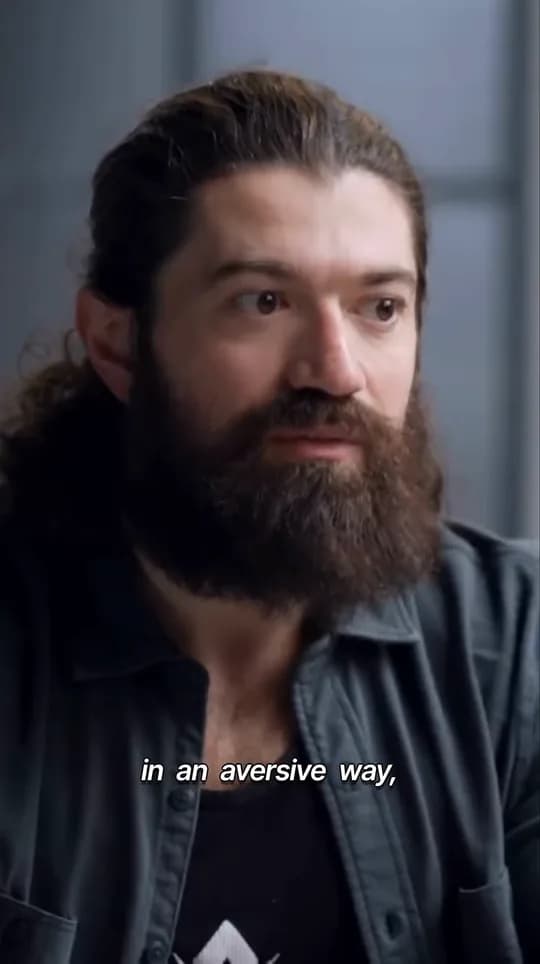
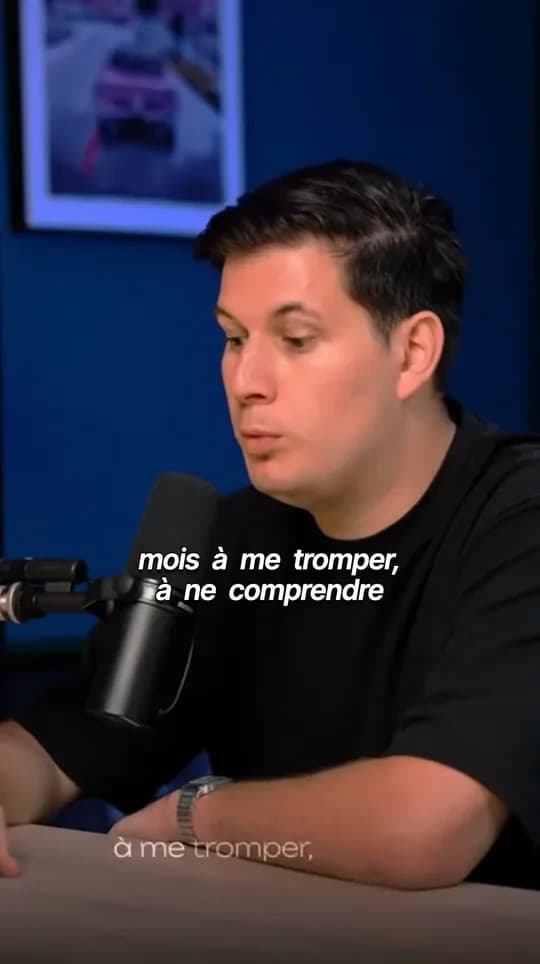
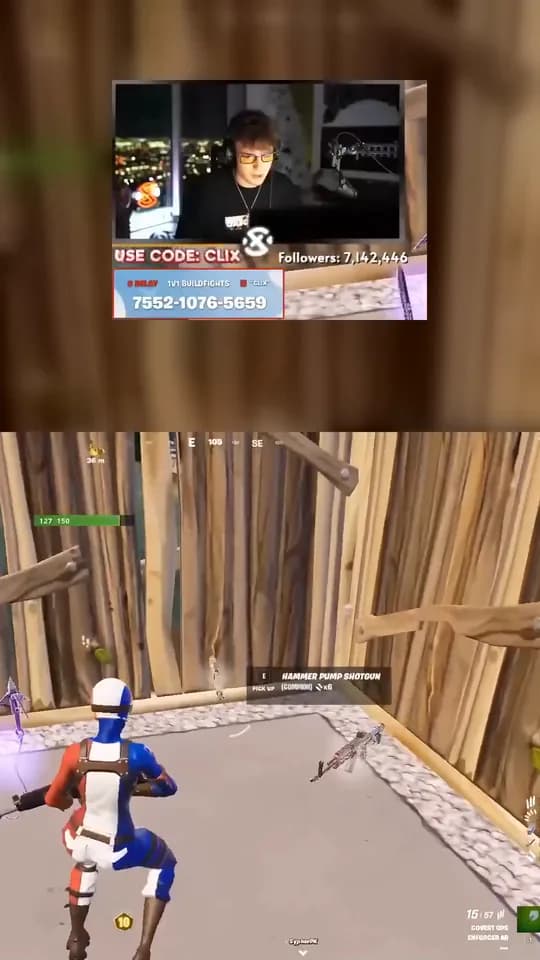
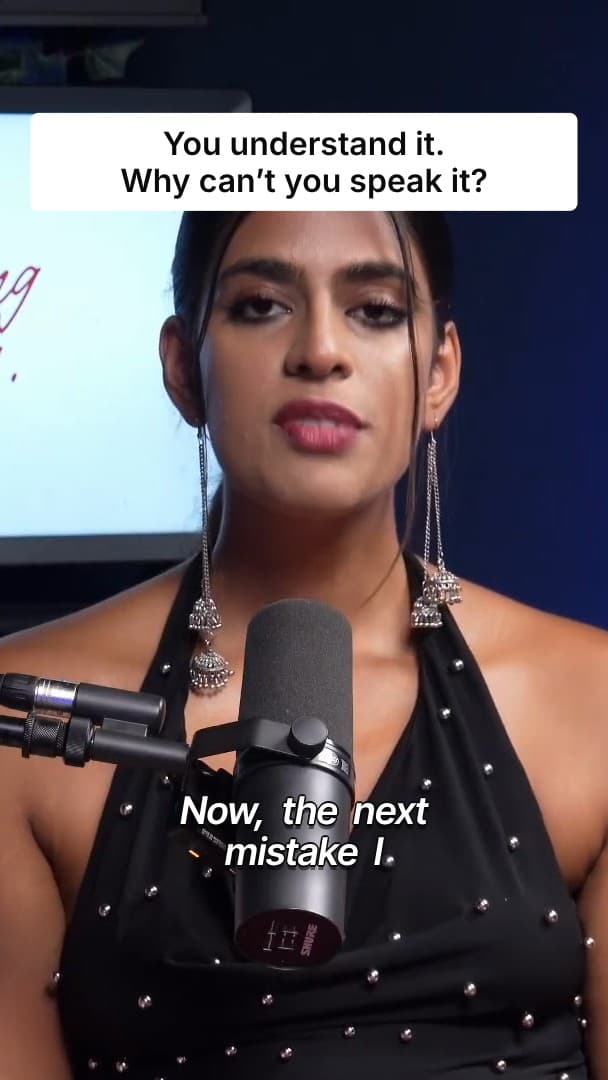
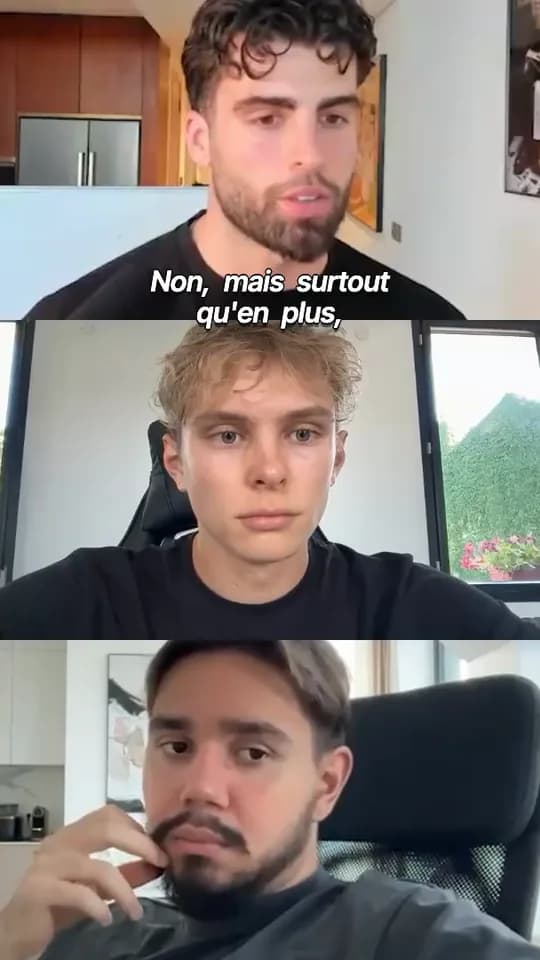




“The batch processing feature saves hours on content repurposing.”
 OmriReview on Uneed
“BlitzReels is special”
 orcdevReview on Uneed
“as always, a great product”
 Zoltan SzogyenyiReview on Uneed
Clips from $17 a month.
Start with a 7-day free trial and cancel anytime. Pay yearly and save 40%.
Starter
For solo creators who post a few clips each month.
$29$17$17 / moBilled yearly at $204
Start free≈ 25 clips or 80 images per month.
250 AI credits included
Includes:
- 250 AI credits per month
- Unlimited exports and projects
- Make AI images and faceless videos.
- Up to 4K, no watermark
- Connect accounts and publish now
- 1 brand · 1 team member · 1 active Series
- 50 GB storage · 2 parallel jobs
Growth
Most popularFor creators who post every week.
$79$47$47 / moBilled yearly at $564
Choose Growth≈ 80 clips or 250 images per month.
750 AI credits included
Includes:
- 750 AI credits per month
- Unlimited exports and projects
- Make AI images and faceless videos.
- Up to 4K, no watermark
- Connect accounts and publish now
- 3 brands · 3 team members · 10 active Series
- 500 GB storage · 3 parallel jobs
- Scheduling, calendar and queue
- Fast export
- Trend discovery (Soon)
Agency
For teams making clips for clients.
$199$119$119 / moBilled yearly at $1,428
Choose Agency≈ 200 clips or 650 images per month.
2000 AI credits included
Includes:
- 2000 AI credits per month
- Unlimited exports and projects
- Make AI images and faceless videos.
- Up to 4K, no watermark
- Connect accounts and publish now
- Unlimited brands, team members and active Series
- 2 TB storage · 5 parallel jobs
- Scheduling, calendar and queue
- Fast export
- Client review links
- Trend discovery (Soon)
B-roll questions, answered
- How does BlitzReels decide where B-roll goes?
- From your transcript. An AI editor reads the timestamped words and picks the lines a visual would support. It does not analyse the picture itself, so it works best on videos where someone is talking.
- Where do the visuals come from?
- Automatic B-roll generates an AI image for each chosen line, and can animate that image into a short clip. Stock video and images from Pexels are available separately, in the editor’s B-roll tab.
- Does B-roll replace my audio?
- No. A cutaway replaces the picture for a few seconds while your voice continues underneath. Animated cutaways are generated without sound.
- How much of my video gets covered?
- A minority of it. Cutaways last a few seconds each, never overlap, and the Minimal and Dynamic rhythms set how often they appear.
- Can I change a cutaway I don’t like?
- Yes. Each cutaway is a separate item on the timeline: remove it, replace its media, or move and trim it like any clip.
- Which plans include automatic B-roll?
- Every paid plan. Each generated visual uses AI credits, and the editor shows the cost before you run it. During the 7-day trial, the B-roll option in clip creation is locked.
Your next 30 clips are already recorded.
Paste a link. Turn your videos into clips that bring clients.
- 7-day free trial
- Cancel anytime
- No editing skills needed