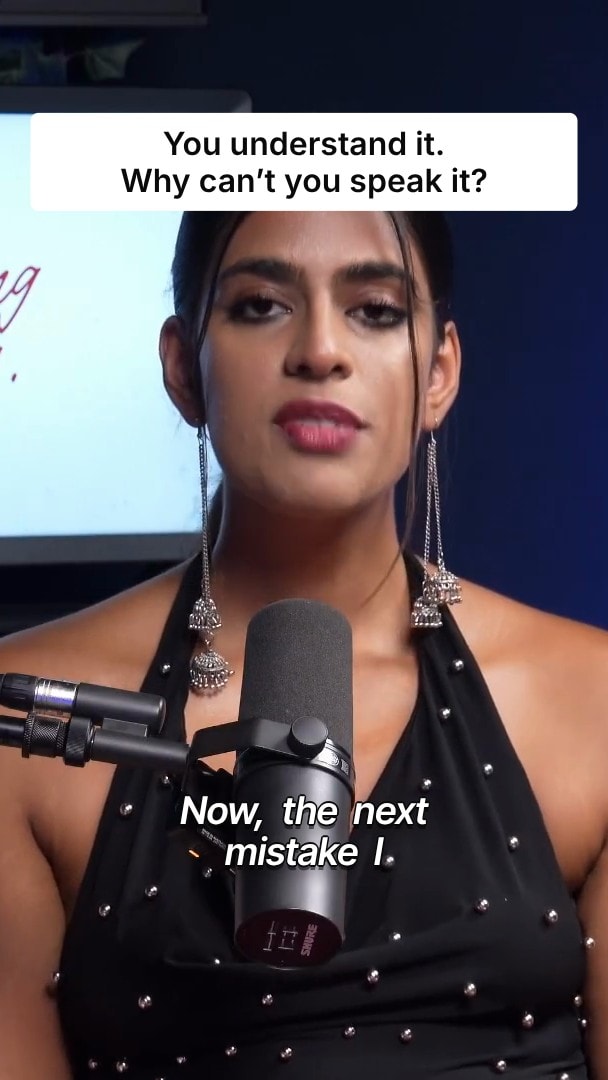
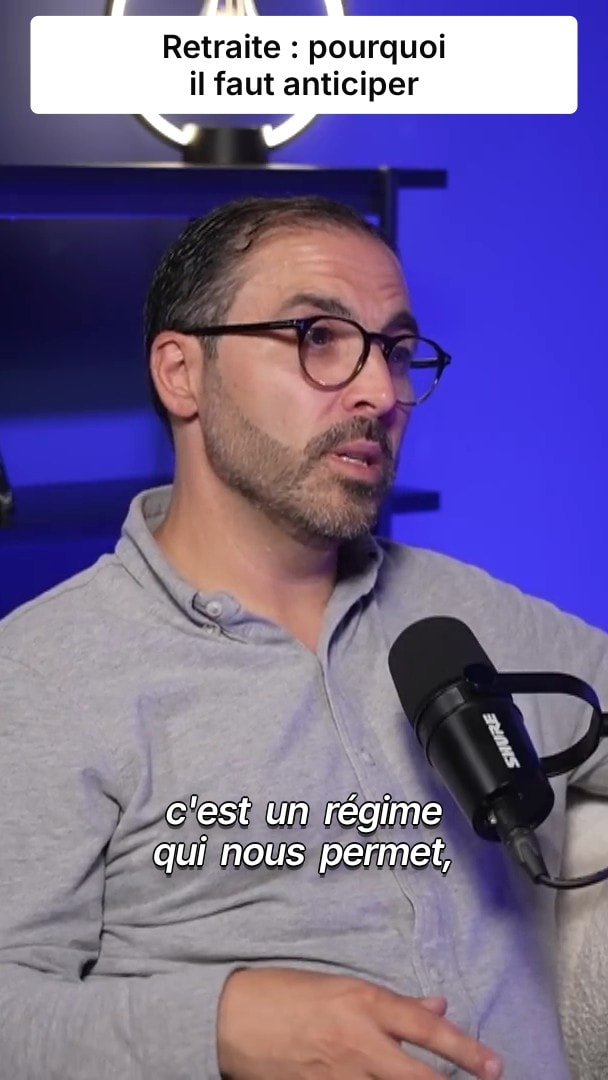
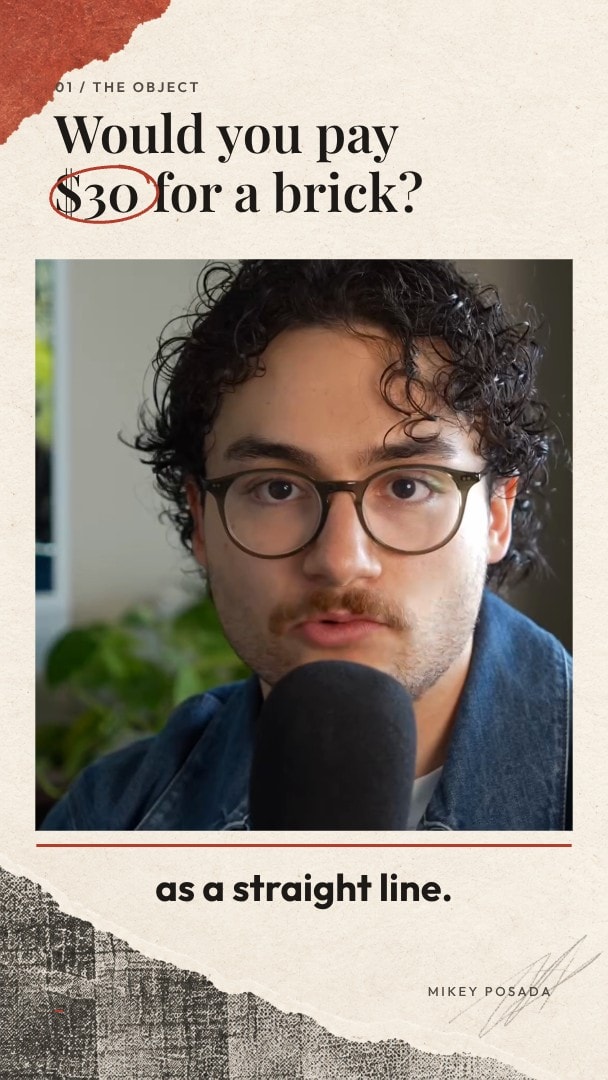
AI images for your videos.
Generate scene art, B-roll stills and covers with 22 image models, including Nano Banana, GPT-Image, FLUX and Seedream. Pick one of 29 visual styles and the format your video needs.
- 22 image models
- 29 visual styles
- Vertical, wide or square


Trusted by 10,000+ creators
 Photography
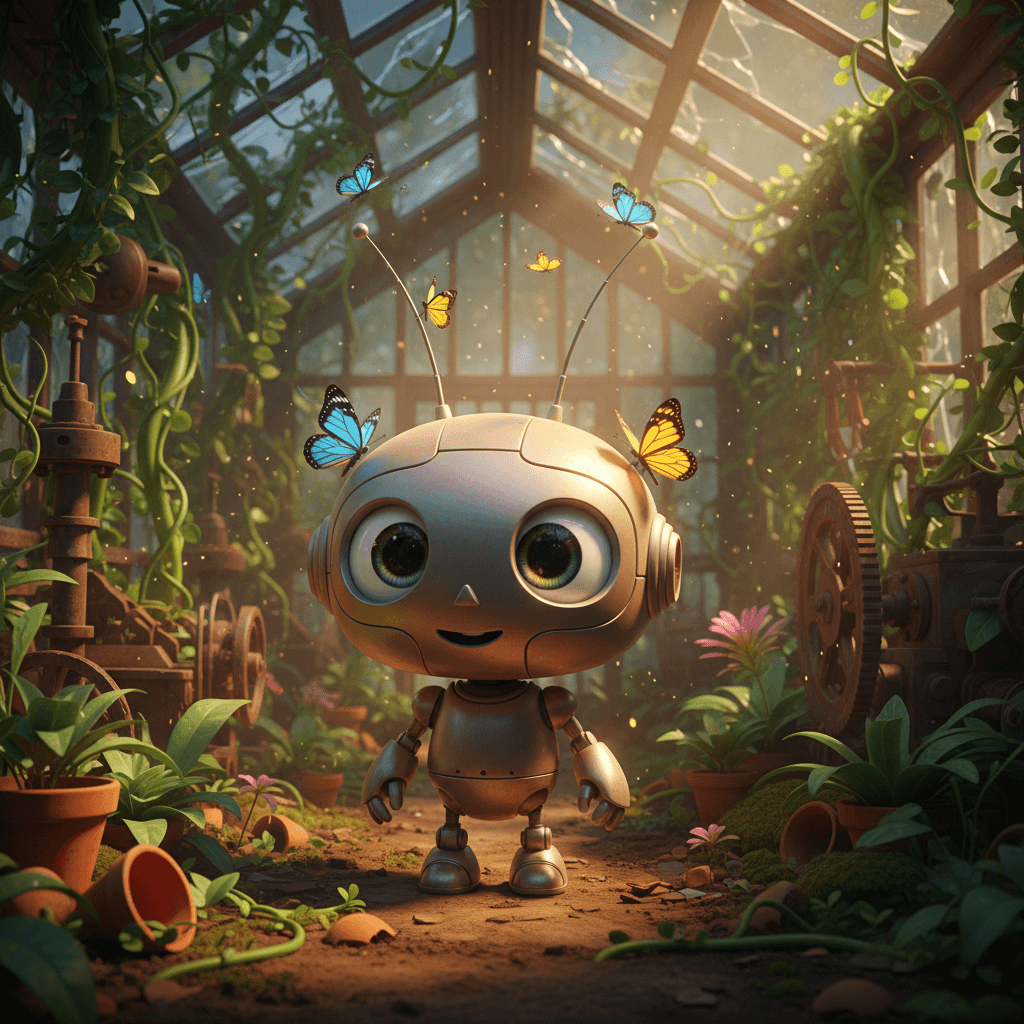 Pixar
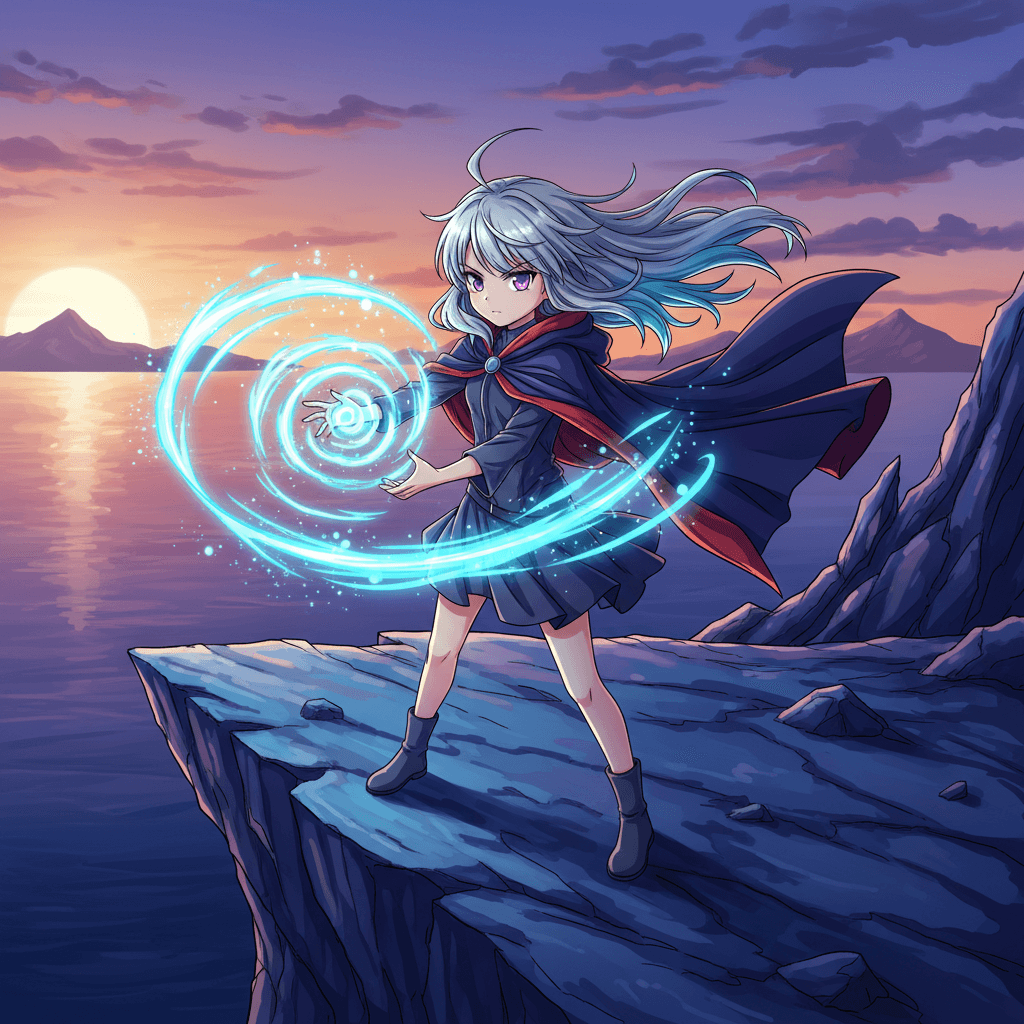 Anime
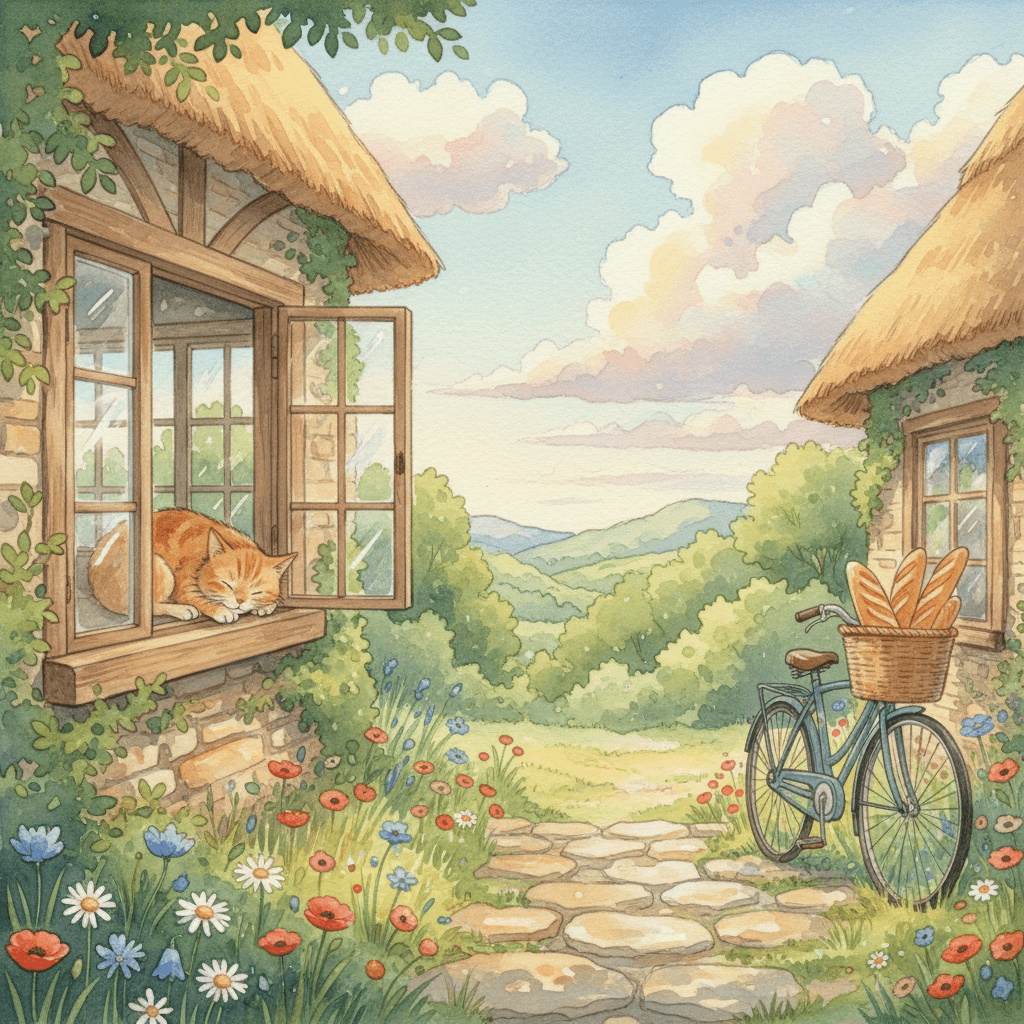 Ghibli
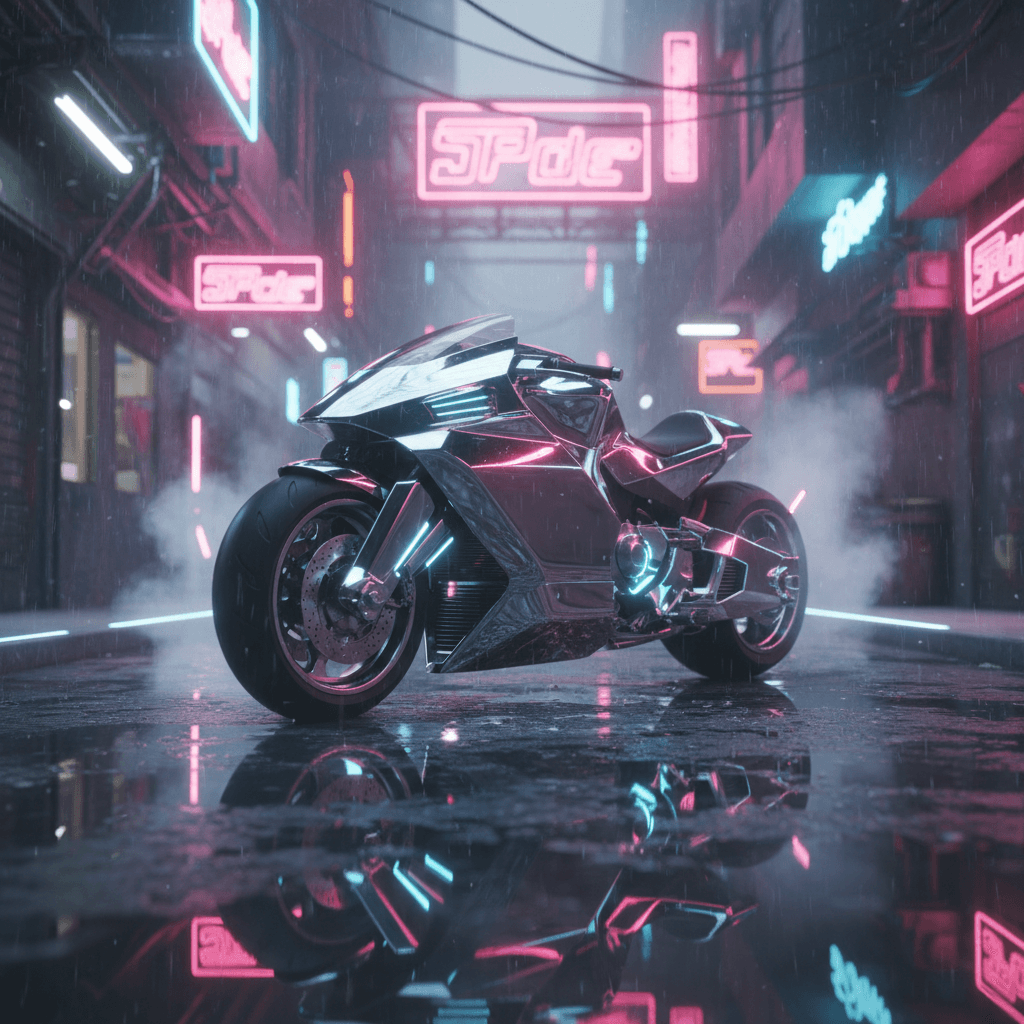 3D Render
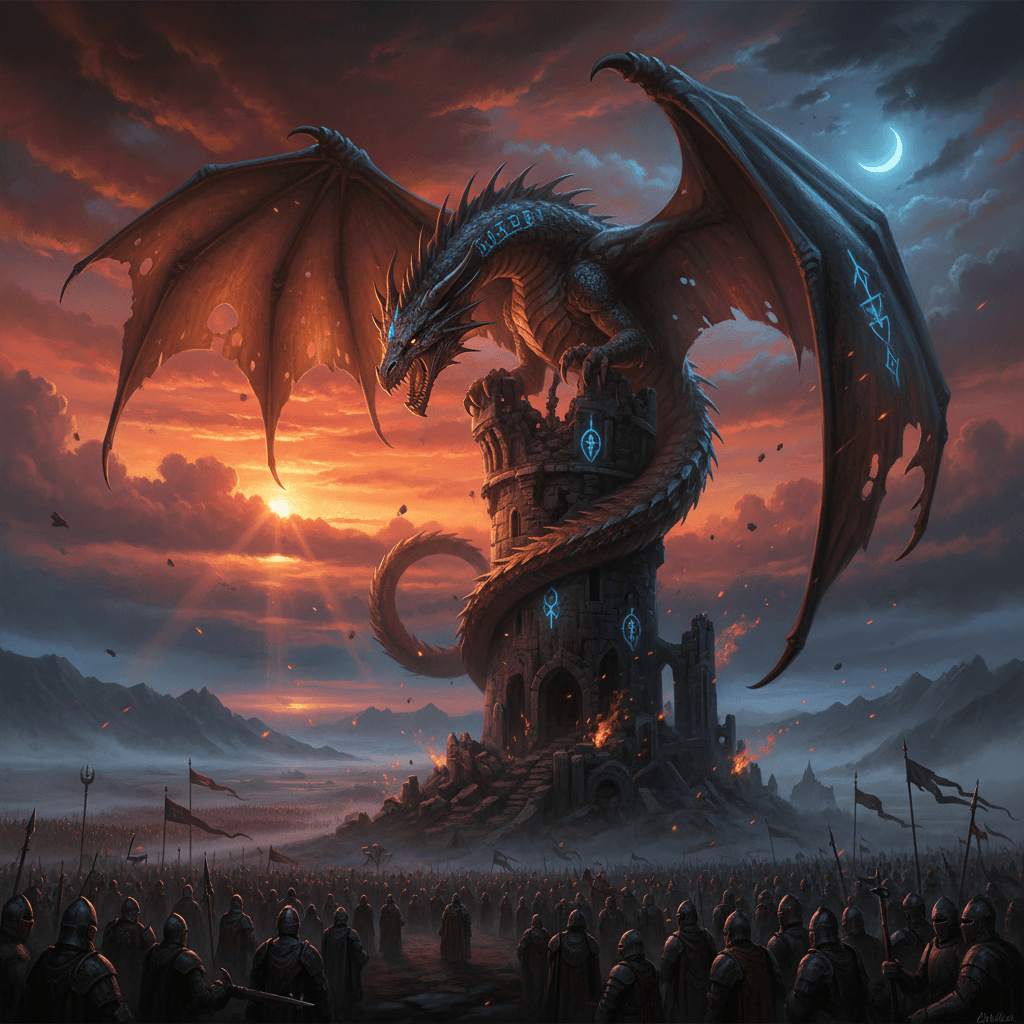 Fantasy
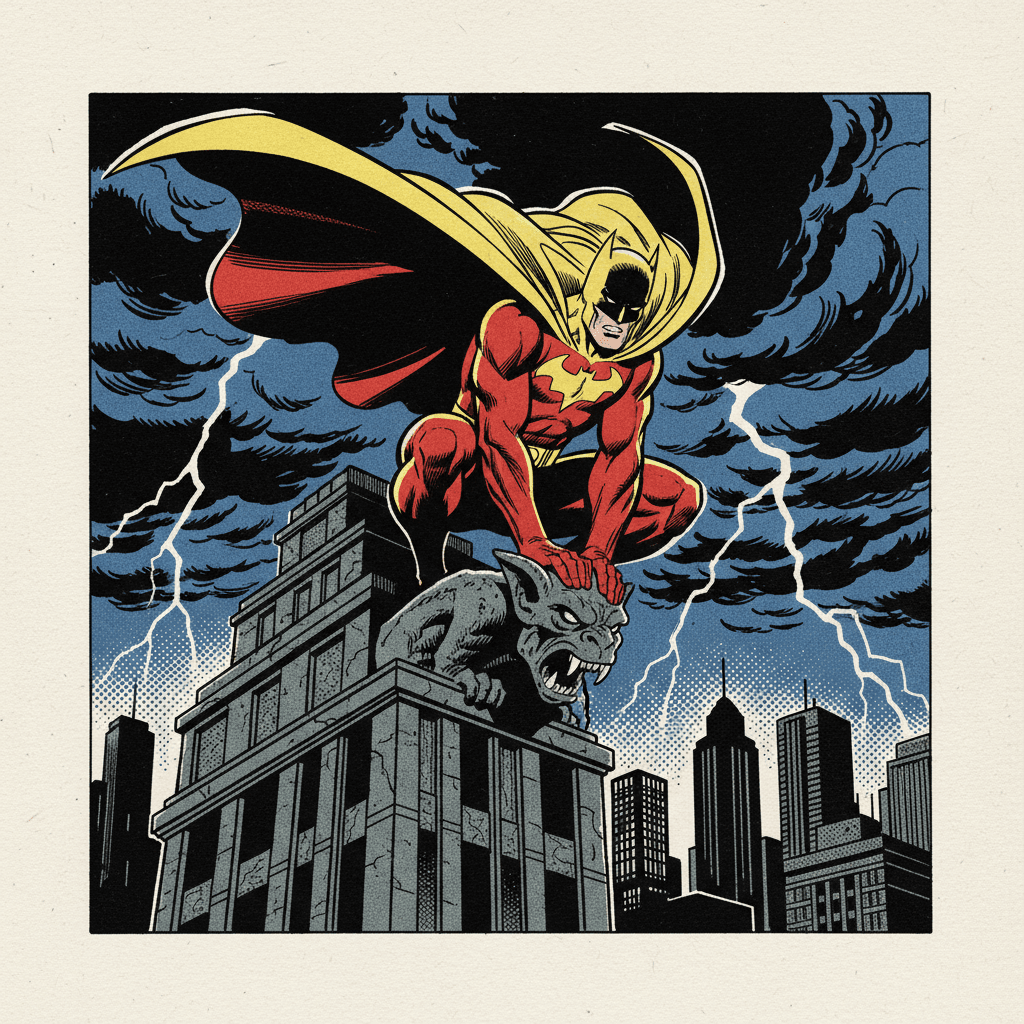 Comic Book
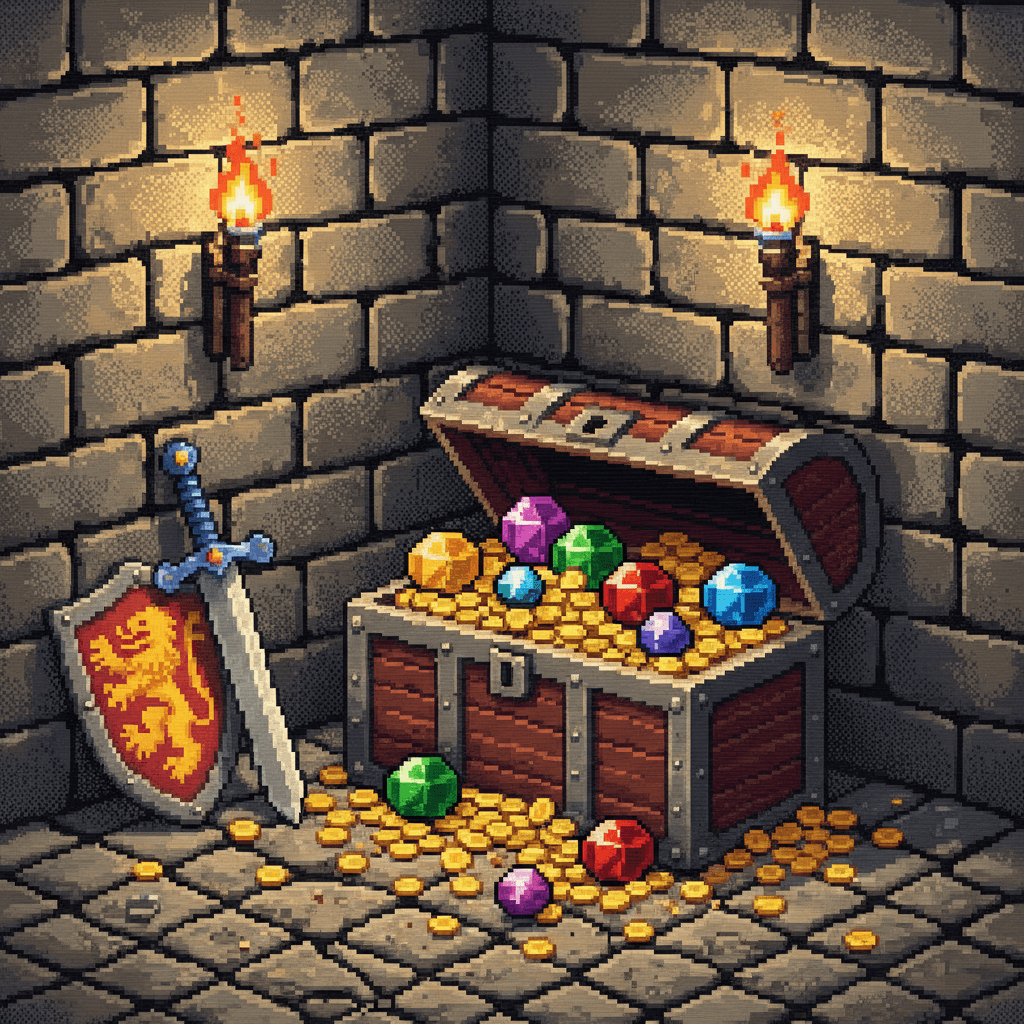 Pixel Art
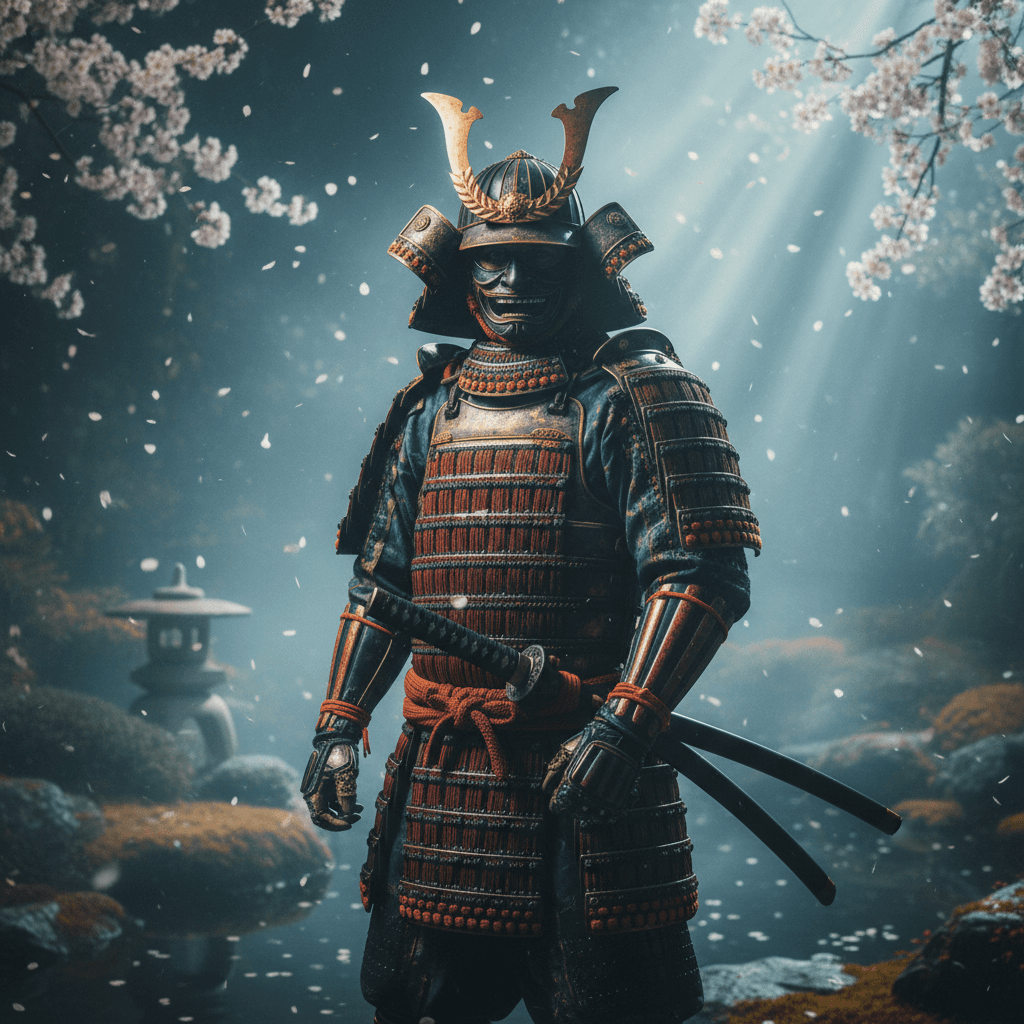 Ultra Real
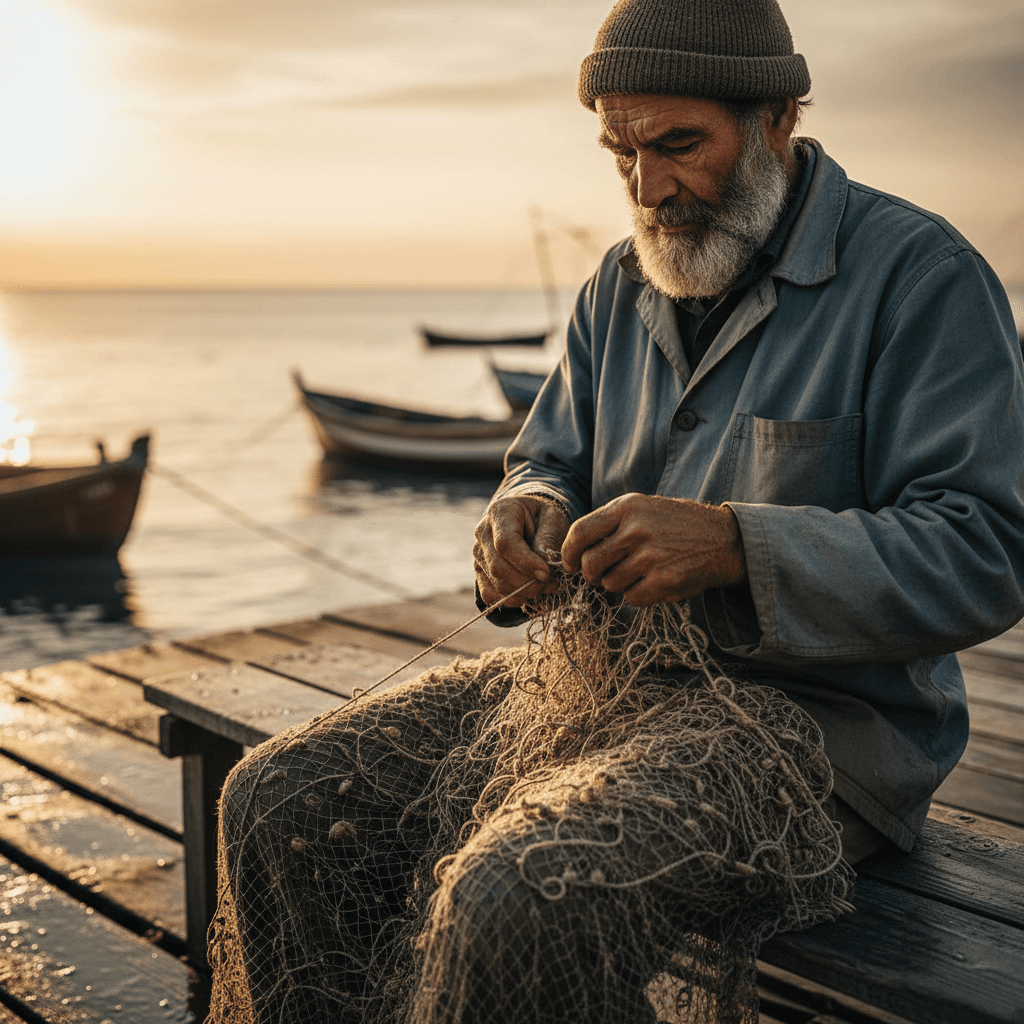
Nine images generated in BlitzReels, each in a different visual style.
Where you generate images
In AI Studio
The image mode: write a prompt, pick a model, a visual style and a format, and generate.
In the media library
Generate an image where your footage lives, so it is ready when you edit.
Inside a video
Auto B-roll and faceless videos generate their own images, one for each line or scene.
Image models
This list is read from the model picker in BlitzReels. Credits are the price of one image.
| Model | Aspect ratios | Reference images | Credits per image |
|---|---|---|---|
GPT-Image 1 OpenAI | 1:1, 16:9, 9:16 | 4 max | 3 |
GPT-Image 1.5 OpenAI | 1:1, 16:9, 9:16 | 4 max | 8.8 |
GPT-Image 2 OpenAI | 1:1, 16:9, 9:16 | 4 max | 10 |
GPT Image 2.5 Flare OpenAI | 1:1, 16:9, 9:16 | 14 max | 10 |
GPT Image 2.5 Sunburst OpenAI | 1:1, 16:9, 9:16 | 14 max | 10 |
GPT Image 2.6 Flare OpenAI | 1:1, 16:9, 9:16 | 16 max | 10 |
GPT Image 2.6 Sunburst OpenAI | 1:1, 16:9, 9:16 | 16 max | 10 |
Grok Image 2 xAI | 1:1, 16:9, 9:16, 4:3, 3:4, 3:2, 2:3 | 3 max | 3 |
FLUX 3 Image Black Forest Labs | 1:1, 16:9, 9:16, 4:3, 3:4, 3:2, 2:3, 5:4, 4:5, 21:9 | 10 max | 0.5 |
Seedream 5 Bytedance | 1:1, 16:9, 9:16 | None | 3.5 |
Seedream 5 Pro Bytedance | 1:1, 16:9, 9:16, 4:3, 3:4, 3:2, 2:3, 5:4, 4:5, 21:9 | 10 max | 5 |
Krea 2 Turbo Krea | 1:1, 16:9, 9:16, 4:3, 3:4 | None | 1 |
FLUX 3 Image Klein Black Forest Labs | 1:1, 16:9, 9:16, 4:3, 3:4 | 10 max | 1 |
Krea 2 Medium Turbo Krea | 1:1, 16:9, 9:16, 4:3 | None | 1.8 |
Krea 2 Medium Krea | 1:1, 16:9, 9:16, 4:3 | None | 3 |
Krea 3 Krea | 1:1, 16:9, 9:16, 4:3, 3:4 | 8 max | 3 |
Meta Muse Image Meta | 1:1, 16:9, 9:16, 4:3, 3:4, 3:2, 2:3, 5:4, 4:5, 21:9 | 10 max | 1 |
Fibo 2 Bria | 1:1, 16:9, 9:16, 4:3, 3:4, 3:2, 2:3, 5:4, 4:5, 21:9 | 4 max | 0.4 |
Nano Banana 2 | 1:1, 16:9, 9:16, 4:5 | 14 max | 3 |
Nano Banana 2.1 | 1:1, 16:9, 9:16, 4:3, 3:4, 3:2, 2:3, 5:4, 4:5, 21:9 | 14 max | 3 |
Nano Banana 2 Lite | 1:1, 16:9, 9:16, 4:3, 3:4, 3:2, 2:3, 5:4, 4:5, 21:9 | 4 max | 1.5 |
Nano Banana Pro | 1:1, 16:9, 9:16 | 14 max | 7.5 |
The same prompt in any style.
A visual style changes the look and leaves the idea alone. Here one subject is generated in six of them. There are 29 styles in all.
- Photography, Pixar, Anime, Ghibli, Pixel Art and more
- One style across every scene of a faceless video
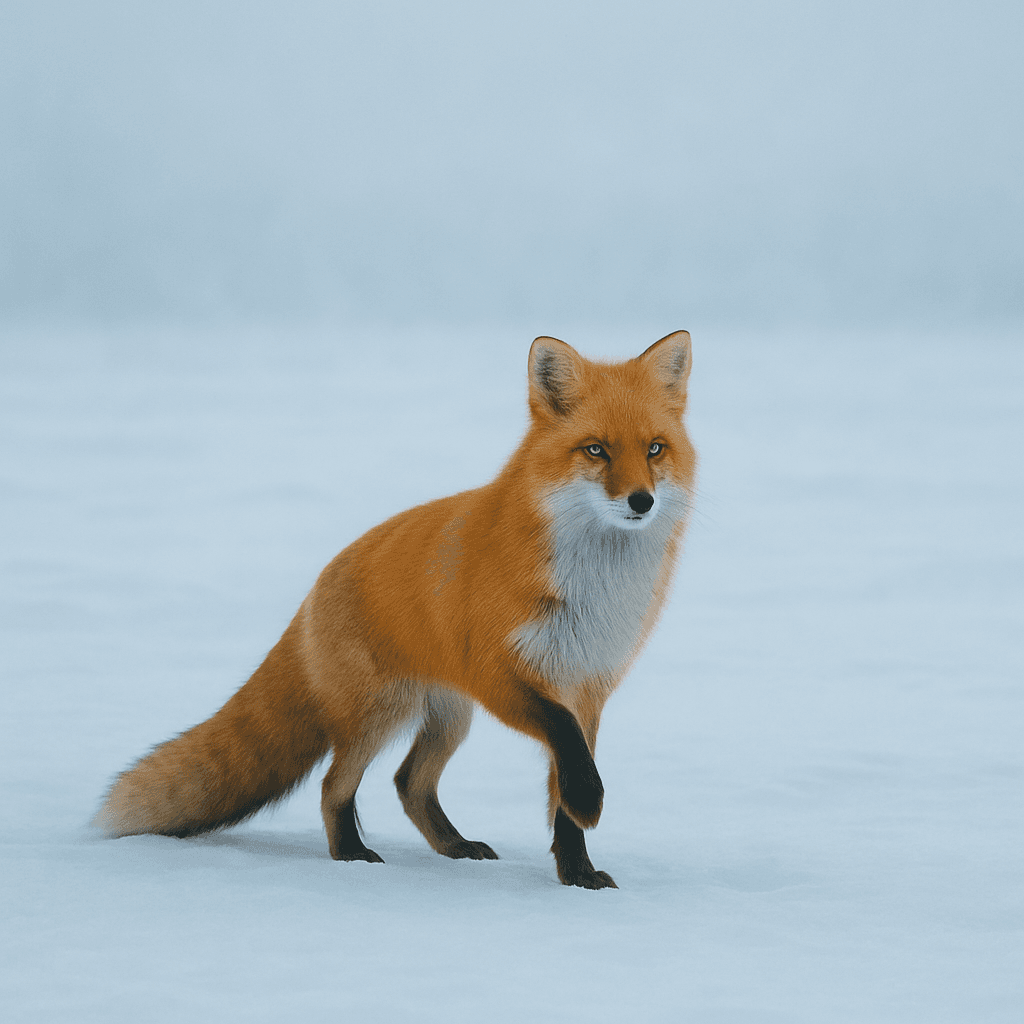
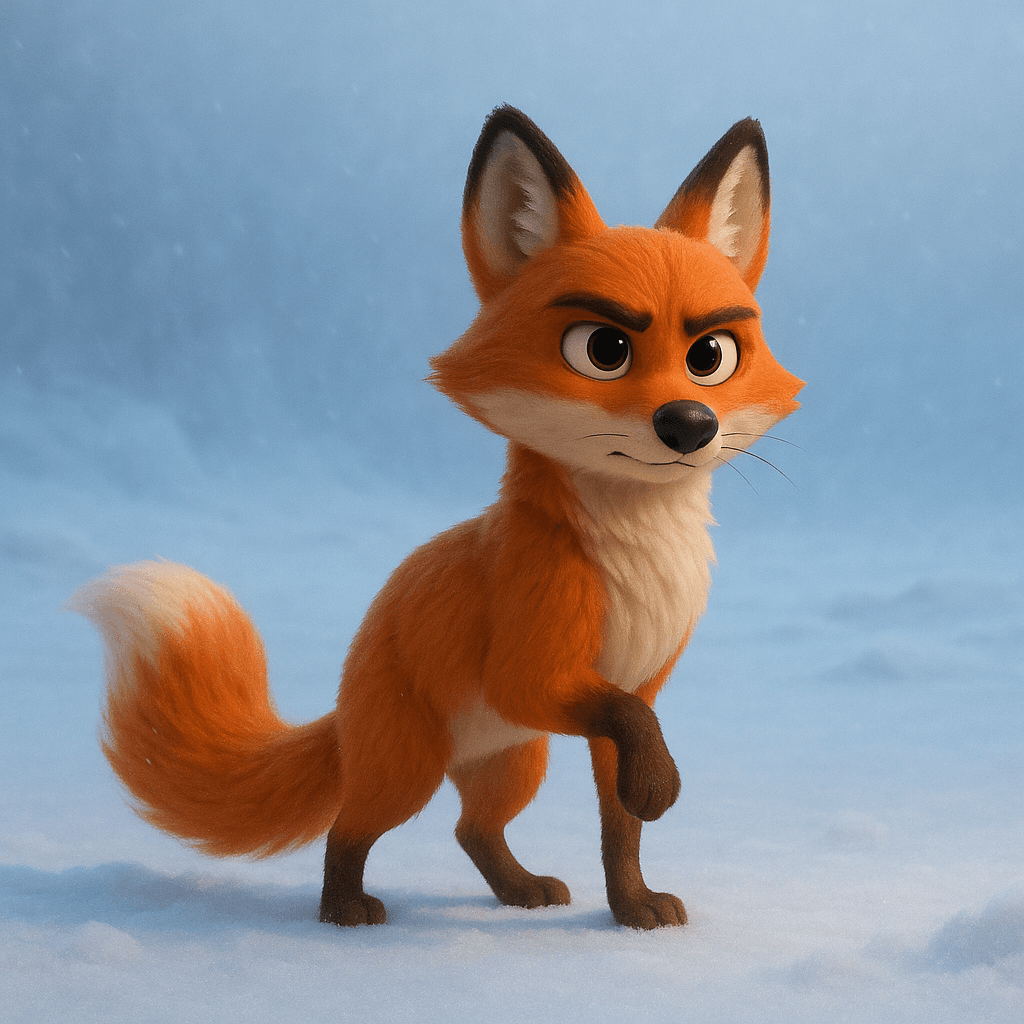
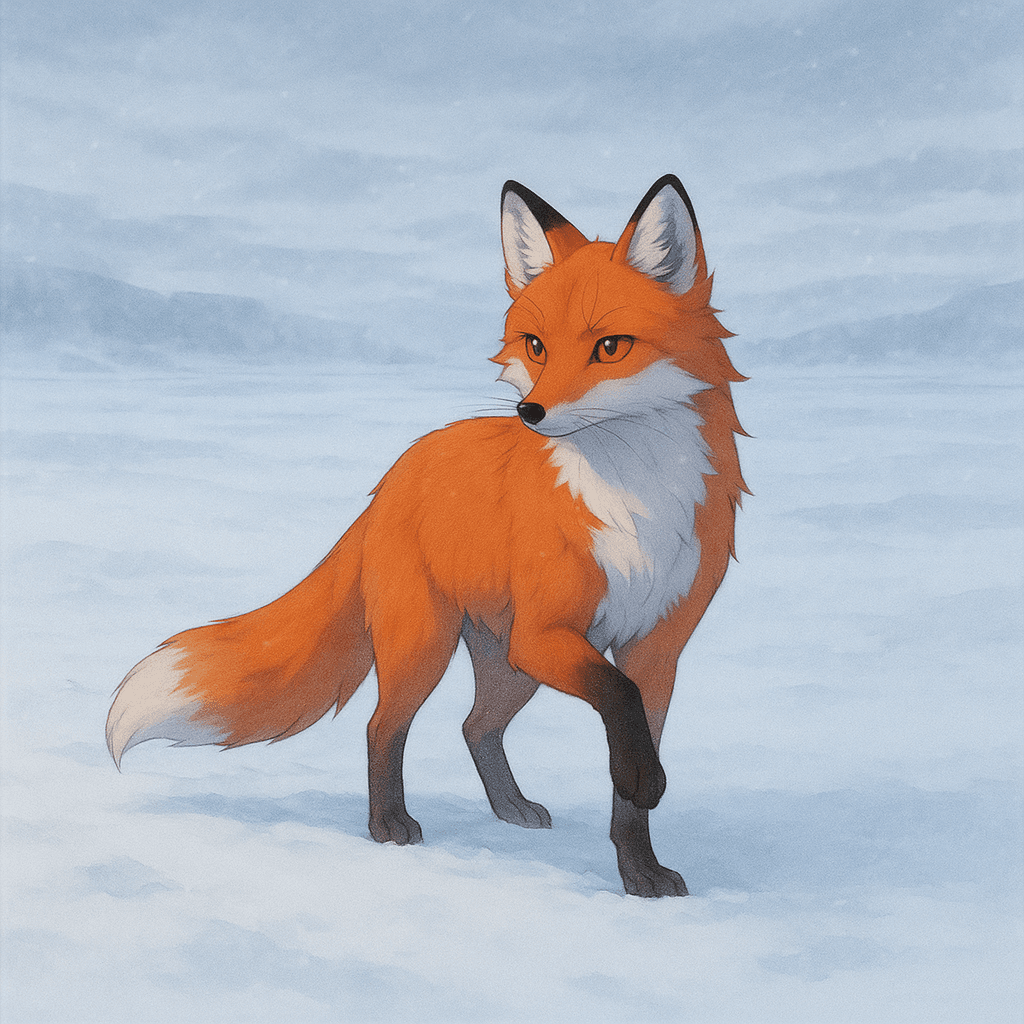
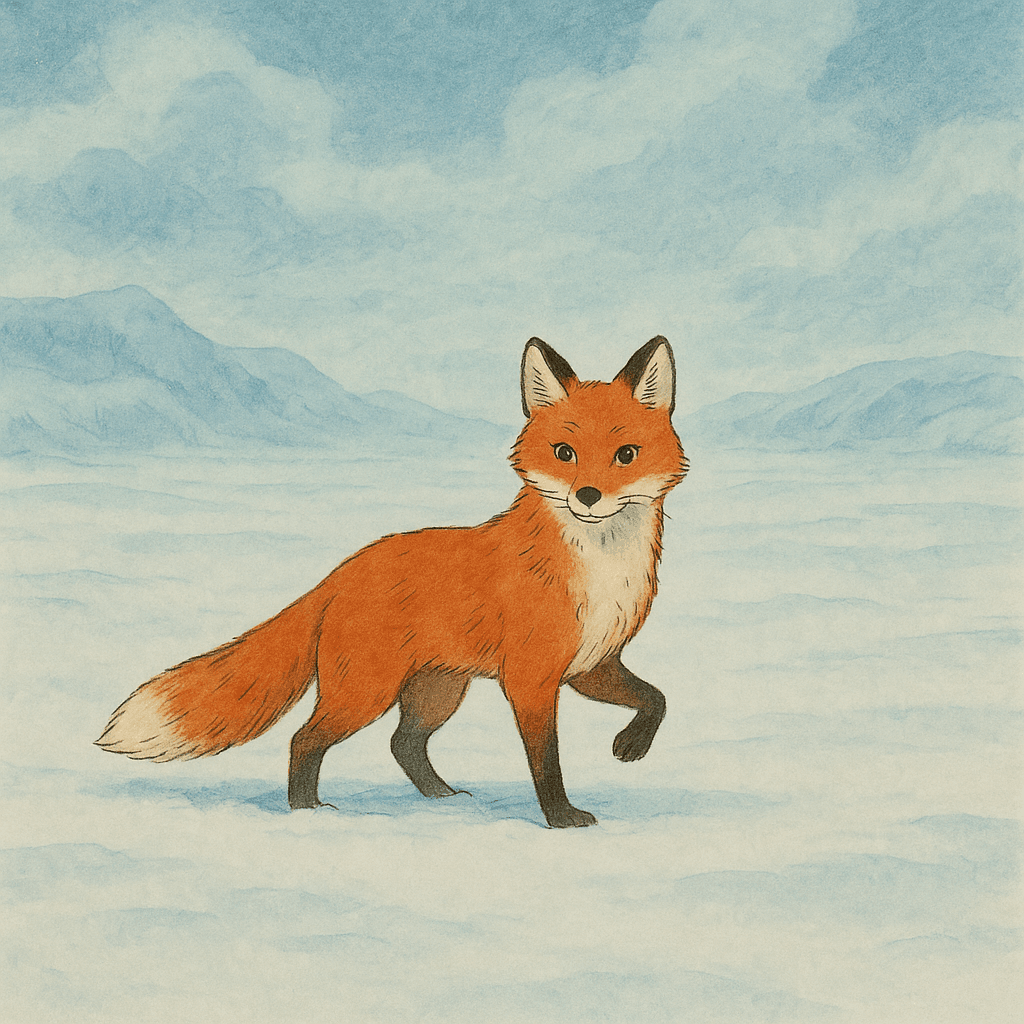

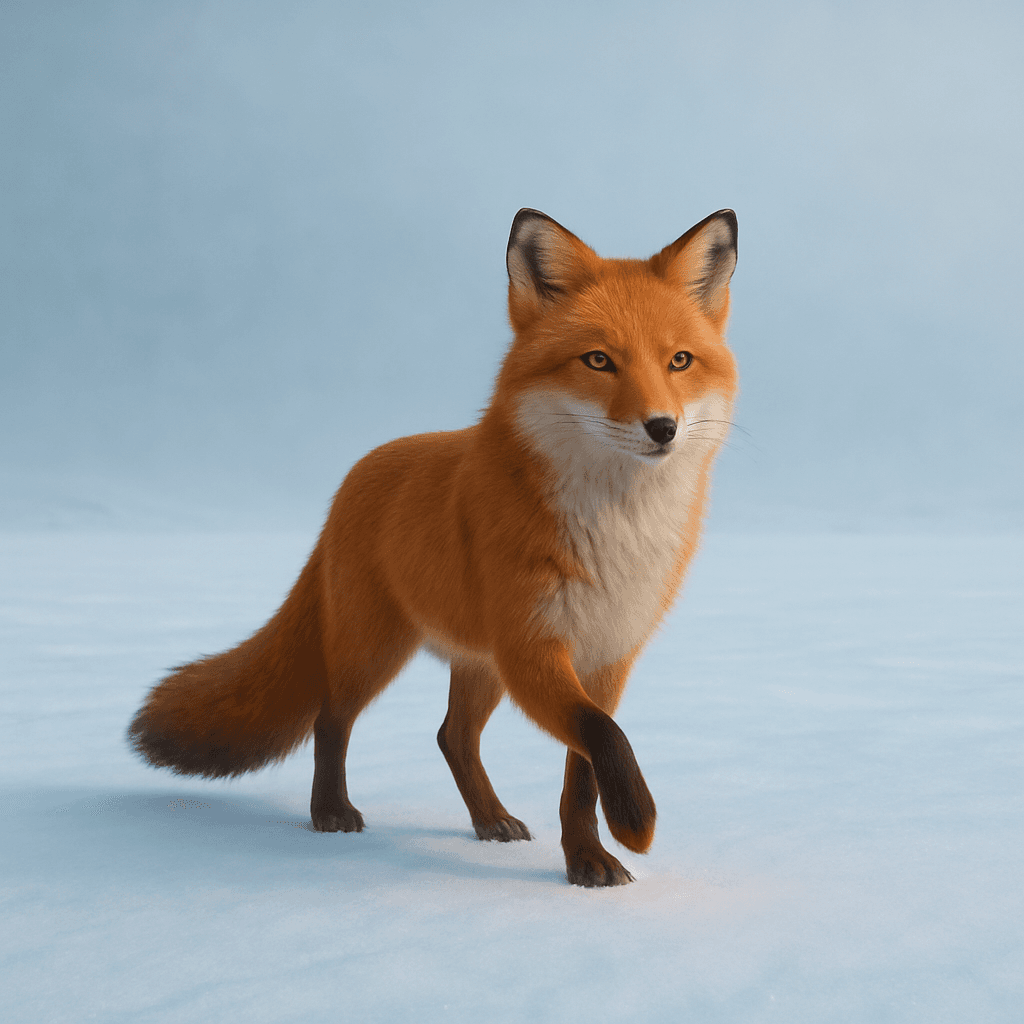 Photography
Formats, references and resolution
Formats
10 aspect ratios across the models, from 1:1 to 21:9. AI Studio offers vertical, wide and square.
Reference images
18 of the 22 models accept reference images, up to 16 for some. Use them to keep a product, a face or a look consistent.
Resolution
Nano Banana Pro and Nano Banana 2.1 generate up to 4K, for stills that hold up full screen.
B-roll made from your words.
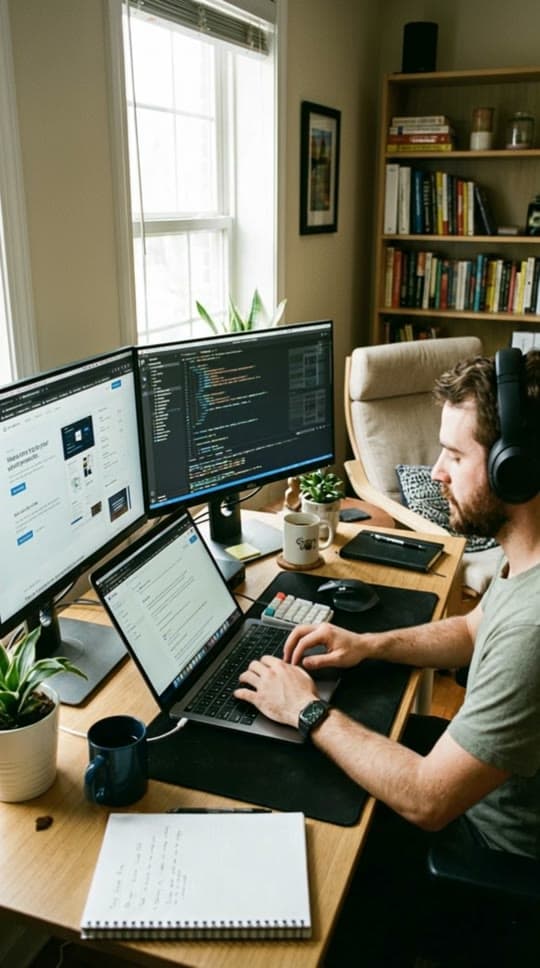
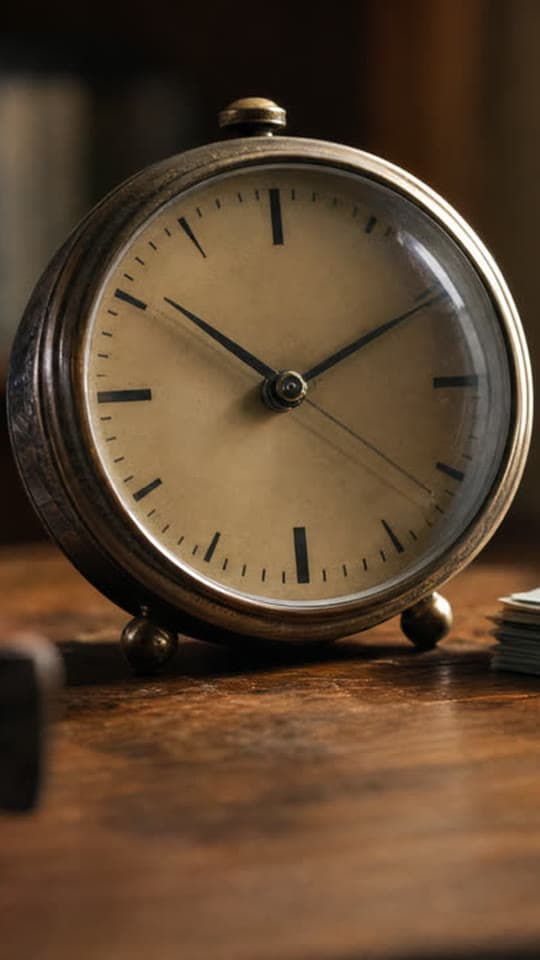
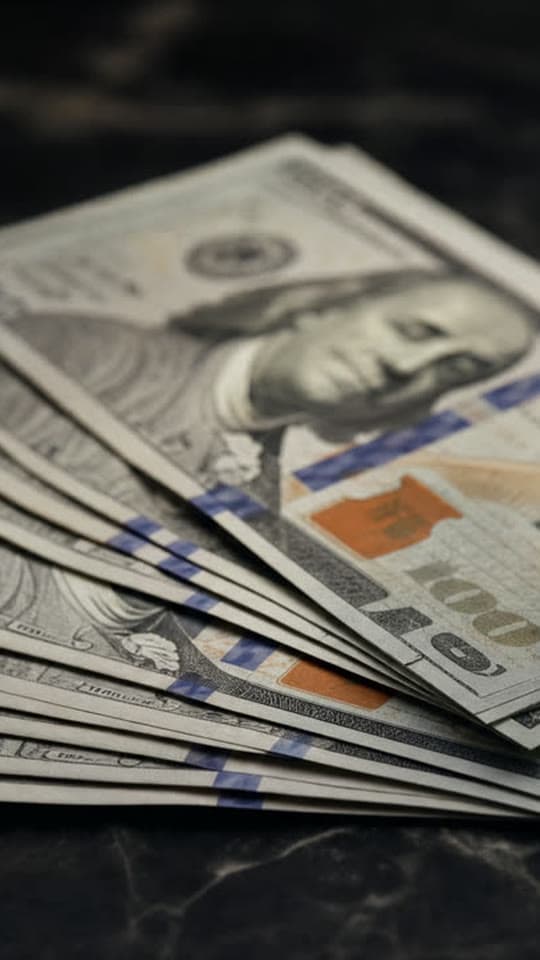
On a talking video, BlitzReels reads the transcript, picks the lines that need a visual and generates an image for each one. The cutaway fills the frame while your voice keeps playing.
- One image per chosen line
- Still images or animated clips
- Every cutaway stays editable on the timeline
Clips from $17 a month.
Start with a 7-day free trial and cancel anytime. Pay yearly and save 40%.
Starter
For solo creators who post a few clips each month.
$29$17$17 / moBilled yearly at $204
Start free≈ 25 clips or 80 images per month.
250 AI credits included
Includes:
- 250 AI credits per month
- Unlimited exports and projects
- Make AI images and faceless videos.
- Up to 4K, no watermark
- Connect accounts and publish now
- 1 brand · 1 team member · 1 active Series
- 50 GB storage · 2 parallel jobs
Growth
Most popularFor creators who post every week.
$79$47$47 / moBilled yearly at $564
Choose Growth≈ 80 clips or 250 images per month.
750 AI credits included
Includes:
- 750 AI credits per month
- Unlimited exports and projects
- Make AI images and faceless videos.
- Up to 4K, no watermark
- Connect accounts and publish now
- 3 brands · 3 team members · 10 active Series
- 500 GB storage · 3 parallel jobs
- Scheduling, calendar and queue
- Fast export
- Trend discovery (Soon)
Agency
For teams making clips for clients.
$199$119$119 / moBilled yearly at $1,428
Choose Agency≈ 200 clips or 650 images per month.
2000 AI credits included
Includes:
- 2000 AI credits per month
- Unlimited exports and projects
- Make AI images and faceless videos.
- Up to 4K, no watermark
- Connect accounts and publish now
- Unlimited brands, team members and active Series
- 2 TB storage · 5 parallel jobs
- Scheduling, calendar and queue
- Fast export
- Client review links
- Trend discovery (Soon)
AI image generation FAQ
- Which AI image models does BlitzReels have?
- 22 models from OpenAI, xAI, Black Forest Labs, Bytedance, Krea, Meta, Bria and Google. The table on this page lists each one with its formats, reference support and cost.
- What can I use the images for?
- Scene art for faceless videos, B-roll cutaways over a talking video, covers, and stills you animate with an image-to-video model.
- Which formats can I generate?
- AI Studio offers vertical 9:16, wide 16:9 and square 1:1. Across the models there are 10 aspect ratios; the table shows which ones each model supports.
- How much does an image cost?
- Each model has a price in AI credits per image, from 0.4 credits. Every paid plan includes a monthly amount of credits.
- Can I use my own image as a reference?
- Yes, with 18 of the models. The table shows how many reference images each one accepts.
- Can I turn an image into a video?
- Yes. Image-to-video models animate a still, whether you uploaded it or generated it here.
Your next 30 clips are already recorded.
Paste a link. Turn your videos into clips that bring clients.
- 7-day free trial
- Cancel anytime
- No editing skills needed