---
title: "AI Video Generator Free Reddit: Top Picks 2026"
canonical: "https://blitzreels.com/blog/ai-video-generator-free-reddit"
---
# AI Video Generator Free Reddit: Top Picks 2026
URL: https://blitzreels.com/blog/ai-video-generator-free-reddit
Markdown URL: https://blitzreels.com/blog/ai-video-generator-free-reddit.md
Published: 2026-07-18
Author: BlitzReels
Find the best AI video generator free Reddit users suggest in 2026. We list 10 top tools with free tiers, analyzing limits, quality, and use cases.
Tags: ai video generator, free video editor, reddit recommendations, ai video tools, short form video

Reddit is full of jaw-dropping AI clips, but finding an AI video generator free Reddit users recommend is messier than it looks. One thread praises photorealism, another swears by daily credits, and a third reveals the catch: watermarks, short clip caps, failed generations, or free plans that run out before a creator has made anything worth posting. That gap between “free to try” and “free enough to build a workflow” is where most creators get stuck.
This roundup cuts straight to the usable options. It focuses on what the free tier is good for, where it breaks, and which tools fit specific short-form jobs like generating b-roll, making avatar explainers, testing hooks, or repurposing raw footage into vertical clips with captions and title cards. Reddit discussions often lump all of this together, even though generation and repurposing are different workflows.
That distinction matters. One Reddit-informed analysis argues that many creators asking for free AI video tools primarily need clipping and editing more than net-new scene generation, which is why so many “best free tool” lists leave people with the wrong stack for TikTok, Reels, and Shorts ([Reddit workflow gap analysis](https://www.reddit.com/r/AIAssisted/comments/1p29yd7/best_free_ai_video_generator_that_dont_hit_you/)).
## Table of Contents
- [1. BlitzReels](#1-blitzreels)
- [Why it ranks first for short-form workflows](#why-it-ranks-first-for-short-form-workflows)
- [Where it fits in a free AI stack](#where-it-fits-in-a-free-ai-stack)
- [2. Luma AI Ray 3](#2-luma-ai-ray-3)
- [Best use case](#best-use-case)
- [3. Pika](#3-pika)
- [Where Pika works best](#where-pika-works-best)
- [4. Runway](#4-runway)
- [What the free tier is actually good for](#what-the-free-tier-is-actually-good-for)
- [5. CapCut](#5-capcut)
- [Why creators keep it installed](#why-creators-keep-it-installed)
- [6. Canva AI Video Generator](#6-canva-ai-video-generator)
- [Best fit for template-led production](#best-fit-for-template-led-production)
- [7. HeyGen](#7-heygen)
- [Where HeyGen earns its place](#where-heygen-earns-its-place)
- [8. Kaiber](#8-kaiber)
- [Who should consider it](#who-should-consider-it)
- [9. Kapwing](#9-kapwing)
- [Best fit for browser-based drafts](#best-fit-for-browser-based-drafts)
- [10. VEED](#10-veed)
- [Where VEED makes sense](#where-veed-makes-sense)
- [Top 10 AI Video Generators, Quick Comparison](#top-10-ai-video-generators-quick-comparison)
- [From Generation to Growth Your AI Video Workflow](#from-generation-to-growth-your-ai-video-workflow)
## 1. BlitzReels
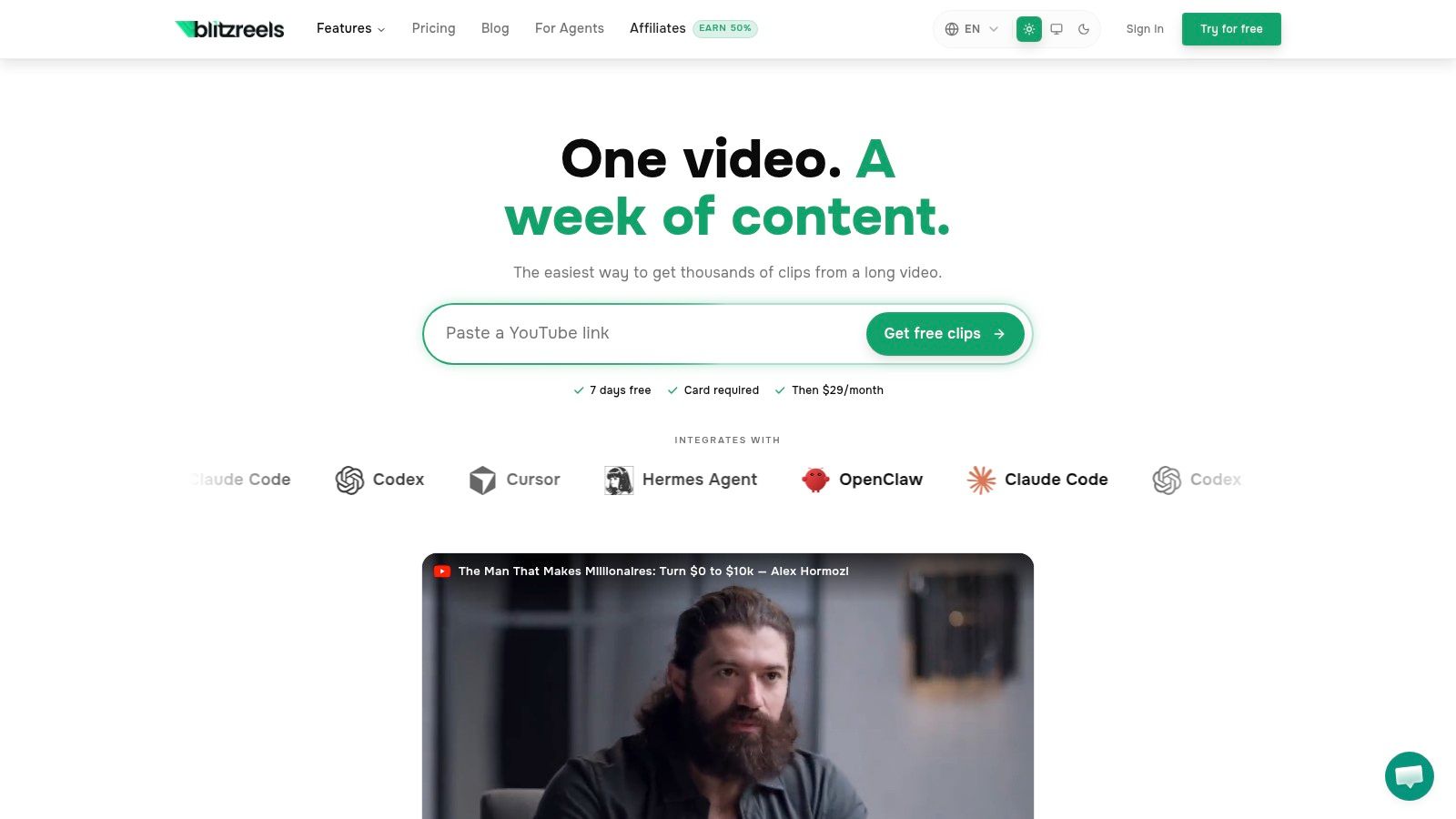
A common Reddit pattern shows up fast. Someone asks for a free AI video generator, tests a few tools, gets a decent clip, then hits the primary bottleneck: turning that raw output into something people will readily watch on TikTok, Reels, Shorts, or LinkedIn.
That gap is why BlitzReels ranks first here. It is not the best pick if the only goal is unlimited free scene generation. It is the best pick if the primary task is publishing short-form video consistently, because the editing and packaging work usually takes longer than generation.
BlitzReels turns MP4, MOV, Loom, Zoom, and screen recordings into vertical clips with captions, reframing, title cards, and exports sized for social channels. It also includes AI Studio workflows for faceless videos, prompt-to-video, templates, styles, and access to video models. If you want to compare model options before generating source footage, the guide to [Luma Ray video models for AI video creation](https://www.blitzreels.com/ai/video-models/luma-ray) helps clarify where high-fidelity generation fits versus editing and packaging.
### Why it ranks first for short-form workflows
Short-form teams need throughput.
Creators, agencies, and in-house marketers rarely fail because they could not generate one interesting shot. They fail because every clip still needs trimming, subtitles, hook framing, aspect-ratio fixes, and exports for multiple platforms. BlitzReels is built around that production reality. That makes it more useful in day-to-day publishing than tools that stop at generation.
The practical advantage is consolidation. Subtitle editing, SRT handling, compression, format conversion, auto-reframing, and hook-first clip packaging live in one place, which cuts handoffs between tools. The platform's own explainer on [what AI video means in practice](https://www.blitzreels.com/blog/what-is-ai-video) is useful because it frames AI video as an editing and distribution workflow, not just a prompt box.
Use generators for raw ingredients. Use a short-form editor to make those ingredients watchable and postable.
BlitzReels is strongest when you already have source material, whether that is a webinar, podcast, product demo, talking-head clip, or AI-generated b-roll from another tool. A desktop editor still gives deeper control for motion graphics and color work, but that level of control is not what blocks publishing speed for most social teams.
### Where it fits in a free AI stack
For a keyword like "ai video generator free reddit," the trade-off needs to be stated clearly. BlitzReels is not an open-ended free tier product. It offers a 7-day trial and then moves to paid access, so it does not compete with credit-based free generators on pure free usage.
It still belongs at the top because free generation alone rarely gets a video ready to publish. The missing layer is usually polish: tighter pacing, stronger hooks, readable captions, vertical crops that keep the subject centered, and exports that match each platform. BlitzReels handles that last-mile work better than most tools in this category.
- **Best for repurposing:** Interviews, webinars, sales calls, podcasts, Loom videos, demos, and talking-head footage.
- **Best for output speed:** Clipping, subtitles, reframing, and multi-platform exports.
- **Less ideal for:** Users who only want a no-card, long-term free generator for creating scene after scene from prompts.
## 2. Luma AI Ray 3
Luma AI is one of the strongest picks when the goal is visual quality first and workflow second. Reddit users looking for cinematic motion often put it in the same conversation as the top generation tools because it produces cleaner-looking clips than template-heavy editors.
Its appeal is straightforward. Text-to-video and image-to-video are both available, motion tends to feel more coherent than many lightweight generators, and the Ray family is aimed at higher-fidelity output. For creators building moody product shots, stylized brand intros, or AI b-roll inserts, that matters more than having an all-in-one editor.
### Best use case
Luma works best at the top of the funnel. Generate the visual, then move it into a short-form editor for captions, reframing, and packaging. The dedicated page on [Luma Ray video models](https://www.blitzreels.com/ai/video-models/luma-ray) is useful for understanding where it fits in that broader stack.
The trade-off is familiar. The free plan is a sampler, not a publishing system. Monthly credits are limited, and heavier use pushes creators into paid generation quickly.
> Luma is for creators who care what the shot feels like. It isn't the best answer for creators who need to post at volume from a free tier.
That's the recurring pattern with high-end generators. They can create attention-grabbing visuals, but they rarely finish the job alone. For Shorts and Reels, a polished output still needs a hook, title card, captions, and crop decisions that match how people watch on mobile.
## 3. Pika
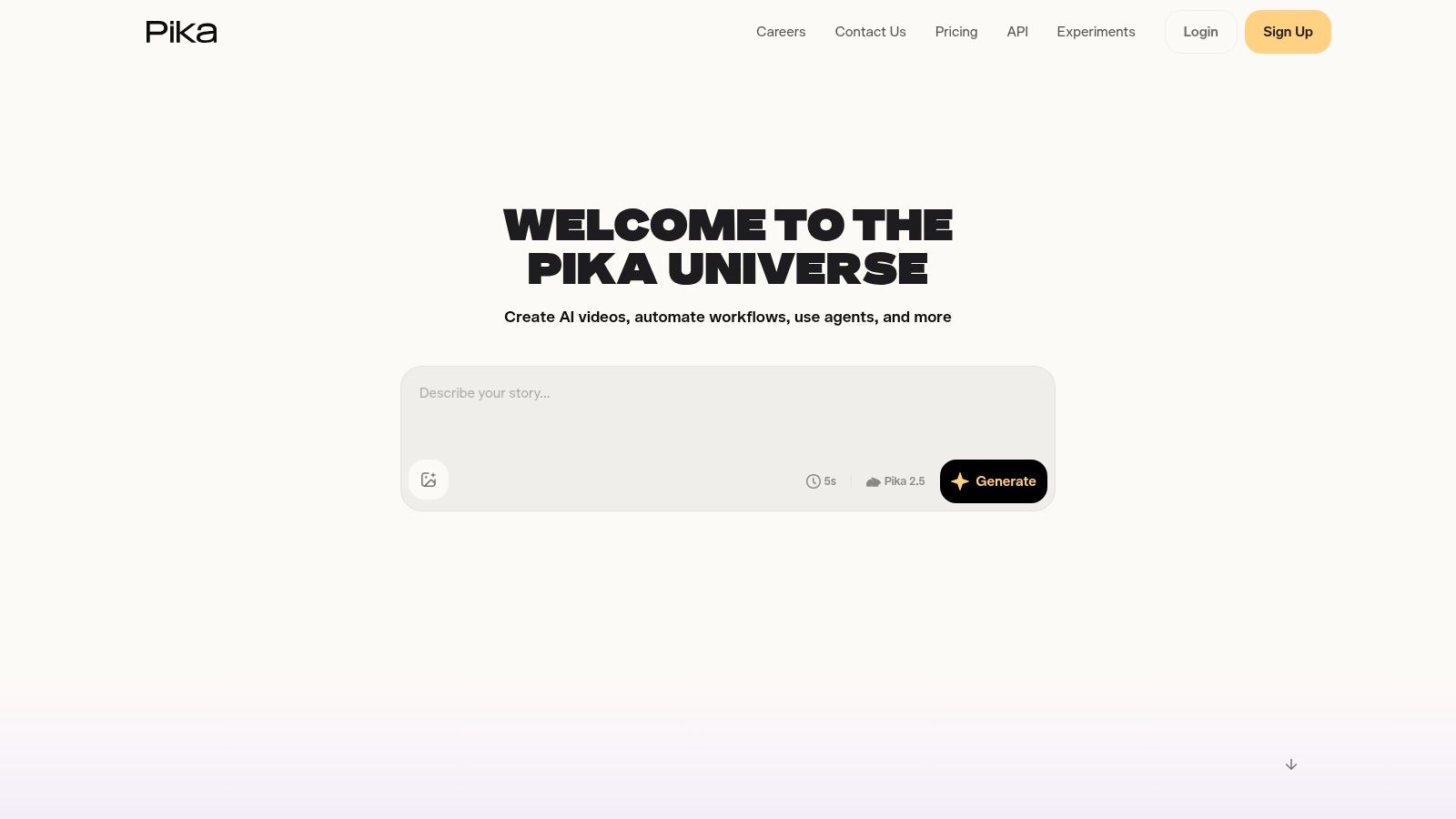
Pika is popular because it lowers the intimidation factor. The interface is approachable, the product updates often, and it's easier than many competitors to test visual ideas without feeling buried in settings. For creators searching AI video generator free Reddit recommendations, that usability is part of why it keeps showing up.
The platform supports text-to-video and image-to-video, plus creative tools around scenes, swaps, and style changes. That makes it good for fast concepting. A creator can test multiple looks for the same hook before choosing what to turn into a final short.
### Where Pika works best
Pika is strongest for experimentation, not endurance. The free tier is enough to validate an idea, especially if the goal is a short visual gag, a stylized transition, or a few synthetic b-roll clips for a social edit. It's less attractive when a team needs lots of iterations in one session.
Most free AI video generators Reddit users discuss, including tools like Pika, tend to limit clip duration to roughly 5 to 15 seconds and only offer a few free videos each day, which often forces creators to stitch together multiple outputs for anything longer ([Reddit discussion on free generator limits](https://www.reddit.com/r/aitubers/comments/1qj2kca/finding_the_best_free_ai_video_generators/)).
- **Good fit:** Testing hooks visually, quick image-to-video effects, social-friendly idea validation.
- **Weak point:** Free usage disappears fast when a concept needs repeated revisions.
- **Workflow note:** Generate short inserts in Pika, then assemble the final post in a dedicated editor.
## 4. Runway
A common creator workflow looks like this. Generate a strong visual in an AI tool, realize the clip is too short or too rough for publishing, then spend more time fixing the post than making the asset. Runway stays popular on Reddit because it reduces some of that friction. It gives creators a more production-oriented workspace, not just a prompt box, so testing ideas and refining outputs can happen in the same tool.
That matters if the goal is concept validation with fewer handoffs.
Runway is usually a better fit for marketers, agencies, and creators who care about output quality and interface control more than getting the highest amount of free usage. The trade-off is straightforward. The free tier is useful for learning the model, testing a few concepts, and producing short visual assets. It runs out quickly if a team is doing heavy prompt iteration, client review rounds, or daily posting.
### What the free tier is actually good for
Runway works best as a high-quality prototype engine. Use it to generate a hero shot, a stylized opener, or a short synthetic b-roll sequence that would be expensive to film. That aligns with how many Reddit users evaluate free AI video tools in practice. They are often comparing whether a free plan can produce one usable social clip, not whether it can support a full publishing calendar.
The limitation is volume. Free access is enough to test prompt structure, camera motion, and visual style choices, but not enough to treat Runway as the main engine for ongoing short-form production. For creators building repeatable workflows, that distinction saves time and budget.
I usually recommend a split workflow here. Use Runway for the shots that need polish, then move the best outputs into an editor built for social packaging. If you are comparing editing-first options after generation, this breakdown of [CapCut vs BlitzReels for TikTok creators](https://www.blitzreels.com/blog/capcut-vs-blitzreels-which-video-editor-is-best-for-tiktok-creators-in-2025) is useful for deciding how to turn a good raw clip into a publishable short.
- **Good fit:** Ad mockups, cinematic short clips, higher-quality concept visuals, standout hook shots.
- **Weak point:** Free generation disappears fast once revisions start.
- **Workflow note:** Generate only the moments that need AI polish in Runway, then finish captions, pacing, and platform formatting in BlitzReels or another short-form editor.
## 5. CapCut
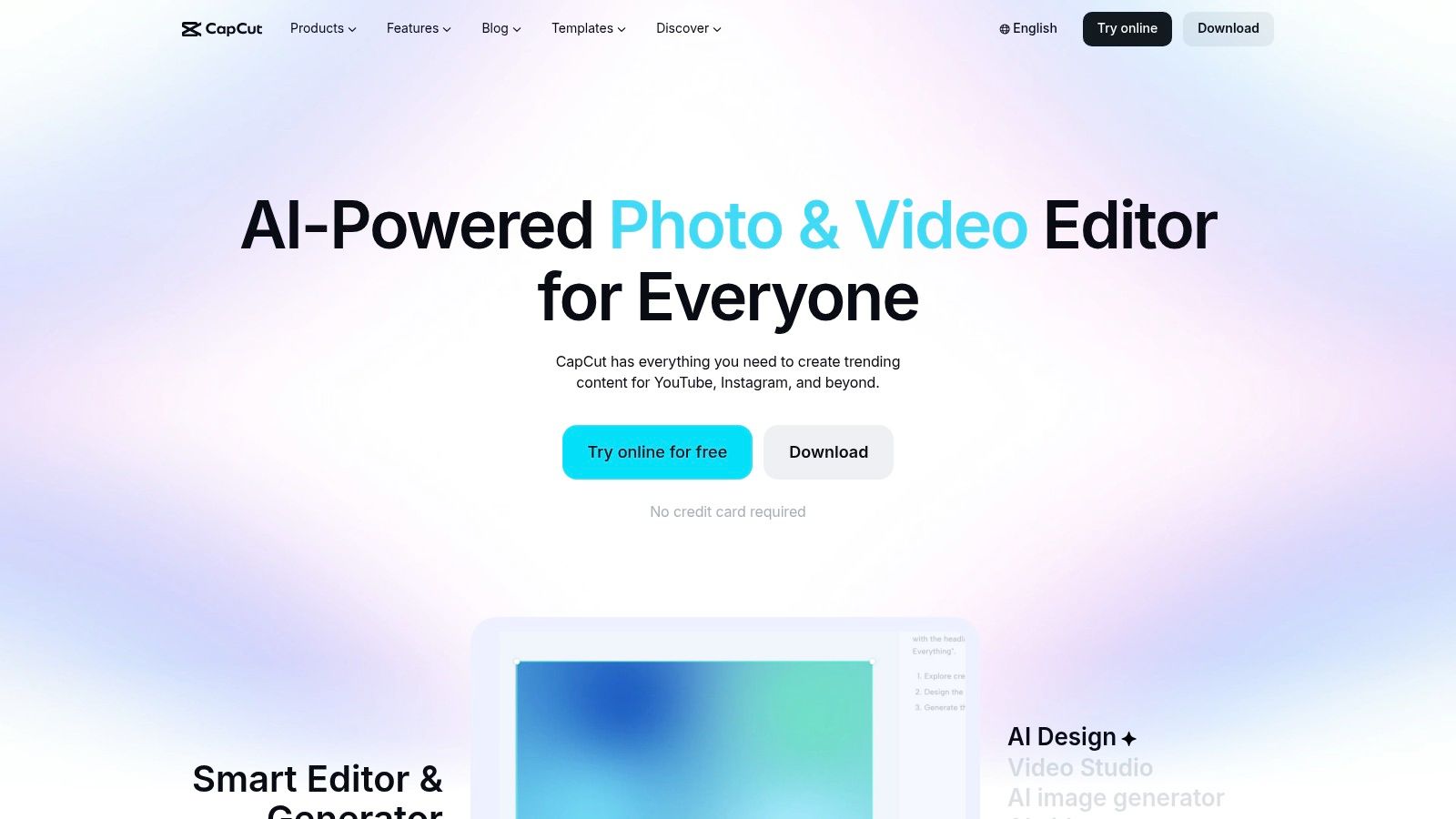
CapCut stays relevant because it solves the social editing problem fast. Even when creators generate clips elsewhere, they often end up in CapCut to apply templates, subtitles, effects, timing cuts, and mobile-native exports. That practical value keeps it in the conversation far beyond its generation features.
For short-form content, CapCut's real strength is speed. Text overlays, aspect ratio presets, transitions, and social-ready templates are easy to apply, and the app ecosystem is built around the way TikTok-style videos get made. That makes it useful even for creators who never touch its AI generation features.
### Why creators keep it installed
CapCut is a good “middle layer” tool. It can help shape rough AI clips into something publishable, especially when the creator needs quick text treatment, stock inserts, or a simple vertical edit. It's less impressive as a pure free AI generator than as an editor with AI features layered in.
For teams comparing editing-first tools, this breakdown of [CapCut vs BlitzReels for TikTok creators](https://www.blitzreels.com/blog/capcut-vs-blitzreels-which-video-editor-is-best-for-tiktok-creators-in-2025) is a useful contrast. CapCut is broad and familiar. BlitzReels is more focused on automated clipping, captioning, and short-form repurposing.
- **Strongest for:** Fast edits, templates, resizing, title cards, and creator-friendly exports.
- **Less strong for:** Advanced photorealistic generation compared with model-first tools.
- **Best workflow:** Edit social packaging here after generating visual assets elsewhere.
## 6. Canva AI Video Generator
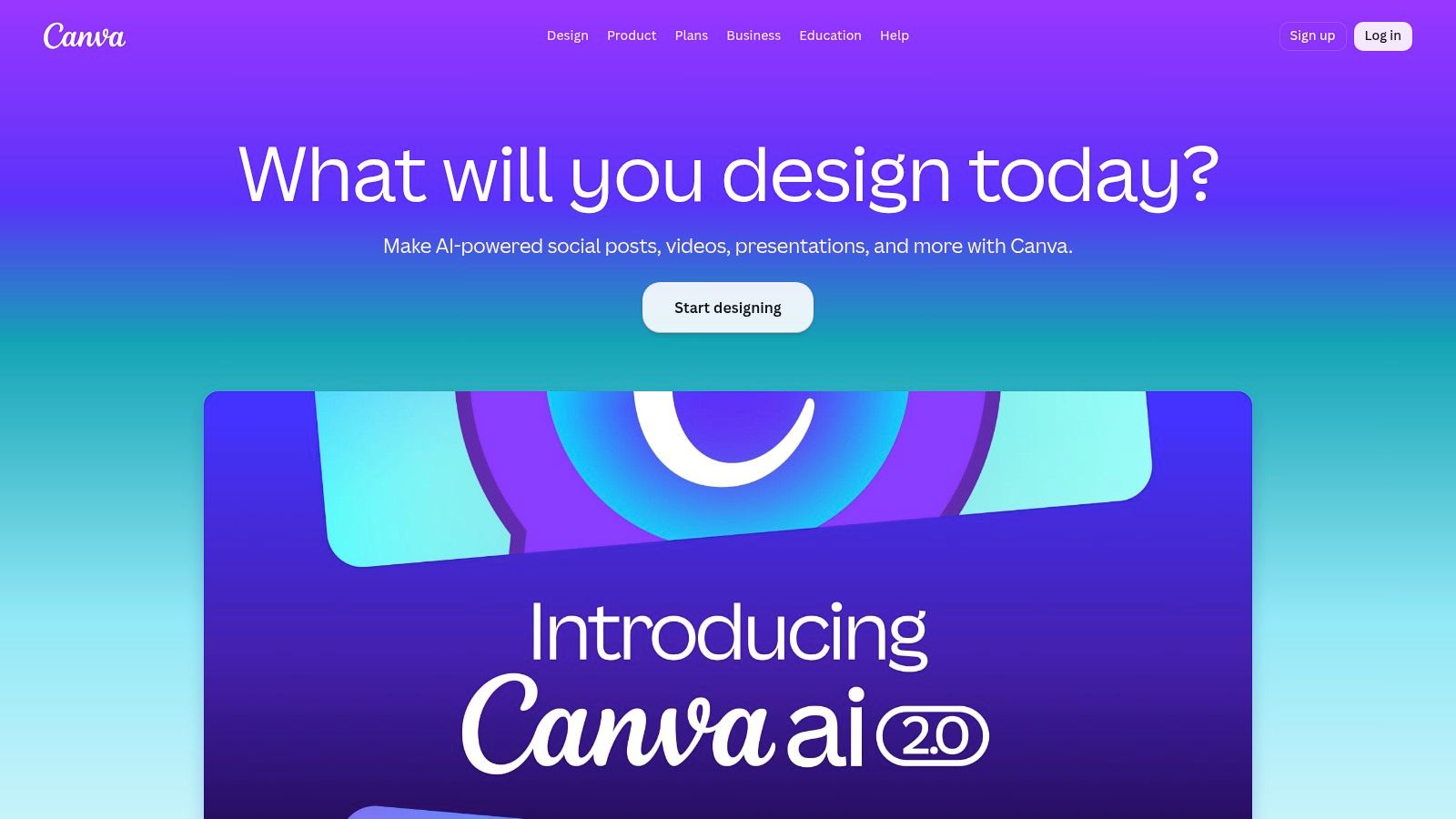
Canva is the easiest recommendation for non-editors who care more about making publishable brand content than pushing the limits of AI motion. It wraps video generation inside a design system that already includes templates, stock assets, text, resizing, and brand controls.
That matters for social teams. A founder, marketer, or assistant can start with a prompt, then add title cards, captions, logos, and platform-specific sizing in the same workspace. The result may not look as cinematic as the strongest dedicated generators, but it can be easier to turn into a usable post.
### Best fit for template-led production
Canva fits creators who want consistency. If the goal is to produce explainers, quote videos, list clips, promotional snippets, or lightweight motion assets, Canva's broader toolkit is often more useful than a higher-end model with fewer editing conveniences.
The compromise is output realism. For stylized brand content, Canva works. For lifelike motion or physics-heavy scenes, specialist generators usually look better. That's why Canva is often better as the packaging layer than the visual innovation layer.
A smart use case is taking simple generated footage, then leaning on Canva for branded overlays, subtitles, intros, and resizes. For teams publishing across TikTok, Reels, Shorts, and LinkedIn, that can save more time than chasing maximum visual sophistication.
## 7. HeyGen
A common Reddit scenario goes like this. A creator needs three Shorts by tomorrow, does not want to film on camera, and cares more about clarity than cinematic AI visuals. HeyGen fits that job better than a scene generator because it is built around avatars, voice delivery, and localization.
Its free tier is useful, but narrow. Reddit users usually describe it as a good test bed for avatar-led videos rather than a tool for unlimited experimentation. That distinction matters if you are comparing "free" options. HeyGen can help you validate a talking-head workflow, but it is not the free-credit workhorse some prompt-to-video tools try to be.
### Where HeyGen earns its place
HeyGen works best when the script is the asset. Product explainers, onboarding clips, sales follow-ups, multilingual updates, and faceless educational content all benefit from a repeatable presenter format. Instead of spending time generating b-roll that may or may not support the message, you can write a clear script, generate the avatar delivery, and move straight into editing for distribution.
That practical value shows up fast for marketers. One source script can become several channel-specific cuts with different hooks, captions, and CTAs. For teams comparing avatar-first options, this guide to [faceless video creation tools including HeyGen](https://www.blitzreels.com/blog/top-ai-tools-for-faceless-video-creation-in-2025-a-comprehensive-comparison) pairs well with [UGC Copilot vs Heygen](https://ugccopilot.ai/compare/heygen/).
The trade-off is obvious. HeyGen is strong at spokesperson content and weak at original visual storytelling. If the goal is surreal motion, AI b-roll, or highly dynamic scene changes, other tools on this list are a better fit.
A practical workflow is to use HeyGen for the delivery layer, then polish the output into a social-ready short in BlitzReels. Trim the opening to get to the point faster, add on-screen proof or captions, swap aspect ratios, and test stronger hooks. That is usually how an acceptable avatar clip becomes a post worth publishing.
## 8. Kaiber
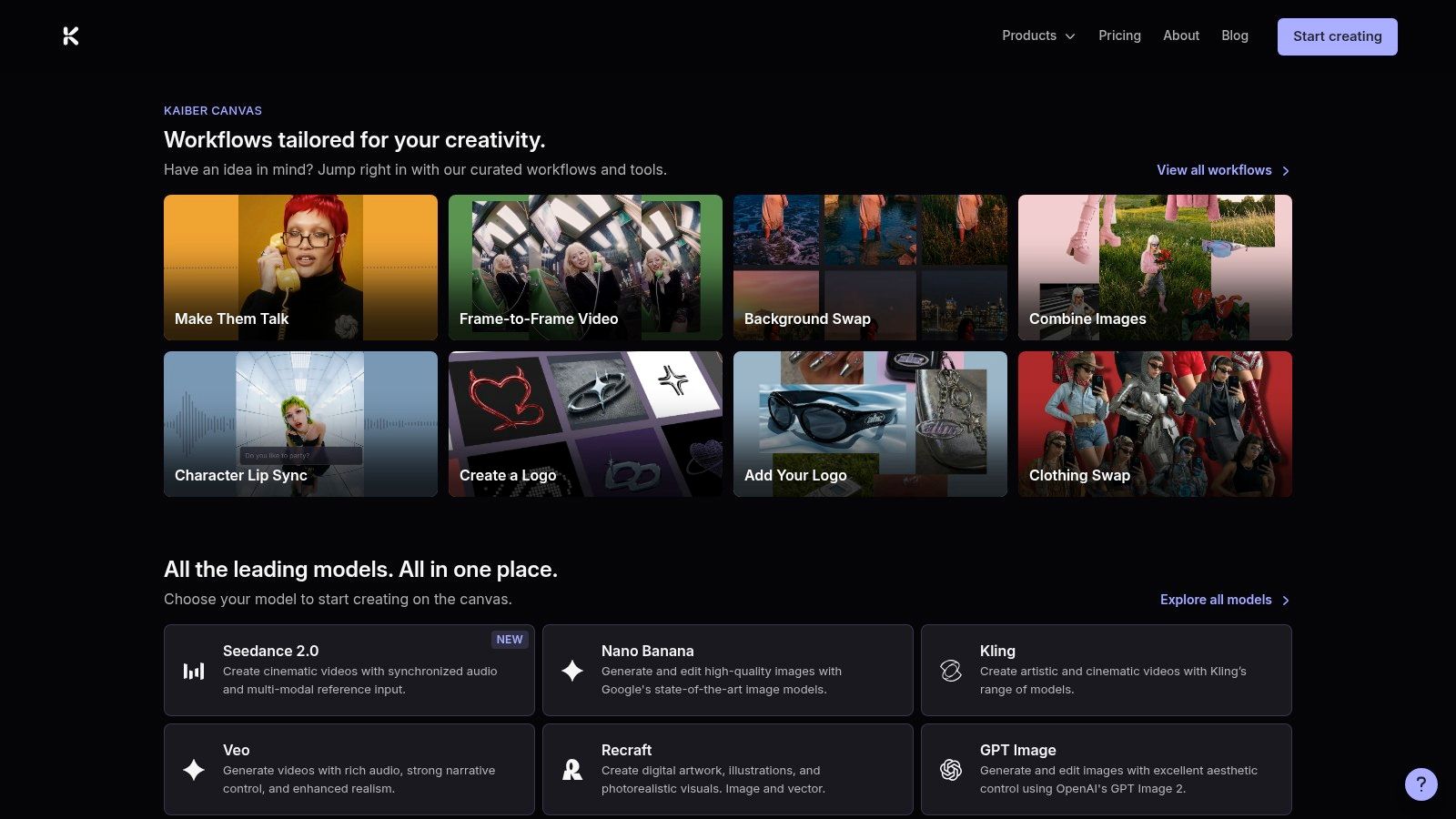
Kaiber keeps getting recommended because it has a clear creative identity. It's aimed at stylized visuals, music-synced edits, and creator-friendly experimentation. The Canvas and editor features make it feel less sterile than some prompt boxes.
The important caveat is simple. Kaiber doesn't really belong in a strict “best free” list if “free” means permanent, ongoing use. It's better thought of as a low-friction paid test for creators who want to validate whether its aesthetic suits their content.
### Who should consider it
Kaiber is a fit for music content, mood-driven edits, visualizers, and stylized social posts where beat sync and atmosphere matter more than realism. A creator making artist promos or trend-driven visual loops may get more value from Kaiber than from a more literal model.
Its main downside is that it isn't a free-tier workhorse. Reddit users often mention inexpensive ways to trial tools like this, but that's a different category from platforms with recurring free credits. For creators on a hard zero-budget plan, Kaiber is easy to admire and harder to justify.
A practical way to use it is narrow and intentional. Test one concept, decide whether the style fits the brand, then either commit or move back to a true free option for ongoing creation.
## 9. Kapwing
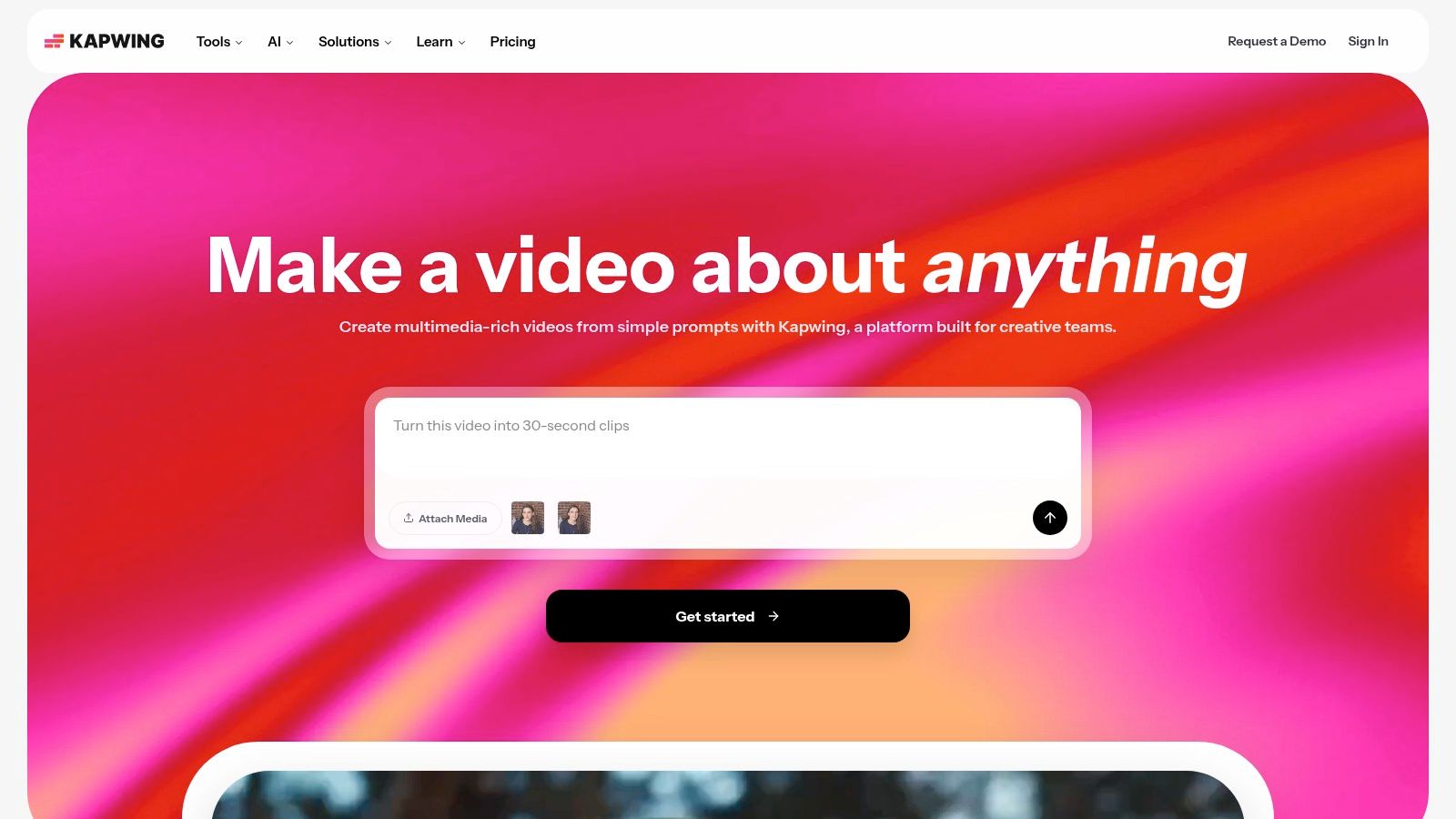
Kapwing is useful because it doesn't force a split between generation and editing. A creator can start from a prompt, script, article, or document, generate rough scenes, and keep working in the same browser editor. For lightweight production, that's efficient.
The free plan is practical for drafts. It isn't polished enough for every final export, but it gives enough room to validate a concept, create vertical rough cuts, and test structure before investing more time elsewhere.
### Best fit for browser-based drafts
Kapwing makes sense for creators who want a fast web workflow and don't need premium visual realism. It's strong at getting from idea to editable assembly quickly. That's valuable for list videos, narrated shorts, simple explainers, and rough campaign concepts.
The trade-off is visible in the final output. Watermarks, export limits, and credit constraints make the free plan feel like a staging area rather than a finished production environment.
- **Good for:** Script-to-video drafts, browser editing, simple social cuts.
- **Not ideal for:** High-end aesthetics or unrestricted free publishing.
- **Best move:** Use it to structure the piece, then finish in a stronger short-form editor if the video is going live.
## 10. VEED
VEED sits in a useful middle ground. It offers prompt-based video generation, avatars, captions, AI voice features, and an editor that doesn't overwhelm casual users. That makes it appealing to creators who care about speed and clarity more than bleeding-edge model output.
It's especially handy for content that starts with a message. Educational clips, social promos, simple explainers, and talking-head support videos all fit VEED's strengths. The interface is designed for quick assembly, not endless prompt tinkering.
### Where VEED makes sense
VEED is often easiest to justify when subtitles and branding matter as much as the visual itself. A creator can draft scenes, add text, apply voiceover, and package the clip for social without leaving the platform. For short-form teams, that convenience can outweigh the fact that dedicated model-first tools may generate stronger raw visuals.
The weak point is ceiling, not usability. Creators chasing the most cinematic outputs usually hit that ceiling faster with VEED than with a specialist generator. But for practical marketing videos, the path from idea to export is efficient.
One broader market reality explains why tools like VEED lean so heavily on credits and limited free use. The global AI video generator market is projected to reach $847 million in 2026, and genuine unlimited free plans are increasingly rare because providers face high operating costs ([AI video market projection and free-tier trends](https://www.ngram.com/blog/ai-video-statistics-2026)).
## Top 10 AI Video Generators, Quick Comparison
| Product | Core features & USP | Output quality & UX | Best for / Target audience | Price & free tier | Limitations |
|---|---:|---|---|---|---|
| **BlitzReels** | AI-first short-form editor: auto-transcribe, segment scoring, hook selection, on-beat captions, auto-reframe, auto B-roll; AI Studio (faceless/prompt-to-video); built-in SRT, compressors, converters | Platform-ready vertical exports; fast record→edit→publish (~10 min); retention-focused edits and bold captions | Solo creators, social marketers, small teams scaling short-form content | 7-day free trial (card req); $29/mo; affiliate program | May need manual fine-tuning for complex branding; limited enterprise compliance details |
| Luma AI (Ray 3) | Text→video & image/video→video; motion-coherence reasoning; native 1080p; frequent model updates | Cinematic motion and consistency at consumer level; high-quality 1080p output | Creators seeking high-motion coherence and cinematic generative video | Limited free monthly credits; paid credits for longer/HDR exports | Tight free credits; higher cost for long/HDR outputs |
| Pika | Text→video & image→video; scene/swap/style tools; freemium credit model; free downloads at low-res | Approachable UI; genuinely usable free allowance for testing | Hobbyists, rapid prototypers, Reddit users testing ideas | Free tier (~80 credits) with 480p downloads; paid tiers for higher quality | Free limited to 480p; credits consumed by fast iteration |
| Runway | Generative video models (Gen‑4/4.5); integrated timeline editor; image & audio tools | Studio-grade editor and compositing; polished workflows for post-production | Editors, creators needing compositing + generative models | Permanent free tier + one-time 125 free credits; subscriptions for ongoing use | One-time free credits; high-end models burn credits quickly |
| CapCut | AI text/image→video, media insertion; cross-platform editor (web/desktop/mobile); templates & aspect ratios | Generous free editor; tight TikTok/Reels/Shorts workflow; mobile-first UX | TikTok creators, mobile-first short-form publishers | Free standard experience; Pro/Teams subscriptions for assets & capacity | Pro pricing varies by region; feature parity differs by platform |
| Canva (AI Video Generator) | Text→video, TTS, auto-captions; huge template/stock library; resize & brand-kit workflows | Frictionless for non-editors; excellent resize/brand workflows | Non-editors, marketers, small teams managing brand assets | Free AI allowance (e.g., ~200 Standard / 20 Premium uses); Pro expands limits | Allowances exhaust quickly; motion realism behind specialist tools |
| HeyGen | Custom & stock avatars, lip-sync translation; Video Agent; TTS | Strong talking‑head and multilingual translation UX; avatar realism good for explainers | Localization teams, explainers, multilingual creators | Small free quota (1–3 videos/mo region-dependent); credit-based pricing | Generative minutes can be credit-intensive; API no longer includes free credits |
| Kaiber | Text/image→video; Canvas + timeline editor; Beat Sync for music-synced clips | Stylized visuals and music-synced clips; creator-oriented tools | Music/video creators and stylized content makers | Low-cost paid trial ($5/5 days); tiered Starter/Creator/Pro plans | No permanent free tier; premium models gated behind higher plans |
| Kapwing | Prompt/script/article/doc→video; AI B‑roll & avatars; full in-browser editor | All-in-one generate→edit workflow; practical free tier for drafts | Casual creators, educators, social teams needing quick edits | Free plan with limited credits, 720p exports, watermark, ≤1‑min limit; paid plans remove limits | Free exports carry watermark and time limits; generative features consume credits |
| VEED | Text/image→video; AI voice, captions, Video Agent; stock assets | Easy subtitle & branding pipeline; simple prompt-to-scene workflows | Social marketers, teams focused on captions/branding | Free-to-try credit quota; credit-priced models and upgrades | Credit costs vary by model; advanced cinematic motion lags specialized tools |
## From Generation to Growth Your AI Video Workflow
The biggest mistake in the AI video generator free Reddit search is assuming one tool should do everything. It usually won't. One platform is better at photorealistic generation. Another is better at avatar explainers. Another is better at browser editing. The actual winning setup is usually a stack.
That's also why Reddit discussions can be confusing. One analysis of 2026 Reddit preferences says Kling AI, especially versions 1.6 through 3.0, is the favorite for users who want photorealism and natural human motion, helped by daily free credits that many creators find more useful than competing free plans. The same analysis also notes meaningful failure costs on newer versions, with Kling 2.5 showing a 40% failure rate at $0.60 per generation and Kling 3.0 showing a 60% failure rate at $1.50 per generation, which changes the economics once a creator moves beyond the free tier ([Reddit-backed Kling pricing and failure analysis](https://vidwave.ai/best-ai-video-generator-reddit-recommends-1-pick)).
That detail matters because “best free” and “best scalable workflow” aren't always the same thing. A free tier might be great for discovery, but weak for consistency. A visually impressive generator might still leave the creator doing manual captions, reframing, clipping, and title-card work before a post is ready for TikTok or Reels.
There's also a second reality that many listicles skip. Some creators don't need generation at all. Another Reddit discussion highlights how people often ask for unrestricted, watermark-free AI video generation, but most platforms still impose daily limits, watermarks, short output caps, or local setup requirements. That gap is especially painful for creators without access to powerful hardware, who need cloud-based tools that support regular publishing (Reddit discussion on unrestricted free AI video limitations).
A practical workflow looks like this:
- **Generate selectively:** Use a generator for the shots that would be expensive or impossible to film.
- **Edit for retention:** Add hook text, title cards, captions, clipping, and pacing cuts that make the post watchable on mute.
- **Reframe for each platform:** Vertical crops and face tracking matter because platform-native composition affects completion.
- **Repurpose aggressively:** One interview, demo, webinar, or generated concept should become multiple shorts.
For creators who want totally free experimentation, there are still edge cases. Reddit users have pointed to Meta AI as a rare platform offering unrestricted video and image generation at no cost, though “decent” longer-form free options remain scarce across the category ([Reddit discussion on totally free AI generators](https://www.reddit.com/r/generativeAI/comments/1sx7xnu/best_totally_free_ai_video_generators/)).
The best move is simple. Use free generators to create the raw asset. Then use a short-form editor to finish the job properly. That second step is where captions, clipping, hooks, and resizing turn an AI clip into content that can grow an audience. For broader strategy, [quso.ai's video marketing tips](https://quso.ai/blog/video-marketing-best-practices) align with the same principle: distribution quality matters as much as production novelty.
---
BlitzReels is the strongest option for creators who don't just want to generate clips, but want to publish more short-form content with less friction. The platform turns raw footage, screen recordings, and AI-generated assets into captioned, reframed, platform-ready videos fast. Explore [BlitzReels](https://blitzreels.com) to build a workflow that moves from idea to TikTok, Reels, Shorts, and LinkedIn posts without the usual editing bottlenecks.