---
title: "The 10 Best Animation Software of 2026: A Creator's Guide"
canonical: "https://blitzreels.com/blog/best-animation-software"
---
# The 10 Best Animation Software of 2026: A Creator's Guide
URL: https://blitzreels.com/blog/best-animation-software
Markdown URL: https://blitzreels.com/blog/best-animation-software.md
Published: 2026-07-17
Author: BlitzReels
Find the best animation software for your needs. We review 10 top tools for 2D, 3D, and social video, from beginners to pros. Start creating today.
Tags: best animation software, animation tools, 2d animation, 3d animation software, motion graphics

Animation in the age of 15-second feeds changes the buying decision. A creator might have a strong idea for a looping character, a logo sting, or a clean animated explainer, then hit the main bottleneck right after export. The animation looks good on a desktop timeline, but it still needs captions, clipping, reframing, resizing, a title card, and a hook that works in a vertical feed.
That gap matters more than most “best animation software” roundups admit. Many lists compare studio tools as if every project ends in a film pipeline, even though [73% of short-form viewers watch videos under 15 seconds](https://visme.co/blog/best-animation-software/). Heavy software can still be the right choice, but only when the creator knows where that tool fits and where a faster social workflow should take over.
The wider market also explains why the category keeps expanding. The global animation software market reached an estimated valuation of [USD 174.98 billion in 2025 and is projected to reach USD 252.18 billion by 2032 at a 5.35% CAGR](https://www.360iresearch.com/library/intelligence/animation-software). More creators, more brands, and more social teams now need animation tools that can produce polished visuals quickly.
This guide stays practical. It focuses on what each tool does well, where it slows teams down, and how it fits into real short-form production after the animation is finished. For teams also comparing execution partners, this [social video agency Singapore guide](https://thecreatorlist.asia/en/guides/social-media-video-agency-singapore) is a useful companion.
## Table of Contents
- [1. Adobe After Effects](#1-adobe-after-effects)
- [Where it wins](#where-it-wins)
- [2. Adobe Animate](#2-adobe-animate)
- [Best fit](#best-fit)
- [3. Toon Boom Harmony](#3-toon-boom-harmony)
- [Where it earns the complexity](#where-it-earns-the-complexity)
- [4. Moho Pro 14](#4-moho-pro-14)
- [Why social teams like it](#why-social-teams-like-it)
- [5. TVPaint Animation](#5-tvpaint-animation)
- [Best use case](#best-use-case)
- [6. Blender](#6-blender)
- [What makes Blender different](#what-makes-blender-different)
- [7. Autodesk Maya](#7-autodesk-maya)
- [Who should actually buy Maya](#who-should-actually-buy-maya)
- [8. Maxon Cinema 4D](#8-maxon-cinema-4d)
- [Where it shines for short-form](#where-it-shines-for-short-form)
- [9. Spine](#9-spine)
- [When Spine is the smart pick](#when-spine-is-the-smart-pick)
- [10. Dragonframe](#10-dragonframe)
- [Why it still matters](#why-it-still-matters)
- [Top 10 Animation Software Comparison](#top-10-animation-software-comparison)
- [The Right Tool to Bring Your Ideas to Life](#the-right-tool-to-bring-your-ideas-to-life)
## 1. Adobe After Effects
[Adobe After Effects](https://www.adobe.com/products/aftereffects.html) is still the safest recommendation for creators who need motion graphics, typography, compositing, and social-ready visual polish in one place. It handles logo reveals, lower thirds, animated explainers, kinetic text, UI mockups, and layered promos better than almost anything else on this list.
Its biggest advantage is the ecosystem around it. A creator can move art from Photoshop, hand footage to Premiere Pro, then finish social overlays and hooks in After Effects without rebuilding the project. That matters when a campaign needs multiple cuts for TikTok, Reels, YouTube Shorts, and LinkedIn.
### Where it wins
After Effects is strongest when the project needs controlled animation rather than pure character performance. The graph editor, Puppet tools, expressions, cameras, lights, and plugin library make it a serious production tool, especially for text-heavy social creatives and branded motion packages. For teams producing title cards, looped backgrounds, and reusable overlays, it also pairs naturally with [motion graphics workflows](https://www.blitzreels.com/features/motion-graphics).
> **Practical rule:** Use After Effects to build the visual language of the short. Don't use it for every last social task if the team mainly needs clipping, captions, and resizing at speed.
The trade-off is speed under pressure. Existing guides often mention its popularity, but the more relevant short-form issue is that Adobe After Effects holds a 4.6/5 rating on G2 while lacking built-in auto-transcription and emoji callouts that short-form creators now prioritize. That means it can create the animation beautifully, then still leave the social editor doing manual cleanup work.
For creators who already live in Adobe, it remains one of the best animation software choices available. For pure feed velocity, it often needs a second tool after export.
## 2. Adobe Animate
[Adobe Animate](https://www.adobe.com/products/animate.html) solves a different problem from After Effects. It's built for vector-based 2D animation, lightweight character loops, banner-style animation, and assets that need to export cleanly across formats like HTML5 Canvas, WebGL, video, and GIF.
That makes it useful for creators who want sharp, scalable motion without the heavier compositing mindset of After Effects. Social teams making mascot loops, quick explainer sequences, animated stickers, and simple educational clips usually get to a finished animation faster here.
### Best fit
Animate works best when the brief is simple and repeatable. The layered timeline, bone tools, deformers, and one-click publishing options help teams create reusable 2D assets for web and social without fighting through a deep VFX interface. It also feels familiar to anyone already working in Adobe apps.
The limit appears when a project gets visually dense. Animate isn't the tool for heavy compositing, advanced effects stacks, or deep studio rigging. A clean workflow is to animate the core scene in Animate, export the shot, then handle captions, hooks, reframing, and final resizing somewhere built for vertical delivery.
- **Strong for vector speed:** Character loops, lightweight explainers, icon animation, and banner-style promos move quickly.
- **Weak for finishing:** Complex effects, layered compositing, and polished post work usually need another app.
- **Good social match:** Simple animated posts, title cards, and branded loops translate well to short-form feeds.
For many teams, Adobe Animate isn't the most powerful option on paper. It's one of the most efficient when the goal is shipping short, clean, repeatable 2D animation without overbuilding the process.
## 3. Toon Boom Harmony
[Toon Boom Harmony](https://www.toonboom.com/products/harmony) sits firmly on the high-end side of 2D animation. It's one of the best animation software options for teams that need serious rigging, node-based compositing, hand-drawn support, and a pipeline that can hold up under production pressure.
This is the tool for creators who know they need more than “good enough” 2D. Harmony supports both cut-out rigs and frame-by-frame work, which is why it remains a standard choice in TV and streaming production.
### Where it earns the complexity
Harmony rewards teams that build assets properly. Advanced deformation, production effects, vector and bitmap drawing, and node compositing give animators much more control than lighter 2D tools. When a character system needs reusable poses, clean handoffs, and lots of animation states, Harmony starts to justify the learning curve.
Its downside is obvious. Solo creators can find it expensive and dense, especially if the end deliverable is still just a short vertical clip. The software can absolutely produce standout shorts, but a creator still needs a clear grasp of timing, staging, and [keyframe basics](https://www.blitzreels.com/glossary/keyframe) to keep social edits readable at phone speed.
> Harmony makes sense when the animation itself is the product. It makes less sense when animation is only one layer inside a fast content machine.
For social teams, Harmony is strongest when it powers a reusable animated brand world. If the team only needs occasional logo loops or simple explainers, it's often too much tool for the job.
## 4. Moho Pro 14
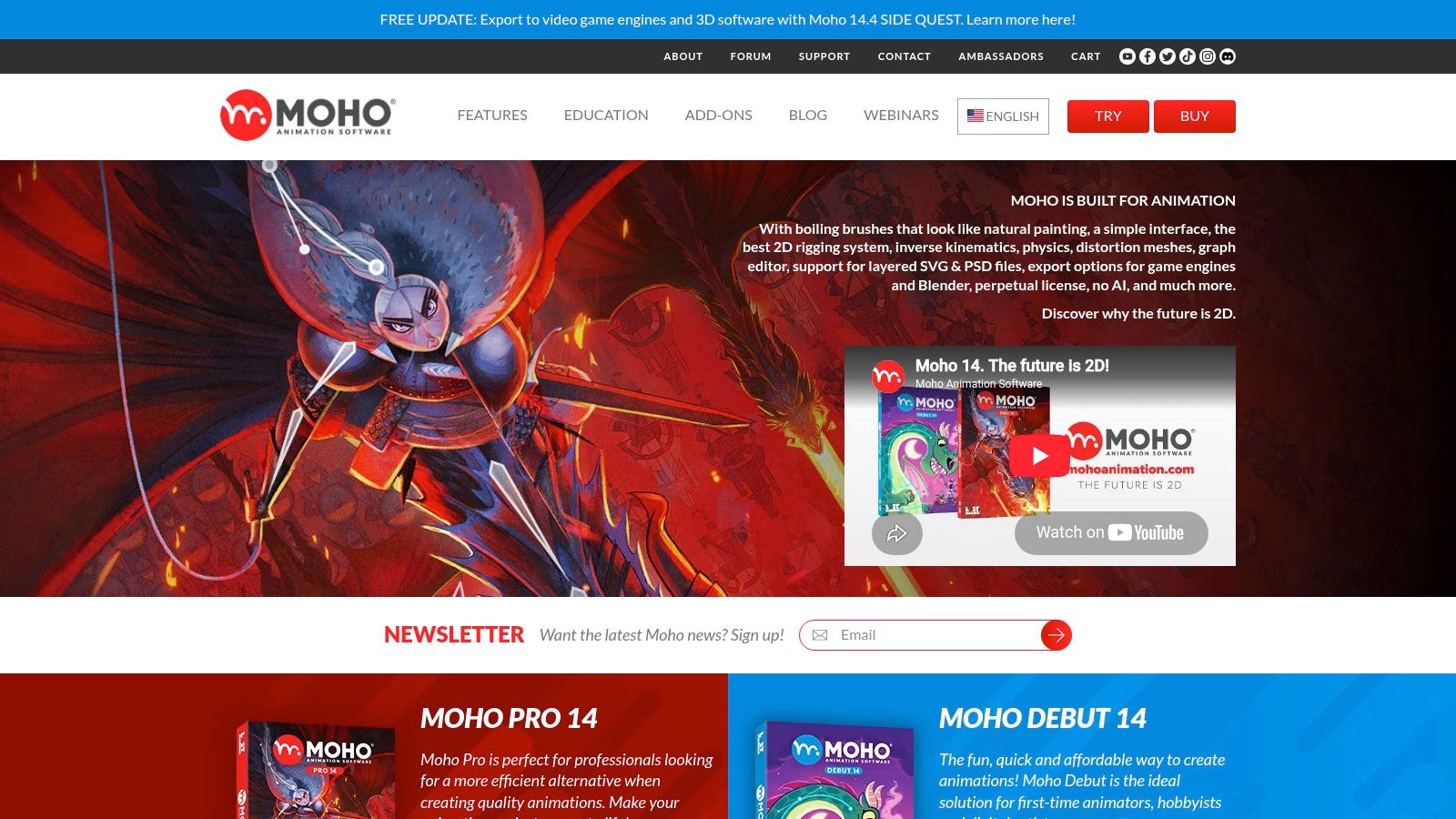
[Moho Pro 14](https://moho.lostmarble.com) stays underrated because it doesn't dominate studio conversations the way Adobe or Toon Boom do. For many independent creators, that's exactly why it's attractive. It focuses on fast 2D character animation with bone rigging, meshes, Smart Bones, vector tools, and hybrid frame-by-frame support.
Its perpetual-license model also appeals to creators who don't want another subscription hanging over a side project or a small content team. That changes the value equation for anyone building recurring animated posts.
### Why social teams like it
Moho is efficient. Rig a character once, set up constraints, and it becomes much easier to produce recurring explainers, talking avatars, educational loops, and lightweight branded stories. It doesn't try to be a full post-production suite, which can help teams stay focused.
That said, Moho has limits. It doesn't offer the same built-in compositing depth as After Effects or Harmony, so creators usually need a separate finishing step for social formatting. The best workflow is often simple: animate fast in Moho, then move the exported clip into a tool that handles captions, title cards, clipping, and vertical resizing without friction.
- **Best reason to choose it:** Fast rig-based 2D animation with less overhead than a full studio suite.
- **Biggest compromise:** Final polish and social packaging usually happen elsewhere.
- **Smart use case:** Recurring characters, educational snippets, and brand explainers.
Moho Pro 14 is a practical pick, not a prestige pick. For a lot of short-form teams, that's a strength.
## 5. TVPaint Animation
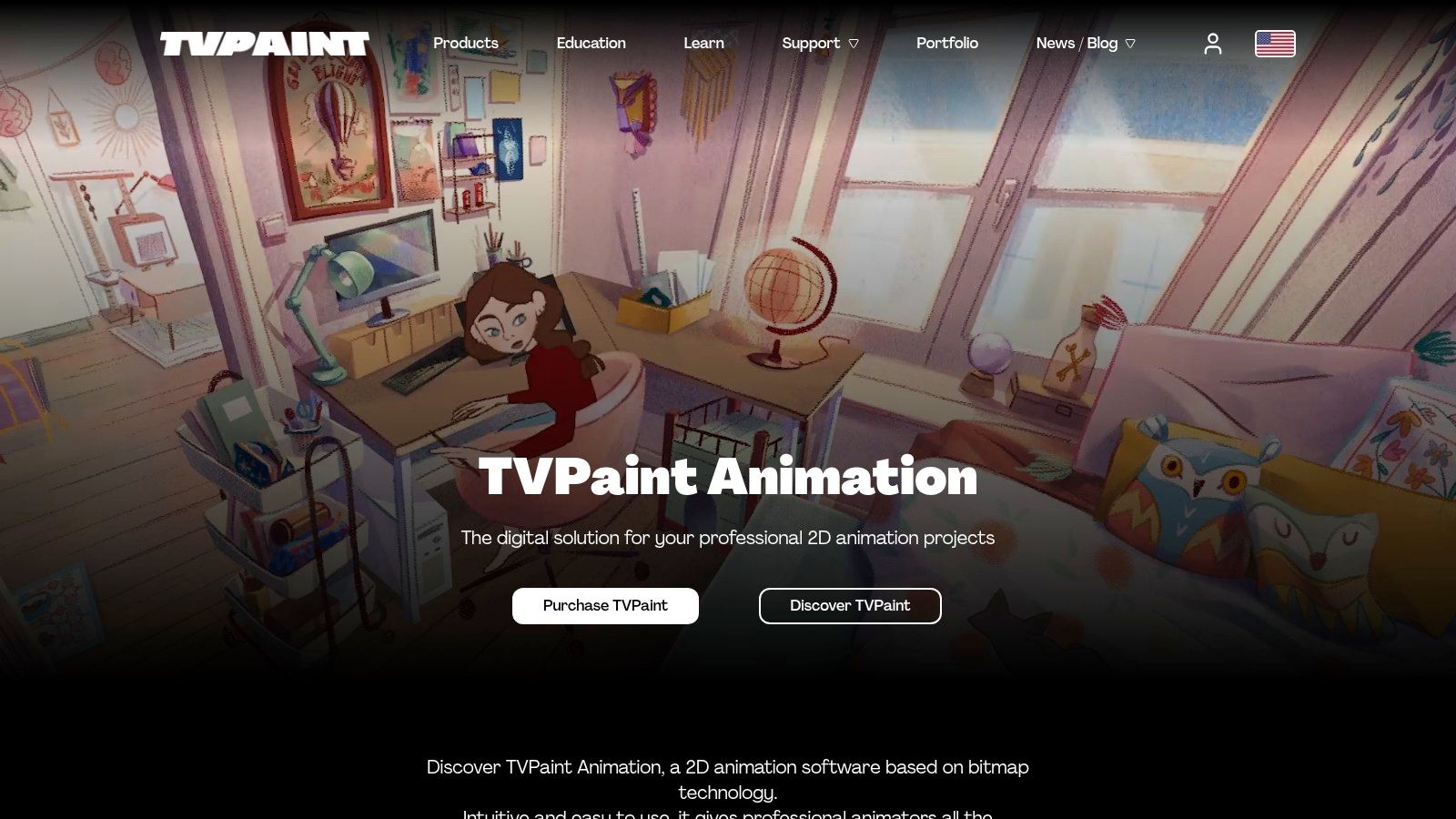
[TVPaint Animation](https://tvpaint.com) is built for artists who want a hand-drawn result that still feels tactile on screen. It's a raster-based tool, so brush texture, painterly strokes, and organic frame-by-frame movement feel natural in a way that vector-first tools usually don't.
That gives it a clear identity. If the goal is a polished cartoon pipeline with rigid symbols and reusable vector shapes, TVPaint may feel like the wrong instrument. If the goal is personality, texture, and motion that looks drawn by hand, it becomes much more compelling.
### Best use case
TVPaint is excellent for creators making artistic shorts, animated story sequences, stylized product loops, or illustrated social posts where the brushwork is part of the appeal. The timeline, FX stack, and custom brush support are production-friendly, but the interface can feel dense if someone is arriving from simple social editors.
It also isn't the fastest route for creators who need constant versioning across platforms. Hand-drawn animation takes commitment, and once the export is ready, the file still needs the usual short-form work: captioning for silent viewing, title treatment, and resizing for vertical feeds.
[More than 80% of short-form viewers start watching with sound off, making captions critical rather than optional](https://uxerwave.com/social-media/best-short-form-video-tools/). That matters even more with hand-drawn work, because viewers may admire the art but still scroll if the message isn't readable instantly.
> A beautiful animation can still fail in-feed if the first frame doesn't communicate the idea without audio.
TVPaint is one of the best animation software options for artists who care more about aesthetic texture than speed. That's a great fit for some brands and a terrible one for others.
## 6. Blender
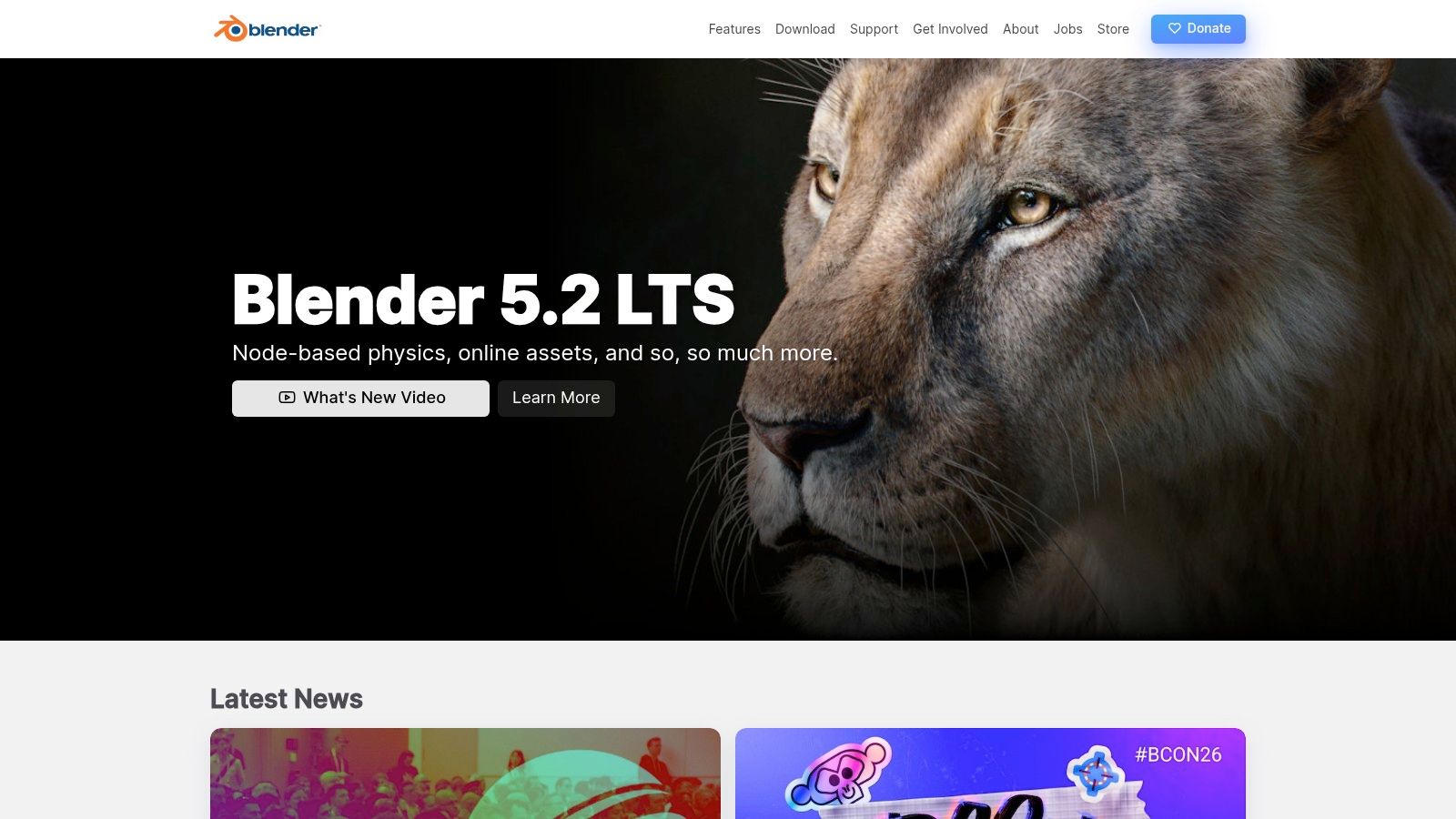
[Blender](https://www.blender.org) is the default recommendation whenever budget matters, and in this case the reputation is deserved. It handles modeling, sculpting, rigging, animation, simulation, compositing, video editing, and Grease Pencil 2D work in one free, open-source package.
That breadth is both its appeal and its problem. Blender can produce stylized 3D, hybrid 2D and 3D work, motion graphics, and animated shorts at a very high level. It can also overwhelm a beginner in a single afternoon.
### What makes Blender different
The strongest reason to pick Blender is creative range. A creator can design a full world, animate inside it, render it, and keep control over the entire process without paying for a license. That's a big reason open-source tools like Blender have reached an [“extremely powerful” status among professionals, while high-end studios still favor integrated ecosystems and many independent short-form creators adopt free, versatile tools for TikTok and YouTube Shorts workflows](https://www.precedenceresearch.com/animation-software-market).
Blender becomes especially strong when the creator wants to mix styles. Grease Pencil opens a useful path for hybrid storytelling, while the broader add-on ecosystem helps advanced users push further. It also pairs naturally with AI-assisted concepting and [prompt-to-video experimentation](https://www.blitzreels.com/ai/prompt-to-video) when a team is testing styles before committing to full production.
- **Best advantage:** Broad creative freedom at no license cost.
- **Hardest part:** Workflow complexity. Some tasks still depend on add-ons or workarounds.
- **Short-form reality:** The animation can be impressive, but the final social packaging usually needs a faster editing layer.
Blender is one of the best animation software choices for curious creators who like building flexible pipelines. It's less ideal for people who want instant simplicity.
## 7. Autodesk Maya
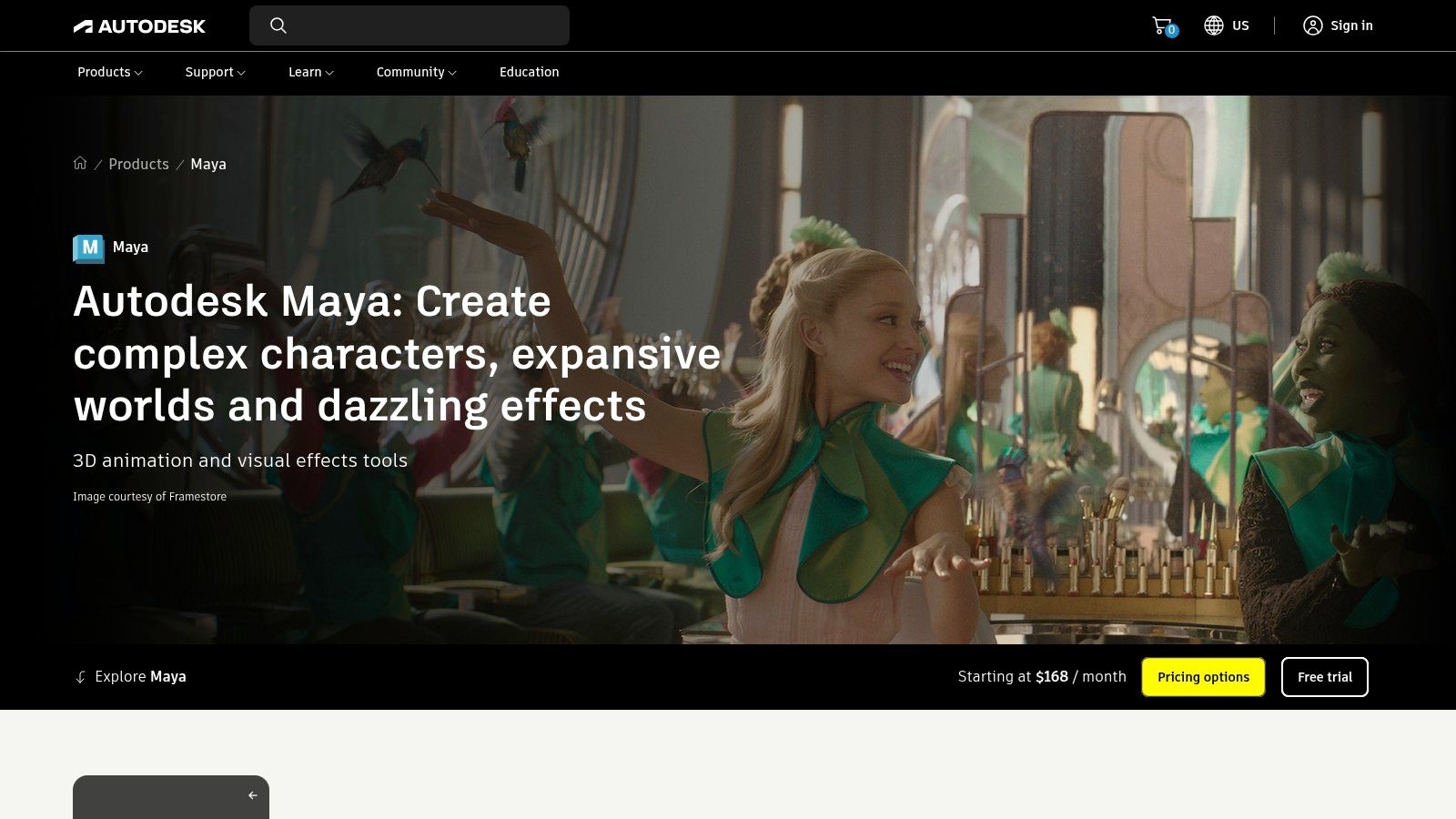
[Autodesk Maya](https://www.autodesk.com/products/maya/overview) remains a heavyweight for 3D character animation, rigging, simulation, USD workflows, and studio pipeline integration. When a project needs feature-level control over animation systems, Maya still earns its place.
The mistake is recommending it to everyone. Maya is not a casual creator tool. It's powerful, expensive for solo use, and better suited to teams that already know why they need Bifrost, Arnold integration, animation layers, and deep pipeline compatibility.
### Who should actually buy Maya
Maya makes sense for studios and specialist 3D animators building assets that need long-term reuse, complex rigging, or cross-team production management. It also fits campaigns where the animation itself is premium enough to justify a slower setup and a more technical pipeline.
That doesn't make it the best animation software for most short-form creators. The final clip may still end up on a phone screen for a few seconds, so creators need to decide whether the asset quality necessarily requires Maya's depth. If the answer is yes, it's a serious tool. If the answer is no, the team may be paying in time more than quality.
North America's animation market was valued at [USD 23.22 billion in 2023 and is projected to reach USD 36.73 billion by 2031 at a 5.90% CAGR](https://www.databridgemarketresearch.com/reports/north-america-animation-market), which reflects how much demand still exists for advanced software and production infrastructure. Maya lives in that professional end of the market.
For social delivery, the handoff still matters. Premium renders only help if the export remains clean after crops, captions, and [4K export workflows](https://www.blitzreels.com/features/4k-export) when teams need both high fidelity masters and platform-specific versions.
## 8. Maxon Cinema 4D
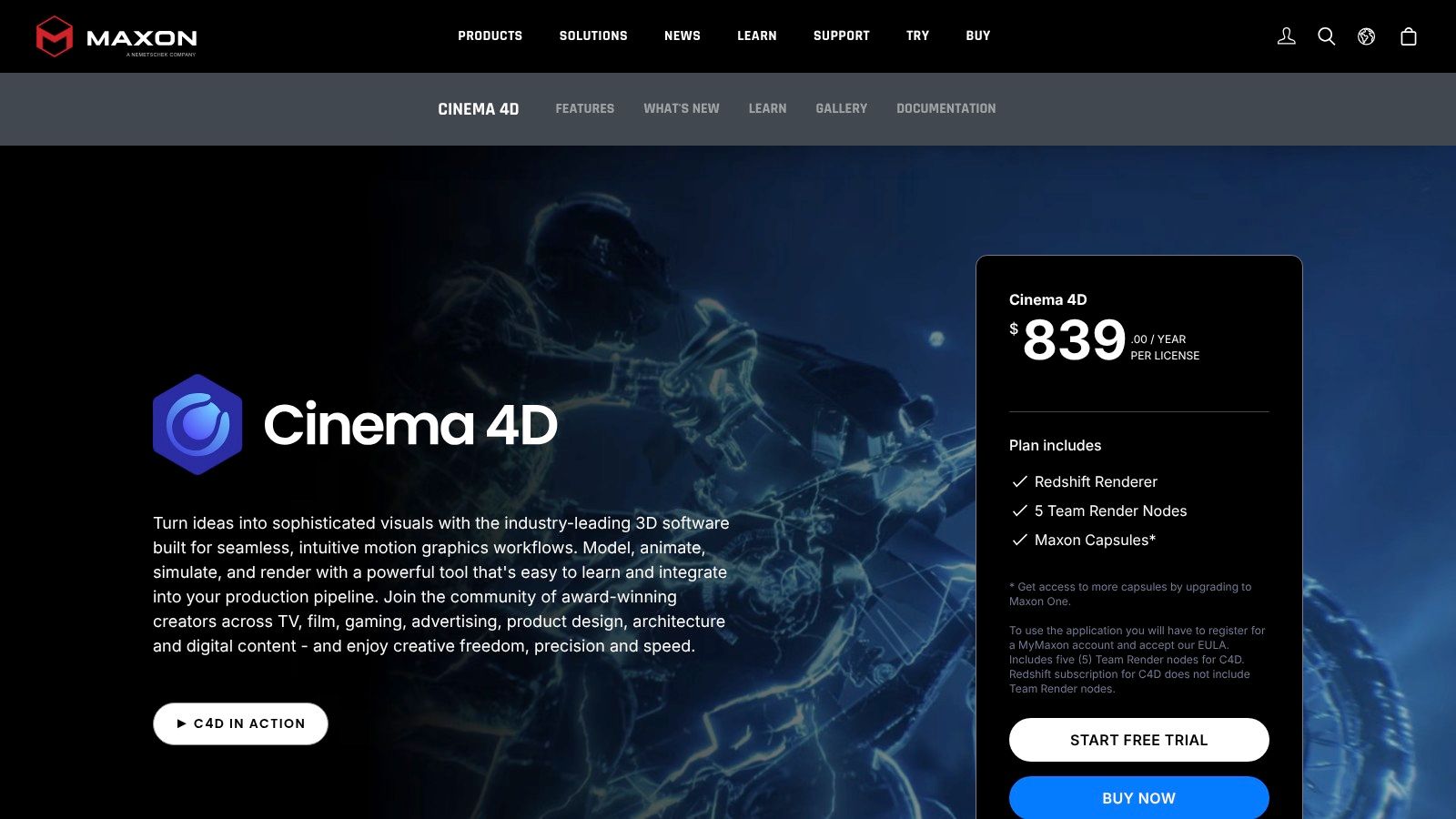
[Maxon Cinema 4D](https://www.maxon.net/en/cinema-4d) is one of the easiest ways for a motion designer to enter 3D without feeling buried immediately. Its MoGraph toolset makes it especially attractive for product loops, logo stings, stylized promos, and social-friendly 3D sequences where design clarity matters more than simulation-heavy realism.
That's why it keeps showing up in ad work and brand animation. Cinema 4D is approachable enough for motion graphics artists, but capable enough for polished commercial output.
### Where it shines for short-form
Cinema 4D works particularly well for graphic 3D. Animated text, clones, procedural layouts, product turntables, and abstract loops are all straightforward compared with more technical 3D suites. Adobe integration also helps when a team is constantly moving between design comps, social edits, and final exports.
Its biggest drawback is cost, especially when compared with Blender. For creators who only need occasional 3D flourishes, it can be hard to justify. But for motion-first teams, the friendly workflow often saves enough effort to make the subscription feel reasonable.
> Cinema 4D is often the right answer when a brand wants 3D that still feels like motion design, not a film pipeline.
This is one of the best animation software choices for agencies and creators who produce a lot of branded short-form assets. It's less compelling for hobbyists who can trade speed for zero-cost flexibility in Blender.
## 9. Spine
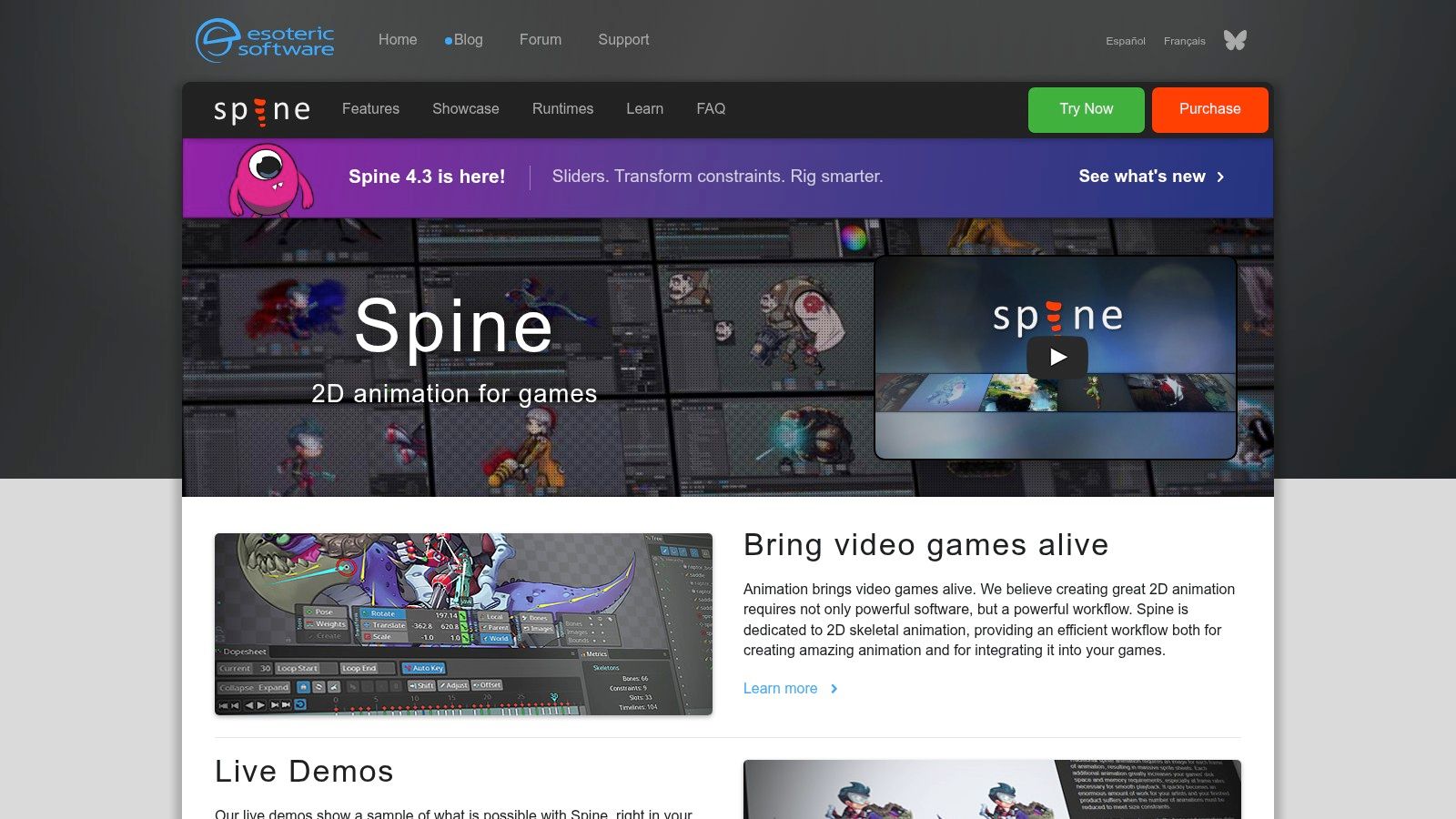
[Spine](https://esotericsoftware.com) is purpose-built for 2D skeletal animation, especially in games and interactive apps. That focus makes it easy to overlook in general “best animation software” lists, but it deserves a place because it does one thing exceptionally well. It creates efficient, rig-based character motion without relying on frame-by-frame exports for every pose.
For creators making lightweight animated characters, reaction loops, mascot content, or app-style motion pieces, that can be a big advantage. File efficiency and quick iteration matter more than broad feature lists when the same character needs constant updates.
### When Spine is the smart pick
Spine's bones, inverse kinematics, meshes, weight painting, dopesheet, and runtime support give animators a fast way to build repeatable motion systems. If a creator already thinks in rigs rather than drawings, Spine can feel cleaner and faster than a full 2D suite.
The compromise is obvious. Spine isn't a compositor, and it doesn't try to cover traditional painting or advanced post-production. A finished animation usually needs another step for branding, social captions, hooks, and vertical packaging.
Creators choosing Spine should do it because they need efficiency in character motion. They shouldn't choose it expecting a complete content production environment. For the right niche, though, it's extremely practical.
## 10. Dragonframe
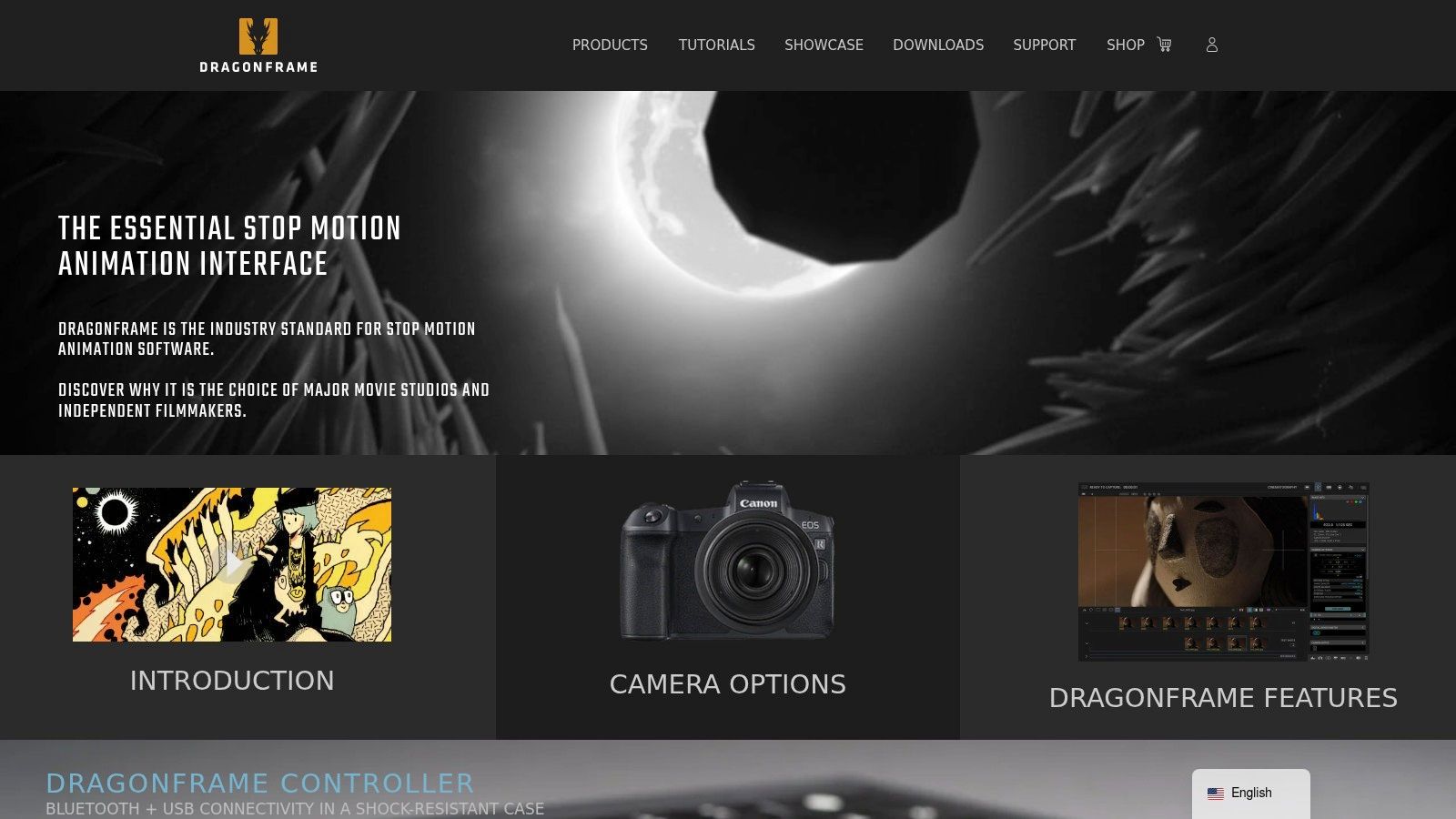
[Dragonframe](https://www.dragonframe.com) is the specialist on this list. It's built for stop-motion capture, camera control, lighting control, timing, and frame-by-frame precision. That makes it niche, but not outdated. Tactile stop-motion still stands out in crowded social feeds because it feels physical and deliberate.
For product loops, claymation snippets, paper-cut animations, and handcrafted brand content, Dragonframe remains the serious option. It's not trying to be broad. It's trying to be dependable in a demanding production style.
### Why it still matters
Dragonframe gives animators onion-skinning, live view, camera and lens control, DMX lighting control, x-sheet tools, and precise capture workflows that general-purpose software can't really replace. If a brand wants a stop-motion series with consistent lighting and repeatable setups, Dragonframe is the right kind of specialized.
The cost isn't just the software. It also requires a physical setup, compatible camera gear, and patience. That makes it a poor fit for creators who need same-day turnaround and a strong fit for creators whose visual identity depends on craft.
Traditional editors can also be clunky once the stop-motion sequence is done. A [DaVinci Resolve workflow for TikTok, Reels, and Shorts requires manual timeline setup, render queue configuration, trimming, captions, and vertical export choices](https://www.youtube.com/watch?v=rDKw9yCx5pA), which highlights why many teams separate capture from final social packaging. Even details like [frame rate fundamentals](https://www.blitzreels.com/glossary/frame-rate) become more important when every captured frame affects the feel of the motion.
## Top 10 Animation Software Comparison
| Tool | Primary use / Strength | Key features | Target audience | Pricing & USP |
|---|---:|---|---|---|
| Adobe After Effects | Motion graphics & compositing for titles, effects | Keyframing & graph editor; expressions; 3D camera; large plugin library | Motion designers, post houses, pro video editors | Subscription; industry-standard + huge templates/plugins; steep learning & resource-heavy |
| Adobe Animate | Vector 2D animation & web/exportable assets | Layered timeline; bone rigging; HTML5/WebGL/GIF export | Web animators, banner/loop creators, character animators | Subscription; fast web exports and familiar Adobe UI; limited VFX/compositing |
| Toon Boom Harmony | Studio-grade 2D production (rig & frame-by-frame) | Node compositing; advanced rigging/deformers; bitmap & vector support | TV/stream studios, professional 2D animators | Higher-cost licenses; deep production tools & pipeline integration; steeper learning curve |
| Moho Pro 14 | Fast bone-rig character animation with perpetual license | Bone rigging & constraints; Smart Bones; meshes; physics | Indie animators, explainer creators, small studios | One-time purchase option; efficient rigging & low system reqs; less compositing power |
| TVPaint Animation | Bitmap, frame-by-frame traditional animation | Natural-media brushes; robust timeline & FX; frame-by-frame tools | Traditional animators, artists seeking organic look | Paid (region/edition pricing); excellent hand-drawn results; dense UI for newcomers |
| Blender | Free 3D + 2D hybrid (Grease Pencil) | Modeling/sculpting; Grease Pencil 2D; compositor & VFX; add-ons | Hobbyists to pros doing 3D/2D hybrid projects | Free & open-source; very versatile with large community; broad toolset can be overwhelming |
| Autodesk Maya | High-end 3D character animation & simulations | Advanced rigging; animation layers; Bifrost sims; Arnold renderer | Film/game studios, senior 3D animators | Subscription; deep pro feature set and pipeline compatibility; expensive & steep learning |
| Maxon Cinema 4D | Motion-graphics-focused 3D (MoGraph) | MoGraph toolset; Redshift GPU render; Adobe integration | Motion designers, social/video studios, branding work | Subscription; approachable for motion graphics and strong Adobe ties; costlier than free tools |
| Spine | 2D skeletal animation for games & interactive apps | Bones & IK; meshes & weight painting; engine runtimes | Game developers, interactive UX teams, lightweight animators | Paid tiers (Essential→Pro); efficient rigs & small file sizes; not a full compositor |
| Dragonframe | Professional stop-motion capture & control | Onion-skin/live view; camera & DMX lighting control; audio/x-sheet tools | Stop-motion filmmakers, product/clay animators | Paid; precise capture workflows and hardware control; niche, requires physical setup |
## The Right Tool to Bring Your Ideas to Life
The best animation software isn't the one with the longest feature page. It's the one that removes the most friction between the concept and the finished post. That answer changes depending on the kind of creator sitting at the keyboard.
After Effects is still the most dependable all-around pick for motion graphics, branded typography, and compositing-heavy social work. Blender offers the widest creative range for creators who want power without license cost. Toon Boom Harmony and Maya remain stronger choices for serious studio-style production, while Moho Pro 14, Spine, and Dragonframe each solve narrower problems extremely well.
The short-form context changes the decision after the animation is exported. Social feeds reward speed, readability, and adaptation. A polished scene still needs a hook that lands in the opening seconds, title cards that read on a phone, captions that work for silent viewers, and reframed crops that keep the visual focus centered. That's why “best animation software” and “best short-form workflow” are related but not identical questions.
A few tools in the surrounding social ecosystem are worth keeping in mind for that finishing stage. [CapCut is often recommended for TikTok because it was created by ByteDance, the same company that owns TikTok](https://riverside.com/blog/best-tiktok-video-maker), which helps explain its strong native fit for that platform. Broader short-form editing roundups also point toward a speed-first shift. One example is the [top 6 short-form editing apps list that includes SendShort, CapCut, iMovie, VEED, Canva, and TikTok](https://sendshort.ai/guides/short-editors/), showing how many creators now favor quick social formatting over heavy timeline work. For Reels specifically, [Instagram's in-app editor is more limited than external tools like Descript for automatic transcription and AI-driven clip detection](https://www.descript.com/blog/article/best-app-for-making-reels), which is a useful reminder that publishing natively isn't always the same as editing efficiently.
The market keeps moving in that direction. One market forecast values the animation software category at [approximately $493.68 billion in 2026 and projects $212.00 billion by 2035, with an 11.5% CAGR through 2033](https://www.globalmarketstatistics.com/market-reports/animation-software-market-18311), even though those figures sit awkwardly beside other forecasts. The practical takeaway is simpler than the forecast debate. Demand for visual content, faster production, and AI-assisted workflows keeps growing.
The right approach is to start with the output, not the software. If the creator needs expressive hand-drawn art, TVPaint may be the answer. If the creator needs recurring 2D explainers, Moho may be better. If the creator needs premium 3D character work, Maya may justify its complexity. If the creator needs motion graphics that can move quickly into real campaigns, After Effects or Cinema 4D often make more sense.
A useful second step is to test the software on a real short, not a demo scene. Build one actual TikTok, Reel, or Short from idea to publish-ready export. That exposes where the tool helps and where it creates drag.
For a different kind of creative pipeline, this guide to [creating 3D figurines from photos](https://www.aiheadshots.ai/blog/3-d-figurines-from-photos) offers another angle on turning visual ideas into finished outputs.
---
[BlitzReels](https://blitzreels.com) fits the part of the workflow most animation tools don't handle well. After the animation is rendered, BlitzReels helps turn it into a publish-ready short with automatic captions, clipping, reframing, resizing, title cards, templates, and fast editing built for TikTok, Instagram Reels, YouTube Shorts, LinkedIn, and more. It's a practical finishing layer for creators who want the animation tool that suits their craft, then need a much faster way to package that work for social.