---
title: "The 10 Best Apps to Make Reels in 2026"
canonical: "https://blitzreels.com/blog/best-apps-to-make-reels"
---
# The 10 Best Apps to Make Reels in 2026
URL: https://blitzreels.com/blog/best-apps-to-make-reels
Markdown URL: https://blitzreels.com/blog/best-apps-to-make-reels.md
Published: 2026-06-12
Author: BlitzReels
Find the best apps to make Reels for your workflow. We review 10 top tools for beginners, pros, AI clipping, and fast captioning to boost your short-form video.
Tags: best apps to make reels, reels editor, short form video apps, instagram reels, video editing apps

Reels production slows down fast when the editing stack adds extra steps. Teams usually hit the same bottlenecks: clipping source footage, adding readable captions, resizing for vertical formats, and getting posts out without bouncing between five tools. The right app is the one that removes those handoffs.
That is why this guide focuses on workflow fit, not feature sprawl. Some creators need fast phone editing and templates. Others need tighter control over timelines, captions, branding, or repurposing long-form footage into shorts. If you are also building a broader short-form system, this [short-form video workflow guide](https://www.blitzreels.com/blog/short-form-video) covers the operational side well.
Reels is no longer just an in-app format. It sits inside a larger short-form publishing process that often includes TikTok and YouTube Shorts, so the trade-off matters: speed versus control, mobile convenience versus desktop precision, manual editing versus AI-assisted repurposing. Anyone also evaluating broader editing stacks may want this [guide to YouTube video editing](https://isolate.audio/articles/best-video-editing-software-for-youtube).
The goal is simple. Pick the app that matches how your Reels get made.
## Table of Contents
- [1. BlitzReels](#1-blitzreels)
- [Why BlitzReels fits repurposing-heavy teams](#why-blitzreels-fits-repurposing-heavy-teams)
- [2. CapCut](#2-capcut)
- [Where CapCut wins](#where-capcut-wins)
- [3. InShot](#3-inshot)
- [Best use case for InShot](#best-use-case-for-inshot)
- [4. VN – Video Editor](#4-vn-video-editor)
- [Who should pick VN](#who-should-pick-vn)
- [5. Adobe Express](#5-adobe-express)
- [Where Adobe Express makes sense](#where-adobe-express-makes-sense)
- [6. Canva](#6-canva)
- [Canva works best in packaging-heavy workflows](#canva-works-best-in-packaging-heavy-workflows)
- [7. VEED](#7-veed)
- [VEED is built around caption-first publishing](#veed-is-built-around-caption-first-publishing)
- [8. Descript](#8-descript)
- [Descript works best for spoken content](#descript-works-best-for-spoken-content)
- [9. Microsoft Clipchamp](#9-microsoft-clipchamp)
- [Clipchamp is a good fit for straightforward Reel workflows](#clipchamp-is-a-good-fit-for-straightforward-reel-workflows)
- [10. OpusClip](#10-opusclip)
- [When OpusClip is the right pick](#when-opusclip-is-the-right-pick)
- [Top 10 Reels Apps: Feature Comparison](#top-10-reels-apps-feature-comparison)
- [Making Your Final Choice Which Reels App Is Right for You](#making-your-final-choice-which-reels-app-is-right-for-you)
## 1. BlitzReels
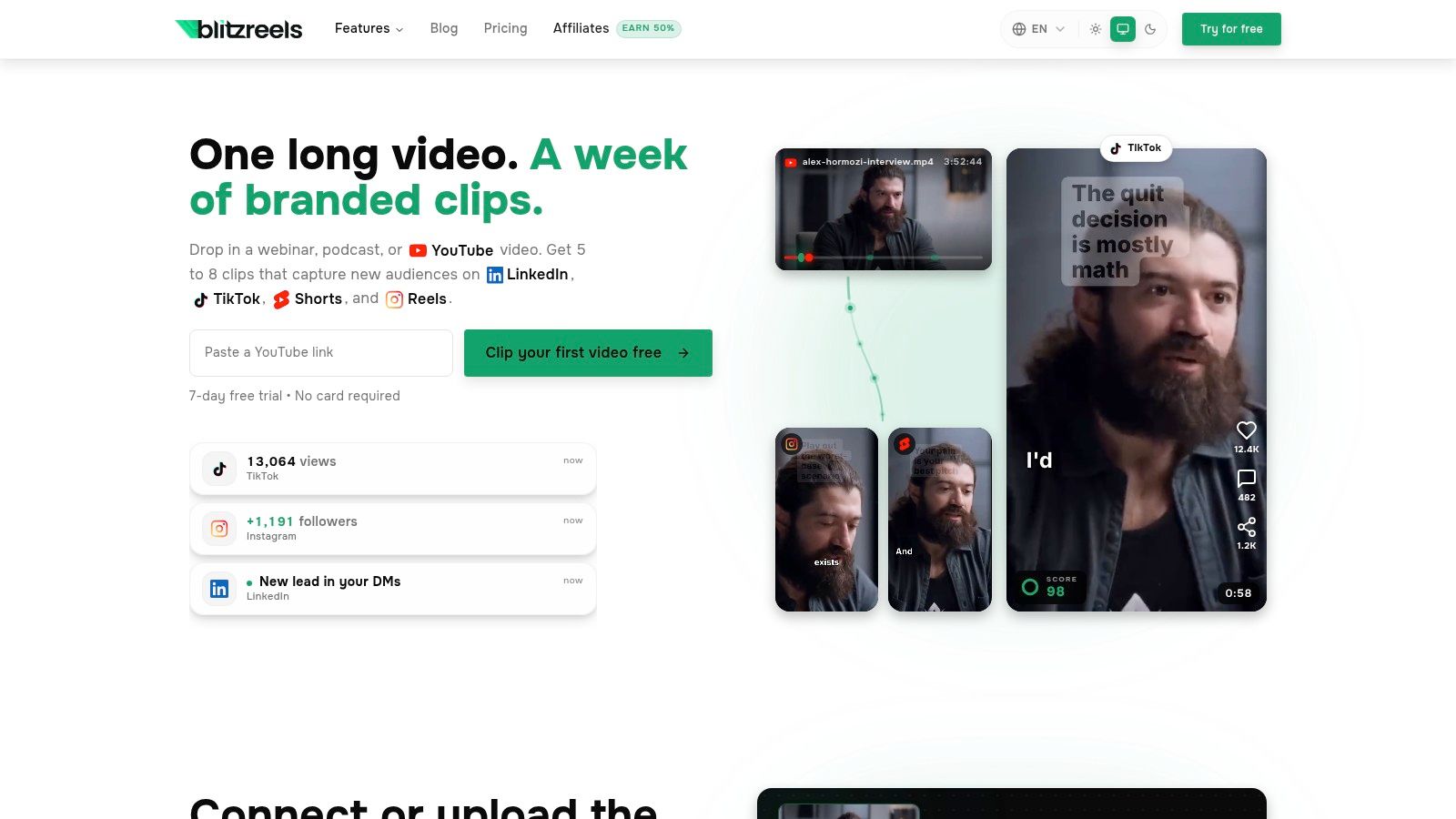
[BlitzReels](https://blitzreels.com) is the strongest fit for people who don't want to edit reels from scratch every time. It takes long recordings, transcribes them, finds strong moments, builds captions, reframes footage into vertical, and pushes the edit much closer to publish-ready than a standard mobile editor does. That matters most when the raw material starts as webinars, podcasts, demos, Looms, interviews, or talking-head recordings.
The category shift is already clear. Review ecosystems now treat reels apps as a distinct workflow built around speed, automation, and mobile-first publishing rather than just trimming clips by hand ([workflow trend analysis](https://deepdeets.com/creator/blog/the-6-best-apps-for-influencers-to-create-killer-instagram-reels/)). BlitzReels leans directly into that reality with clipping, captioning, reframing, resizing, title cards, templates, and hook-led short-form output.
### Why BlitzReels fits repurposing-heavy teams
A common failure point in short-form production isn't creativity. It's repackaging labor. One independent 2025 survey cited 68% of creators wasting 3 to 5 hours manually finding cuts, while 74% still lacked tools for auto-transcription and cut detection in their workflow ([repurposing workflow survey](https://templify.ai/blog/best-apps-to-make-reels-in-2026-free-paid-guide/)). BlitzReels is built for that exact bottleneck.
> **Practical rule:** If the workflow starts with an hour-long recording, the best reels app isn't the one with the most effects. It's the one that removes the most manual cutting.
Its biggest advantage is workflow compression. Users can upload MP4s, MOVs, screen recordings, or paste a YouTube link, then move quickly into AI-selected clips, bold captions, auto-reframing, hook generation, and branded cleanup. For teams publishing across several networks, the [short-form video workflow library from BlitzReels](https://www.blitzreels.com/blog/short-form-video) also helps frame how those pieces fit together.
There are trade-offs. Automated edits still need review, especially for brand nuance, caption wording, and visual pacing. But for anyone choosing among the best apps to make reels based on output speed, BlitzReels solves more of the actual job than most editors do.
## 2. CapCut
[CapCut](https://www.capcut.com) is the app many creators reach for when speed and trend alignment matter more than deep editorial control. It feels native to the short-form internet because it was built around the same visual language. Templates, effects, auto-captions, background tools, text-to-speech, and quick social exports make it easy to move from idea to finished reel on a phone.
It works best when the source footage is already short. A talking clip, a product demo, a selfie video, a montage, or a meme-style edit can move quickly in CapCut. That's where it shines. It doesn't ask the user to think like an editor first.
### Where CapCut wins
CapCut is strongest for creators who publish often and need social-first styling baked in.
- **Template speed:** Good for turning a rough clip into something polished with minimal setup.
- **Trend-native effects:** Strong fit for creators who care about visual pacing, motion text, and platform-style edits.
- **Free-to-start workflow:** Useful when testing formats before committing to a paid stack.
The trade-off is control. CapCut can produce polished reels quickly, but complex repurposing workflows often feel better in tools built around long-form clipping and structured editing. Users comparing those approaches can look at this [CapCut vs. BlitzReels comparison for TikTok creators](https://www.blitzreels.com/blog/capcut-vs-blitzreels-which-video-editor-is-best-for-tiktok-creators-in-2025).
> CapCut is excellent for making a reel. It isn't always the best system for turning one long recording into a week of reels.
Another practical caveat is plan clarity. Pro features and add-ons can vary by region and purchase path, so it's worth checking in-app before assuming a feature sits in the base plan.
## 3. InShot
[InShot](https://www.inshot.com) has stayed relevant because it removes intimidation. Some reels editors try to do everything. InShot keeps the workflow clear: trim the clip, choose the canvas, add text, add music, adjust speed, and publish. That simplicity is exactly why it's still one of the best apps to make reels for beginners and solo creators.
Its strongest feature isn't automation. It's low friction. Social aspect ratios, background blur, stickers, filters, transitions, and quick text overlays make it easy to turn phone footage into something that feels finished.
### Best use case for InShot
InShot works best for quick edit-and-post jobs on mobile. That includes:
- **Talking-head clips:** Fast trims, text overlays, and simple punch-ins.
- **B-roll montages:** Easy music-driven edits with lightweight transitions.
- **Beginner workflows:** A low learning curve for creators who don't want a full timeline tool.
The limitations show up when captions become central to the content strategy. InShot can handle text well enough, but advanced caption automation and precise timeline work are lighter than what dedicated short-form or transcript-first tools offer. Anyone trying to build a more repeatable Instagram workflow may also want this guide to the [best video editor for Instagram](https://www.blitzreels.com/blog/best-video-editor-for-instagram).
InShot is a good example of a tool that does less, but does the core job cleanly. For many creators, that's the right trade.
## 4. VN – Video Editor
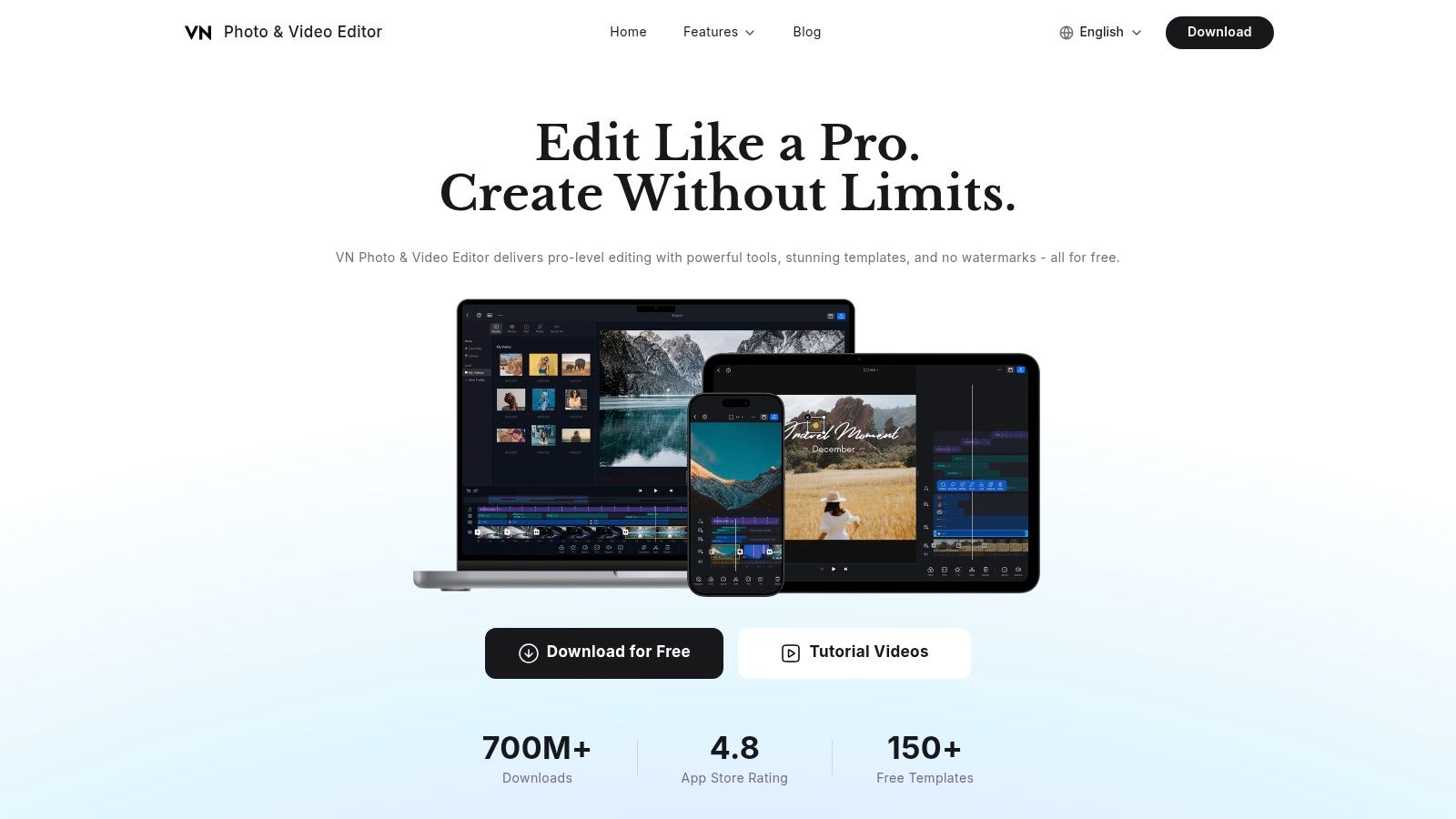
[VN – Video Editor](https://vlognow.me) sits in an interesting middle ground. It feels more serious than a casual mobile editor, but it still stays accessible enough for creators who don't want desktop software. Multi-layer timeline editing, keyframes, speed curves, LUT support, and cross-platform draft transfer give it more technical depth than many phone-first apps.
This is the app for someone who wants to shape the reel rather than drop footage into a template. It gives more control over timing, visual rhythm, and movement, which matters when the final cut needs to feel intentional instead of assembled.
### Who should pick VN
A mobile creator who wants precision without paying for a high-end professional editor should look closely at VN. It suits:
- **Editors who want keyframes:** Useful for punch-ins, motion graphics, and controlled movement.
- **Creators using custom looks:** LUT support helps keep visual style consistent.
- **People avoiding watermarks:** A practical advantage for frequent publishing.
The downside is that VN doesn't lead with automation. Asset libraries and AI assistance are lighter than in web-first tools that focus on repurposing and fast clipping. It also offers fewer trend-driven templates than apps built specifically around viral short-form conventions.
> For creators who care more about timing than templates, VN often feels better than flashier social apps.
VN won't be the fastest route to output. It may be the better route to craft.
## 5. Adobe Express
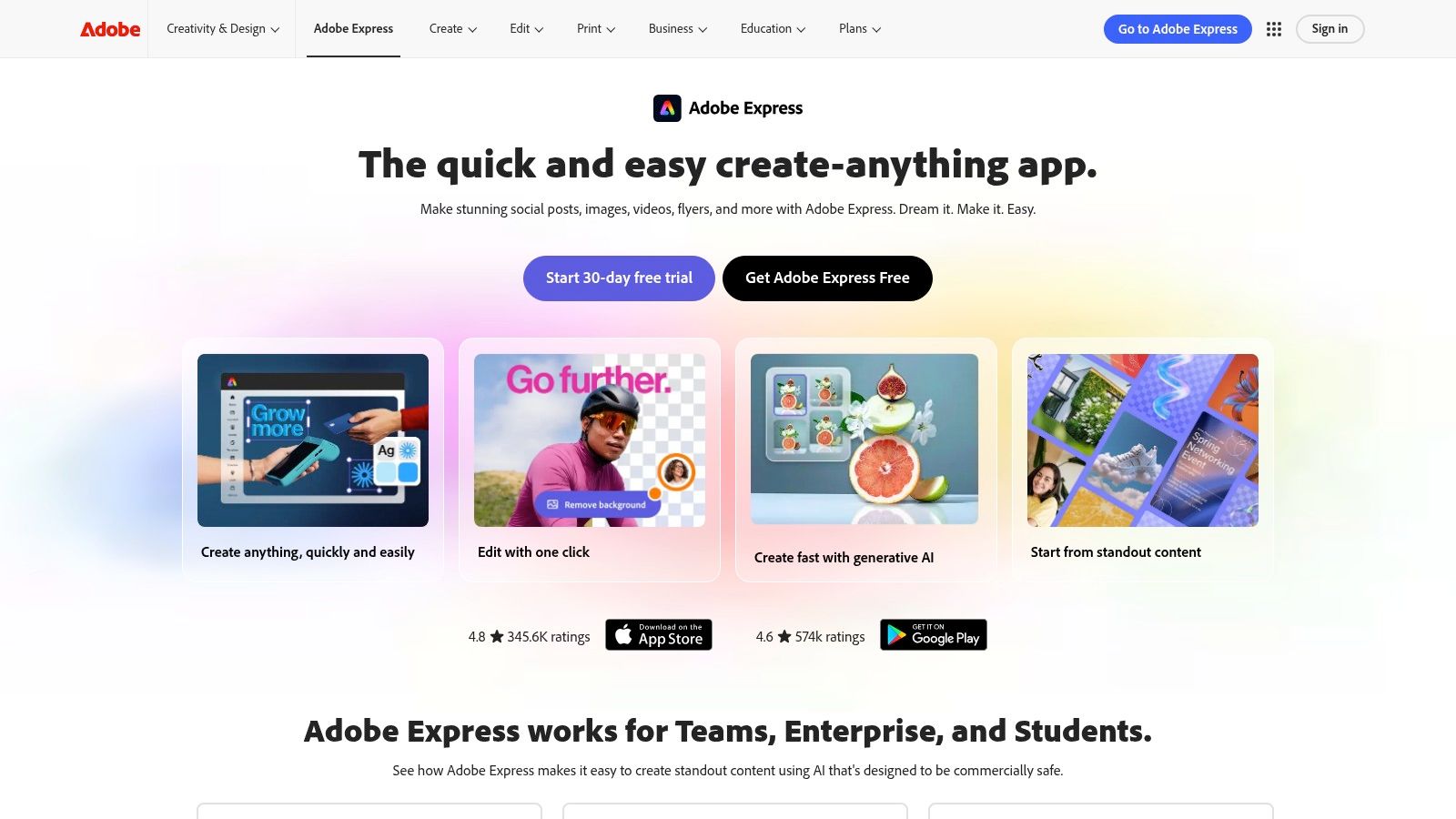
[Adobe Express](https://www.adobe.com/express) fits a specific Reels workflow. Build fast, keep the brand consistent, publish without sending every asset through a dedicated editor. For marketing teams, founders, and in-house social managers, that is often the constraint that matters most.
Adobe Express works best when the Reel is one asset inside a wider content system. A product launch needs a Reel, Story, thumbnail, and promo graphic that all share the same type, colors, and logo treatment. Express handles that process well because brand kits, templates, stock assets, and simple video editing live in one place. The time savings are real when the job is repeatable production, not fine editing.
### Where Adobe Express makes sense
Choose Adobe Express if your bottleneck is packaging, not cutting.
- **Brand consistency:** Brand kits keep fonts, colors, and logos consistent across high-volume publishing.
- **Template-based workflows:** Good for recurring content series, sale promos, event announcements, and quote-driven Reels.
- **Fast team output:** Easier for non-editors to use than a traditional timeline-heavy app.
- **Adobe adjacency:** Helpful if your team already creates assets in the Adobe ecosystem and wants a lighter social production layer.
The trade-off is control. Adobe Express can trim clips, add text, resize for platforms, and assemble a polished Reel quickly, but it is not built for detailed pacing work. Editors who care about beat-matched cuts, layered audio decisions, motion timing, or frame-accurate caption placement will hit the ceiling faster here than in CapCut, VN, or a desktop editor.
That distinction matters because speed and control rarely peak in the same tool. Adobe Express sits on the speed, consistency, and team usability side of that trade-off. If your process starts with approved brand assets and ends with frequent social publishing, it is a strong fit. If your process starts with raw footage and the goal is a tightly crafted edit, use something deeper first, then move into Express only if you need branded packaging.
## 6. Canva
[Canva](https://www.canva.com) fits a specific Reel workflow well. Build from a template, swap in new footage, update text, keep the brand consistent, and publish fast. If your team produces promos, founder clips, product updates, event recaps, or quote-led Reels on a repeatable schedule, that speed matters more than advanced editing controls.
That is why Canva shows up so often in social workflows. Businesses use it because more people on the team can produce usable creative without handing every asset to a video editor.
### Canva works best in packaging-heavy workflows
Canva is strongest after the core edit is already clear. The job here is packaging the message so it looks polished, readable, and on-brand.
- **Template-driven production:** Strong for recurring series where the structure stays the same and only the footage or hook changes.
- **Text and layout control:** Better than many mobile-first editors for headline overlays, title cards, CTA frames, and simple motion graphics.
- **Multi-asset publishing:** Useful when the Reel also needs matching Stories, thumbnails, carousel slides, or promo graphics.
- **Team usability:** Easier to hand off across marketing, social, and design than a more timeline-heavy editor.
The trade-off is editing depth. Canva can trim clips, stack scenes, add music, animate text, and get a Reel out the door quickly. It is less effective when the work depends on tight pacing, layered sound design, beat-matched cuts, or detailed control over timing across many clips.
That makes Canva a good choice for marketers, founders, and small teams who need output consistency more than editorial precision. If your process starts with a rough cut and ends with branded packaging, Canva can be the final-mile tool. If your process starts with raw footage and the Reel needs strong spoken hooks, readable subtitles still matter. This guide on [how AI captions save time and grow your audience](https://www.blitzreels.com/blog/how-ai-captions-save-time-and-grow-your-audience) is useful alongside Canva's text-first workflow.
## 7. VEED
[VEED](https://www.veed.io) is a browser-based editor built around one of the most important realities in short-form video. A lot of viewers watch with the sound off, skip quickly, and decide within seconds whether the clip is worth staying with. That makes captions, on-screen text, and clean visual framing central to performance.
VEED's strength is that it treats subtitle generation and caption styling as a primary workflow, not an extra feature. For teams working across mixed devices, the browser-first setup also removes a lot of handoff friction.
### VEED is built around caption-first publishing
The best use of VEED is straightforward. Take a spoken clip, generate subtitles, style them for readability, trim the dead space, resize the frame, and export for reels. It isn't trying to be the most advanced motion editor. It's trying to help teams publish clean short-form content without installing heavier software.
> Clean captions do more than improve accessibility. They carry the hook when a viewer never turns the sound on.
VEED also pairs well with broader caption strategy work. Teams thinking beyond aesthetics can use this guide on [how AI captions save time and grow your audience](https://www.blitzreels.com/blog/how-ai-captions-save-time-and-grow-your-audience).
The trade-off is performance on heavier projects. Browser editors can feel slower than desktop tools once the timeline gets crowded. Advanced effects and motion design are also more limited. But for fast social publishing, VEED solves a very common bottleneck well.
## 8. Descript
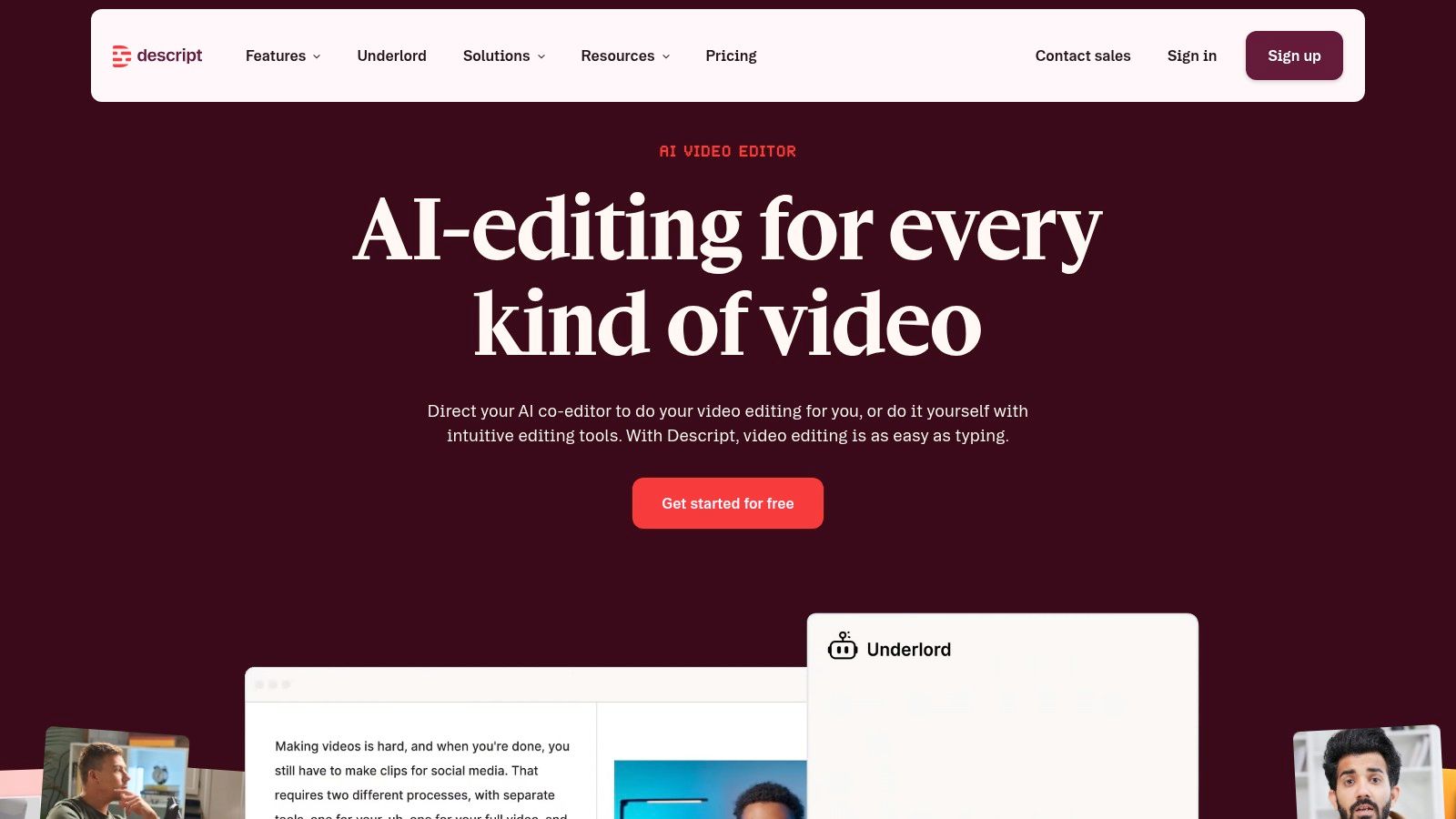
Descript changes the editing model. Instead of scrubbing through a timeline first, users edit the transcript. That makes it especially strong for reels built from spoken content. Podcasts, interviews, webinars, courses, sales calls, and screen-recorded explainers are much easier to cut when the spoken words are visible and searchable.
This is one of the few tools on the list where the workflow itself can change who on a team can edit. Someone who isn't comfortable with a timeline may still be perfectly comfortable deleting words, tightening sections, and building clips from text.
### Descript works best for spoken content
Descript is a practical pick when the source material is long and dialogue-heavy.
- **Transcript-led editing:** Faster than manual waveform hunting for many talking-head projects.
- **Cleanup features:** Studio Sound, filler-word removal, and eye-contact tools can improve rough footage quickly.
- **Clip extraction:** Useful for turning one recording into several social-ready assets.
Its limitations are mostly operational. Frequent publishers need to watch media-hour limits and feature access by plan. And while it can create polished reels, some users still prefer a more visual editor for final motion, graphics, and styling.
Descript isn't the best app to make reels for trend-based visual edits. It is one of the best for turning speech into usable short-form content with much less friction.
## 9. Microsoft Clipchamp
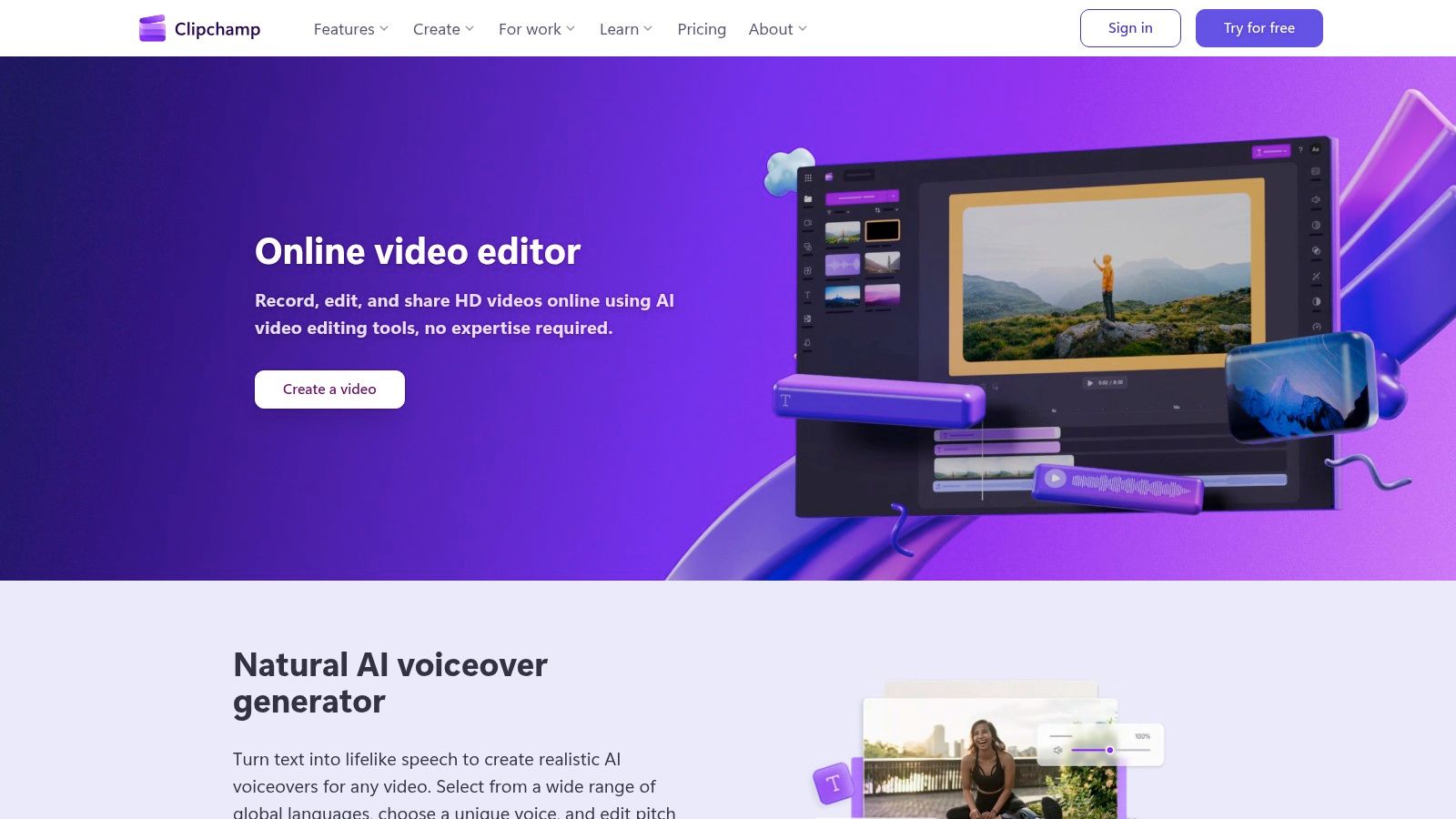
[Microsoft Clipchamp](https://clipchamp.com) fits a specific Reel workflow well: fast browser-based editing for teams that care more about shipping consistently than polishing every transition. It covers the basics that show up in day-to-day production, including trimming, screen and webcam recording, captions, stock media, templates, and vertical exports. For internal marketing teams, B2B social teams, and companies already working inside Microsoft, that combination is often enough.
Clipchamp earns its place because it reduces setup friction. A marketer can record a product walkthrough, trim dead space, add text, resize for Reels, and export without switching tools. That matters when the job is publishing useful content every week, not building highly stylized edits from scratch.
### Clipchamp is a good fit for straightforward Reel workflows
Clipchamp works best for teams that need speed and simplicity.
- **Browser-first editing:** Useful for organizations that want an accessible editor without installing heavier software.
- **Recording plus editing in one place:** A practical option for explainers, demos, training clips, and webcam-led updates.
- **Microsoft ecosystem fit:** Easier to roll out across larger teams that already use Microsoft products and shared workflows.
The trade-off is control. Clipchamp can handle clean, serviceable Reels, but it is not the strongest choice for trend-native cuts, layered motion design, or highly customized visual pacing. Teams producing short clips from longer webinars or interviews may also want a dedicated repurposing workflow, especially if the goal is volume. In that case, this guide on [turning long video into shorts efficiently](https://www.blitzreels.com/blog/turn-long-video-into-shorts) is a useful next step.
Performance also depends on the environment. Browser-based editors are convenient, but they can feel less consistent than desktop tools once projects get heavier.
Clipchamp is a practical default for businesses that want a low-friction editor and can accept fewer creative controls in exchange for faster output.
## 10. OpusClip
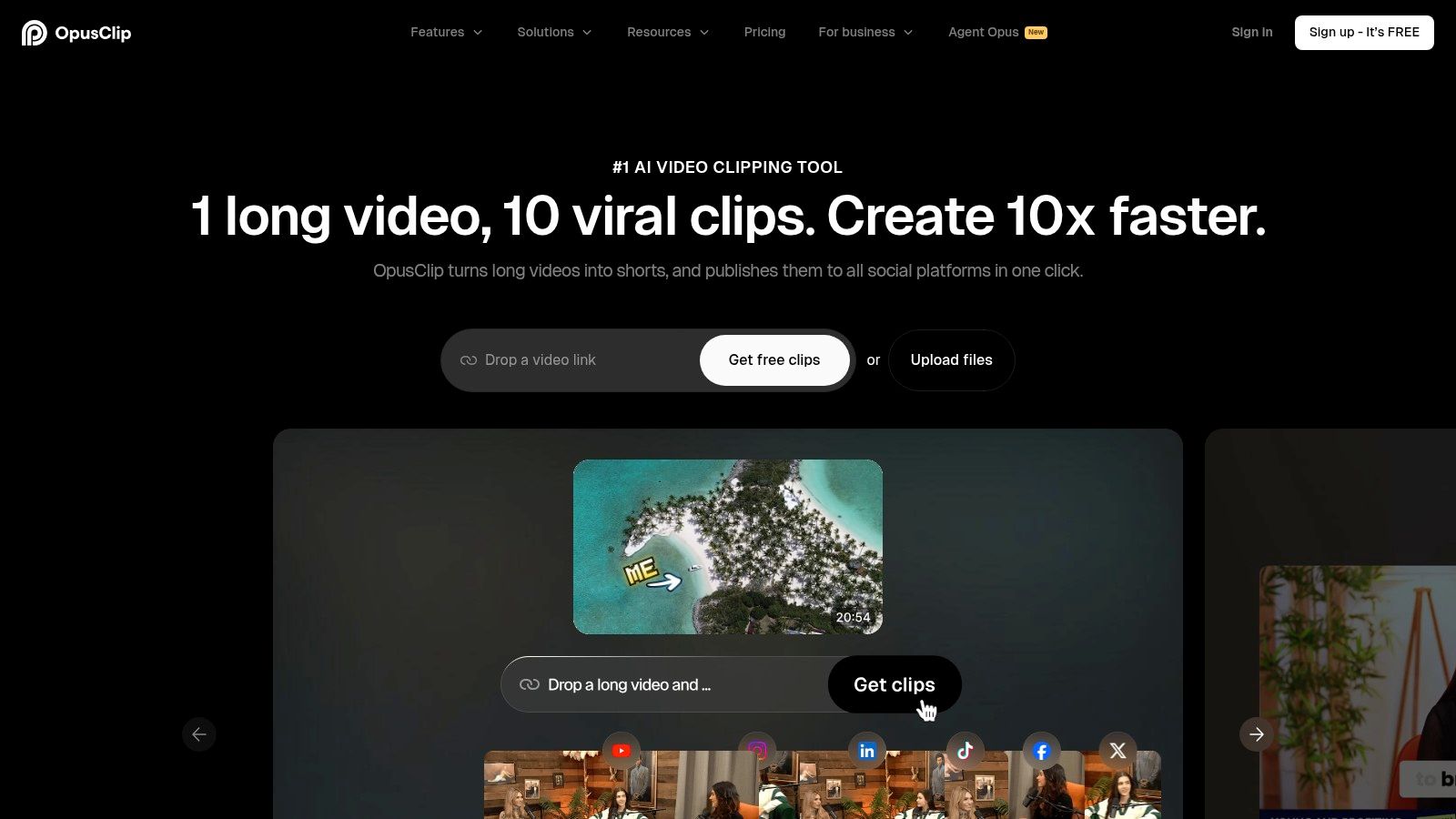
[OpusClip](https://www.opus.pro) is built for output multiplication. Instead of opening a timeline and building one reel, users feed in a longer video and let the system identify multiple short-form moments, generate captions, resize for vertical, and package a batch of clips. That's a very different value proposition from mobile editors like InShot or CapCut.
It's best for teams that already have a lot of source material. Webinars, demos, interviews, podcasts, and education content all fit. When the challenge is volume, OpusClip earns attention.
### When OpusClip is the right pick
OpusClip is attractive when the goal is to turn one asset into many.
- **Automatic clip detection:** Useful for long recordings with several possible short moments.
- **Hook-led output:** Helps surface segments that can open strongly.
- **Batch production:** Better for scale than for meticulous one-off edits.
The trade-off is creative control. Tools like this can get a user most of the way there, but not always all the way to brand-perfect. Teams often still want a final pass for timing, caption styling, title cards, and visual pacing. Anyone focused on this repurposing model should also see BlitzReels' guide on how to [turn long video into shorts](https://www.blitzreels.com/blog/turn-long-video-into-shorts).
> AI clipping tools are best when they remove the first 80% of the work. They aren't always the last 20%.
For high-volume repurposing, though, OpusClip can reduce a lot of manual effort.
## Top 10 Reels Apps: Feature Comparison
| Product | Key features | AI & automation & UX | Best for | Strength / USP | Pricing & trial |
|---|---|---|---|---|---|
| **BlitzReels** | Auto-transcribe; clip scoring & hook selection; on-beat captions & emoji; auto-reframe/crops; AI Studio & templates | AI selects high-converting moments; auto B-roll, face-centering; fast 10‑min record→edit→publish workflow | Creators repurposing long recordings; brands scaling short-form at speed | End-to-end repurposing with clip-scoring AI and faceless/prompt-to-video studio | First clip free; 7‑day free trial (no card); paid plans on site |
| CapCut | Auto-captions; vertical templates; audio tools; background removal | Social-first effects; trending templates; in-app AI audio & TTS | Trend-focused TikTok/Reels creators | Deep, platform-aligned effects and strong free tier | Free-to-start; Pro add-ons vary by region |
| InShot | Social ratios; background/canvas controls; stickers, filters, music | Simple, mobile-first UX for quick trims and stylization | Beginners editing on phone and fast post workflows | Very easy to use; large asset library for quick styling | Freemium; one-time or subscription upgrades |
| VN – Video Editor | Multi-track timeline; keyframes; LUTs; auto-captions; 4K export | Pro-grade mobile precision; cross-platform drafts | Mobile creators needing timeline control and grading | Free, watermark-free, with advanced timeline tools | Free with optional paid assets/features |
| Adobe Express | Drag‑drop editor; brand kits; Firefly AI; stock access | Template-led, branded workflows; quick animations | Teams/brands needing consistent on‑brand Reels | Adobe integration + stock & generative AI features | Freemium; premium for full brand kits & stock |
| Canva | Massive vertical templates; drag‑and‑drop; motion graphics | Design-first, very fast UX for branded social assets | Non-editors and social managers needing speed & consistency | Fast production of branded, text-heavy Reels | Freemium; Pro for full assets and export features |
| VEED | One-click auto-subtitles; translations; quick social exports; compress/convert | Caption-focused online UX; no install; team-friendly | Creators prioritizing captions, accessibility, and remote teams | Strong subtitle/translation UX and browser-based workflow | Freemium; paid for advanced exports and team features |
| Descript | Transcript-based editing; Studio Sound; eye-contact; clip tools | Edit-by-text workflow speeds repurposing long recordings | Podcasters, webinars, and long-form repurposers | Powerful text-driven edits and collaboration tools | Freemium; paid tiers for media hours and advanced AIs |
| Microsoft Clipchamp | Templates; screen & webcam recorder; stock assets; MS integrations | Simple browser UI; quick social templates | Microsoft 365 users and teams wanting simple edits | Integrates with MS ecosystem; free unlimited exports | Free plan; Premium unlocks 4K & premium assets |
| OpusClip (Opus.pro) | Auto clip detection; hook selection; viral score; multi-clip output | Automates ideation and bulk short creation from long videos | Creators repurposing webinars/podcasts at scale | Produces many ready-to-post shorts quickly | Freemium; paid tiers for higher volume and features |
## Making Your Final Choice Which Reels App Is Right for You
The best apps to make reels don't all solve the same problem. Some help creators move faster on a phone. Some help teams keep every asset on-brand. Some are built to turn a single long recording into a dozen vertical clips. Treating them like interchangeable editors leads to the wrong choice.
BlitzReels is the strongest option for speed plus repurposing. It handles clipping, captions, reframing, hooks, resizing, and branded short-form output in one workflow, which is exactly what many teams need when the source content starts long and the publishing schedule is frequent. If the pain point is editing friction, BlitzReels removes more of it than a standard editor.
CapCut is still a top pick for mobile-first creators who care about trend-native templates and quick effects. InShot is simpler and easier for fast phone edits. VN gives more control to creators who want a more technical mobile timeline without stepping into full desktop software.
Canva and Adobe Express make the most sense when reels are part of a larger content system. They help teams produce title-card-driven, text-heavy, visually consistent content quickly. They aren't built for the deepest edit. They are built for repeatable branded publishing.
VEED and Descript are both strong when spoken content drives the reel. VEED focuses on subtitles, styling, and quick browser-based social exports. Descript changes the editing method entirely by making transcript-based editing central. For webinars, interviews, and podcast clips, that can be the difference between publishing regularly and never getting around to editing.
Clipchamp is the safe, practical browser option for teams that want simplicity and live inside the Microsoft ecosystem. OpusClip is the scale play for long-form repurposing, especially when a team needs multiple candidate clips from one recording and is comfortable doing some polish afterward.
The right choice comes down to the workflow bottleneck.
If the bottleneck is trimming and publishing short clips from a phone, use a mobile-first editor. If the bottleneck is consistency across campaigns, use a template and brand system. If the bottleneck is turning recordings into reels without losing hours to manual cutting, use an AI repurposing tool.
That broader shift is why this category now matters so much. Reels creation isn't a side feature anymore. It's a recurring production job with its own tools, habits, and trade-offs. Anyone comparing automation-heavy options can also review this roundup of [best AI video editing software](https://toolradar.com/guides/best-ai-video-editors). The best app is the one that gets more good reels published, more often, with less resistance.
---
BlitzReels is the best place to start for creators and teams who want faster clipping, captions, reframing, resizing, and short-form repurposing without wrestling with a complex timeline. Try [BlitzReels](https://blitzreels.com) to turn long videos, recordings, and existing content into polished reels that are ready for Instagram, TikTok, YouTube Shorts, LinkedIn, and more.