---
title: "Best Video Editing Software for YouTube in 2026"
canonical: "https://blitzreels.com/blog/best-video-editing-software-for-youtube"
---
# Best Video Editing Software for YouTube in 2026
URL: https://blitzreels.com/blog/best-video-editing-software-for-youtube
Markdown URL: https://blitzreels.com/blog/best-video-editing-software-for-youtube.md
Published: 2026-05-31
Author: BlitzReels
Compare the best video editing software for YouTube in 2026 for beginners, Shorts, podcasts, screen recordings, and advanced long-form workflows.
Tags: best video editing software for youtube, youtube video editor, video editing software, youtube shorts editor, video editing tools

## What is the best video editing software for YouTube in 2026?
The best video editing software for YouTube in 2026 depends on the workflow. Premiere Pro fits advanced long-form editing, Final Cut Pro is fast on Mac, DaVinci Resolve offers strong free professional tools, Camtasia suits screen recordings, and BlitzReels turns podcasts, webinars, and interviews into captioned Shorts.
| YouTube workflow | Best starting choices | Why |
|---|---|---|
| Beginners | Filmora or Clipchamp | Approachable timelines and fast setup |
| YouTube Shorts | BlitzReels or CapCut | Fast captions, vertical formatting, and social exports |
| Podcasts and interviews | Descript or BlitzReels | Transcript-led editing and repeatable clip production |
| Screen recordings and tutorials | Camtasia | Recording, cursor effects, callouts, and teaching-focused edits |
| Advanced long-form videos | Premiere Pro, Final Cut Pro, or DaVinci Resolve | Deeper timelines, color, audio, and finishing controls |
Choose around the job that consumes the most editing time. Convert awkward source files with the [video-to-MP4 tool](https://www.blitzreels.com/tools/video-to-mp4), extract audio with [video to audio](https://www.blitzreels.com/tools/video-to-audio), format clips with the [YouTube Shorts resizer](https://www.blitzreels.com/tools/resize-video-for-youtube-shorts), turn long recordings into clips with [BlitzReels clipping](https://www.blitzreels.com/clipping), or compare more [AI video editors](https://www.blitzreels.com/best/ai-video-editors).
## Table of Contents
- [1. Adobe Premiere Pro](#1-adobe-premiere-pro)
- [Why Premiere still dominates long-form YouTube](#why-premiere-still-dominates-long-form-youtube)
- [2. Apple Final Cut Pro](#2-apple-final-cut-pro)
- [Where Final Cut fits best](#where-final-cut-fits-best)
- [3. Blackmagic Design DaVinci Resolve](#3-blackmagic-design-davinci-resolve)
- [Best fit for creators who want one serious post suite](#best-fit-for-creators-who-want-one-serious-post-suite)
- [4. BlitzReels](#4-blitzreels)
- [Built for short-form output at volume](#built-for-short-form-output-at-volume)
- [Who should choose BlitzReels](#who-should-choose-blitzreels)
- [5. Descript](#5-descript)
- [Best for talk-first channels](#best-for-talk-first-channels)
- [6. CapCut](#6-capcut)
- [Where CapCut wins and where it does not](#where-capcut-wins-and-where-it-does-not)
- [7. VEED](#7-veed)
- [A strong browser workflow for quick publishing](#a-strong-browser-workflow-for-quick-publishing)
- [8. Wondershare Filmora](#8-wondershare-filmora)
- [A practical middle ground for newer creators](#a-practical-middle-ground-for-newer-creators)
- [9. TechSmith Camtasia](#9-techsmith-camtasia)
- [The safest choice for tutorials and demos](#the-safest-choice-for-tutorials-and-demos)
- [10. Microsoft Clipchamp](#10-microsoft-clipchamp)
- [Best for simple YouTube production](#best-for-simple-youtube-production)
- [Top 10 YouTube Video Editors, Feature & Pricing Comparison](#top-10-youtube-video-editors-feature-and-pricing-comparison)
- [Editing is About Speed, Not Just Features](#editing-is-about-speed-not-just-features)
## 1. Adobe Premiere Pro
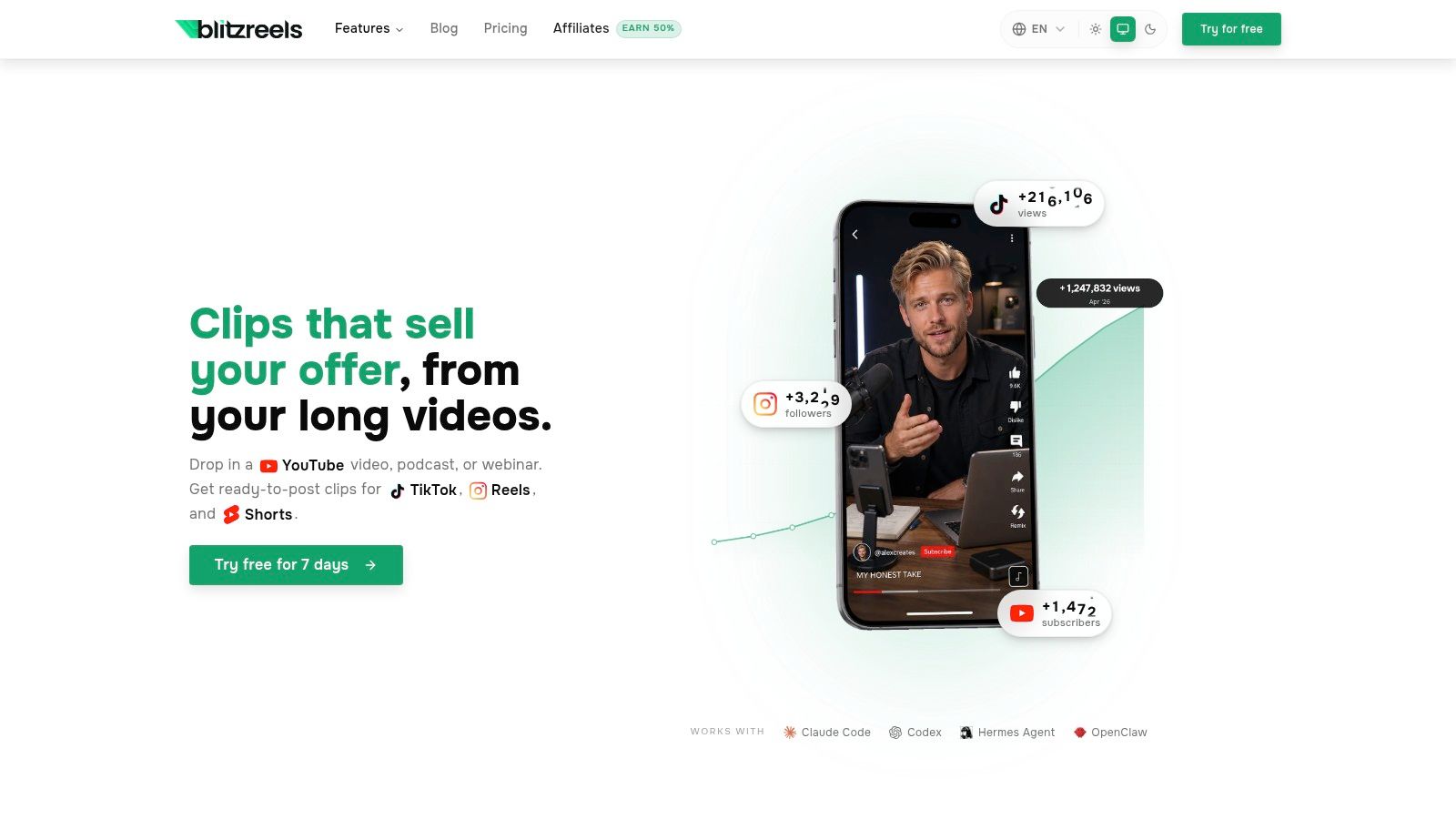
Adobe Premiere Pro is still the safest recommendation for creators who publish across formats and don't want to outgrow their editor. It handles long-form storytelling, multicam interviews, tutorials, brand content, and vertical cutdowns without forcing a channel into a simplified workflow.
The biggest strength is flexibility. Premiere gives editors a full timeline, serious color and audio tools, caption support, proxy workflows, hardware acceleration, and smooth handoffs to After Effects, Photoshop, and Audition. For creators who need one editor that can cut a documentary on Monday and export Shorts on Tuesday, that range matters.
### Why Premiere still dominates long-form YouTube
Premiere is strongest when a channel has complexity. That usually means layered B-roll, custom motion graphics, multiple audio tracks, revision rounds, and assets coming from different tools. The Frame.io integration also helps when clients, brand managers, or collaborators need to review edits without creating chaos in email threads.
For social repurposing, Premiere is capable, but it isn't always the fastest option. Auto Reframe helps, and caption workflows are much better than they used to be, but a shorts-first creator may still find a dedicated [AI video editor for YouTube](https://www.blitzreels.com/blog/ai-video-editor-for-youtube) faster for clipping, hook creation, and resizing.
> **Practical rule:** Choose Premiere when the channel's editing demands change from week to week. Skip it when speed matters more than control.
- **Best for narrative channels:** Strong for essays, interviews, branded series, and any format with layered timelines.
- **Works well with Adobe stack:** After Effects and Photoshop integration saves time when thumbnails, lower thirds, and motion graphics all live in one workflow.
- **Main drawback:** It's subscription-only, and the learning curve is real on older hardware or smaller teams.
Creators looking for the best video editing software for YouTube often start here because it can do nearly everything. The trade-off is that it expects the editor to know what they're doing.
[Adobe Premiere Pro website](https://www.adobe.com/products/premiere.html)
## 2. Apple Final Cut Pro
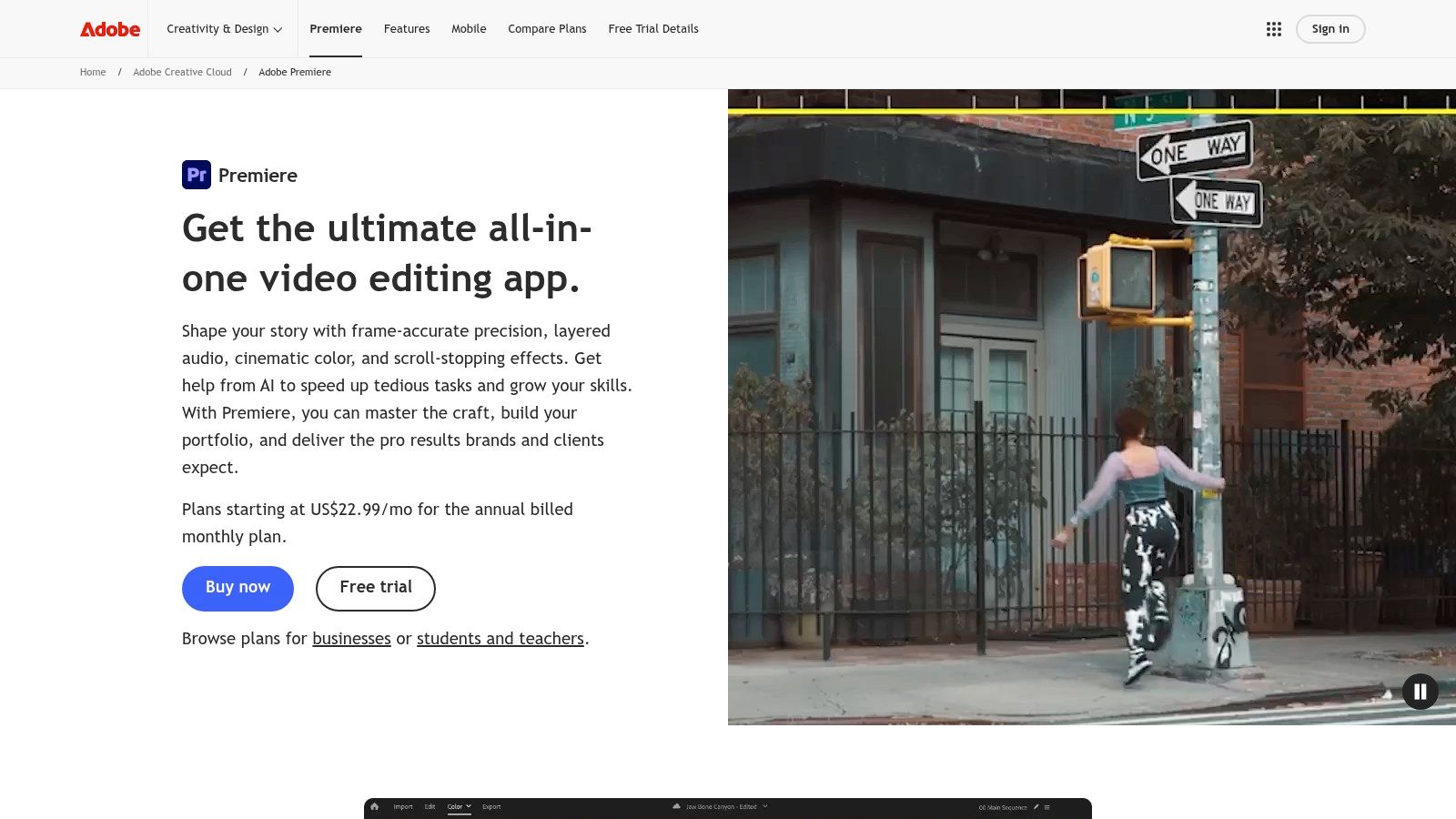
Final Cut Pro fits a specific type of creator extremely well. If the channel runs on a Mac, values speed over endless customization, and wants a clean interface that still feels professional, Final Cut often feels better day to day than Premiere.
Its magnetic timeline is the dividing line. Some editors love how quickly it moves. Others never fully trust it. For YouTubers who edit solo and publish often, that speed advantage is usually more important than strict timeline traditionalism.
### Where Final Cut fits best
Final Cut is excellent for creators who want pro results without carrying around the weight of a full Adobe workflow. It exports quickly on Apple silicon, stays responsive on larger projects, and has a healthy plugin and template ecosystem for titles, transitions, and YouTube-style packaging.
It's also a smart option for channels that regularly repurpose one recording into multiple outputs. A talking-head creator can cut a main video, then spin out social clips from the same source. For channels built around that model, this guide to [repurposing long videos with AI](https://www.blitzreels.com/blog/how-to-repurpose-long-videos-with-ai) pairs well with Final Cut's fast review-and-trim workflow.
> Final Cut works best when the creator wants less software administration and more editing momentum.
- **Best for Mac-based YouTubers:** Fast performance and straightforward exports make it easy to keep a channel moving.
- **Strong for repeatable content formats:** Reviews, vlogs, interviews, and product videos all fit well.
- **Main drawback:** It's locked to Apple devices, so cross-platform teams should look elsewhere.
For many solo creators, Final Cut is the best video editing software for YouTube when the priority is getting polished videos out fast without living inside a subscription ecosystem.
[Apple Final Cut Pro website](https://www.apple.com/final-cut-pro/)
## 3. Blackmagic Design DaVinci Resolve
DaVinci Resolve is the strongest all-in-one option for creators who care about image quality, post-production depth, and ownership of their workflow. Editing, color, audio, and visual effects live in one application, which removes a lot of app-switching once the learning curve is under control.
That's the good news and the warning. Resolve is powerful enough to replace multiple tools, but it asks for more commitment up front than Filmora, CapCut, or Clipchamp.
### Best fit for creators who want one serious post suite
Channels built around cinematic storytelling, interviews, travel films, documentaries, and polished educational content often benefit most from Resolve. The color tools are a major reason. Footage that looks flat or inconsistent can often be rescued and matched more precisely than in lighter editors.
Its Cut and Edit pages also make it more flexible than many people assume. A creator can rough out a project quickly, then move into deeper finishing work only when needed. That makes Resolve more practical for YouTube than its “high-end” reputation suggests.
> Resolve makes sense when visual polish is part of the channel's identity, not an afterthought.
- **Best for creators who want depth without a subscription-first model:** The free version is already serious, and the paid Studio tier adds more advanced capabilities.
- **Especially strong in finishing:** Color correction, audio cleanup, and post polish are where it stands apart.
- **Main drawback:** Fusion and some advanced workflows can feel dense for creators who mostly need clips, captions, and fast exports.
For the right editor, DaVinci Resolve can absolutely be the best video editing software for YouTube. For a creator who mainly needs vertical repurposing at speed, it's often more tool than necessary.
[Blackmagic Design DaVinci Resolve website](https://www.blackmagicdesign.com/products/davinciresolve/)
## 4. BlitzReels
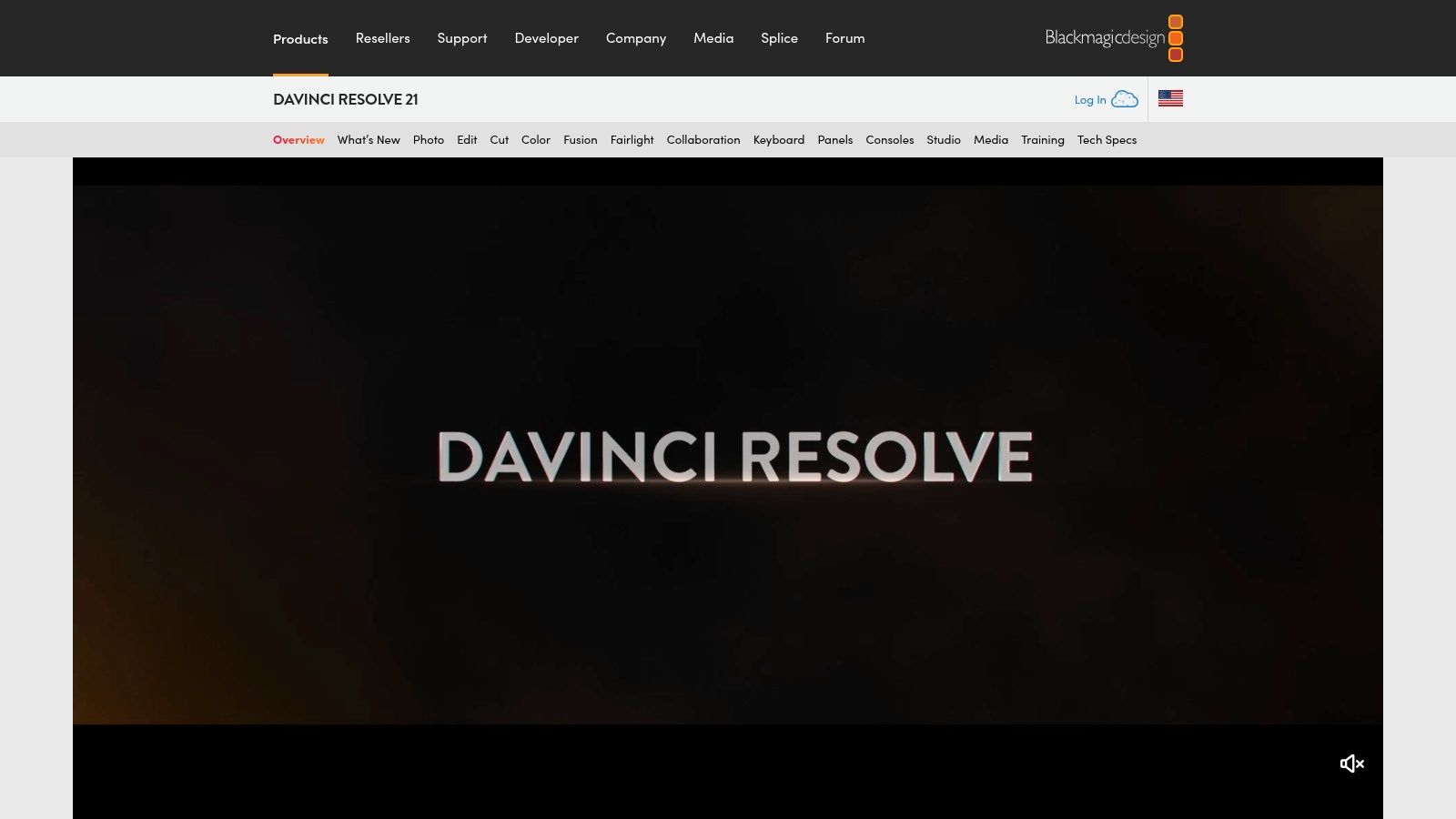
A common YouTube workflow looks like this. A creator records a 40-minute webinar, podcast, lesson, or founder update, then needs five to ten short clips by tomorrow. The editing challenge is not advanced finishing. It is turning one long asset into publishable Shorts without spending half a day in three different tools.
BlitzReels fits that workflow better than a traditional timeline editor. It starts from the repurposing job itself. Upload the source video, generate a transcript, pull usable clips, add captions, reframe for vertical viewing, and export for Shorts, Reels, TikTok, or LinkedIn.
That makes it a stronger match for creators who treat YouTube as a distribution system, not a single-endpoint channel.
### Built for short-form output at volume
BlitzReels is most useful when speed and consistency matter more than frame-level control. Podcast teams, educators, consultants, and creator-led brands often already have enough raw material. The bottleneck is clipping, resizing, subtitle styling, and packaging each clip so it is ready to publish.
The platform reduces the usual tool switching. Instead of moving between a transcript editor, subtitle app, social template, and export tool, the core short-form tasks happen in one place. That can save real production time across a weekly publishing schedule.
It also covers more than simple clipping. BlitzReels includes [faceless video generation](https://www.blitzreels.com/faceless-video-generation), prompt-based creation, templates, subtitle editing, compressors, and converters. For teams comparing dedicated short-form workflows, this [CapCut vs BlitzReels comparison for TikTok creators](https://www.blitzreels.com/blog/capcut-vs-blitzreels-which-video-editor-is-best-for-tiktok-creators-in-2025) is useful because the trade-off is usually speed and output format flexibility, not classic timeline depth.
### Who should choose BlitzReels
BlitzReels makes the most sense for channels built around rapid repurposing. Educational creators can turn one lesson into several takeaway clips. Interview channels can cut insights for Shorts between full-episode uploads. B2B teams can reuse webinars, demos, and founder commentary without building a full post-production stack.
The trade-off is clear. Creators who need detailed color work, layered motion graphics, or highly custom narrative pacing will hit the limits faster than they would in Premiere Pro, Final Cut Pro, or Resolve. BlitzReels is narrower by design, but within that lane it removes a lot of repetitive editing work.
- **Best for repurposing-first workflows:** Captions, clipping, reframing, and vertical exports are central to the product.
- **Strong fit for high-volume publishing:** Useful for podcasts, webinars, tutorials, interviews, and brand-led YouTube content.
- **Main drawback:** Public pricing beyond the free trial is not very clear, and some advanced features are still marked beta.
> **Workflow insight:** Precision editors help you refine one video. BlitzReels helps you publish more clips from the same source material.
For creators choosing software based on workflow, not feature count, BlitzReels stands out in the rapid short-form and repurposing category.
[BlitzReels website](https://blitzreels.com)
## 5. Descript
Descript is for creators who think in sentences before they think in timelines. That sounds minor, but for podcast channels, educational videos, interviews, and webcam explainers, it changes everything. Editing by transcript is faster when the job is mostly removing bad takes, filler words, pauses, and tangents.
A channel built around talking-head content usually doesn't need advanced compositing. It needs quick cuts, clean audio, decent captions, and fast highlight extraction. Descript does that well.
### Best for talk-first channels
Descript shines when the source material is voice-led. Course creators, consultants, coaches, podcasters, and tutorial channels often spend more time deciding what to remove than how to stylize a sequence. Text-based editing turns that into a familiar writing task instead of a frame-by-frame one.
It also handles recording and collaboration better than many standard editors. That matters for distributed teams producing interviews, remote podcast episodes, or recurring educational content. For readers comparing similar AI-led workflows, this [Descript alternative breakdown](https://www.blitzreels.com/alternatives/descript) is useful when social repurposing speed matters more than transcript-first editing.
- **Best for spoken content:** Interviews, podcasts, explainers, lessons, and commentary videos.
- **Strong utility features:** Screen recording, audio cleanup, and clipping tools reduce the need for extra software.
- **Main drawback:** It isn't the right place for heavy motion design, advanced VFX, or highly stylized narrative edits.
Descript is one of the best video editing software for YouTube options when the channel's core asset is speech. It is much less compelling when the channel's identity depends on cinematic visual editing.
[Descript website](https://www.descript.com)
## 6. CapCut
CapCut became popular for a reason. It removes friction. A creator can start on mobile, continue on desktop or web, pull in templates, add captions, clean up audio, and export quickly without feeling like they've entered a professional post-production suite.
That makes it especially relevant for YouTube Shorts. The workflow is fast, the learning curve is low, and many creators already understand the visual language because so much short-form content is built in similar tools.
### Where CapCut wins and where it does not
CapCut is strongest when speed and trend responsiveness matter more than editorial precision. A solo creator posting commentary clips, reactions, tutorials, list videos, or day-in-the-life content can move from idea to publish much faster than in Premiere or Resolve.
The template system is part of that appeal, but it's also the limitation. Templates help creators ship fast, yet they can flatten a channel's visual identity if every post starts to look borrowed. Teams comparing that trade-off against more repurposing-focused automation may want this [CapCut vs BlitzReels comparison for TikTok creators](https://www.blitzreels.com/blog/capcut-vs-blitzreels-which-video-editor-is-best-for-tiktok-creators-in-2025).
> CapCut is excellent for publishing velocity. It's less convincing when a creator needs a distinctive house style or precise long-form control.
- **Best for Shorts-heavy creators:** Captions, effects, and fast social formatting are front and center.
- **Easy to learn:** New editors usually become productive quickly.
- **Main drawback:** It's not as strong for detailed fine cutting, larger collaborative projects, or nuanced finishing work.
For many creators entering short-form, CapCut feels like the best video editing software for YouTube because it gets them posting immediately. Whether it remains the best choice depends on how custom the workflow becomes.
[CapCut website](https://www.capcut.com)
## 7. VEED
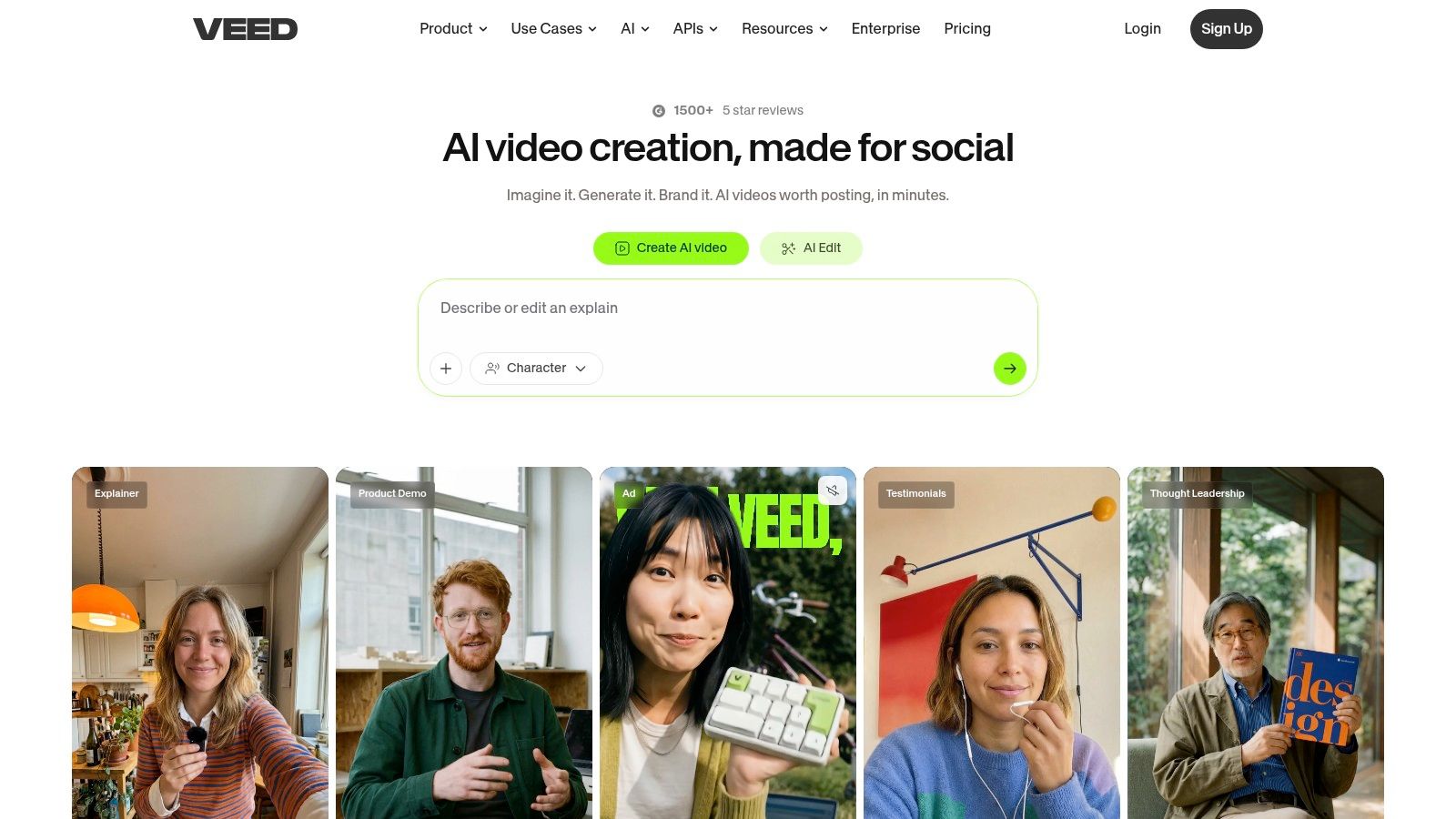
VEED is a browser-first editor for teams and creators who want minimal setup. Open a tab, upload footage, generate captions, make simple edits, and export. That simplicity is its real selling point, especially for marketers, social teams, and creators who don't want to manage desktop software.
It's also one of the more practical options for subtitled content. If a channel publishes commentary, interviews, talking-head explainers, or repurposed clips for multiple platforms, caption styling and translation matter a lot.
### A strong browser workflow for quick publishing
VEED works best for production systems that value convenience over editing depth. Its recorder, teleprompter, captioning, and branding tools make it easy to produce presentable YouTube content without building a traditional edit suite.
That said, browser-based editing has limits. Very large projects, heavier footage, or more ambitious visual work can feel sluggish compared with native software. VEED is useful because it keeps the process light, not because it replaces Premiere or Resolve for complex work.
- **Best for browser-based teams:** Good for social managers, startups, agencies, and creators switching between devices.
- **Strong for subtitled publishing:** Especially useful when every video needs captions and brand consistency.
- **Main drawback:** Performance and creative ceiling both show up on larger or more demanding projects.
VEED belongs on any serious best video editing software for YouTube list because many channels don't need the full power of a desktop NLE. They need a reliable record-to-caption-to-export workflow.
[VEED website](https://www.veed.io)
## 8. Wondershare Filmora
Filmora sits in the middle of the market well. It gives newer creators more visual polish than basic web editors, but it doesn't demand the same commitment as Premiere Pro or DaVinci Resolve. That balance is why it continues to attract YouTubers making lifestyle content, gaming videos, commentary, simple tutorials, and effect-heavy channel intros.
Its appeal is straightforward. The interface is approachable, the template library is broad, and many common edits are easy to produce without much technical setup.
### A practical middle ground for newer creators
Filmora is often a good fit when a creator wants results that look more designed than what Clipchamp or very basic tools can offer, but still wants to avoid pro-grade complexity. Auto captions, enhancement tools, drag-and-drop effects, and prebuilt assets all help creators reach a polished look quickly.
The downside is that this convenience can come with some friction around plans, asset libraries, and feature packaging. It's worth checking carefully what's included before committing to a workflow around it.
- **Best for growing creators:** Good for channels that want flashy edits without learning advanced post-production.
- **Strong visual starter kit:** Titles, transitions, effects, and templates are easy to use.
- **Main drawback:** It has less headroom for advanced grading, audio work, and custom motion design.
Filmora is a sensible answer for creators searching for the best video editing software for YouTube when they're moving beyond beginner tools but aren't ready for a professional suite.
[Wondershare Filmora website](https://filmora.wondershare.com)
## 9. TechSmith Camtasia
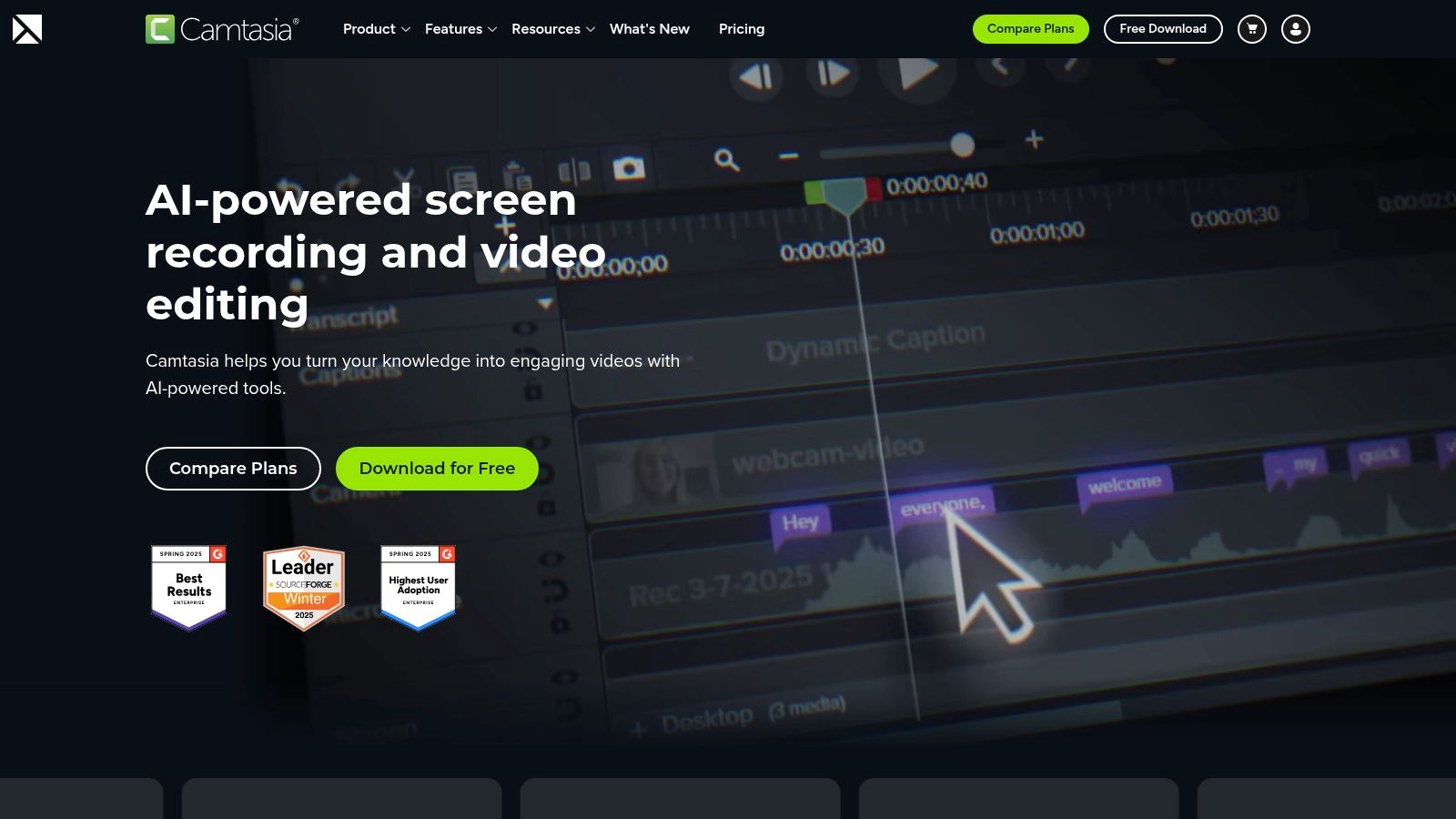
Camtasia isn't trying to be the answer for every YouTube format. That's exactly why it's valuable. For tutorial creators, educators, SaaS teams, and product marketers, it solves the core problem better than most general editors do: recording the screen clearly, annotating what matters, and exporting a clean instructional video without unnecessary overhead.
That focus makes it one of the safest picks on this list for education-driven channels.
### The safest choice for tutorials and demos
Screen recording is where Camtasia earns its place. Cursor effects, callouts, webcam overlays, assets, and clear instructional pacing are all easier here than in many full-scale editors. A tutorial channel doesn't always need cinematic transitions. It needs viewers to understand each step without getting lost.
> A tutorial creator should optimize for clarity first. Fancy editing usually matters less than readable callouts, clean zooms, and consistent pacing.
Camtasia also tends to be kinder to teams that need repeatable production. Training libraries, onboarding videos, software demos, and educational YouTube series all benefit from templates and stable exports.
- **Best for screen-led content:** Product walkthroughs, how-to videos, software training, and online courses.
- **Strong operational fit:** Good documentation and repeatable templates help teams standardize output.
- **Main drawback:** It's not built for cinematic storytelling or advanced visual effects.
For channels in the education and tutorial category, Camtasia can absolutely be the best video editing software for YouTube because it removes the friction that general-purpose editors leave behind.
[TechSmith Camtasia website](https://www.techsmith.com/camtasia)
## 10. Microsoft Clipchamp
Clipchamp is the easiest recommendation for beginners who want a simple, low-stress start. It's built into the Windows ecosystem, works in the browser, includes templates and stock assets, and doesn't ask the user to understand professional editing concepts before producing something usable.
That matters more than feature depth for many channels. Plenty of creators never publish because the software feels intimidating. Clipchamp lowers that barrier.
### Best for simple YouTube production
Clipchamp is best for straightforward content. Think webcam videos, basic explainers, internal updates, classroom content, lightweight social clips, and simple channel trailers. It's also practical for teams already using Microsoft 365 and storing assets in OneDrive or SharePoint.
Its weakness is ceiling, not usability. Once a creator starts wanting more advanced pacing, layered edits, refined caption styling, or more ambitious visual control, Clipchamp starts to feel small. But for a lot of channels, “small” is exactly the point.
- **Best for beginners and casual creators:** The learning curve is low and the workflow feels familiar.
- **Useful in Microsoft environments:** Convenient for work, school, and team-based asset access.
- **Main drawback:** More advanced editing needs usually push creators into another tool later.
Clipchamp won't be the best video editing software for YouTube for every creator. It may be the best one for finally getting a channel off the ground.
[Microsoft Clipchamp website](https://clipchamp.com)
## Top 10 YouTube Video Editors, Feature & Pricing Comparison
| Product | Core features | UX / Speed | Best for | Pricing & USP |
|---|---:|---|---|---|
| Adobe Premiere Pro | Pro NLE: timeline, color/audio, captions, multicam, AE/Photoshop integration | Powerful but steeper learning curve; resource‑heavy | Professional editors, studios, long‑form YouTube | Subscription; industry standard with large plugin ecosystem |
| Apple Final Cut Pro | Magnetic Timeline, color/grading, Motion/Compressor, AI reframing | Extremely fast on Apple silicon; smooth UX | Mac/iPad creators who prioritize speed & stability | One‑time Mac purchase (some Creator Studio content via subscription) |
| Blackmagic DaVinci Resolve | All‑in‑one Edit/Cut/Fusion/Color/Fairlight, Neural Engine AI | Feature‑dense; steeper learning curve but scalable | Colorists, pros across Mac/Win/Linux, long/short projects | Free version; Studio one‑time upgrade for advanced pro tools |
| **BlitzReels** | AI‑first short‑form: auto‑transcribe, cut detection, hook picker, on‑beat captions, auto‑reframe, B‑roll, AI Studio | Extremely fast, designed to turn long videos into vertical shorts in ~10 minutes | Founders, marketers, social managers, creators repurposing long‑form | 7‑day free trial; pricing via signup; USP: end‑to‑end automation for high‑performing shorts |
| Descript | Text‑based edit from transcript, Studio Sound, recorder, AI actions | Very fast for talk‑first workflows; collaborative | Podcasters, educators, talking‑head creators | Subscription with usage/AI credit limits; excellent for clipping/highlights |
| CapCut | Auto captions, TTS, templates, cloud sync, AI creation tools | Extremely fast, template-driven mobile/web workflow | TikTok/Reels creators and trend editors | Freemium; in‑app/pro features vary by region/device |
| VEED | Browser editor: auto‑subtitles, translation, recorder, AI clipping/eye‑contact | Simple browser workflow; quick publish | Teams, social publishers, subtitled content creators | Freemium/subscription; easy cross‑OS access via browser |
| Wondershare Filmora | Intuitive timeline, large templates/effects, auto captions | Very approachable; quick visual results | New editors wanting effects-heavy short vids | Subscription / perpetual options; many templates and upsells |
| TechSmith Camtasia | Multitrack screen recorder + editor, cursor effects, templates | Gentle learning curve; optimized for tutorial workflows | Instructional creators, course and demo videos | License/subscription options; strong for screencasts |
| Microsoft Clipchamp | Templates, stock media, screen/webcam recorder, OneDrive integration | Easy web editor; integrated into Windows 11 | Beginners, Microsoft 365 users, schools | Freemium; Premium features often via Microsoft 365 (1080p free exports) |
## Frequently Asked Questions
### What video editing software do most YouTubers use?
Premiere Pro, Final Cut Pro, and DaVinci Resolve are common choices for long-form channels because they support detailed timelines, color work, audio mixing, and plugins. Shorts-first teams often add a faster clipping tool for captions, reframing, and vertical exports.
### What is the best YouTube video editor for beginners?
Filmora and Clipchamp are easier starting points for conventional timeline editing. Creators focused on repurposing existing podcasts, webinars, or interviews into Shorts can start with BlitzReels because the workflow centers on clip selection, captions, and vertical output.
### What is the best video editing software for YouTube Shorts?
BlitzReels fits repeatable long-form-to-Shorts production, while CapCut fits template-led mobile and social editing. Choose BlitzReels for batch repurposing and branded caption workflows; choose CapCut for quick manual edits and trend-oriented templates.
### Should podcasters use one editor for full episodes and Shorts?
A two-tool workflow is often faster. Edit the full episode in Premiere Pro, Final Cut Pro, DaVinci Resolve, or Descript, then use a dedicated clipping workflow for hooks, captions, vertical reframing, and exports.
## Editing is About Speed, Not Just Features
A creator records a solid 20-minute video on Tuesday, plans to cut three Shorts from it on Wednesday, and wants the full episode live by Thursday. The editing tool either supports that schedule or slows it down. That is the core buying decision for YouTube creators.
The best video editing software for YouTube usually fits the channel's production model. A long-form commentary channel needs different strengths than a tutorial business or a Shorts-heavy repurposing pipeline. Feature depth matters, but workflow fit matters more because publishing consistency, testing speed, and reuse across formats all shape channel growth.
Creators who publish documentaries, essays, or polished interviews usually benefit from traditional editors such as Premiere Pro, Final Cut Pro, and DaVinci Resolve. Those tools handle layered timelines, color work, audio cleanup, and detailed revisions well. The trade-off is time. They reward editors who need control and are willing to spend more effort shaping each cut.
Short-form teams and solo creators often face a different constraint. They are not trying to perfect one timeline for hours. They are trying to turn one source file into multiple assets, add readable captions, crop for vertical viewing, tighten the first few seconds, and publish while the topic still has momentum.
That is why choosing by workflow is more useful than choosing by brand.
Tutorial and educational creators sit in the middle. They often need clarity more than style. Screen capture, callouts, zooms, transcript editing, clean audio, and reliable exports matter because the goal is to teach without distracting the viewer. Camtasia and Descript can outperform more advanced editors in that context because they remove steps from the teaching workflow.
Many channels also work better with two tools instead of one. I see this often with podcasters and business creators. They cut the main episode in a full editor, then use a faster tool for clipping, captions, reframing, and distribution. That setup reduces bottlenecks without forcing one platform to cover jobs it handles poorly.
For broader inspiration on AI-led creative workflows, the [ShortGenius AI video ad maker](https://shortgenius.com) shows how fast-generation tools are changing production expectations. That same pressure affects YouTube. Teams want quicker ideation, faster packaging, and more room to test titles, formats, and hooks before a topic cools off.
The practical choice is straightforward. Pick the editor that fits the videos you make most often, not the videos you might make once a quarter. For long-form storytelling, stay with the tool that supports deep editing for years. For tutorials, choose the one that makes teaching clearer and revisions easier. For Shorts and repurposing, choose the one that removes repetitive work and keeps output high.
BlitzReels fits that last workflow well. As noted earlier, it is built for creators who want to turn podcasts, webinars, interviews, and talking-head videos into YouTube Shorts with less manual timeline work.