---
title: "Discover the 10 Best Video Editor for Instagram Apps in 2026"
canonical: "https://blitzreels.com/blog/best-video-editor-for-instagram"
---
# Discover the 10 Best Video Editor for Instagram Apps in 2026
URL: https://blitzreels.com/blog/best-video-editor-for-instagram
Markdown URL: https://blitzreels.com/blog/best-video-editor-for-instagram.md
Published: 2026-05-24
Author: BlitzReels
Find the best video editor for Instagram to create stunning reels & stories in 2026. Explore our top 10 picks for easy editing and pro results!
Tags: best video editor for instagram, instagram video editor, reels editor app, short form video editor, ai video editor

Instagram changed fast once short-form video took over. Meta launched Reels in August 2020 as a response to the rapid growth of short-form video, and by 2022 Meta said Reels were being reshared more than [1 billion times per day across Facebook and Instagram](https://intellifluence.com/blog/elevate-your-influencer-game-top-video-editing-apps-and-techniques-for-standout-content). That shift is why choosing the best video editor for Instagram now comes down to workflow, not feature overload.
An editor for Instagram has to handle vertical framing, captions, music-led pacing, quick clipping, and clean exports without adding friction. For creators and marketers, that usually means one of three lanes works best: AI-first tools for speed, mobile-first apps for quick native edits, or browser-based platforms for team-friendly branded content. This guide keeps the focus practical and close to publishing, with direct trade-offs instead of bloated feature lists. For a broader take on social-first editing styles, [Gainsty's recommendations for Instagram videos](https://www.gainsty.com/blog/instagram-video-editing-apps) are also worth scanning.
## Table of Contents
- [1. BlitzReels](#1-blitzreels)
- [Why BlitzReels stands out](#why-blitzreels-stands-out)
- [Best fit](#best-fit)
- [2. CapCut](#2-capcut)
- [Where CapCut works best](#where-capcut-works-best)
- [3. InShot](#3-inshot)
- [Why creators keep using it](#why-creators-keep-using-it)
- [4. VN (VlogNow)](#4-vn-vlognow)
- [When VN beats simpler mobile editors](#when-vn-beats-simpler-mobile-editors)
- [5. Adobe Express](#5-adobe-express)
- [Best use case](#best-use-case)
- [6. Canva (Video Editor)](#6-canva-video-editor)
- [Where Canva earns its place](#where-canva-earns-its-place)
- [7. VEED](#7-veed)
- [Who should choose VEED](#who-should-choose-veed)
- [8. Kapwing](#8-kapwing)
- [Where it fits](#where-it-fits)
- [9. Microsoft Clipchamp](#9-microsoft-clipchamp)
- [Strongest use case](#strongest-use-case)
- [10. Captions (Captions AI Video Editor)](#10-captions-captions-ai-video-editor)
- [Best for talking-head creators](#best-for-talking-head-creators)
- [Top 10 Instagram Video Editors, Key Features & Pricing](#top-10-instagram-video-editors-key-features-and-pricing)
- [From Editor to Published Your Next Steps](#from-editor-to-published-your-next-steps)
## 1. BlitzReels
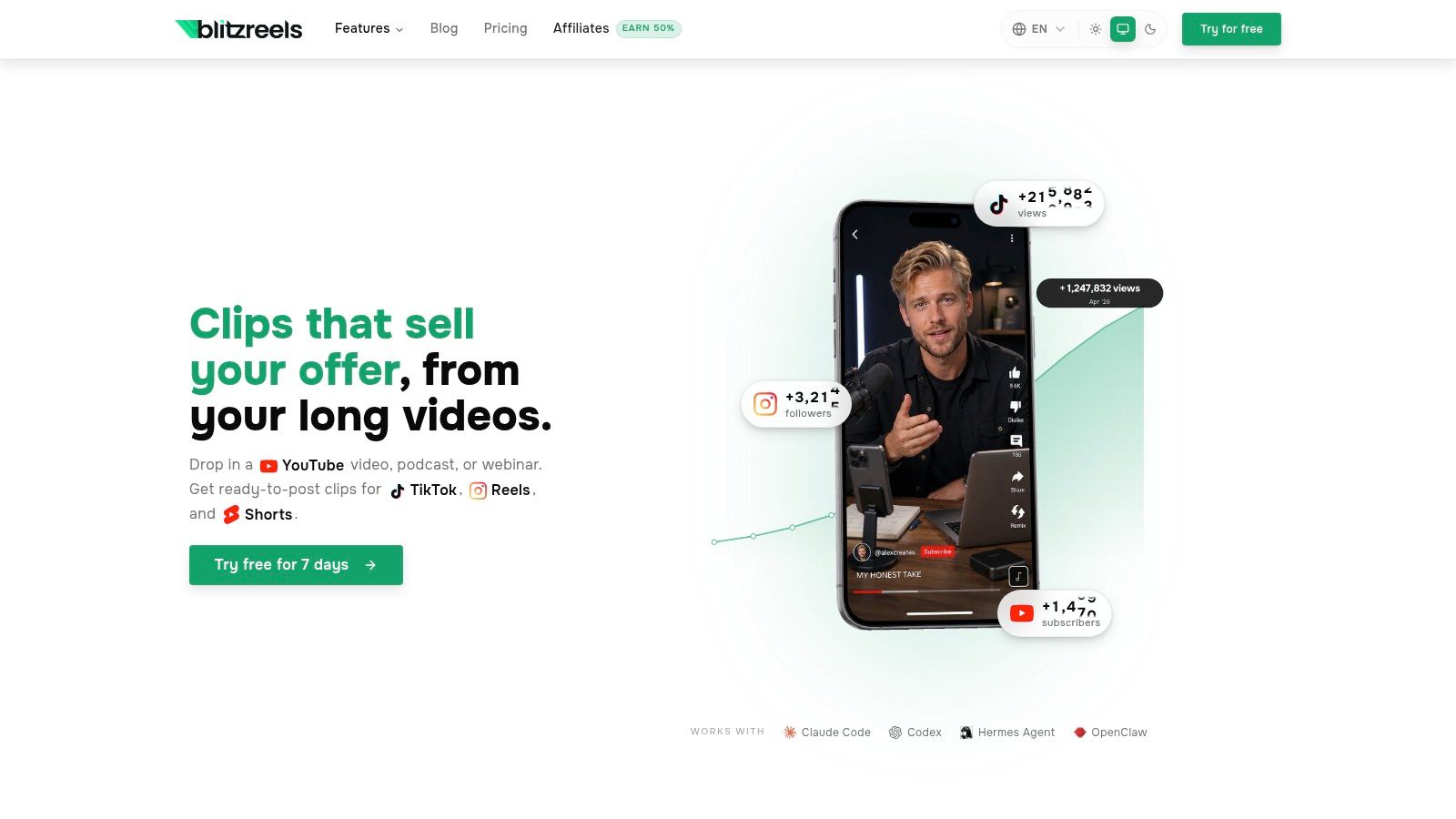
Creators who publish Reels consistently usually hit the same bottleneck fast. Editing is rarely the hard part. Repeating the same clipping, captioning, reframing, and export steps across every post is what eats the week. BlitzReels stands out because it is built for that exact workload.
It fits the AI-first category in this list. Instead of starting with a blank timeline, you start with source material such as webinars, interviews, podcasts, demos, or screen recordings, and the platform turns that into short-form clips with transcription, cut suggestions, hook generation, caption styling, reframing, and vertical export in one workflow. Instagram editing is usually less about advanced timeline depth and more about getting publish-ready content out quickly without rebuilding every Reel by hand.
### Why BlitzReels stands out
BlitzReels combines tasks that often get split across multiple apps. It handles clipping, subtitles, title cards, resizing, reframing, compression, and format conversion in the same production flow. It also pushes beyond repurposing into faceless video production through AI Studio, templates, and prompt-based generation, which gives marketers more than one way to feed an Instagram content calendar.
That workflow matters if the goal is volume with consistency. Teams managing recurring social output can use the platform's [Instagram Reels content workflow tools](https://www.blitzreels.com/use-cases/instagram-reels) to move from long-form source footage to platform-ready vertical edits without switching tools at every step.
A practical limitation: AI editing still performs best on clean inputs. Clear speech, decent framing, and segments built around one idea produce better clips than messy recordings with weak structure.
BlitzReels is also a better fit for repurposing than for cinematic editing. If a creator wants frame-level control, layered motion design, or highly stylized manual cuts, a traditional editor will feel more flexible. If the job is to turn one recorded asset into a week or month's worth of Instagram-ready clips, BlitzReels saves more time.
Its built-in [Instagram Reels video resizer](https://www.blitzreels.com/tools/resize-video-for-instagram-reels) adds to that efficiency because vertical formatting is treated as part of the main workflow, not cleanup at the end. For creators comparing voiceover or narration workflows across tools, this guide on [how to use Capcut text-to-speech](https://aidictation.com/blog/capcut-text-to-speech) is also useful context, especially if spoken hooks are part of the content mix.
### Best fit
BlitzReels is best for creators, agencies, educators, founders, and in-house marketing teams that need repeatable output from existing footage. It is less suitable for editors who want to shape every beat manually.
- **Best for repurposing:** Long videos, interviews, webinars, and educational content turn into usable Reels faster.
- **Best for systemized publishing:** Captions, hooks, crops, and exports stay inside one workflow.
- **Watch-out:** Automated choices still need review when brand voice, compliance, or creative direction is tightly controlled.
## 2. CapCut
CapCut remains one of the default answers when people ask for the best video editor for Instagram. That is not because it does everything best. It is because it handles trend-driven editing quickly across mobile, desktop, and web, with templates, captions, music sync, effects, and direct vertical exports that fit Reels workflows well.
For creators who post often, CapCut's biggest strength is momentum. A reel can start on a phone, continue on desktop, and finish on the web without rebuilding the project from zero.
### Where CapCut works best
CapCut is strongest when speed matters more than polish. Trend templates, beat-based cuts, stylized text, and auto tools help solo creators move quickly, especially for reaction clips, talking-head content, and fast social promos.
That convenience comes with trade-offs. Plan details can vary by region and device, and more advanced features have steadily moved behind paid layers, so it's smart to verify the current tool access inside the app before building a full workflow around it. For teams comparing automation depth, the [BlitzReels vs CapCut comparison](https://www.blitzreels.com/compare/blitzreels-vs-capcut) is useful because it highlights where manual template editing differs from AI-led clipping and reframing. For creators leaning heavily on synthetic voiceovers, this walkthrough on [how to use CapCut text-to-speech](https://aidictation.com/blog/capcut-text-to-speech) can help fill a common workflow gap.
> CapCut is often the fastest way to make a decent Reel. It isn't always the fastest way to make ten strong Reels from one long recording.
## 3. InShot
InShot stays relevant because it doesn't try to be a full production suite. It is a mobile-first editor built for simple social editing. That means canvas resizing, trims, transitions, speed changes, stickers, text, and basic audio all live inside a phone-friendly interface that users can learn quickly.
That simplicity matches how many Reels get made. A creator films on a phone, trims dead space, adds a caption line, drops in music, exports vertical, and posts.
### Why creators keep using it
Meta's own Edits app is positioned as a free creator tool for making videos "you're proud to share," but broad creator adoption still favors mobile-native editors that reduce friction during short-form production, and InShot remains one of the clearest examples of that app-store demand pattern through its large install base and review volume, as noted in coverage discussing [Meta Edits on the App Store](https://apps.apple.com/us/app/edits-video-editor/id6738967378). That matters because Instagram editing is usually less about advanced timeline depth and more about getting captions, cropping, and 9:16 output done without extra steps.
InShot is a strong fit for creators who want to produce entire Reels workflows from a phone. It is weaker for teams that need shared templates, brand governance, or more advanced repurposing. For creators focused specifically on short vertical posts, BlitzReels also outlines a broader [Instagram Reels workflow use case](https://www.blitzreels.com/use-cases/instagram-reels) that shows where phone-first editing starts to hit scaling limits.
- **What works well:** Fast cuts, easy resizing, low learning curve.
- **What doesn't:** Complex projects become cramped fast on a small screen.
- **Best user:** Solo creators posting often and keeping edits lightweight.
## 4. VN (VlogNow)
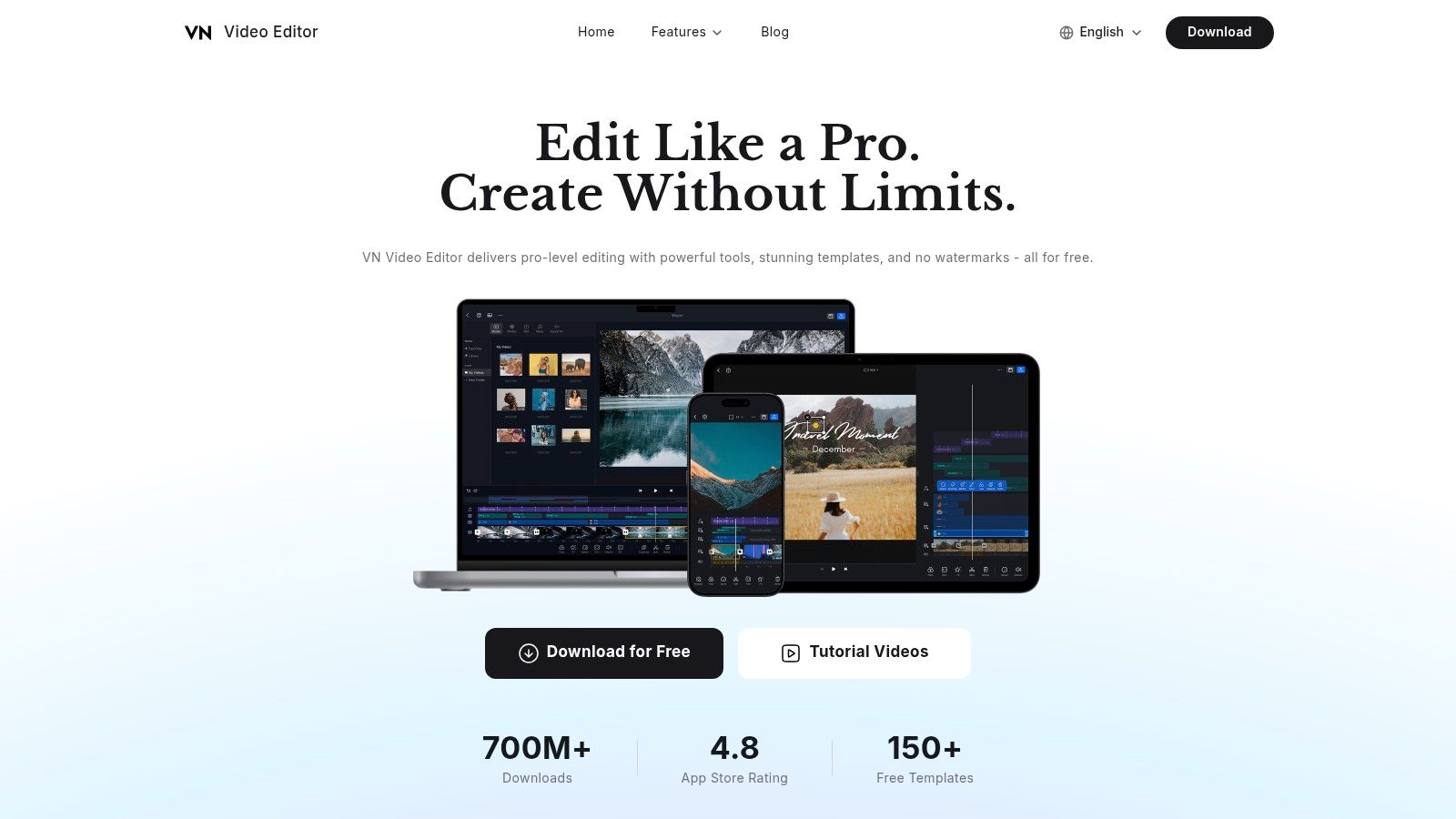
VN sits in an interesting middle ground. It feels more like a real editor than a casual mobile app, but it still moves faster than traditional desktop software. Multi-track editing, keyframes, filters, templates, auto captions, and high-resolution exports give it a level of control that many creators outgrow into after using simpler tools.
That extra control makes VN useful for Reels with layered text, more deliberate timing, or multiple visual elements stacked on the timeline.
### When VN beats simpler mobile editors
VN is often the better choice when a creator wants precision without moving fully into professional desktop software. It gives more room for pacing, animation, and composition than editors built mainly for one-tap social output.
The trade-off is workflow clarity. VN can do a lot, but it doesn't guide content as aggressively as AI-led systems or template-driven apps. For creators who already know what they want to make, that freedom is valuable. For beginners trying to publish consistently, it can become one more place to over-edit.
> More control only helps when the creator already has a clear editing style. Otherwise, the timeline gets longer and the Reel doesn't get better.
## 5. Adobe Express
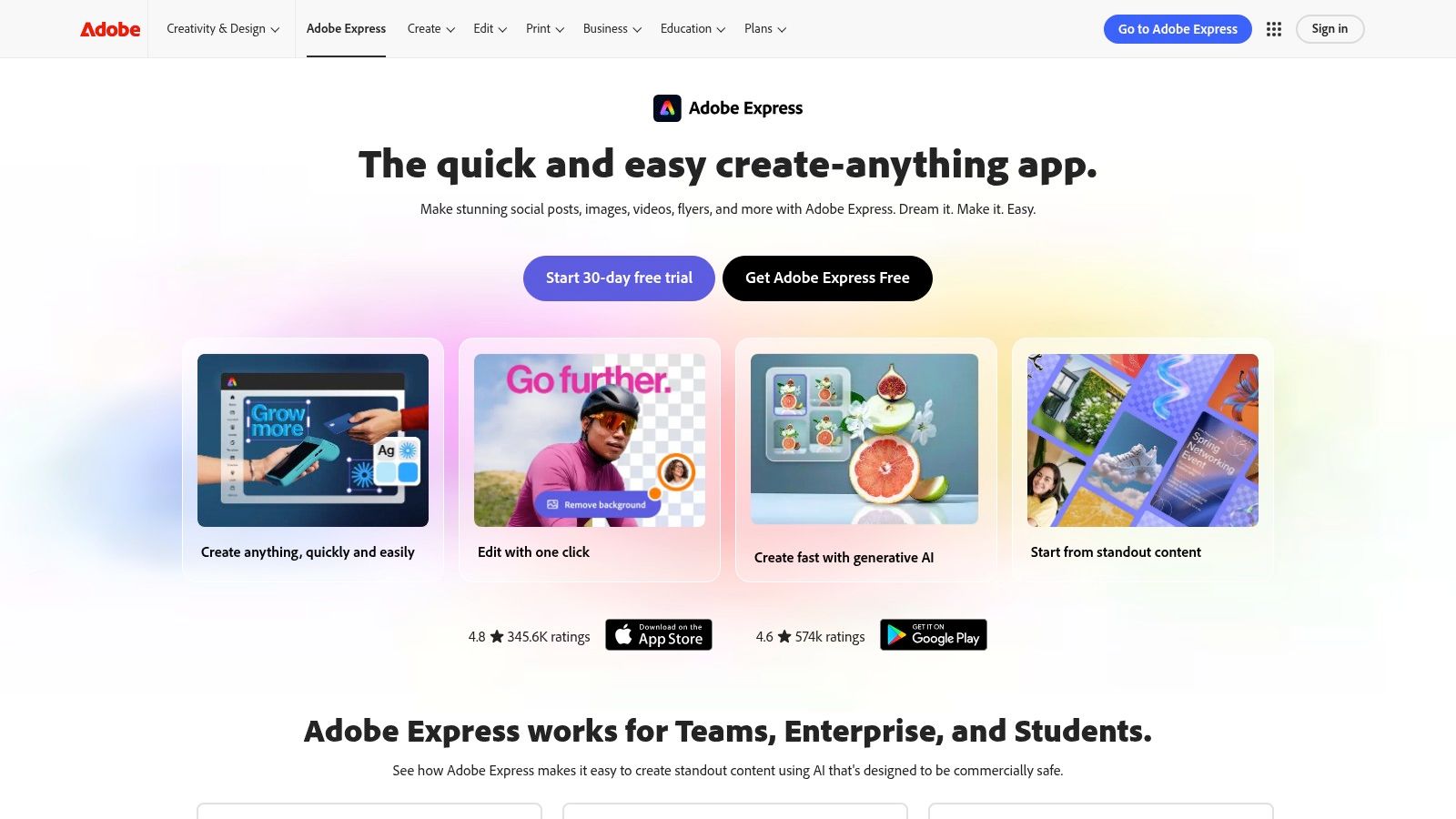
Adobe Express is a design-suite choice, not a pure editor choice. That distinction matters. It is best for brands and marketers who don't just need to cut a Reel. They need that Reel to match campaign graphics, fonts, brand colors, product visuals, and approval-friendly templates.
Its drag-and-drop video tools, caption support, stock access, and brand kits make it far more useful for teams than many mobile-first apps.
### Best use case
Adobe Express works best when video is one part of a wider content system. A team can create title cards, story slides, promo graphics, and short-form video in a shared visual language. That is much more efficient than editing Reels in one app and building every supporting asset somewhere else.
The downside is editing feel. Adobe Express isn't as fast for rough cutting talking-head clips as a dedicated short-form tool. It is also heavier than a simple mobile editor when someone only needs to trim, caption, and publish one Reel today.
- **Strongest advantage:** Brand consistency across assets.
- **Weakest point:** Less nimble for quick native edits.
- **Best fit:** Marketing teams, agencies, and creators already inside Adobe's ecosystem.
## 6. Canva (Video Editor)
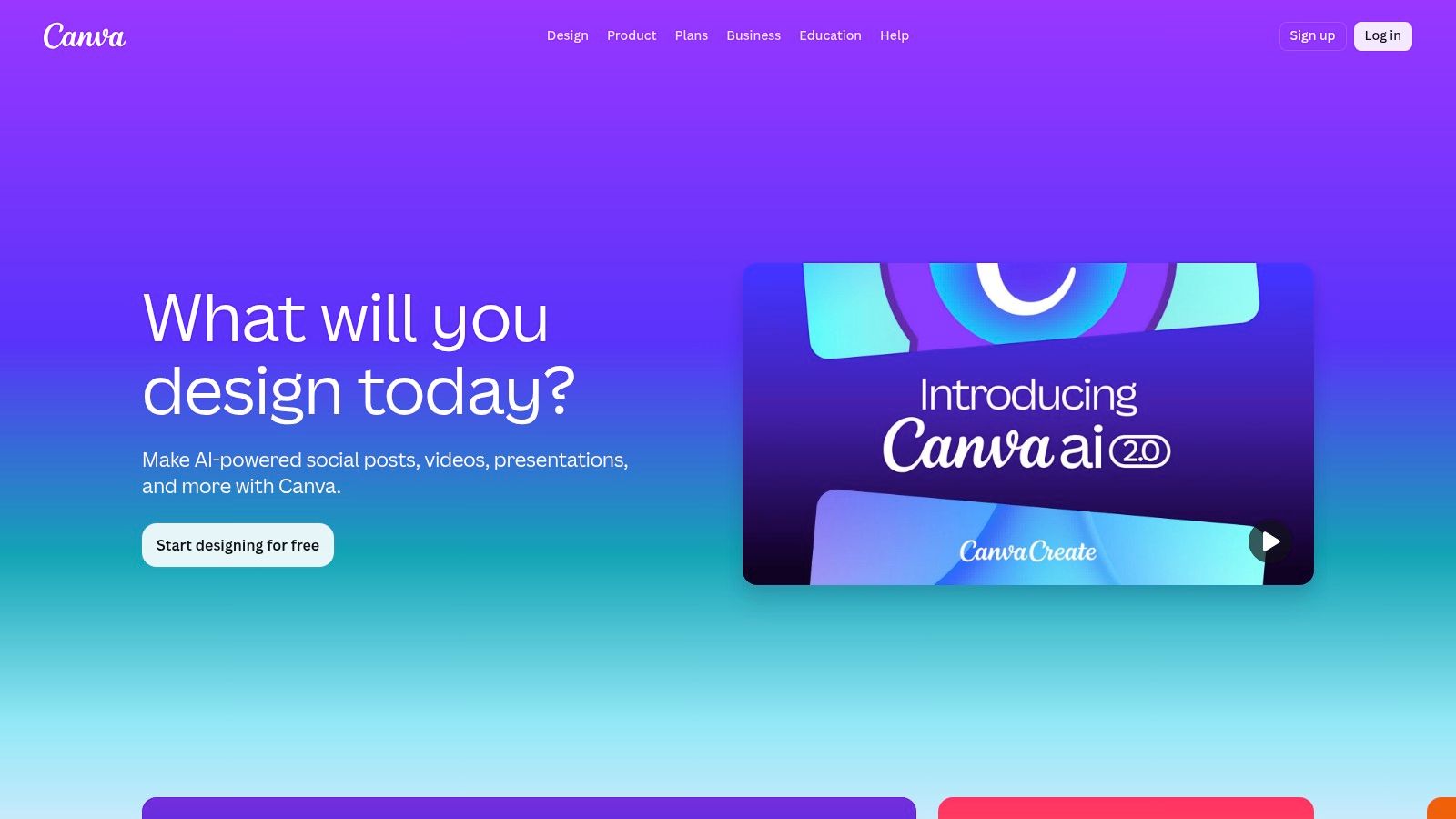
Canva is often underestimated as an Instagram video editor. People think of it as a graphics tool first, but for many social teams, that is exactly why it works. Templates, brand kits, animations, video presets, resizing tools, and caption generation all support fast production of branded Reels without needing a separate design handoff.
The best use case is obvious. Canva shines when the Reel needs title cards, branded layouts, overlays, promo text, or slide-based storytelling.
### Where Canva earns its place
Canva is one of the better picks for visual consistency. Teams can build reusable templates for hooks, end cards, quote clips, teaser posts, and Stories, then keep the same style across formats. That is especially useful when one marketer handles both design and publishing.
It is less effective when footage needs more serious editing rhythm. Quick clipping and visual assembly are fine, but detailed pacing, layered audio work, and frequent talking-head edits can feel clunky compared with more purpose-built video tools.
Creators often choose free editors like Canva, InShot, or Meta's own Edits because they're stripped down and easy to use, but the key decision point is whether simple mobile-friendly editing is enough or whether the workflow now needs faster repurposing, reframing, and more reliable subtitle production, as discussed in this review of [the best video editing apps for Instagram Reels](https://elisedarma.com/blog/the-best-video-editing-apps-for-instagram-reels).
## 7. VEED
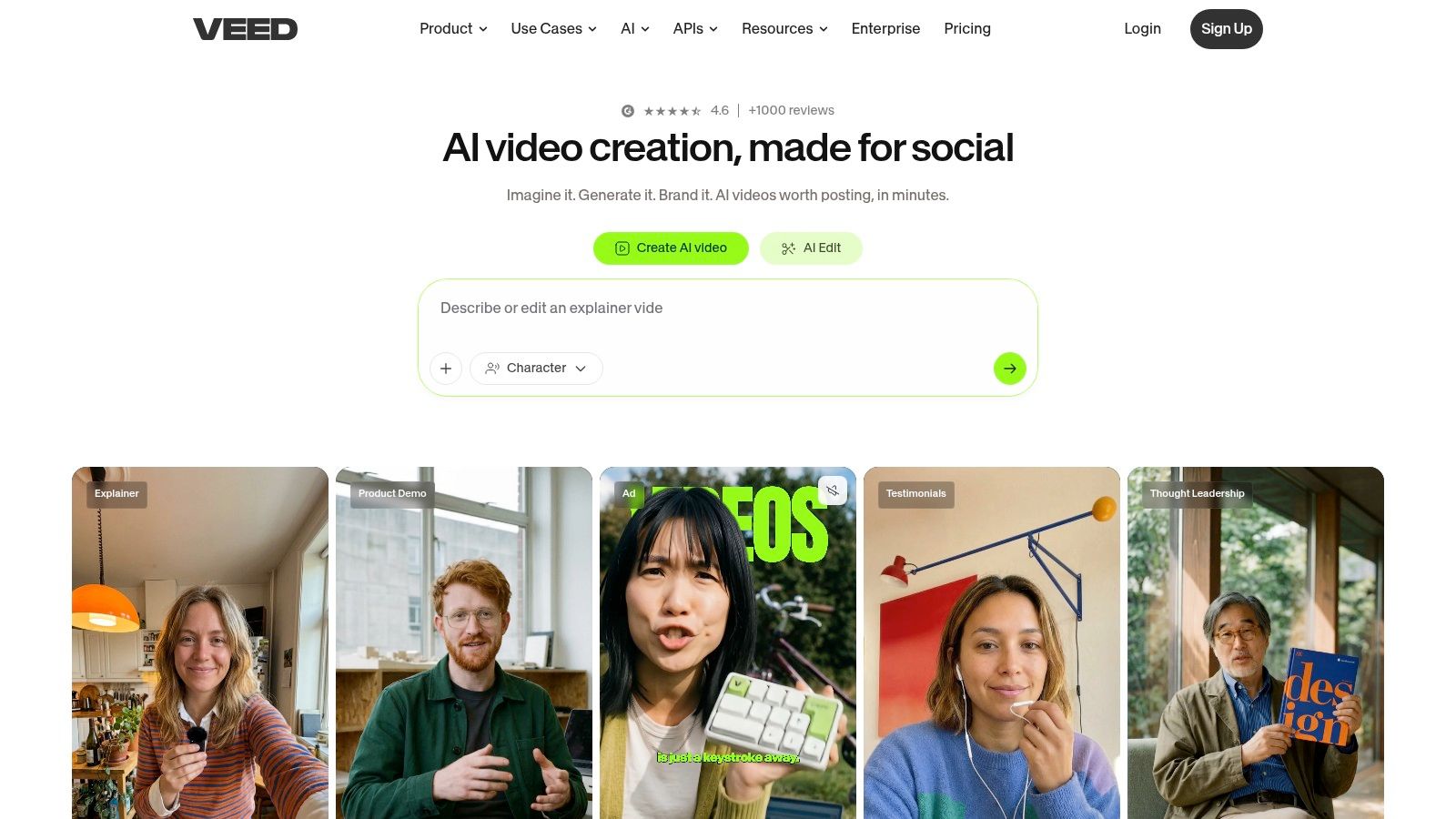
VEED is built for browser speed. That alone makes it attractive for teams who don't want installs, local project files, or device-specific editing handoffs. Open the browser, upload footage, generate subtitles, adjust the timeline, and export a vertical cut. For client work and lightweight collaboration, that setup is practical.
VEED also does a good job of packaging social editing around templates, text styling, and brand assets instead of forcing users through a traditional editor mindset.
### Who should choose VEED
VEED is a good fit for marketers, agencies, and internal teams that need a straightforward captioned-video workflow from any computer. It handles the common Reels jobs well: subtitles, text overlays, simple edits, and social-sized exports.
The main caution is plan verification. Browser-based editors can look simple until export limits, feature caps, or watermark rules show up at the wrong stage. Teams deciding between web-first convenience and heavier AI automation can compare those trade-offs in the [BlitzReels vs VEED breakdown](https://www.blitzreels.com/compare/blitzreels-vs-veed).
> Browser editors are best when more than one person touches the content before publish. They are less compelling when one creator already has a fast phone workflow.
## 8. Kapwing
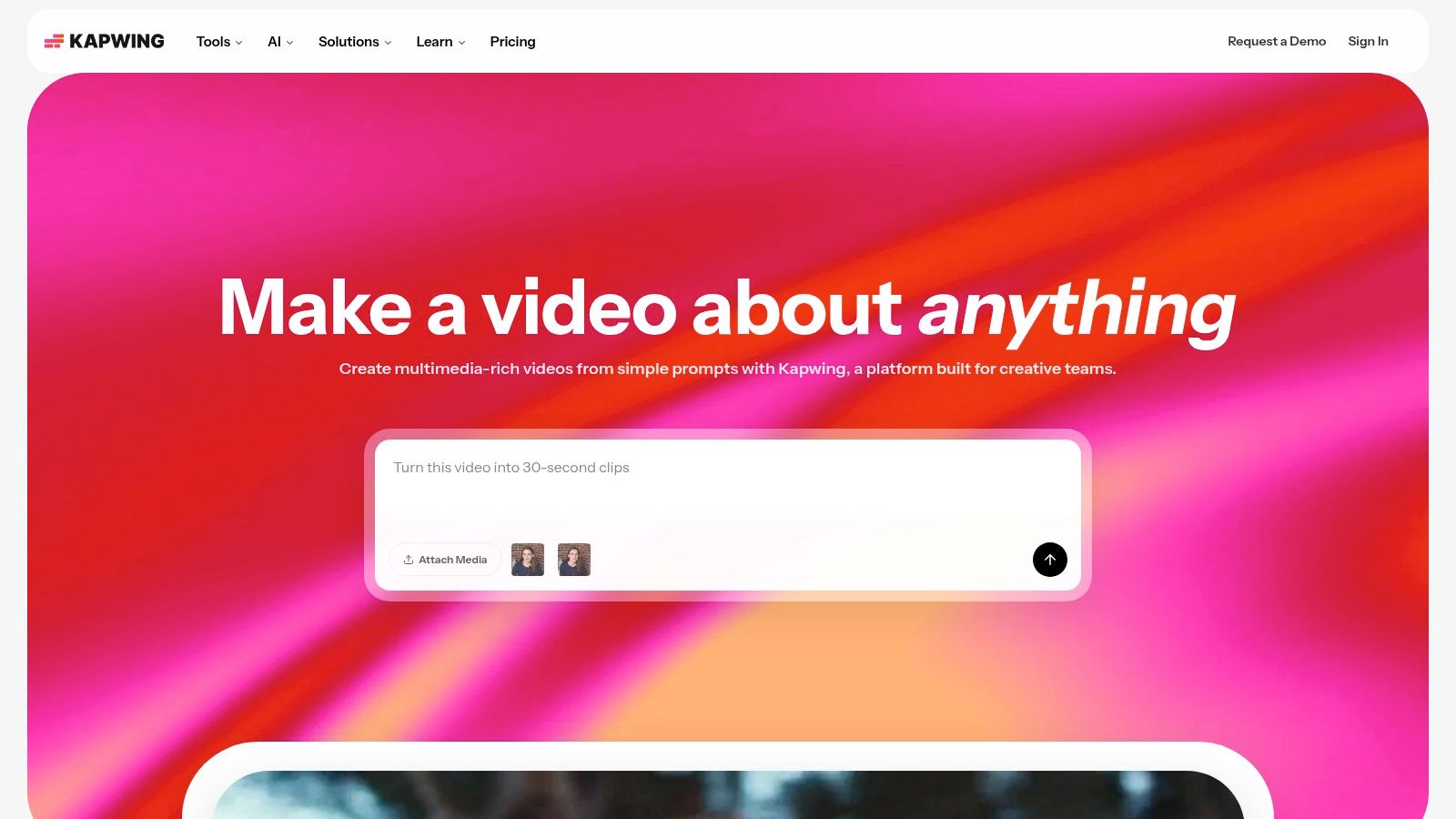
Kapwing is one of the cleaner browser-based options for turning raw clips, Zoom recordings, podcasts, and interviews into social-ready videos. It balances accessibility with enough editing control to make captioned Reels without overwhelming non-editors.
That balance is why it remains useful inside teams. Someone can open a shared project, edit subtitle timing, swap headline text, and export without learning a complex interface.
### Where it fits
Kapwing works well when collaboration matters and the edit itself isn't particularly cinematic. Auto-subtitles, team workspaces, templates, and vertical presets reduce a lot of routine social work.
Its limitations are predictable. Free exports are restricted, and branded workflows live behind paid access. Creators who just want quick phone edits usually move faster elsewhere. Teams building repeatable internal processes often find Kapwing much easier to operationalize than a mobile-only app.
## 9. Microsoft Clipchamp
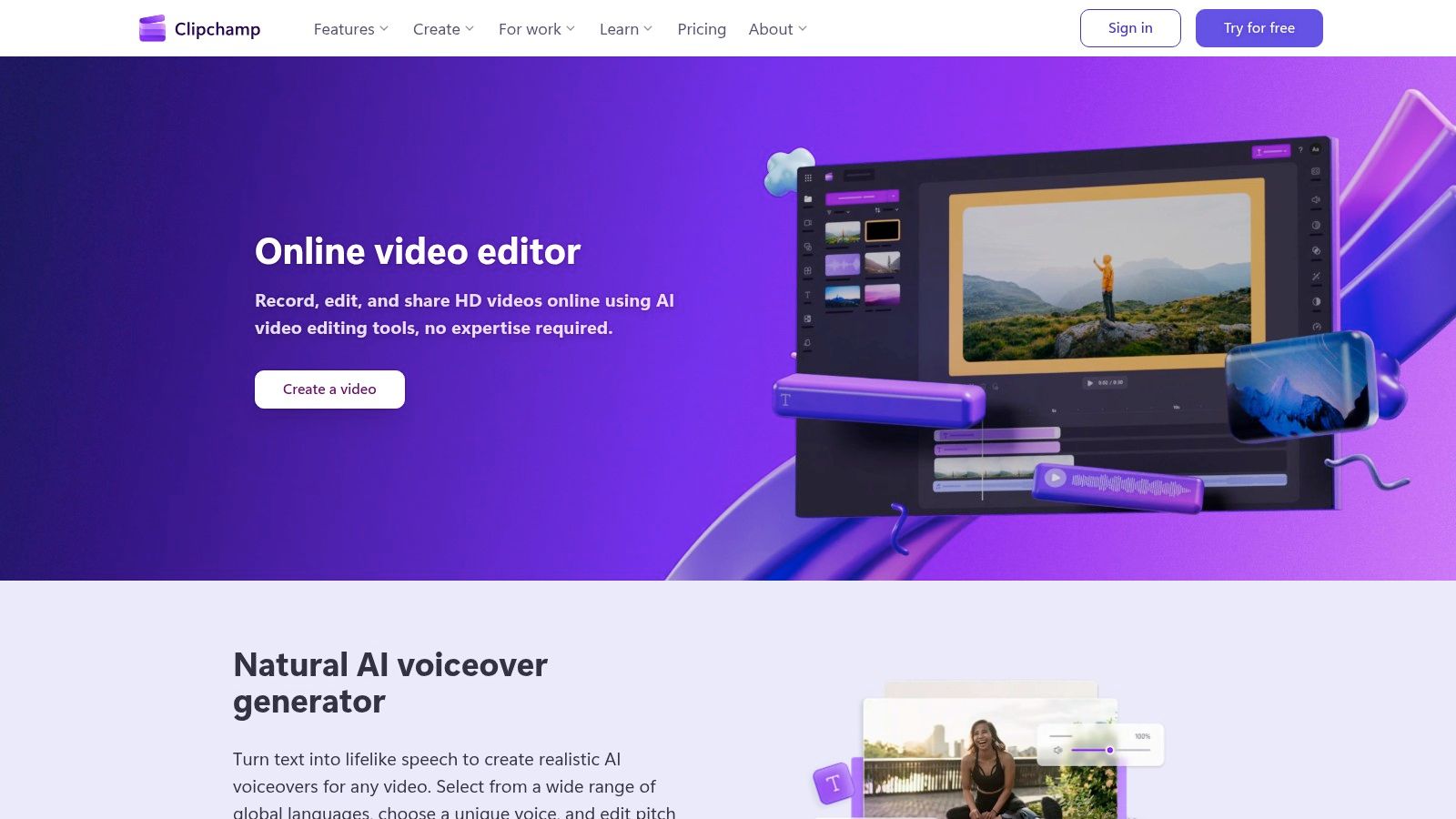
Clipchamp is a practical option for Windows-first teams. It isn't the trendiest editor in this list, but it does the basics well: templates, aspect-ratio presets, stock assets, captions, webcam capture, screen recording, and browser-based editing tied to the Microsoft ecosystem.
That makes it useful for businesses producing explainers, educational clips, internal brand content, and social snippets from recorded presentations.
### Strongest use case
Clipchamp fits best when the content operation already lives inside Microsoft 365. The learning curve is gentle, and non-editors can get decent vertical videos out quickly without needing specialized training.
The trade-off is creative depth. It can publish social video, but it doesn't feel optimized around high-volume Reels culture the way dedicated short-form tools do. For polished creator-style edits, its limitations become apparent quickly.
- **Best for:** Internal teams, educators, and Windows-based marketers.
- **Less ideal for:** Trend-heavy creators chasing fast-paced aesthetic edits.
- **Why it still matters:** Simplicity beats feature depth when the team just needs reliable output.
## 10. Captions (Captions AI Video Editor)
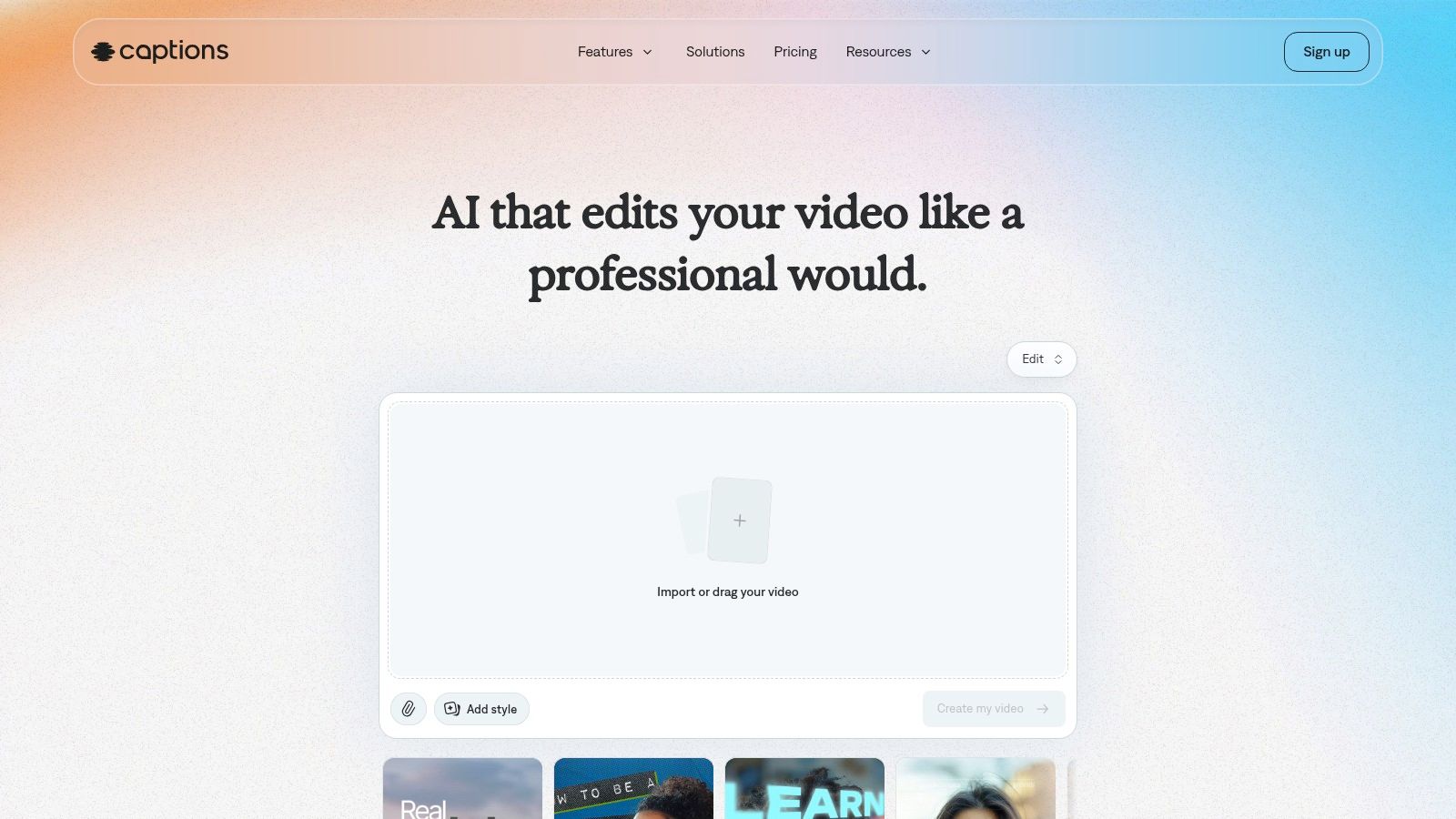
Captions is the specialist choice in this list. It is designed around direct-to-camera content, not broad editing needs. That means teleprompter tools, stylized subtitles, filler-word cleanup, punch-in cuts, and quick record-to-export flows for talking-head videos.
For coaches, founders, educators, and creators whose content depends on speech clarity and strong on-screen text, that focus is valuable.
### Best for talking-head creators
Captions is at its best when the message is the product. If the video format is one person speaking to camera, bold captions often carry more weight than fancy transitions or layered effects. In 2021, Instagram head Adam Mosseri said video was driving most of Instagram's growth, and that shift toward fast, video-first consumption is part of why editing tools still center mobile captioning, trimming, music sync, and vertical export in the post-Reels era, as discussed in this summary of [Mosseri's comments on Instagram video growth](https://www.youtube.com/watch?v=JwUcCFbnoKs).
It is not built for full timeline work. Creators needing broader context on subtitle-led performance can also review this piece on [how captions drive engagement on TikTok and Instagram](https://www.blitzreels.com/blog/how-captions-drive-engagement-on-tiktok-and-instagram).
- **Best at:** Caption-forward talking-head content.
- **Not built for:** Multi-track editing or long-form finishing.
- **Good choice when:** The fastest path from script to Reel matters more than advanced post-production.
## Top 10 Instagram Video Editors, Key Features & Pricing
| Product | Core strengths | AI & automation | Best for | Pricing & limits |
|---|---:|---|---|---|
| **BlitzReels, Recommended** | End-to-end short-form repurposing, auto B-roll, vertical exports | Advanced: auto-transcribe, best-cut, hook selection, on-beat captions, auto-reframe, AI Studio | Creators & teams scaling short-form quickly | 7-day free trial; no public monthly pricing listed |
| CapCut | Trend-driven templates, beat-synced effects, cloud sync | Good: auto-captions, AI effects, one-tap vertical export | Mobile creators chasing trends | Robust free plan; in-app purchases & regional pricing |
| InShot | Phone-first quick edits, canvas presets, transitions | Basic: audio tools, manual edits | Casual creators editing entirely on mobile | Free tier (watermark/ads); paid upgrades |
| VN (VlogNow) | Multi-track timeline, keyframes, 4K exports | Moderate: auto-captions, background removal | Mobile users needing timeline control | Mostly free; some in-app purchases |
| Adobe Express | Branded templates, Stock, brand kits, scheduler | Good: auto-captions, background removal, Adobe integrations | Teams/brands in Adobe ecosystem | Free tier; premium features/Stock require paid plan |
| Canva (Video Editor) | Design + video templates, Brand Kits, quick resize | Good: auto-captions, templates, resize tools | Design-first teams & social marketers | Free plan; premium for 4K and stock assets |
| VEED | Web collaboration, one-click subtitles, brand kits | Strong: auto-subtitles, TTS, background removal | Teams & clients wanting browser workflow | Free tier may watermark; paid plans with limits |
| Kapwing | Collaborative web editor, reliable captions, workspaces | Solid: auto-subtitles, TTS, export presets | Convert Zooms/podcasts into captioned Reels | Free limits on exports; paid for 4K/brand features |
| Microsoft Clipchamp | Templates, webcam/screen capture, MS365 integration | Basic: captions, simple timeline tools | Windows-first teams & Microsoft 365 users | Standard 1080p; Premium/4K on paid tiers |
| Captions (AI Video Editor) | Mobile-first caption styling, teleprompter, filler-word removal | Focused: auto-captions, AI cleanup, punch-in cuts | Talking-head creators prioritizing bold captions | Free with paid tiers to remove watermarks/features |
## From Editor to Published Your Next Steps
The right choice depends less on which editor has the longest feature page and more on which workflow removes the most friction. For high-volume repurposing, AI-first tools are usually the best investment. For creators who film and post from the phone, mobile-first apps still make the most sense. For teams that care about templates, approvals, and brand consistency, browser-based or design-suite editors are often easier to manage.
The biggest mistake is picking a tool that looks powerful but slows down output. Instagram rewards consistency, and the editing stack needs to support that. A creator publishing three solid Reels every week with a simple workflow is usually in a better position than one who spends too long polishing a single clip inside a tool they don't enjoy using.
There is also a clear format reality behind all of this. Instagram's modern video workflow was shaped by Reels and short-form vertical viewing, which is why today's better editors emphasize quick cuts, captions, on-beat timing, and 9:16 output instead of traditional long-form complexity. That is also why practical publishing guidance, like this [guide to perfect Instagram Reels videos](https://www.evergreenfeed.com/blog/reels-size-instagram/), matters as much as the editing app itself.
The next step is simple. Pick one editor that matches the way content is produced right now, not the way it might be produced someday. Then make one Reel from start to finish. If the process feels smooth, the tool is probably a fit. If the process feels heavy, the workflow is wrong.
BlitzReels stands out for people who need speed, repurposing, captions, clipping, reframing, title cards, and multi-platform resizing without juggling several apps. CapCut and InShot remain strong for native social editing. Canva and Adobe Express are better for branded visual systems. VEED and Kapwing make sense when browser collaboration matters. Captions is excellent for speech-driven Reels.
The best video editor for Instagram is the one that helps creators publish more often without lowering quality. For anyone trying to scale short-form output, an automated workflow is usually the fastest path from raw footage to a finished post.
---
If fast short-form production is the priority, [BlitzReels](https://blitzreels.com) is a strong place to start. It combines clipping, captions, reframing, resizing, hook generation, templates, and export into one workflow built for Reels, TikTok, Shorts, LinkedIn, and other vertical formats. A free trial makes it easy to test the process on real footage and see whether AI-assisted editing fits the team better than manual timeline work.