---
title: "Discover 2026's Best Video Editor for Tiktok"
canonical: "https://blitzreels.com/blog/best-video-editor-for-tiktok"
---
# Discover 2026's Best Video Editor for Tiktok
URL: https://blitzreels.com/blog/best-video-editor-for-tiktok
Markdown URL: https://blitzreels.com/blog/best-video-editor-for-tiktok.md
Published: 2026-06-04
Author: BlitzReels
Discover the Best Video Editor for TikTok in 2026! Our guide reviews top apps for creators to edit amazing videos and boost their presence. Get started now!
Tags: best video editor for tiktok, tiktok video editor, short form video editor, ai video editor, video editing apps

A strong raw clip doesn't automatically become a strong TikTok. The actual work starts after recording, when someone has to cut dead air, find the hook, add captions people can follow with the sound off, and make everything fit a vertical screen without looking cramped.
That's why the best video editor for TikTok isn't just an editing app. It's a workflow decision. TikTok reported [1.5 billion monthly active users in 2024 and about 825 million downloads in 2023](https://www.opus.pro/blog/best-video-editor-for-tiktok), which makes speed, formatting, and consistency matter far more than they did when short-form was treated like side content. For many creators and marketers, the bottleneck isn't ideas. It's turning footage into publishable videos fast enough to keep posting.
For many, the need isn't for more knobs. They need fewer steps between recording and posting. That's also why tools built around clipping, captions, reframing, resizing, title cards, and templates keep winning over traditional manual editors for short-form work.
A related read on format strategy is [PostNitro's take on TikTok carousels vs videos](https://postnitro.ai/blog/post/tiktok-carousels-vs-videos-the-new-frontier-of-content).
## Table of Contents
- [1. BlitzReels](#1-blitzreels)
- [Best for fast repurposing and publish-ready shorts](#best-for-fast-repurposing-and-publish-ready-shorts)
- [Where it wins and where it needs oversight](#where-it-wins-and-where-it-needs-oversight)
- [2. CapCut](#2-capcut)
- [Best for mobile-native TikTok creation](#best-for-mobile-native-tiktok-creation)
- [3. Descript](#3-descript)
- [Best for talking-head clips and transcript-led editing](#best-for-talking-head-clips-and-transcript-led-editing)
- [4. Adobe Express](#4-adobe-express)
- [Best for branded short-form teams](#best-for-branded-short-form-teams)
- [5. Canva](#5-canva)
- [Best for non-editors who still need consistent output](#best-for-non-editors-who-still-need-consistent-output)
- [6. VEED.IO](#6-veedio)
- [Best for browser-based captioning and quick multilingual edits](#best-for-browser-based-captioning-and-quick-multilingual-edits)
- [7. Kapwing](#7-kapwing)
- [Best for fast subtitled social clips](#best-for-fast-subtitled-social-clips)
- [8. Microsoft Clipchamp](#8-microsoft-clipchamp)
- [Best for simple in-house editing](#best-for-simple-in-house-editing)
- [9. Adobe Premiere Pro](#9-adobe-premiere-pro)
- [Best for full editorial control](#best-for-full-editorial-control)
- [10. DaVinci Resolve](#10-davinci-resolve)
- [Best for creators who care about finishing quality](#best-for-creators-who-care-about-finishing-quality)
- [Top 10 TikTok Video Editors: Quick Feature Comparison](#top-10-tiktok-video-editors-quick-feature-comparison)
- [Stop Editing, Start Publishing](#stop-editing-start-publishing)
## 1. BlitzReels
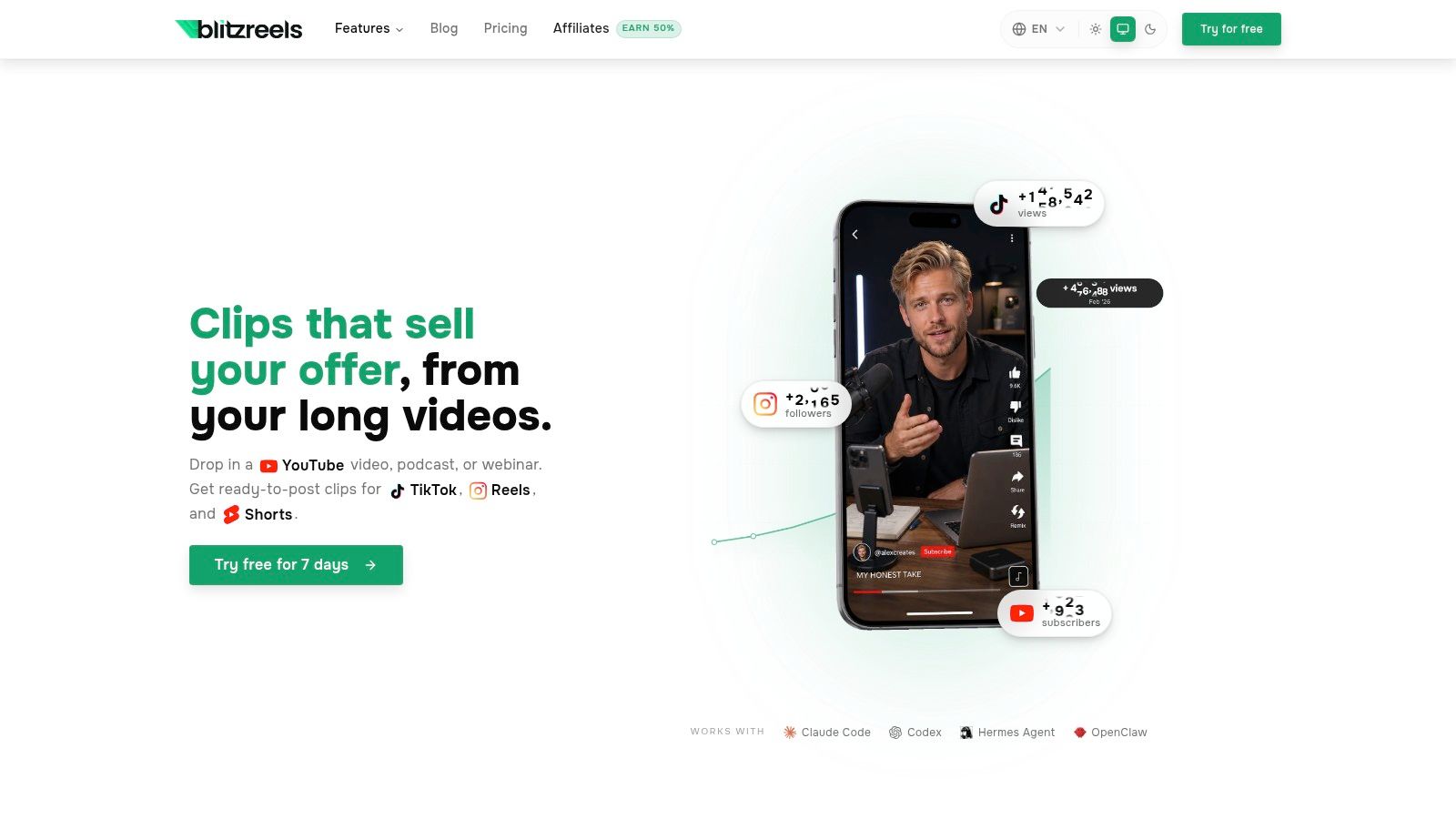
A common TikTok bottleneck starts after recording, not before. A team has a webinar, podcast, demo, or founder clip ready to go, but turning that long video into several short posts means clipping, captioning, reframing, resizing, and exporting in multiple tools. BlitzReels is built for that exact workflow, which makes it a strong fit for creators and marketers who care more about publishing speed than timeline-level precision.
The advantage is simple. It keeps repurposing work in one place. Instead of editing in one app, adding captions in another, resizing in a third, and building title cards at the end, users can move from source footage to a TikTok-ready draft with fewer handoffs. That saves time for solo creators, agencies, social teams, and founders trying to maintain output without adding more production overhead.
### Best for fast repurposing and publish-ready shorts
BlitzReels focuses on the steps that usually slow short-form production down. It transcribes audio, suggests clip-worthy moments, adds bold captions, converts horizontal footage into vertical framing, and keeps the speaker centered for mobile viewing. It also includes AI-assisted visual generation, templates, subtitle editing, compression, and format conversion through [BlitzReels](https://blitzreels.com).
That shift is significant because TikTok editing has moved away from slow manual desktop work and toward AI-assisted mobile and web workflows. CapCut's TikTok editor centers templates, captions, music, and quick export, while [CapCut's TikTok editor overview](https://www.capcut.com/create/tiktok-video-editor) shows how much the category now prioritizes speed. BlitzReels fits that same reality, but its stronger use case is repurposing longer recordings into multiple short posts. If that comparison is the deciding factor, this [CapCut vs BlitzReels workflow breakdown for TikTok creators](https://www.blitzreels.com/blog/capcut-vs-blitzreels-which-video-editor-is-best-for-tiktok-creators-in-2025) is the more useful next read.
> **Practical rule:** If a tool forces manual caption rebuilding, manual crop adjustments, and separate exports for every platform format, it will slow down TikTok volume.
### Where it wins and where it needs oversight
BlitzReels works best for teams that need speed, repeatability, and decent first drafts. It handles hooks, title-card presentation, captions, and reframing well enough to get raw footage close to publish-ready fast. In real production terms, that often decides whether a content backlog gets posted or ignored.
The trade-off is familiar in AI-first editors. Stylized edits still need a human pass. Messy audio, weak source footage, and overlapping speakers can reduce output quality, and brand-sensitive teams should review captions, framing, and visual choices before publishing. Pricing beyond the free trial should be checked on the site, but the platform does offer trial access and plan details there.
## 2. CapCut
CapCut is the obvious starting point for anyone who wants to edit TikToks the way TikTok culture moves. It feels native to the platform because it is built around templates, effects, caption styles, music, and quick mobile execution. For creators who film on their phone and publish from their phone, that convenience matters more than deep technical control.
It's especially good for trend-responsive content. A creator can grab a template, swap media, clean up timing, add subtitles, and post without building a project from scratch. That's why CapCut remains one of the easiest answers to the best video editor for TikTok question for beginners and casual creators.
### Best for mobile-native TikTok creation
CapCut's strength is momentum. It keeps users close to the TikTok publishing rhythm instead of forcing a desktop editing mindset onto short-form content. Templates, effects, music handling, auto captions, and cloud project flexibility all support quick turnaround through [CapCut](https://www.capcut.com).
The catch is that CapCut can become template-dependent. It's fast, but many videos start to look interchangeable if the creator leans too hard on preset styles. Teams that care about stronger brand identity or want more automated repurposing from long-form footage may prefer a workflow comparison like [CapCut vs BlitzReels for TikTok creators](https://www.blitzreels.com/blog/capcut-vs-blitzreels-which-video-editor-is-best-for-tiktok-creators-in-2025).
> CapCut is excellent for making content quickly on a phone. It's less compelling when a team needs a repeatable, cross-platform short-form system.
## 3. Descript
Descript works best when the spoken words are the main event. If the footage is an interview, podcast clip, webinar snippet, founder monologue, or educational talking-head, Descript's transcript-first workflow is hard to beat. Editing by changing text is faster than dragging waveforms around for this kind of content.
That approach changes the pace of short-form production. Someone can identify the strongest line, trim filler, tighten pacing, and turn a long conversation into a TikTok-ready clip without doing every cut manually. For teams repurposing a lot of speech-heavy material, that's a meaningful advantage.
### Best for talking-head clips and transcript-led editing
Descript shines when the edit starts with the script instead of the visuals. Auto transcription, captioning, filler-word cleanup, and clip extraction all support short-form output through Descript. It also makes review easier for teams that want comments and revisions without handing around heavy project files.
The limitation is visual style. Descript can produce clean, effective short clips, but it isn't the first choice for creators chasing dense motion design, aggressive effects, or trend-style visual layering. It's a utility-first editor, not a style-first one.
Captions are a major reason transcript-driven tools perform well in short-form workflows. For a closer look at that production angle, [this BlitzReels guide on crafting viral TikToks with AI captions](https://www.blitzreels.com/blog/crafting-viral-tiktoks-with-ai-captions-in-2026) is a useful companion read.
## 4. Adobe Express
Adobe Express is a strong option for marketing teams that care less about advanced cutting and more about branded consistency. It's quick, template-driven, and friendly to people who need to make social videos without becoming full-time editors. For product launches, event promos, quote-led clips, and simple talking-head packaging, it does the job efficiently.
The core value is brand control. Teams can keep fonts, colors, layouts, and reusable visual patterns in one place, which matters when multiple people are publishing under the same company account.
### Best for branded short-form teams
Adobe Express supports TikTok-ready templates, brand kits, stock assets, and lightweight motion tools through [Adobe Express](https://www.adobe.com/express). It's a practical choice when the content calendar matters as much as the edit itself.
The compromise is depth. It won't replace a full editor for people who need layered storytelling, precise audio work, or advanced transitions. It's better at producing clean, branded short-form volume than at making one highly polished showpiece.
TikTok editing also depends heavily on formatting. WeVideo's TikTok editor explicitly supports resizing clips into [9:16 vertical format on WeVideo's TikTok editor page](https://www.wevideo.com/business/tiktok-video-editor), which underlines the same workflow priority Adobe Express users should keep in mind. Vertical-safe export, resizing, and caption placement need to be fast, not afterthoughts. A practical reference for that is [this guide on changing aspect ratio](https://www.blitzreels.com/blog/how-to-change-aspect-ratio).
## 5. Canva
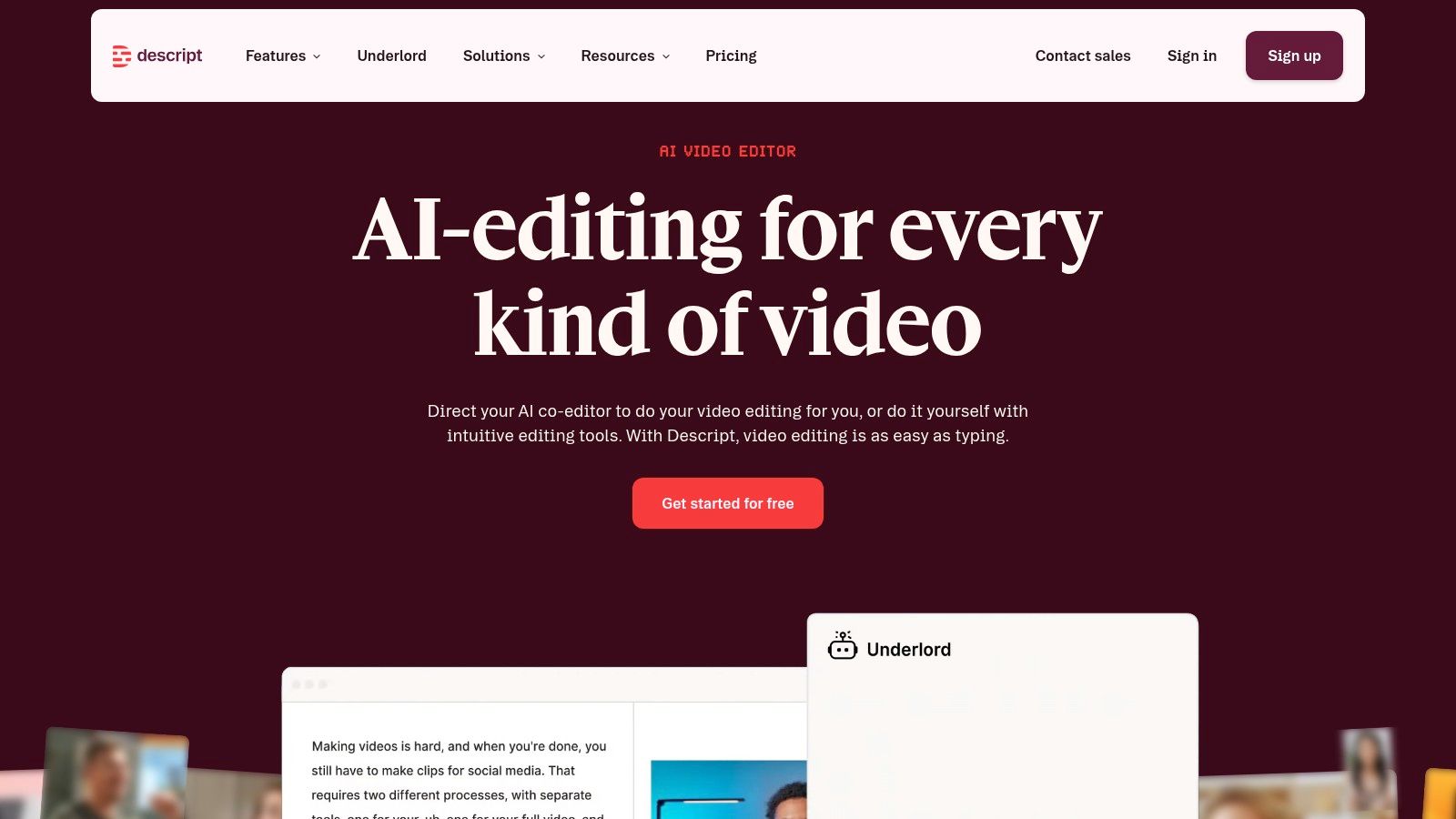
Canva is the best pick for people who don't think of themselves as video editors at all. It sits at the intersection of design and short-form publishing, which makes it useful for marketers, assistants, small business teams, and creators who need clean output without learning an advanced interface.
Its biggest advantage is approachability. Someone can build title cards, add captions, drag in stock assets, apply brand styles, resize for other platforms, and schedule content without moving between multiple products. That's efficient when TikTok is part of a broader social mix, not the only channel.
### Best for non-editors who still need consistent output
Canva's video editor supports templates, resizing, brand kits, stock media, and social planning through [Canva](https://www.canva.com). It's especially useful for simple promo clips, list-style videos, quote graphics with motion, and repurposed social posts where polish matters more than editorial nuance.
What doesn't work as well is anything timing-sensitive. Fast comedic editing, precise music cuts, heavy jump-cut pacing, and layered visual storytelling feel limited compared with purpose-built editors. Canva can make attractive TikToks, but it doesn't feel as native to fast-cut creator workflows.
> The fastest editor isn't always the one with the fewest features. It's the one that matches the skill level of the person who has to publish four more videos this week.
For teams balancing TikTok with broader content repurposing, [this short-form video guide from BlitzReels](https://www.blitzreels.com/blog/short-form-video) gives useful context on where template-led tools fit.
## 6. VEED.IO
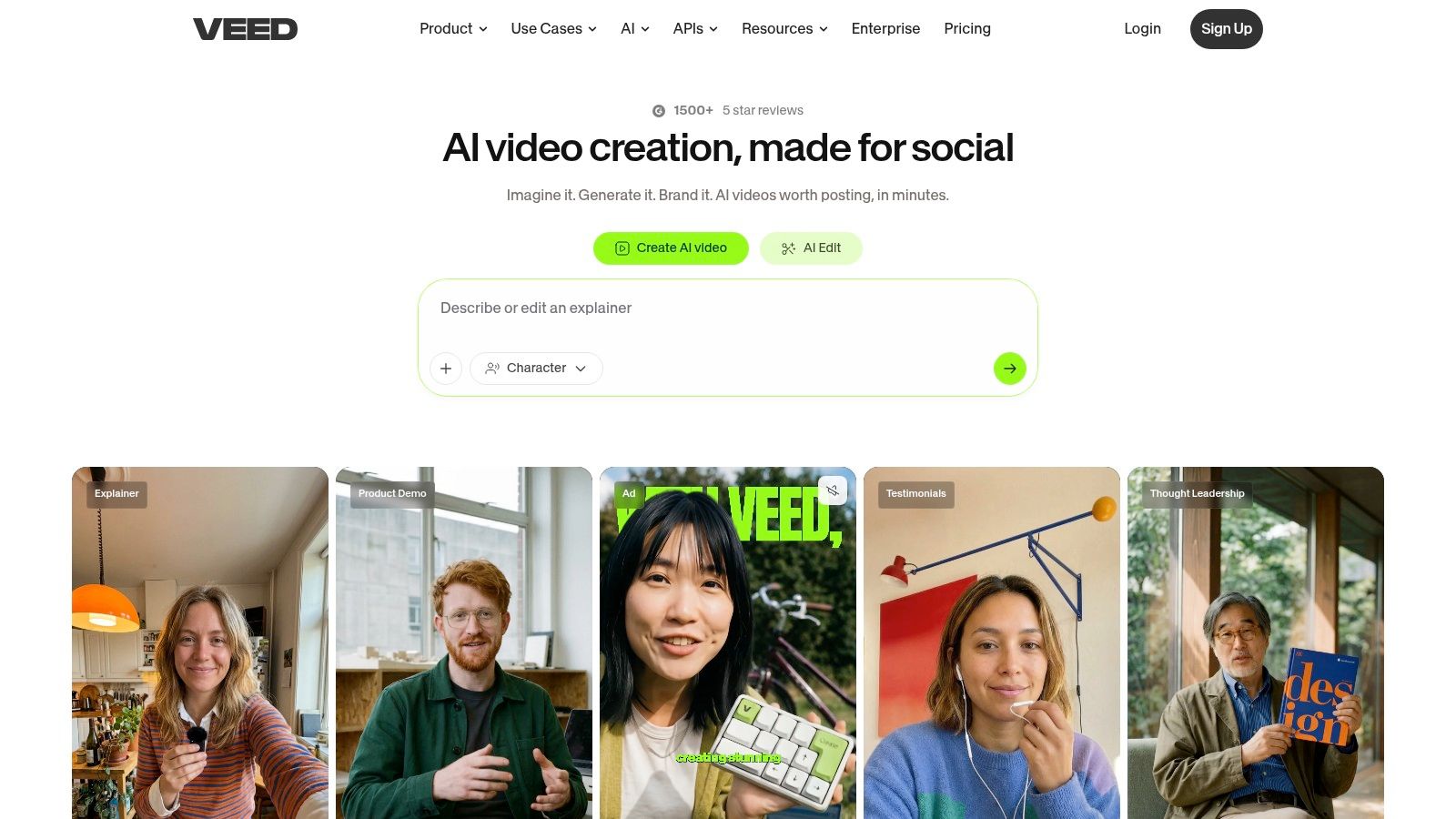
VEED.IO is built for speed inside the browser. That alone makes it appealing for teams that don't want software installs, local project files, or a steep setup process. Open a tab, upload footage, add subtitles, resize for vertical, and export. For many marketing and internal content teams, that's enough.
It also handles one of the most common TikTok editing needs well. Captioned speech clips. If the workflow starts with a webcam recording, screen capture, customer clip, or straightforward social video, VEED.IO keeps the process simple.
### Best for browser-based captioning and quick multilingual edits
VEED.IO combines timeline editing with subtitle generation, translation features, templates, and screen recording through [VEED.IO](https://www.veed.io). It's a practical fit for founders posting thought-leadership clips, educators publishing bite-sized explanations, and teams turning recordings into subtitled vertical content quickly.
Its weakness shows up when projects get more ambitious. Heavy effects, detailed motion work, and longer edits can feel cramped in a browser-first interface. That doesn't make VEED.IO a bad choice. It just makes it better for throughput than for craftsmanship.
A simple rule applies here. If the main job is clipping, captioning, and publishing, browser tools are usually enough. If the main job is creative finishing, they usually aren't.
## 7. Kapwing
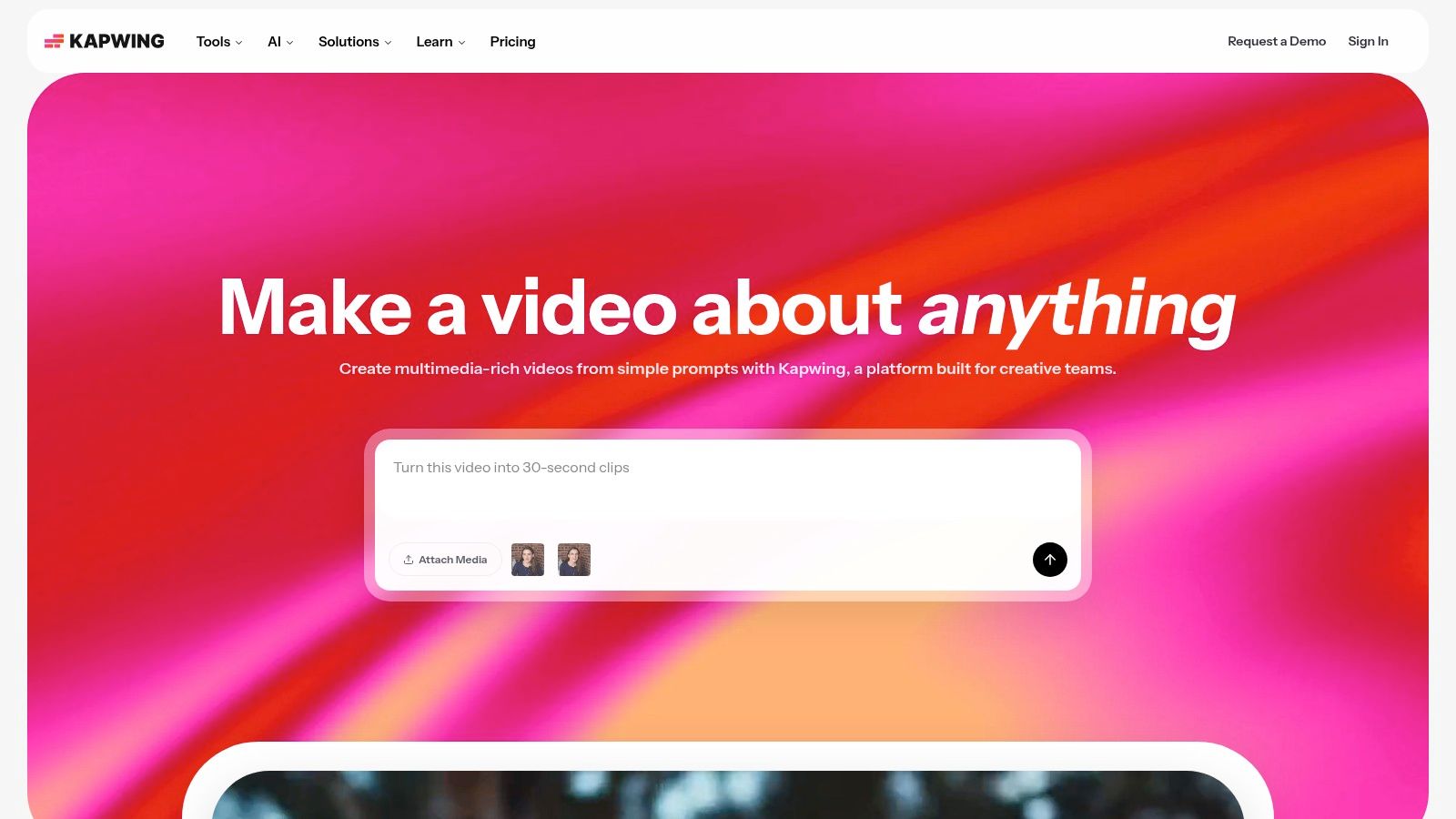
Kapwing has stayed relevant because it understands the kind of content many social teams make. Not cinematic videos. Fast-moving, caption-heavy, meme-adjacent clips that need to be turned around quickly and resized for wherever they'll be posted next.
That makes it a strong fit for agencies, in-house social teams, and creators managing multiple accounts. Smart Cut, auto subtitles, easy resizing, and collaborative browser access solve real production bottlenecks without demanding much training.
### Best for fast subtitled social clips
Kapwing is useful when volume matters. Users can cut pauses, clean up speech clips, format vertical outputs, and keep branding reasonably consistent through [Kapwing](https://www.kapwing.com). It's one of the more approachable browser editors for batch social production.
The downside is creative ceiling. It gets basic branded edits done, but it won't satisfy editors who want detailed motion graphics or advanced visual composition. That's the trade-off for speed.
For people turning longer videos into short-form batches, [this workflow for converting YouTube videos into TikTok clips](https://www.blitzreels.com/blog/the-30-minute-workflow-for-turning-youtube-videos-into-tiktok-gold) lines up well with the kind of work Kapwing handles best.
## 8. Microsoft Clipchamp
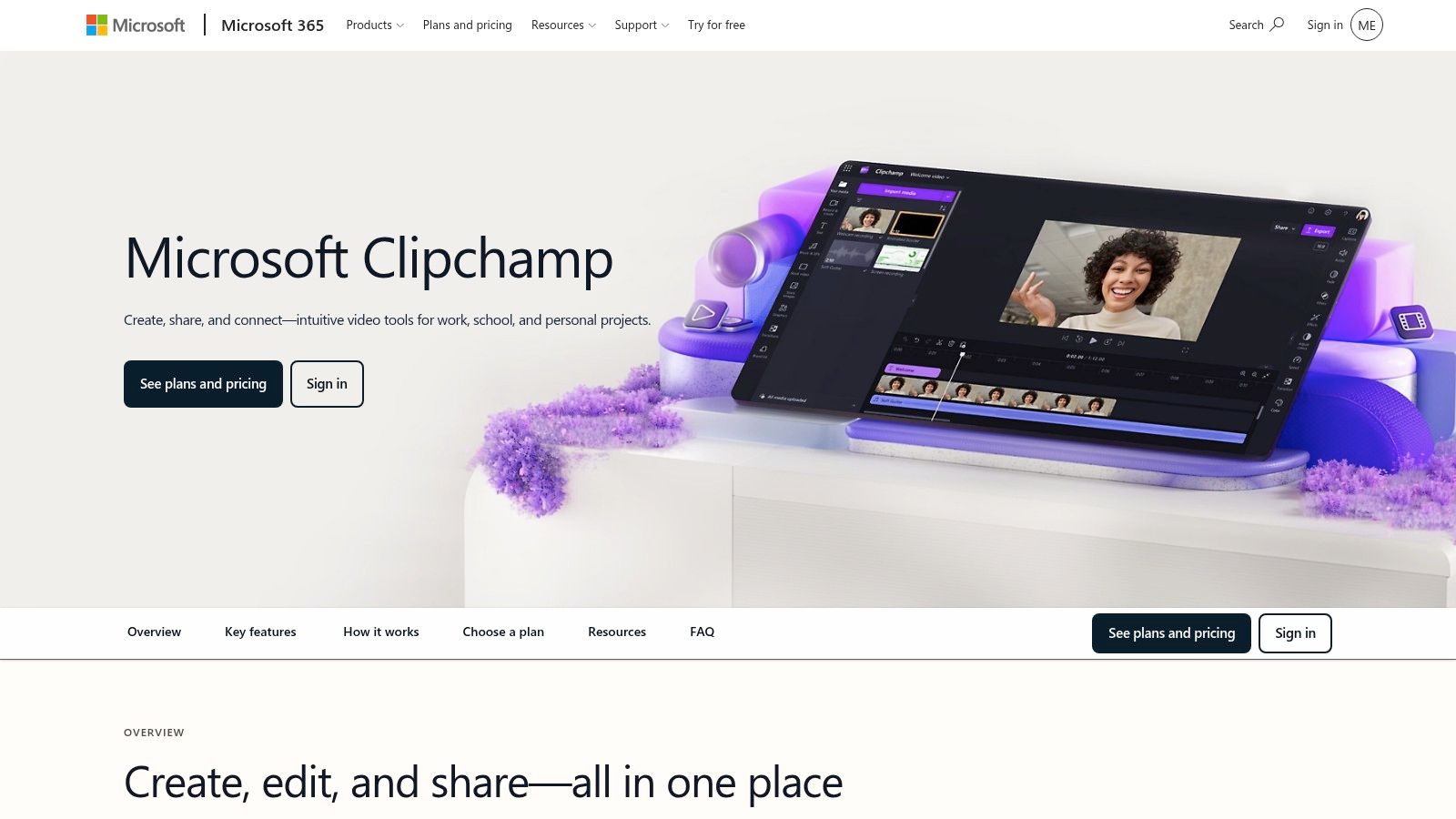
Clipchamp is often underrated because it looks simple. In many teams, simple is exactly the point. If someone already works inside Microsoft 365 and just needs to make clean vertical videos, Clipchamp covers the basics without friction.
It works well for internal marketers, recruiters, educators, customer success teams, and anyone creating practical social content from screen recordings, webcam clips, or short branded videos. The learning curve stays low, which helps when video editing isn't someone's core job.
### Best for simple in-house editing
Clipchamp offers templates, screen and webcam capture, auto-caption options, basic timeline editing, and platform exports through [Microsoft Clipchamp](https://www.microsoft.com/microsoft-365/clipchamp). It's a sensible choice for teams that need capability without complexity.
Where it falls short is obvious. It's not built for advanced compositing, high-end finishing, or detailed short-form storytelling. But if the goal is to get a vertical social video out the door without overcomplicating the process, Clipchamp is often enough.
That makes it less exciting than trend-native editors, but more practical than many teams expect.
## 9. Adobe Premiere Pro
Premiere Pro is what teams choose when TikTok is part of a larger professional editing operation. It brings deep control over timing, color, audio, graphics, and finishing. If the same source footage needs to become a TikTok, an ad cut, a YouTube segment, and a polished campaign asset, Premiere Pro makes that kind of multi-output workflow possible.
It's also one of the better options for editors who need to override automation. Sometimes the right reframing isn't what the software picks. Sometimes the pacing needs to be intentionally uncomfortable, abrupt, or ad-like. Premiere gives that control.
### Best for full editorial control
Premiere Pro includes text-based editing, captions, color tools, audio controls, and auto reframe through [Adobe Premiere Pro](https://www.adobe.com/products/premiere.html). For professionals, that breadth is the point. One timeline can feed many deliverables.
The drawback is speed for non-editors. Premiere can absolutely produce great TikToks, but it doesn't remove friction the way AI-first or template-driven tools do. It rewards skill, not urgency.
That distinction matters when choosing the best video editor for TikTok. A creator posting daily usually needs less software. A production team cutting paid and organic from the same footage often needs more.
## 10. DaVinci Resolve
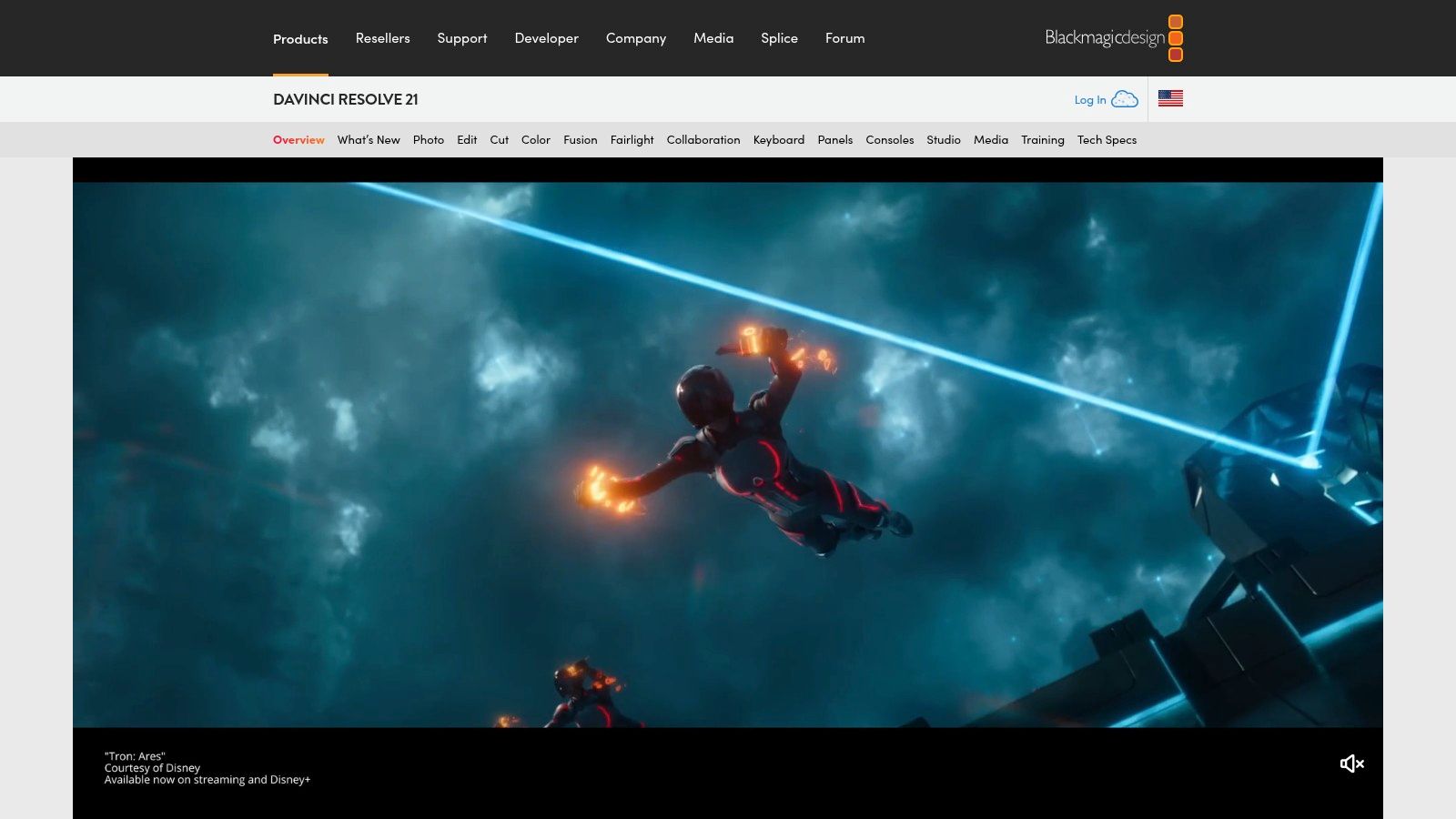
DaVinci Resolve is overkill for many TikTok creators. It's also one of the most powerful editing environments on this list. Both things are true. For people who care about image quality, stabilization, tracking, audio cleanup, and high-end finishing, Resolve gives far more control than lightweight social editors.
That makes it attractive for commercial creators, filmmakers, educators with high production standards, and agencies that want one system for editing, color, effects, and sound. TikTok may be the destination, but the source content often starts at a much higher production level.
### Best for creators who care about finishing quality
Resolve combines editing, color, effects, audio, and caption tools in one suite through [DaVinci Resolve](https://www.blackmagicdesign.com/products/davinciresolve). The free version is also a major reason creators keep testing it before committing to other professional tools.
Its weakness is accessibility. Resolve asks for time, hardware, and patience. That's worth it when the creator wants maximum control. It's not worth it when the bottleneck is getting clips out consistently.
> A pro-grade editor only helps if the team can keep up with the publishing cadence TikTok demands.
## Top 10 TikTok Video Editors: Quick Feature Comparison
| Product | Core features | User experience | Target audience | Unique selling points & pricing |
|---|---:|---|---|---|
| **BlitzReels (Recommended)** | Auto transcription; cut & hook detection; on‑beat captions+emoji; auto‑reframe, B‑roll insertion; AI Studio & SRT/convertors | Very fast, record→edit→publish (~10 min); web-based, low manual work | Short‑form creators, founders, marketers, small social teams | AI‑first all‑in‑one toolkit; automated hook & captioning; 7‑day free trial; paid tiers on site |
| CapCut | TikTok templates & effects; auto captions; sound sync; cloud projects; direct mobile post | Mobile‑first, trend‑focused, quick edits | TikTok creators, mobile editors, trend chasers | Deep TikTok integration; large template/music library; good free tier; some features mobile‑only |
| Descript | Transcript-driven editing; multicam; filler removal; Clips and auto captions | Extremely fast for dialogue/long‑form repurposing; strong collaboration | Podcasters, interviewees, talking‑head creators, teams | Text‑based edit workflow speeds clipping; media hours/AI credits on paid plans |
| Adobe Express | TikTok templates; brand kits; Firefly AI; stock assets; social scheduler | Fast template workflows; good for consistent branded posts | Marketing teams, brands, agencies needing scale | Adobe ecosystem + brand controls; includes stock/AI; subscription via Adobe |
| Canva (Video Editor) | Templates, Magic Resize, brand kits, caption tools, scheduler | Very approachable; browser/mobile; fast templated output | Non‑designers, marketers, social managers | Template‑first with massive stock library; free tier + Pro subscription |
| VEED.IO | Auto‑subtitles, translation/dubbing, recorder, templates, brand kit | Browser‑based, easy caption/translation workflows | Creators needing captions/translations, small teams | Built‑in translation & dubbing; team workspaces; best features on paid plans |
| Kapwing | Auto‑subtitles & translation, Smart Cut, resize tools, brand kit | Quick browser editor, good for meme/TikTok style edits | Social teams, volume creators, marketers | Smart Cut for jump removals; fast batch formatting; free plan has limits/watermark |
| Microsoft Clipchamp | Vertical templates, screen/webcam recorder, basic timeline, OneDrive integration | Simple and accessible; works best in Edge/Chrome | Microsoft 365 users, teams needing basic edits | Included with some Microsoft plans; direct TikTok export; Premium for 4K |
| Adobe Premiere Pro | Auto Reframe, pro color/audio, text editing, motion graphics | Professional, feature‑rich; steeper learning curve | Professional editors, agencies, creators needing full control | Industry‑standard NLE; deep integrations; subscription cost higher |
| DaVinci Resolve | Edit + Color + Fusion VFX + Fairlight audio; tracking; stabilization | Extremely powerful for finishing; steeper learning curve; resource heavy | Colorists, VFX artists, pro finishers | Robust free version; one‑time Studio license option; top‑tier color/VFX tools |
## Stop Editing, Start Publishing
You have a clip idea at 10:00 a.m., rough footage by lunch, and a posting window that will be gone by afternoon. In that situation, the best TikTok editor is the one that gets the video out without turning a simple post into an hour of cleanup.
That is the primary distinction between the tools in this list. Some are built for precision editing. Some are built for publishing speed.
CapCut fits creators who shoot and edit on their phones and want fast, trend-native output. Descript fits teams cutting interviews, podcasts, or talking-head content where the transcript drives the edit. Adobe Express and Canva make sense for brand teams that need approved visuals, quick formatting, and low training overhead. VEED.IO, Kapwing, and Clipchamp are solid middle-ground options for browser-based editing, captions, and basic repurposing. Premiere Pro and DaVinci Resolve give experienced editors far more control, but that control comes with more setup time, more decisions, and a slower path to publish.
For short-form marketers and creators, workflow fit usually decides whether a tool earns a place in the stack. TikTok rewards speed, volume, and consistency. Editors that handle vertical framing, caption styling, and fast exports tend to support that reality better than tools built around detailed post-production.
BlitzReels stands out for one specific use case. It is built around the repetitive work that slows short-form teams down: clipping longer footage, adding captions, creating title cards, reframing subjects, resizing for vertical formats, and repurposing one source video into multiple posts. That makes it a practical option for people turning webinars, podcasts, interviews, demos, sales calls, and talking-head recordings into TikToks on a steady schedule.
The trade-off is straightforward. If the goal is handcrafted edits, layered motion design, and frame-level control, Premiere Pro or DaVinci Resolve will give more room to work. If the bottleneck is publishing enough quality content every week, a faster system usually wins.
The strongest TikTok videos are often the ones that get finished on time, posted consistently, and followed by the next one. Overediting slows that down. A tool that supports repeatable output will often do more for growth than one with a longer feature list and a heavier workflow.
Choose based on volume, format, and who is doing the editing. CapCut works well for mobile creators. Premiere Pro and DaVinci Resolve fit skilled editors. BlitzReels fits teams and creators who need to turn existing footage into publishable short-form content quickly.
Ready to move from raw footage to publishable TikToks without the usual editing drag? BlitzReels makes clipping, captioning, reframing, and resizing faster, so creators and teams can spend less time editing and more time posting.