---
title: "10 Best Content Repurposing Tools for 2026"
canonical: "https://blitzreels.com/blog/content-repurposing-tools"
---
# 10 Best Content Repurposing Tools for 2026
URL: https://blitzreels.com/blog/content-repurposing-tools
Markdown URL: https://blitzreels.com/blog/content-repurposing-tools.md
Published: 2026-07-26
Author: BlitzReels
Find the best content repurposing tools for your B2B team. Compare AI clippers, editors, and workflow platforms to turn long videos into social content.
Tags: content repurposing tools, video repurposing, ai video editor, repurpose video content, long-form to short-form

A single long recording can become a **week's worth of social assets** when a team uses the right repurposing system, and that's why content repurposing tools have become core infrastructure for modern marketing teams. The economics are hard to ignore. One widely cited benchmark says repurposing one core asset into multiple formats can increase reach by **12x** while cutting per-piece production cost by **80%** versus creating separate content for each channel, which helps explain why brands now need to publish across TikTok, Instagram Reels, YouTube Shorts, LinkedIn, and email without multiplying production work ([content repurposing benchmark](https://www.misar.blog/stats/content-repurposing-statistics)).
For B2B teams, the key question isn't whether repurposing matters. It's which tool handles **clipping, reframing, captions, resizing, approval workflow, and batch output** without creating extra cleanup. A 45-minute recording can generate **20-30 publish-ready assets** in 2026 workflow data, while manual repurposing can take **10-16 hours per recording** ([2026 repurposing workflow data](https://www.repurposeyourcontent.com/blog/content-repurposing-statistics-2026)). That gap is why the best platforms are no longer just editors. They're workflow layers for webinars, demos, podcasts, and interview clips.
This roundup keeps the focus on practical post-production. It compares tools that help marketing and content teams turn one long-form asset into short-form video that's ready to publish, with a closer look at where BlitzReels fits for fast editing and platform-native distribution. For a creator-facing use case overview, see [Exploring creator use cases](https://isolate.audio/use-cases/content-creators).
## Table of Contents
- [1. BlitzReels](#1-blitzreels)
- [Where BlitzReels earns its keep](#where-blitzreels-earns-its-keep)
- [2. Repurpose.io](#2-repurposeio)
- [Best for teams that already have a clipping system](#best-for-teams-that-already-have-a-clipping-system)
- [3. Opus Clip (Opus.pro)](#3-opus-clip-opuspro)
- [Good first pass, but still needs a human pass](#good-first-pass-but-still-needs-a-human-pass)
- [4. Kapwing Repurpose Studio](#4-kapwing-repurpose-studio)
- [A practical middle ground](#a-practical-middle-ground)
- [5. VEED](#5-veed)
- [Fast for teams that care about polish](#fast-for-teams-that-care-about-polish)
- [6. Descript](#6-descript)
- [Best when the transcript is the primary workspace](#best-when-the-transcript-is-the-primary-workspace)
- [7. Pictory](#7-pictory)
- [Useful when consistency matters more than precision](#useful-when-consistency-matters-more-than-precision)
- [8. Vizard](#8-vizard)
- [Clean UX with enough team features](#clean-ux-with-enough-team-features)
- [9. Klap](#9-klap)
- [Fast, simple, and narrow on purpose](#fast-simple-and-narrow-on-purpose)
- [10. Riverside Magic Clips](#10-riverside-magic-clips)
- [Strongest when recording and clipping live in the same system](#strongest-when-recording-and-clipping-live-in-the-same-system)
- [Top 10 Content Repurposing Tools, Feature Comparison](#top-10-content-repurposing-tools-feature-comparison)
- [Integrating Repurposing Tools Into Your Workflow](#integrating-repurposing-tools-into-your-workflow)
## 1. BlitzReels
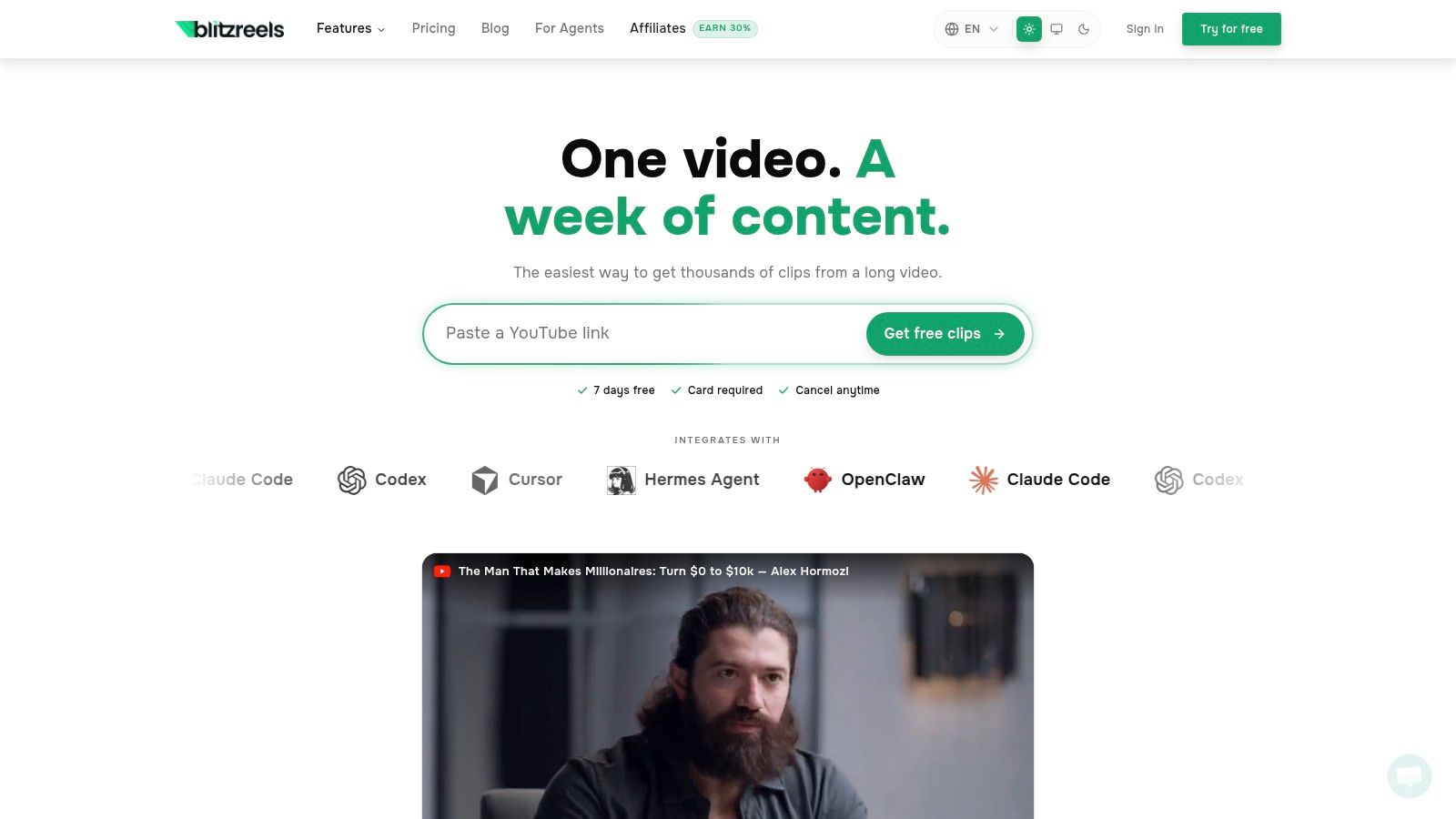
BlitzReels is the strongest fit when the bottleneck is **turning long recordings into ready-to-post shorts quickly**. It handles MP4, MOV, screen recordings, and YouTube links, then transcribes the audio, scores segments for impact, picks an opening hook, and generates **on-beat captions with emoji callouts**. That matters for B2B teams because webinar, podcast, and demo clips rarely fail on ideas. They fail in the edit pass, where someone still has to center the speaker, crop for vertical, and make the first seconds usable.
### Where BlitzReels earns its keep
The platform is built for the exact work marketing teams do after a webinar or customer interview. Auto-reframe keeps faces centered, widescreen-to-vertical cropping removes manual resizing work, and auto B-roll insertion helps the clip feel finished without bouncing between tools. Export presets for TikTok, Instagram Reels, and YouTube Shorts make the last step faster, and the product's AI Studio adds faceless and prompt-to-video options for teams that need more than clipping alone.
The tool also stands out because it bundles the practical extras teams usually stack elsewhere. Templates, an SRT editor, subtitle generation, compressors, converters, and model integrations reduce the number of tabs open during post-production. BlitzReels says it offers a 7-day free trial with card required, but detailed subscription pricing still requires checking the site directly ([BlitzReels](https://blitzreels.com)).
> **Practical rule:** If a team spends more time fixing captions, resizing frames, and reworking hooks than it spends selecting moments, the clipper is doing too little.
For teams focused on long-form source material, BlitzReels is especially relevant for [podcast clips](https://www.blitzreels.com/use-cases/podcast-clips), [YouTube Shorts](https://www.blitzreels.com/use-cases/youtube-shorts), and fast aspect-ratio conversion with the [resize video for YouTube Shorts](https://www.blitzreels.com/tools/resize-video-for-youtube-shorts) tool. It also offers an AI-assisted import flow for webinars, tutorials, Loom recordings, demos, and other source video, which makes it useful when the input is not a polished talking-head recording.
The trade-off is the same one that comes with any highly automated editor. High automation is only valuable if the team still reviews timing, voice, and brand tone. In practice, that's where BlitzReels fits best, it speeds up the record-edit-publish loop without pretending every clip is ready the instant the AI finishes.
## 2. Repurpose.io
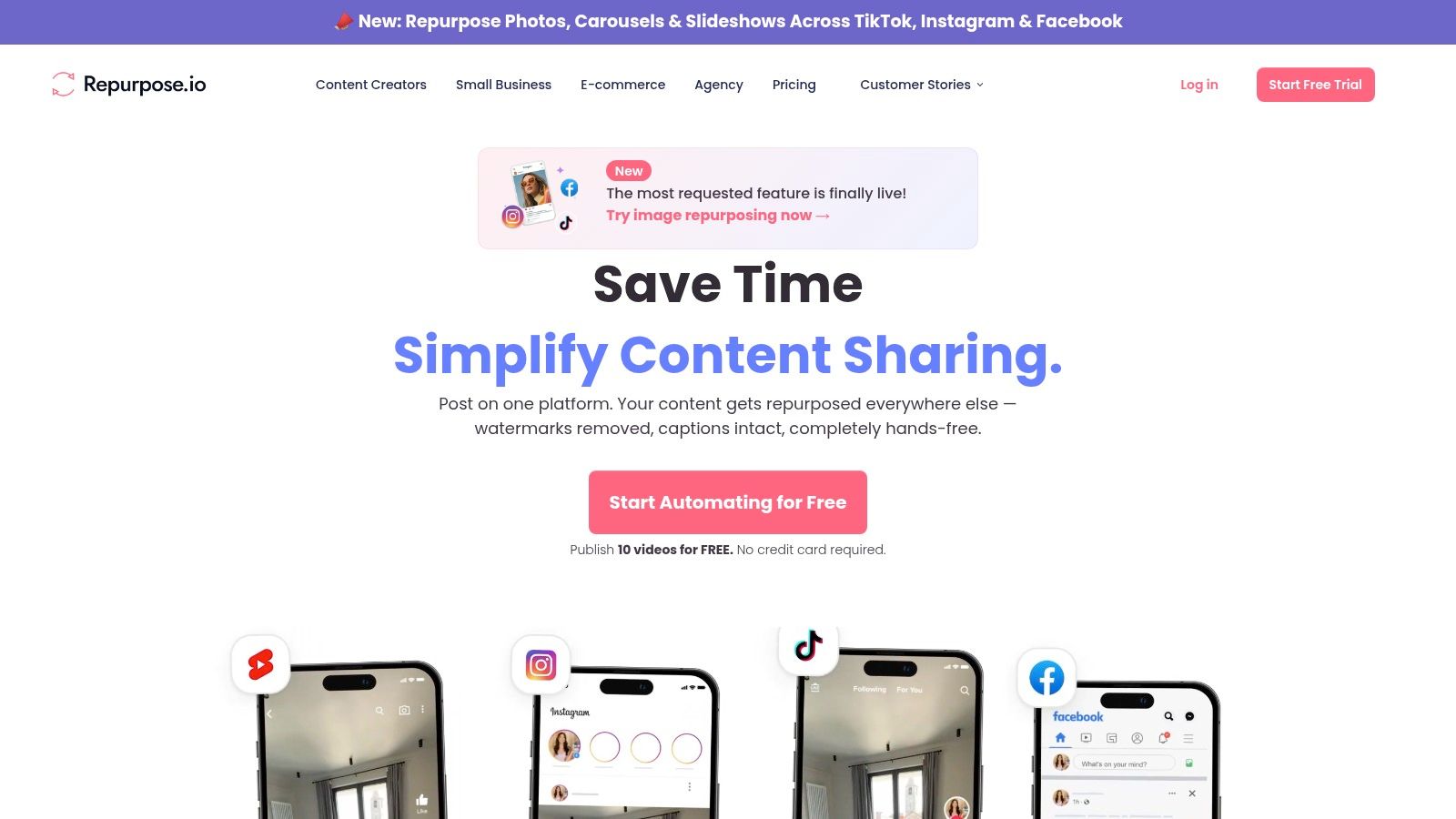
Repurpose.io is the most obvious choice when the job is **distribution, not editing**. It takes one piece of video and auto-publishes it across many channels, including TikTok, YouTube Shorts, LinkedIn, Instagram Reels, Facebook, and more, which is why it matters for teams that already have clips ready and just want them moved reliably from source to destination ([distribution automation](https://designrr.io/best-content-repurposing-tools/)). It's the opposite of a creative editor. It's a workflow engine.
### Best for teams that already have a clipping system
That distinction matters more than the marketing copy suggests. Repurpose.io works best when another tool has already handled the hard editorial work, because its strength is workflows, account connections, scheduling, trimming, captions, and format routing. Once set up, it can reduce the manual burden of pushing one asset into multiple networks, especially for agencies and B2B teams managing several profiles at once.
The downside is that it doesn't try to solve the creative part. It won't choose the strongest hook for a webinar moment or reframe a speaker for a better vertical composition in the way a dedicated clipper would. That makes it a strong layer after editing, not a replacement for it. The product page also includes a direct link to [BlitzReels' content repurposing strategy](https://www.blitzreels.com/blog/content-repurposing-strategy), which is useful context for teams trying to build a cleaner workflow around upstream clip generation.
The best comparison is simple. If a team needs to turn one source into a repeatable publishing system, Repurpose.io is a serious option. If the team still needs AI help finding the right moments, rewriting the opening, or sizing the output for short-form social, it needs a stronger editing layer first. Repurpose.io can keep the machine moving, but it doesn't build the clip.
## 3. Opus Clip (Opus.pro)
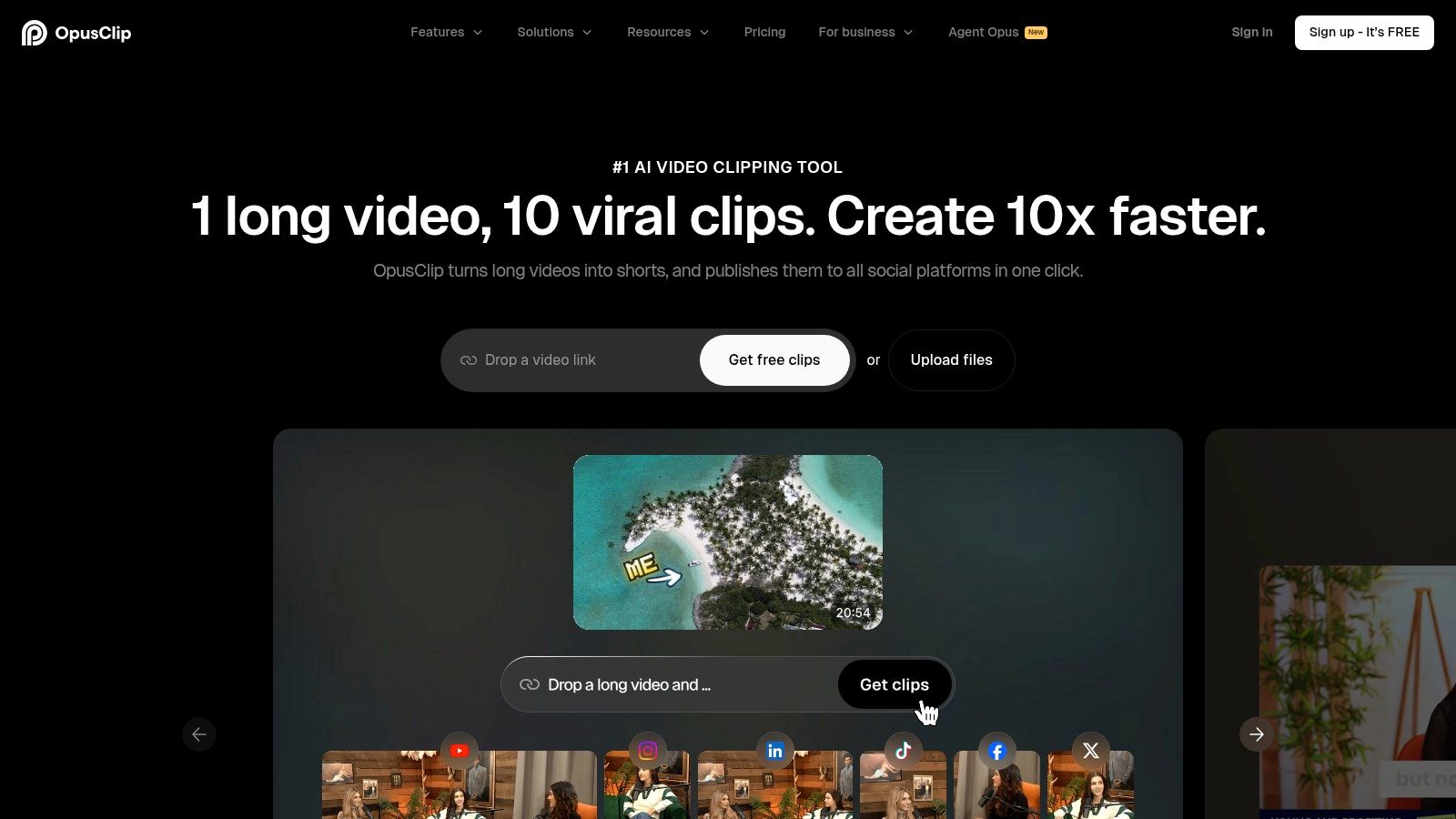
Opus Clip is one of the most recognized names in AI clipping because it does the fast first pass well. It finds probable high-interest moments, reframes them for vertical, adds kinetic captions and emojis, and uses a virality score to help teams decide what to post first. For podcast, webinar, and interview content, that triage step is valuable because the raw recording usually contains more usable material than a team can post in one day.
### Good first pass, but still needs a human pass
The reason teams keep reaching for Opus Clip is speed. It is built for long-to-short workflows where the content team needs volume quickly, not a carefully hand-crafted final cut. It also supports multi-aspect exports, so a clip can move through social formats more easily than if a team had to rebuild it in a separate editor.
The trade-off is that virality scores are still estimates. They can help prioritize, but they don't replace judgment. Teams still need to review whether the chosen moment makes sense in context, whether the title card fits the brand, and whether the clip opens cleanly instead of dropping into the middle of a sentence. That's especially important for B2B webinar content, where the best talking point is often not the flashiest one.
For teams comparing long-form video clippers, Opus Clip is usually the benchmark for “good enough, fast.” It's not the most precise editor, but it gets clips into review faster than manual workflows. For teams that want tighter control over hooks, subtitle style, reframing, and export cleanup, a more integrated editor may feel better. For a side-by-side product comparison, see [BlitzReels versus Opus Clip](https://www.blitzreels.com/compare/blitzreels-vs-opus-clip).
## 4. Kapwing Repurpose Studio
Kapwing is useful when teams want **AI suggestions plus manual control in the same browser tab**. Its Repurpose Studio suggests strong segments from long video, then lets editors refine the result inside Kapwing Studio. That makes it appealing for small marketing teams that don't want a black-box clipper making all the decisions for them.
### A practical middle ground
The advantage of Kapwing is control. Auto subtitles, translation, Smart Cut for silence removal, background removal, and multi-aspect resizing let editors clean up the clip without moving into a separate production stack. For brand-sensitive teams, that matters because a webinar highlight may need a custom title card, a specific subtitle style, or a reworked intro before it goes live.
Kapwing also fits collaborative work better than many quick-clip tools because it includes team collaboration and brand assets. That makes it useful for teams where one person finds the clip, another edits it, and someone else approves the final export. The cost of that flexibility is complexity. The free tier comes with tighter limits and a watermark, and the AI features consume credits, so heavier users need to watch usage carefully.
> For teams with review-heavy workflows, the real value is not just clip generation. It's reducing the number of times a file has to leave the editor before approval.
Kapwing works best when the team is willing to spend a little more time refining output in exchange for stronger visual control. It's less of a hands-off clip factory and more of a collaborative editing environment that happens to include repurposing tools. That makes it a credible choice for brand teams, but not the fastest path if the only goal is to get a pile of shorts out the door.
## 5. VEED
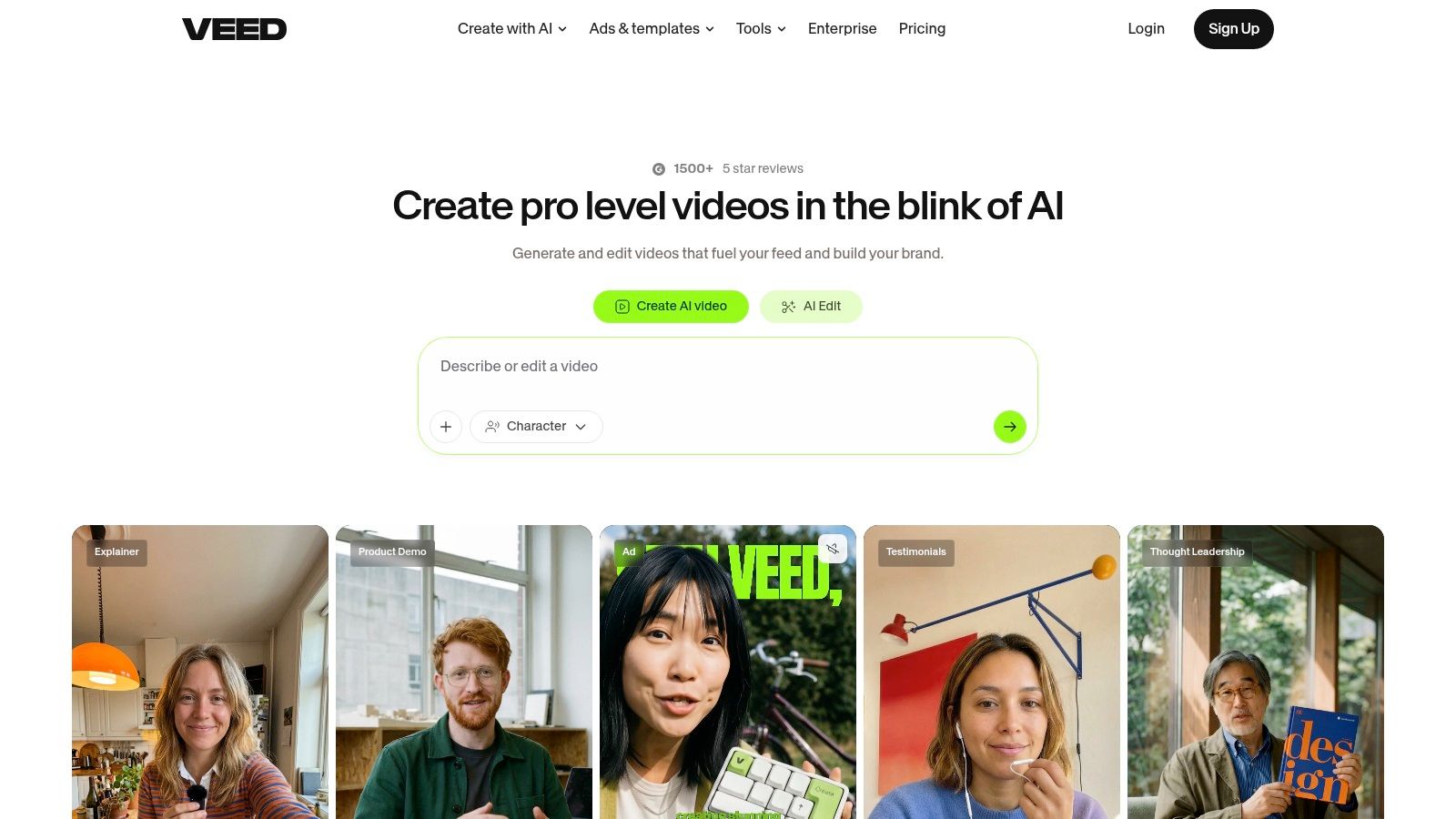
VEED is strongest when non-editors need to produce **clean, captioned shorts with minimal friction**. Its Clips and Magic Cut tools take long footage and convert it into social-ready assets, while auto-subtitles, emoji suggestions, translation, brand kits, and templates make the output feel more polished than a barebones clipper. That combination is valuable for lean marketing teams where the person repurposing content is also running campaigns, writing copy, and scheduling posts.
### Fast for teams that care about polish
VEED's biggest advantage is usability. The learning curve is gentler than many timeline editors, so teams can get from webinar recording to publishable clip without a long training phase. Magic Cut removes gaps, auto-framing helps with vertical formats, and AI B-roll assist can add visual movement when the clip needs more than talking heads and subtitles.
The trade-off is that more advanced AI capabilities sit behind higher-tier plans, so the free or lower-cost experience may not reflect the full product. That matters for B2B teams trying to estimate whether VEED will scale with them over time. Still, for teams that value clean output and accessible editing over deep post-production control, it remains a practical option.
VEED is not the best fit for highly customized workflows where batch approval, complex asset routing, or transcript-level editing is the priority. It is a better fit for getting branded shorts out quickly without requiring the team to learn a professional non-linear editor. That makes it a strong middle-market choice, especially for teams that want attractive captions and decent automation in one browser-based workflow.
## 6. Descript
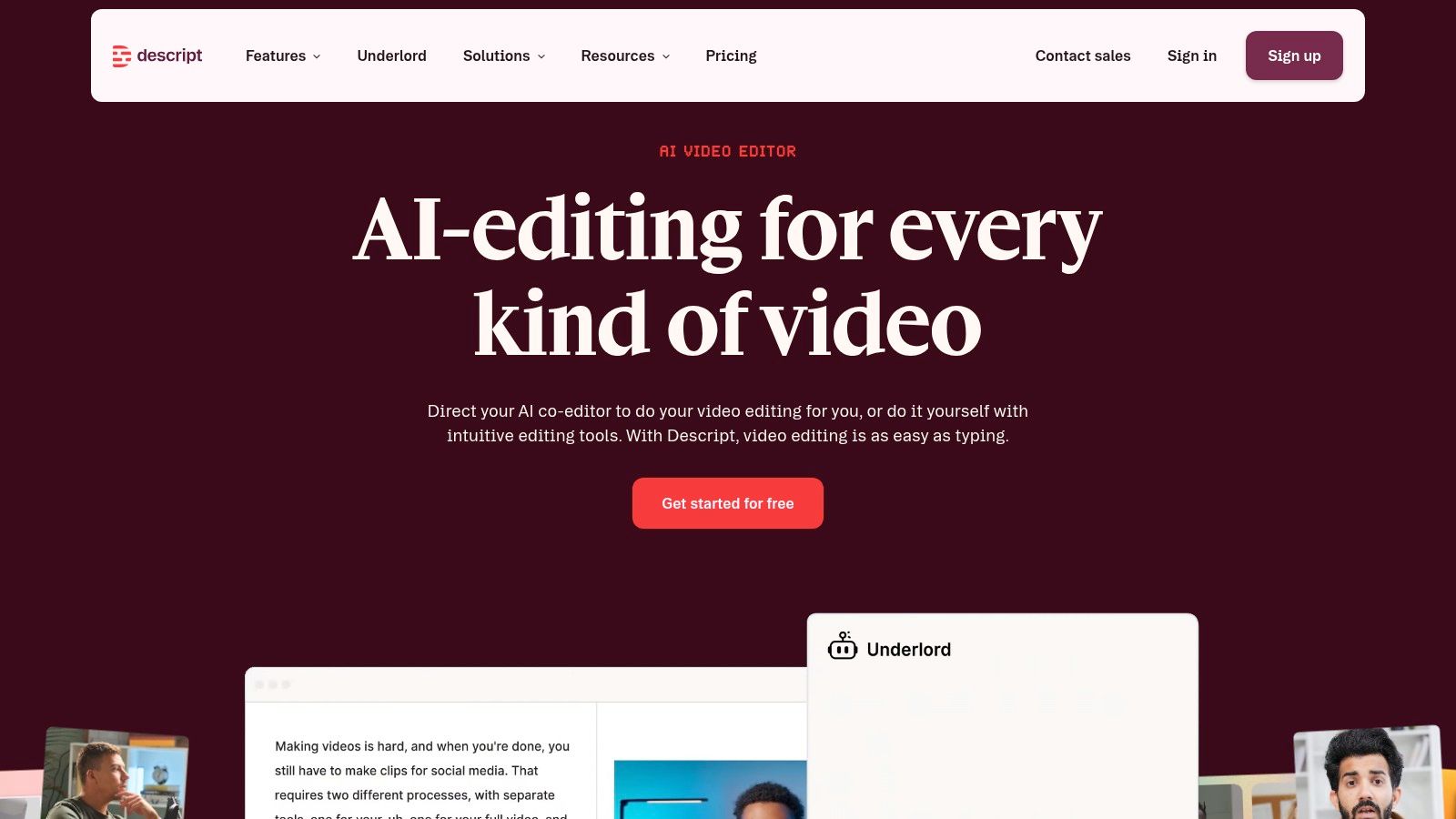
Descript is the best-known option for **transcript-first editing**, and that still matters for podcasts, interviews, webinars, and demo recordings. Editing video like a document changes the way teams move through long recordings. Instead of scrubbing a timeline to find the right moment, editors can cut filler words, trim pauses, and build clips from the transcript itself.
### Best when the transcript is the primary workspace
That workflow is especially useful for teams that need to atomize one recording into multiple assets. Word-level editing, multi-track transcription, silence removal, filler-word cleanup, captions, translation, dubbing, and social templates make Descript feel like a writing tool that happens to understand video. For teams with internal review loops, that's a serious advantage because comments and text edits are easier to discuss than timeline markers.
The limitation is that Descript is broader than a dedicated auto-clipper. It can absolutely support repurposing, but it's not as narrowly optimized for fast highlight extraction as the most aggressive clipping tools. The usage model also relies on media minutes and AI credits, which can feel less straightforward for heavier users. For B2B teams, that means it excels when the editing team wants precision and transcript control, not just raw clip volume.
For a team building a content engine around interviews and podcasts, Descript remains one of the strongest practical choices. For a team whose only goal is to ship vertical clips quickly, it may feel heavier than necessary. For deeper captions-first workflows, [BlitzReels' AI video editor with captions](https://www.blitzreels.com/blog/best-ai-video-editor-with-captions) is worth comparing because it's built more directly around short-form output.
## 7. Pictory
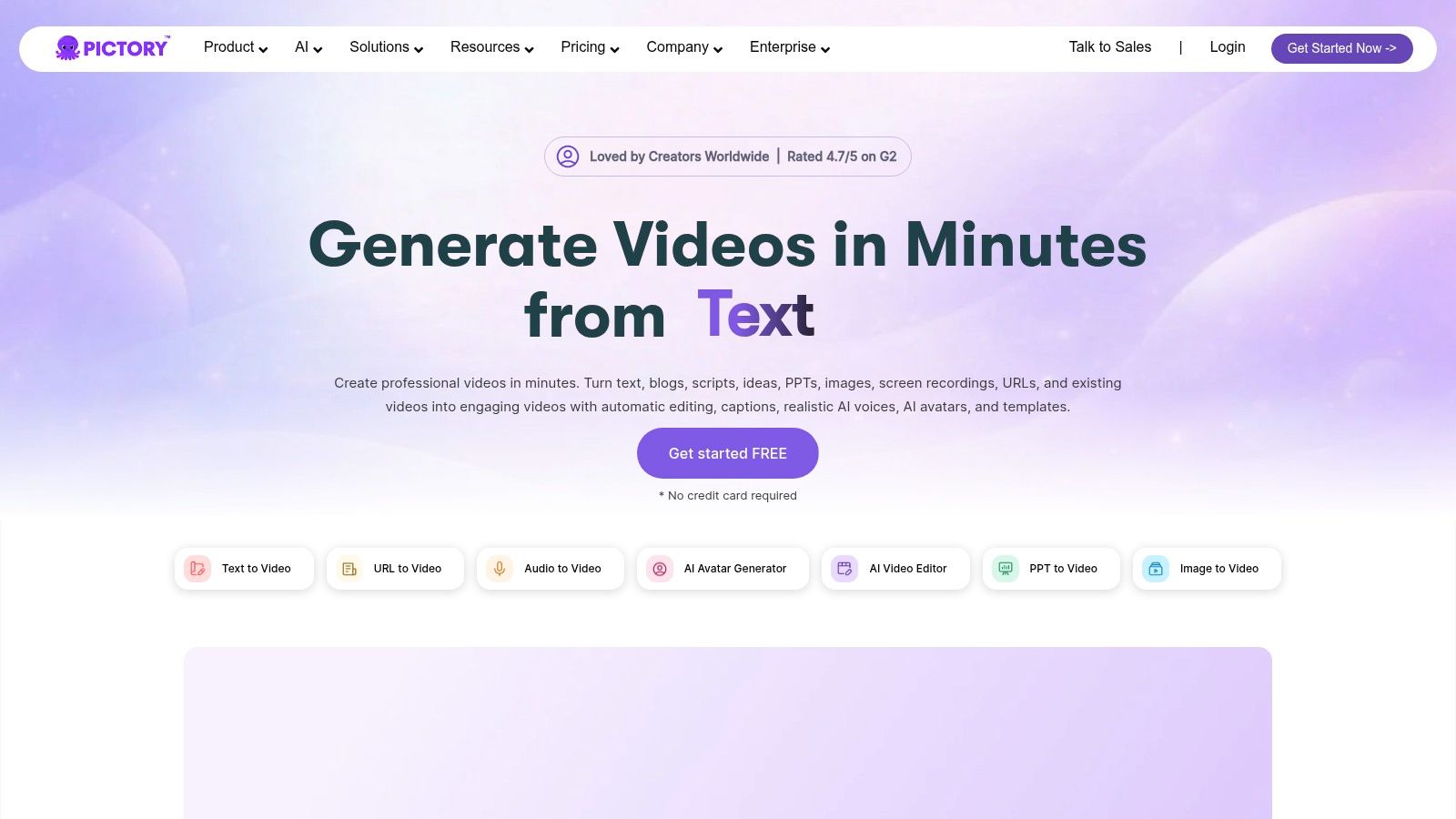
Pictory is a straightforward choice for teams that want a **simple long-to-short pipeline** with stock and AI B-roll support. It auto-identifies strong moments from long videos, then outputs clips that are already closer to Shorts or Reels format. For solo marketers or small teams repurposing webinars and podcasts, that can be enough to avoid a heavier editing stack.
### Useful when consistency matters more than precision
Pictory's appeal is that it reduces the number of decisions. Auto-transcription, captions, social-format exports, templates, and built-in B-roll help the output look coherent even when the source video is long and uneven. It also supports blog and script to video workflows, so teams can reuse written assets when a recording is not available.
The downside is control. Pictory offers fewer timeline-level editing options than more professional editors, so teams that need exact frame control, detailed title-card design, or tighter scene-by-scene adjustments may hit limits quickly. The AI highlight picks also benefit from human review, especially for interview content where the strongest insight may not be the most obvious one to a model.
Pictory works best when the brief is clear and the output needs to be consistent rather than elaborate. It is a good fit for marketers who want to feed one webinar or podcast into a batch of clips without spending hours on visual detail. It is less compelling for teams that need approval-heavy refinement or close brand choreography in every cut. For teams exploring the category, [BlitzReels alternatives to Pictory](https://www.blitzreels.com/alternatives/pictory) is a useful comparison point.
## 8. Vizard
Vizard is one of the cleaner AI clip makers for teams that want batch output without a messy interface. It turns webinars, podcasts, and long videos into multiple shorts with auto-reframe, subtitles, translation, brand kits, and direct scheduling. For teams handling repeatable B2B content, that combination makes it easy to keep output standardized across channels.
### Clean UX with enough team features
Vizard's value is that it feels approachable while still covering the practical needs of a repurposing workflow. Keyword highlights help surface likely moments, templates keep styling consistent, and social scheduling reduces the need to move clips into a separate publishing tool. The mobile app also helps when quick review happens outside the desktop workflow.
The trade-off is maturity and pricing clarity. Vizard is less established than some incumbents, so teams with mission-critical publishing needs should pay close attention to support responsiveness and service terms. The credit-based pricing model can also make budgeting less intuitive than a simple flat monthly plan, especially for operations teams that need predictable spend.
> **Budget rule:** If pricing is hard to interpret before onboarding, the finance team will spend time translating it later.
Vizard is attractive for small teams that want a polished interface, decent automation, and enough brand control to keep clips consistent across campaigns. It is not the most powerful editor, but it does a good job of staying out of the way. That makes it a practical contender when the team wants to turn one recording into many shorts without feeling buried in controls.
## 9. Klap
Klap is the lightweight option for teams that want a **fast auto-clipper with minimal setup**. It ingests long videos or YouTube links, extracts multiple vertical clips, and adds reframing, styled captions, and posting support. For non-technical marketers, that simplicity is the main draw.
### Fast, simple, and narrow on purpose
Klap's core strength is friction reduction. It doesn't ask teams to do much before generating output, and that makes it useful when the goal is to get a quick batch of social clips from a talk, interview, or demo recording. Its AI Reframe 2 feature also helps with layout switching, which matters when the source is not a standard talking-head recording.
The limitation is depth. Compared with broader editors, Klap has fewer advanced editing tools and performs best on straightforward talking-head content. More complex narratives, screencasts, or multi-speaker recordings may require manual cleanup after the first pass. For B2B teams with simpler repurposing needs, though, the trade-off can still make sense because the upfront effort stays low.
Klap is a good fit for teams that value speed over finesse and don't want a long onboarding process. It's not the most feature-rich platform in this roundup, but that's part of the appeal. If the team wants to test whether auto-clipping changes output volume before investing in a heavier stack, Klap is easy to trial.
## 10. Riverside Magic Clips
Riverside Magic Clips is the obvious choice for teams that already record inside Riverside. It takes standout moments from long recordings and turns them into short social clips, which reduces tool switching and shortens turnaround time. That tight integration is the reason it still matters in a crowded category.
### Strongest when recording and clipping live in the same system
The main advantage is convenience. Because Magic Clips sits inside the recording workflow, the transcript, speaker focus, and source media are already in the same environment. That makes it easier to move from session end to social asset without exporting footage into another editor first. For podcast hosts and webinar teams already using Riverside, that's a meaningful advantage.
The limitation is flexibility. Advanced customization is more restricted than in standalone editors, and clips still need review before publishing. That's especially true when a team wants a specific title card, a stricter visual style, or a more polished hook than the default output provides. Riverside's Magic Segments can help with longer excerpts, but the workflow is still most compelling when the team is already committed to the Riverside stack.
For teams that record a lot of customer interviews, remote podcasts, or product webinars in Riverside, the built-in repurposing layer is useful and efficient. For teams trying to create a broader short-form pipeline across multiple source types and channels, a more specialized editor may offer better control. The value is real, but it's strongest when Riverside is already the home base.
## Top 10 Content Repurposing Tools, Feature Comparison
| Product | Core features | UX / Quality | Unique selling points | Target audience | Pricing / Notes |
|---|---:|---|---|---|---|
| **BlitzReels** | Auto-transcribe, segment scoring, hook selection, on-beat captions, auto-reframe, auto B-roll, export presets, AI Studio | Very fast first-pass (record→publish ≈10 min), high automation with manual tweak options | End-to-end AI toolkit + segment scoring, prompt-to-video studio, strong case-study growth evidence, **Recommended** | Creators, marketers, founders, social teams needing scale | 7‑day free trial (card required); detailed pricing on site |
| Repurpose.io | Workflow-driven ingestion + auto-publish, bulk resizing, per-network account pools, scheduling | Hands-off once workflows set up; reliable connectors | Best-in-class cross-posting automation and multi-account scale | Agencies, brands managing many channels | Subscription tiers; value improves after workflow setup |
| Opus Clip (Opus.pro) | AI clip extraction, virality scoring, auto-reframe, captions, multi-aspect exports | Fast first-pass clipping, simple team UX | Virality score to prioritize clips for posting | Podcasters, webinars, talking-head creators | Free plan (watermark/limits); paid tiers with more exports |
| Kapwing Repurpose Studio | AI Clip Maker, auto subtitles/translation, Smart Cut, collaboration, brand assets | Balanced AI suggestions + manual editing, good team tools | Integrated studio combining repurpose AI with full editor | Small teams and creators wanting control + templates | Free tier (watermark/limits); AI uses credits on paid plans |
| VEED | Clips/Magic Cut, auto-subtitles/translation, AI B-roll assist, templates | Approachable for non-editors, strong docs and templates | Fast, template-rich workflow for on-brand shorts | Non-editors, marketers, teams needing quick templates | Free plan available; advanced AI on higher tiers |
| Descript | Word-level editing, multi-track transcription, silence/filler removal, Overdub | Excellent for transcript-first workflows, precise trimming | Edit video like a document; powerful audio/voice tools | Podcasters, editors focused on transcripts and scripts | Credits/media-minute billing; multiple subscription levels |
| Pictory | Auto Highlights, transcription, stock/AI B-roll, script/article-to-video | Efficient long-to-short pipeline with templates | Blog/article-to-video and strong stock B-roll library | Solo marketers, webinar/podcast repurposers | Subscription plans; fewer timeline/NLE controls |
| Vizard | AI clip generation, auto-reframe, subtitles/translation, brand kit, scheduling, API | Clean batch-clip UX, mobile app available | Clear credit system, scheduling + brand controls | Teams needing branded batch clips and social posting | Credit-based pricing; 4K on paid plans |
| Klap | AI topic extraction, Reframe 2 (layouts), multi-language transcription, scheduling | Fast, minimal setup and frictionless try-for-free | Very simple, transparent pricing and quick outputs | Non-technical creators wanting fast clips | Simple entry pricing; lighter editing feature set |
| Riverside – Magic Clips | Auto-clip highlights, duration/speaker/keyword options, transcript-driven trimming | Seamless when paired with Riverside recording; repeatable defaults | Integrated with Riverside recording suite for minimal tool switching | Teams already using Riverside for recording | Included with Riverside plans; Pro/Business unlocks advanced options |
## Integrating Repurposing Tools Into Your Workflow
The best **content repurposing tools** don't just clip video. They fit the way a team already approves, edits, and publishes assets. Independent guidance now frames repurposing as a system, not a one-click shortcut, because effective workflows depend on planning, quality control, and performance tracking rather than a single upload action ([repurposing workflow guidance](https://libril.com/blog/content-repurposing-complete-guide)). That's why the strongest tools are the ones that reduce handoffs, not just generate files.
For hands-off publishing, Repurpose.io is the most direct fit. For transcript-heavy workflows, Descript gives teams serious control over what gets cut and why. For B2B teams focused on long-form video, webinar clips, podcast clips, and fast short-form production, BlitzReels is the most balanced option because it combines [clipping](https://www.blitzreels.com/blog/content-repurposing-strategy) with hooks, captions, resizing, and export tools built for [YouTube Shorts](https://www.blitzreels.com/use-cases/youtube-shorts) and [podcast clips](https://www.blitzreels.com/use-cases/podcast-clips). That matters when the primary job is not just finding a moment, but getting a branded clip through post-production quickly.
A practical repurposing framework from another guide recommends pulling the strongest hook, mapping H2 headings to chapter timestamps, identifying 3 to 5 statistics for visual overlays, and creating a 60-second short-form version for Reels or Shorts ([repurposing framework](https://www.digitalapplied.com/blog/content-repurposing-one-piece-ten-formats-guide)). That kind of workflow is easier to execute when the tool can handle **captions, title cards, templates, and fast resizing** in one place. For teams comparing stacks, the product choice should reflect the bottleneck. If the bottleneck is publishing, choose automation. If the bottleneck is editing, choose a repurposing editor that shortens the path from source video to platform-ready clip.
BlitzReels is a strong fit for teams that want to move from archives to output faster without adding a separate editing layer for every platform. If your team is sitting on webinar replays, podcast recordings, or demos that should already be working harder, visit [BlitzReels](https://blitzreels.com) and see how quickly you can turn one source into a repeatable short-form workflow.