---
title: "Text in Video Software: The 2026 Guide for Creators"
canonical: "https://blitzreels.com/blog/text-in-video-software"
---
# Text in Video Software: The 2026 Guide for Creators
URL: https://blitzreels.com/blog/text-in-video-software
Markdown URL: https://blitzreels.com/blog/text-in-video-software.md
Published: 2026-06-16
Author: BlitzReels
Discover the best text in video software for short-form content. Learn key features like auto-captions, reframing, and how to create engaging social videos.
Tags: text in video software, video captioning, short form video, video editing ai, social media video

A short-form video can be well-shot, tightly edited, and still die in the feed. The usual reason isn't the camera or the cut. It's the text.
On TikTok, Instagram Reels, YouTube Shorts, and LinkedIn video, people decide fast. They scan the first frame, glance at the title card, read the first caption line, and keep moving if nothing lands. That makes text in video software less about decoration and more about survival. It's the layer that carries the hook, clarifies the message, and gives viewers a reason to stay when audio is off.
Most creators learn this the hard way. They add auto-captions, export, resize for vertical, and then notice the same old problems. The text sits too low. A word gets cropped after reframing. The captions are accurate but dull. The title card looks like it came from a default template. Generic editing tools can technically add text, but they often slow down the exact workflow social teams need to speed up.
## Table of Contents
- [Why Your Video Needs Text to Survive on Social Media](#why-your-video-needs-text-to-survive-on-social-media)
- [Silent feeds change what counts as a good edit](#silent-feeds-change-what-counts-as-a-good-edit)
- [Text affects retention before the algorithm does](#text-affects-retention-before-the-algorithm-does)
- [What Is Text in Video Software Really](#what-is-text-in-video-software-really)
- [The category exists because short-form workflows are different](#the-category-exists-because-short-form-workflows-are-different)
- [What these tools should actually do](#what-these-tools-should-actually-do)
- [Core Features That Accelerate Your Workflow](#core-features-that-accelerate-your-workflow)
- [Transcription and timing need to be usable](#transcription-and-timing-need-to-be-usable)
- [Styling and clipping should reduce decisions](#styling-and-clipping-should-reduce-decisions)
- [Reframing and exports should finish the job](#reframing-and-exports-should-finish-the-job)
- [Solving Creator Problems Generic Tools Ignore](#solving-creator-problems-generic-tools-ignore)
- [The reframing and readability conflict](#the-reframing-and-readability-conflict)
- [The semantic captions problem](#the-semantic-captions-problem)
- [A Buyer's Checklist for Choosing the Right Software](#a-buyers-checklist-for-choosing-the-right-software)
- [Questions worth asking before paying](#questions-worth-asking-before-paying)
- [From Editor to Publisher in Minutes](#from-editor-to-publisher-in-minutes)
## Why Your Video Needs Text to Survive on Social Media
A strong short video has to communicate before the viewer commits to sound. That's why text now does three jobs at once. It acts as the hook, the translator, and the pacing device.
Captions started as an accessibility requirement, and that still matters. But for short-form content, text overlays also shape attention. A blunt title card can set context in a second. A highlighted phrase can hold focus through a talking-head clip. A clean subtitle style can make a dense idea feel easy to follow.
### Silent feeds change what counts as a good edit
A lot of social videos are watched in environments where sound isn't practical. In those situations, the message has to survive visually. Good text placement and readable typography stop a video from becoming background motion.
That's also why many design principles for social posts apply directly to video frames. This [guide to better social media creatives](https://www.godesignguru.com/blog/top-graphic-design-tips-to-create-engaging-social-media-graphics) is useful because it reinforces a simple truth. Viewers don't reward clutter. They reward clarity, contrast, and a visual hierarchy that tells them what to read first.
> Text isn't a finishing touch on short-form video. It's often the first thing the audience processes.
### Text affects retention before the algorithm does
Creators often talk about watch time like it's separate from creative choices. It isn't. If the first line of on-screen text is weak, vague, or too long, the swipe happens before the edit has a chance to work.
The practical goal is simple:
- **Open with a readable hook:** Put the most compelling phrase on screen immediately.
- **Keep subtitles easy to scan:** Short lines beat transcript blocks.
- **Use text to reinforce structure:** Intro, payoff, takeaway, and CTA should all be visually obvious.
- **Match style to platform behavior:** Bold, burned-in captions usually work better for mobile-first viewing than tiny subtitle tracks.
For creators trying to improve short-form performance, this breakdown of [how captions drive engagement on TikTok and Instagram](https://www.blitzreels.com/blog/how-captions-drive-engagement-on-tiktok-and-instagram) is worth reviewing because it connects caption choices to actual viewing behavior.
## What Is Text in Video Software Really
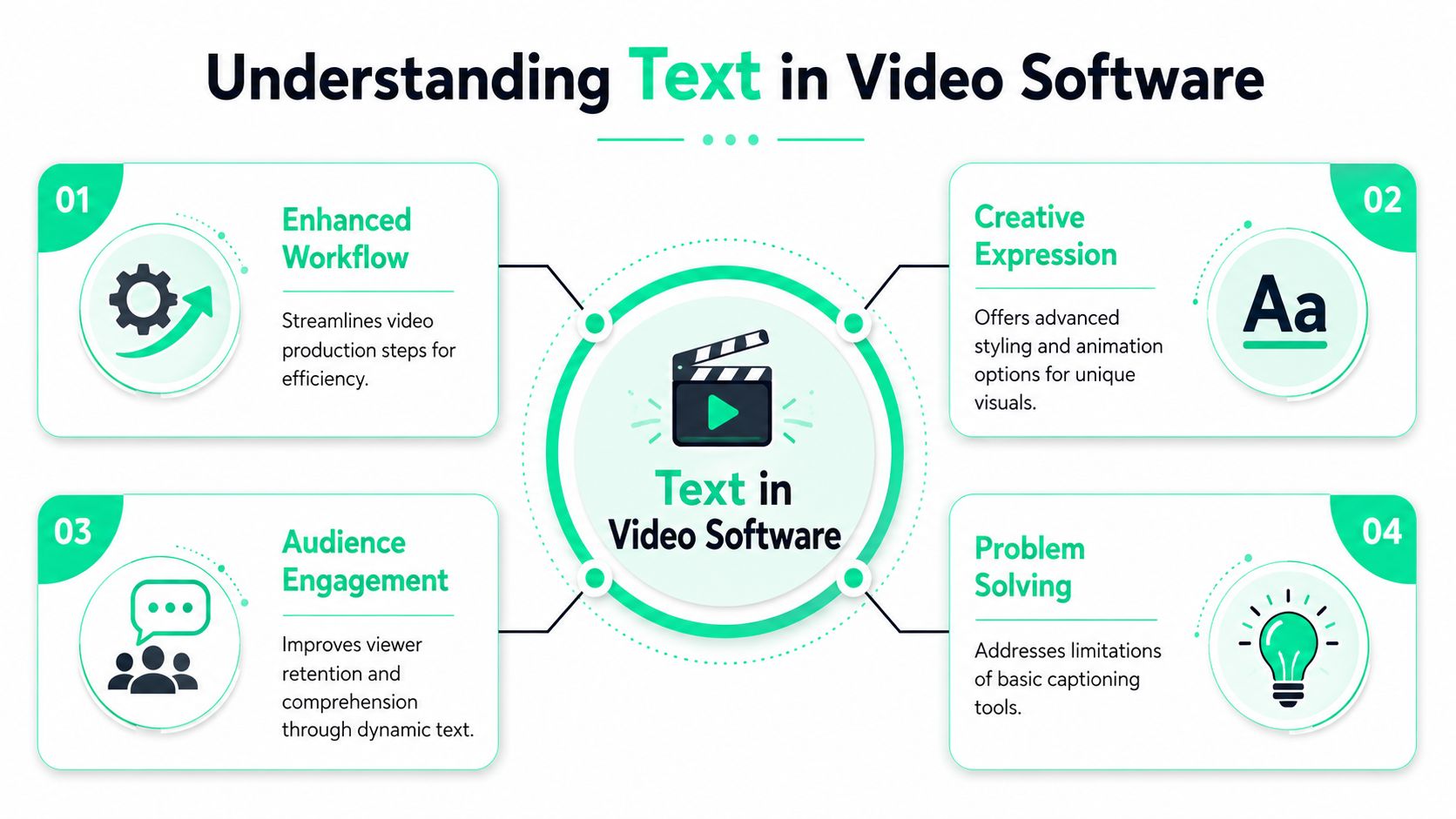
Text in video software isn't just an editor with a text tool. It's a workflow category built around speed, repetition, and social publishing.
Traditional editors like Adobe Premiere Pro and Final Cut Pro can handle text. They can also handle color work, audio cleanup, motion graphics, and long timeline projects. But that flexibility comes with friction. For a creator making daily shorts, the actual job usually isn't cinematic post-production. It's cutting clips, adding captions, styling text, resizing for multiple platforms, and publishing fast.
### The category exists because short-form workflows are different
A modern text-first video tool usually starts with speech. It transcribes the clip, turns the words into captions, applies a visual preset, and helps the editor reshape the video for vertical formats. That's a very different starting point from a blank timeline.
This shift isn't just a niche product trend. One industry roundup estimated the **global AI-in-video-editing market** at about **USD 0.9 billion in 2023** and projected it to reach **USD 4.4 billion by 2033**, representing **17.2% annual growth** according to [Electro IQ's video editing statistics roundup](https://electroiq.com/stats/video-editing-statistics/). The practical takeaway is straightforward. AI-assisted functions like transcription, clipping, and caption generation are becoming expected parts of editing software.
### What these tools should actually do
Good text in video software should compress a repetitive workflow into a few decisions:
| Workflow step | What a generic editor does | What a text-first tool should do |
|---|---|---|
| Add captions | Requires manual setup and styling | Generates captions automatically |
| Brand the text | Forces clip-by-clip tweaking | Saves reusable styles and templates |
| Cut highlights | Leaves the editor hunting manually | Helps identify usable clips faster |
| Resize for platforms | Makes the editor reframe everything | Adapts output for Shorts, Reels, and TikTok |
That doesn't mean traditional editors are obsolete. They still matter for deep control. But for social teams, the point of the category is different. It removes routine work so the creator can focus on hook selection, pacing, and distribution.
For anyone comparing caption workflows in detail, [BlitzReels caption documentation](https://www.blitzreels.com/docs/captions) shows the kind of controls that matter more in short-form publishing than in a full studio edit.
## Core Features That Accelerate Your Workflow
The fastest tools aren't the ones with the most buttons. They're the ones that remove repeat decisions without breaking the final output.
### Transcription and timing need to be usable
Auto-transcription is the obvious starting point. Nobody wants to type every subtitle line by hand. But speed only matters if the captions are easy to fix, restyle, and retime.
Production standards for video require captions and transcripts to be synchronized and complete, and they also note that social videos often depend on burned-in open captions for silent viewing, with readable typography and strong first-frame text treatment, as outlined in the [University of North Alabama video production standards](https://www.una.edu/digital-standards/video-production-standards/). That matters because a lot of tools generate text but make timing edits awkward.
A useful caption workflow should let the editor:
- **Edit by phrase:** Fix a sentence without rebuilding the whole subtitle track.
- **Shift timing cleanly:** Nudge lines when speech starts early or ends late.
- **Choose open-caption styles:** Burned-in text often works better for social than relying on platform subtitles.
- **Export options that fit the channel:** Some teams need caption tracks. Others need the text baked in.
> **Practical rule:** If changing one subtitle style requires touching every clip, the software is slowing the team down.
### Styling and clipping should reduce decisions
Most short-form teams don't need endless font experimentation. They need a handful of repeatable looks that stay readable across backgrounds. Bold text, contrast blocks, speaker highlights, keyword emphasis, and title cards all matter more than novelty.
That's where presets help. A solid style system makes every new video start halfway finished. For creators who want to compare how modern caption looks behave in practice, [caption style options in BlitzReels](https://www.blitzreels.com/features/caption-styles) illustrate the type of reusable styling controls that save time in batch production.
Clipping matters just as much. If a creator is repurposing interviews, webinars, podcasts, or product demos, the main bottleneck isn't trimming the ends. It's identifying which segment has a clean hook and a natural payoff. Better tools reduce the search burden.
For teams pairing text-led edits with synthetic narration, comparing an [AI text to speech](https://vocuno.com/text-to-speech) option can also help when building faceless explainer formats or voiceover-heavy social content.
A quick walkthrough is easier than a feature list alone:
### Reframing and exports should finish the job
Resizing from horizontal to vertical sounds easy until it isn't. Faces drift. Text gets boxed into the wrong zone. A title card that looked balanced in 16:9 becomes cramped in 9:16.
The best tools solve this late-stage friction with:
- **Auto-reframing that respects text layers**
- **Platform presets for aspect ratios**
- **Safe zones for mobile UI overlays**
- **Batch exports for multi-platform publishing**
Many editors lose time. Not in creativity, but in cleanup.
## Solving Creator Problems Generic Tools Ignore
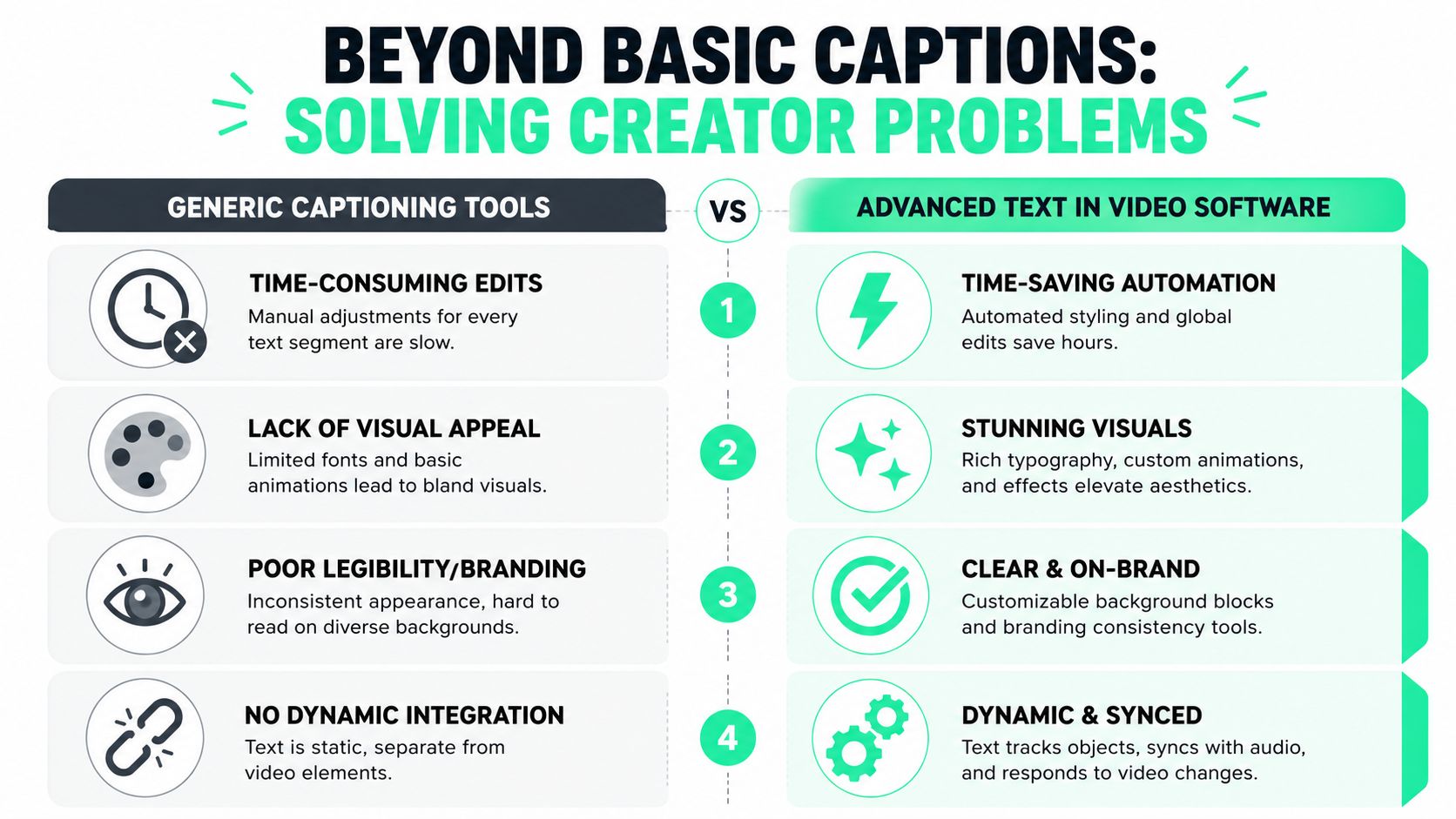
Most guides on text in video software stop at “add captions automatically.” That's entry-level advice. Significant frustrations begin after the captions appear.
### The reframing and readability conflict
Auto-reframing is supposed to help. A creator drops in a widescreen clip, the software follows the face, and the export becomes vertical. But many tools treat captions and framing as separate systems. The video shifts. The text layer doesn't.
That creates the **reframing vs. readability paradox**. According to the verified data provided for this article, **68% of creators using AI auto-cappers report text-cropping errors when auto-reframing widescreen videos**, because the text remains anchored to the original coordinates while the frame moves. The same dataset states that **2.4 million short-form videos are abandoned or edited manually weekly** because of this mismatch.
That's the kind of problem generic roundups rarely mention, even though creators run into it constantly.
> A caption that looked perfect before resize can become unusable after reframing, even when the transcription itself was fine.
What works better is **dynamic text anchoring**. The text should recalculate position after the frame changes, not before. If the software can keep the speaker centered but leaves the subtitle block under the mobile UI or half outside the safe area, it hasn't solved the workflow.
### The semantic captions problem
The second issue is less visible but just as damaging. Accurate transcripts aren't always good captions.
Spoken language includes filler, restarts, side notes, and long clauses. Verbatim captions preserve all of that. Social captions shouldn't. They need compression. They need emphasis. They need to behave like hooks, not court transcripts.
The verified data also identifies a **semantic captions gap**. Videos with captions containing **25% fewer words through semantic summarization achieve 3.2x higher retention rates** than videos using full transcripts. Yet most tools still stop at transcription. They don't summarize, simplify, or restyle the language for viewer retention.
A creator ends up doing the same cleanup work manually:
- **Removing filler words**
- **Breaking long sentences into punchier lines**
- **Pulling one phrase forward as the hook**
- **Shortening captions so they're readable at scroll speed**
That's where advanced tools start to matter. Some software is finally moving beyond “speech to text” toward “speech to useful on-screen copy.” In practical terms, that means title cards that pull the strongest opening phrase, subtitle lines that are easier to scan, and text styling that makes the important words feel intentional.
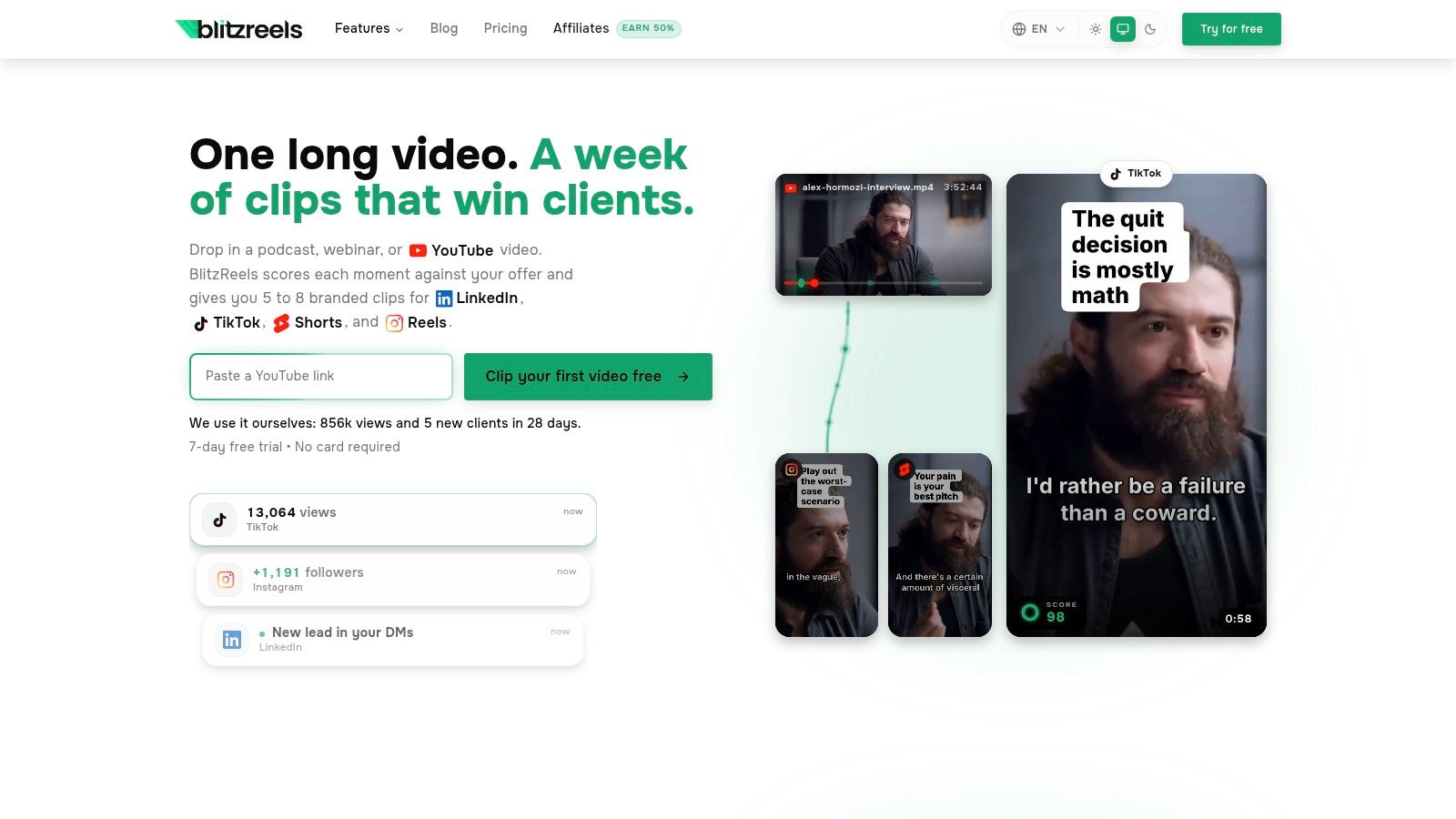
Among tools built for short-form editing, BlitzReels is one option in this category because it combines caption generation, clipping, reframing, and social resizing in one workflow rather than treating them as separate jobs.
## A Buyer's Checklist for Choosing the Right Software
Buying text in video software gets easier when the evaluation starts with friction, not features. The smart question isn't “Which tool has AI?” Almost all of them say that. The useful question is “Which tool removes the parts of the workflow that keep slowing output down?”
### Questions worth asking before paying
**How much manual editing is still required per clip?**
A tool can advertise auto-captions and still force constant cleanup. If every video needs manual text repositioning, repeated styling edits, and hand-built title cards, the speed gain disappears.
**Is the workflow built for new shorts, repurposed content, or both?**
A creator chopping interviews into reels needs clipping help. A marketer producing direct-to-camera content may care more about title templates and fast subtitles. Those are different jobs.
**Does resizing break the text layout?**
This is one of the clearest pass-fail tests. Export a 16:9 clip as 9:16 and watch what happens to captions, title cards, and lower text zones. If the result needs rescue work, the software isn't ready for serious short-form volume.
**Can the brand look stay consistent without extra effort?**
Consistency matters because viewers recognize format before they recognize message. Reusable text styles, color presets, and title card templates help teams keep a stable visual identity without rebuilding it every day.
**Does the software fit how the team publishes?**
Some creators need a polished one-off edit. Others need batches of clips ready for TikTok, Reels, Shorts, and LinkedIn. Those buyers should care less about cinematic depth and more about throughput.
This is also why comparison pages help more than generic homepages. Reviewing [AI subtitle generator comparisons](https://www.blitzreels.com/best/ai-subtitle-generators) is a better buying step than picking the first tool with a captions button.
A short evaluation table keeps the decision grounded:
| Buyer question | Good sign | Warning sign |
|---|---|---|
| Will it save time every day? | Reusable presets and quick edits | Frequent manual cleanup |
| Can it handle vertical publishing? | Safe text placement after resize | Cropped or obscured captions |
| Are captions useful, not just accurate? | Editable, stylable, concise text | Transcript blocks dumped on screen |
| Can the team scale output? | Fast export and repeatable templates | One-by-one editing only |
## From Editor to Publisher in Minutes
The right text in video software changes the job itself. Instead of spending most of the day fixing subtitles, resizing frames, and rebuilding the same text treatment, the creator spends more time choosing hooks, shaping ideas, and shipping content.
That shift matters because short-form publishing rewards volume with quality, not volume alone. Teams need speed, but they also need captions that read well, title cards that stop the scroll, and reframing that doesn't break the edit. Generic tools can handle pieces of that workflow. They often struggle to handle all of it together.
For creators also tightening the input side of production, it can help to [compare voice typing software](https://usevoicy.com/blog/best-talk-to-text-apps) when planning script capture, rough drafting, or spoken-note workflows before the video edit even begins.
Publishing faster doesn't mean lowering standards. It means removing the repetitive work that never should have taken that long in the first place. When the tool can transcribe, style, clip, resize, and export without forcing cleanup at every step, the edit stops being a bottleneck. For teams working across formats, this guide to a [video aspect ratio converter](https://www.blitzreels.com/blog/video-aspect-ratio-converter) is also useful for avoiding preventable resize mistakes.
---
BlitzReels is an [AI-powered video editor for short-form content](https://blitzreels.com) that helps creators turn raw clips into captioned, reframed, platform-ready videos without a traditional timeline-heavy workflow. For teams posting to TikTok, Reels, Shorts, and LinkedIn regularly, it's a practical way to reduce editing friction and move from draft to publish much faster.