---
title: "What Do YouTubers Use to Edit Videos: Top Tools 2026"
canonical: "https://blitzreels.com/blog/what-do-youtubers-use-to-edit-videos"
---
# What Do YouTubers Use to Edit Videos: Top Tools 2026
URL: https://blitzreels.com/blog/what-do-youtubers-use-to-edit-videos
Markdown URL: https://blitzreels.com/blog/what-do-youtubers-use-to-edit-videos.md
Published: 2026-06-08
Author: BlitzReels
Discover exactly what do youtubers use to edit videos in 2026. Explore a detailed guide to the top 10 video editing tools, from pro NLEs to AI editors for
Tags: what do youtubers use to edit videos, video editing software, youtube editor, best video editors, short form video editor

From First Cut to Final Upload: Decoding the Modern YouTuber's Toolkit
Recorded footage usually looks worse than expected the first time it lands on a hard drive. There are pauses that felt fine on camera, awkward starts before each line, clips that need trimming, and the immediate realization that titles, captions, music, reframing, and exports all matter just as much as the recording itself.
That's why the question isn't just what do YouTubers use to edit videos. The better question is which editor fits the actual workflow. Some creators need a full professional timeline for long-form YouTube videos. Others need to clip a podcast into Shorts, add captions, resize for vertical, and publish fast without touching a complex desktop interface.
Historically, Adobe Premiere Pro and Final Cut Pro have been the two best-known professional editors for YouTubers, while DaVinci Resolve has become a major third option because it combines editing with advanced color grading and offers a free version, according to creator-focused software coverage from [Gling's guide to editing software for YouTubers](https://www.gling.ai/blog/5-best-video-editing-software-for-youtuber). That same coverage also reflects the newer shift toward mobile-first and AI-assisted tools like CapCut, Premiere Rush, and VEED for faster short-form production.
Most creators don't need the “best” editor on paper. They need the one that removes the slowest part of their process.
## Table of Contents
- [1. Adobe Premiere Pro](#1-adobe-premiere-pro)
- [Why creators still rely on it](#why-creators-still-rely-on-it)
- [2. Final Cut Pro](#2-final-cut-pro)
- [Where it fits best](#where-it-fits-best)
- [3. DaVinci Resolve](#3-davinci-resolve)
- [Why Resolve keeps gaining ground](#why-resolve-keeps-gaining-ground)
- [4. BlitzReels](#4-blitzreels)
- [Built for repurposing, not traditional editing](#built-for-repurposing-not-traditional-editing)
- [Where it fits best](#where-it-fits-best-1)
- [5. CapCut](#5-capcut)
- [Why it wins on speed](#why-it-wins-on-speed)
- [6. Descript](#6-descript)
- [Best for transcript-first editing](#best-for-transcript-first-editing)
- [7. Wondershare Filmora](#7-wondershare-filmora)
- [Who should actually use it](#who-should-actually-use-it)
- [8. iMovie](#8-imovie)
- [Best starting point for Apple users](#best-starting-point-for-apple-users)
- [9. Microsoft Clipchamp](#9-microsoft-clipchamp)
- [Where Clipchamp makes sense](#where-clipchamp-makes-sense)
- [10. Lightworks](#10-lightworks)
- [A realistic alternative for traditional editing](#a-realistic-alternative-for-traditional-editing)
- [Top 10 YouTube Video Editors, Feature Comparison](#top-10-youtube-video-editors-feature-comparison)
- [Choosing Your Editor It's About Workflow, Not Just Features](#choosing-your-editor-its-about-workflow-not-just-features)
## 1. Adobe Premiere Pro
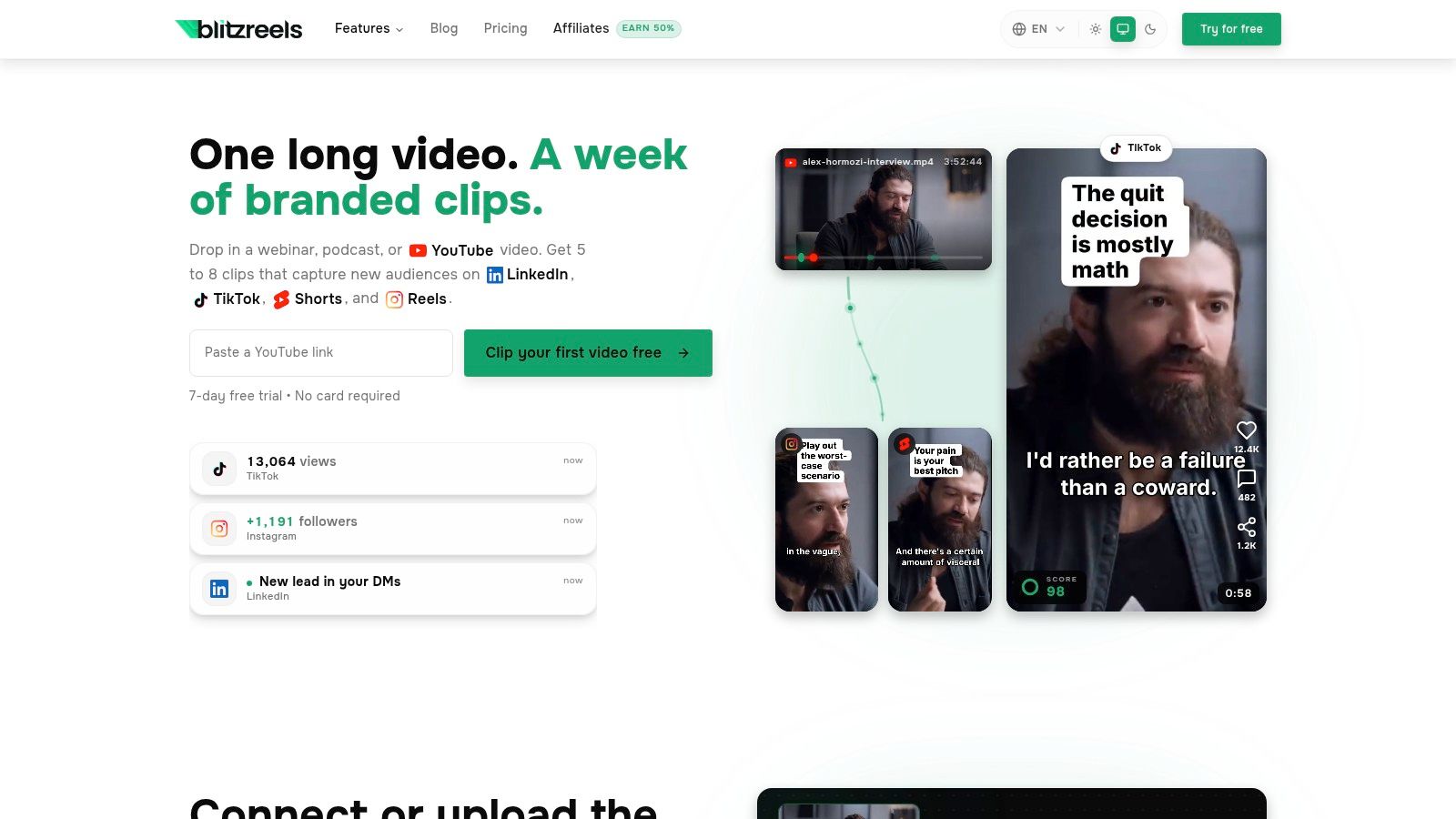
Adobe Premiere Pro is still one of the safest answers to what do YouTubers use to edit videos when the channel depends on full manual control. It's a true non-linear editor built for detailed timeline work, layered graphics, serious audio cleanup, and more complex delivery requirements.
It also remains one of the most customizable pro tools in creator-focused industry guides, especially for editors who want control over effects, workspaces, plugins, and Adobe ecosystem integrations such as Photoshop, After Effects, and Frame.io, as noted in [this breakdown of the best video editing software for YouTube](https://www.blitzreels.com/blog/best-video-editing-software-for-youtube).
### Why creators still rely on it
Premiere Pro fits channels that publish tutorials, documentaries, interviews, product explainers, and long-form talking-head videos with lots of supporting visuals. Text-based editing helps clean up spoken content faster, while features like object masking, speech enhancement, and music retiming reduce some of the repetitive work that used to eat hours.
What works is flexibility. A creator can cut a forty-minute interview, build custom title cards, add motion graphics, mix audio, and export multiple versions without leaving the Adobe stack.
- **Best use case:** Long-form YouTube content with layered edits, graphics, and branded polish
- **Strong advantage:** Deep ecosystem connections with After Effects, Photoshop, and collaborative review tools
- **Main drawback:** It takes time to learn, and the subscription model won't suit every solo creator
> **Practical rule:** Premiere Pro is worth the complexity only if the channel actually benefits from precision. It's overkill for creators who mostly need quick captions, clipping, and vertical exports.
For short-form repurposing, Premiere can do the work. It just doesn't remove much friction unless the editor already knows the software well.
A direct product page is available at [Adobe Premiere Pro](https://www.adobe.com/products/premiere.html).
## 2. Final Cut Pro
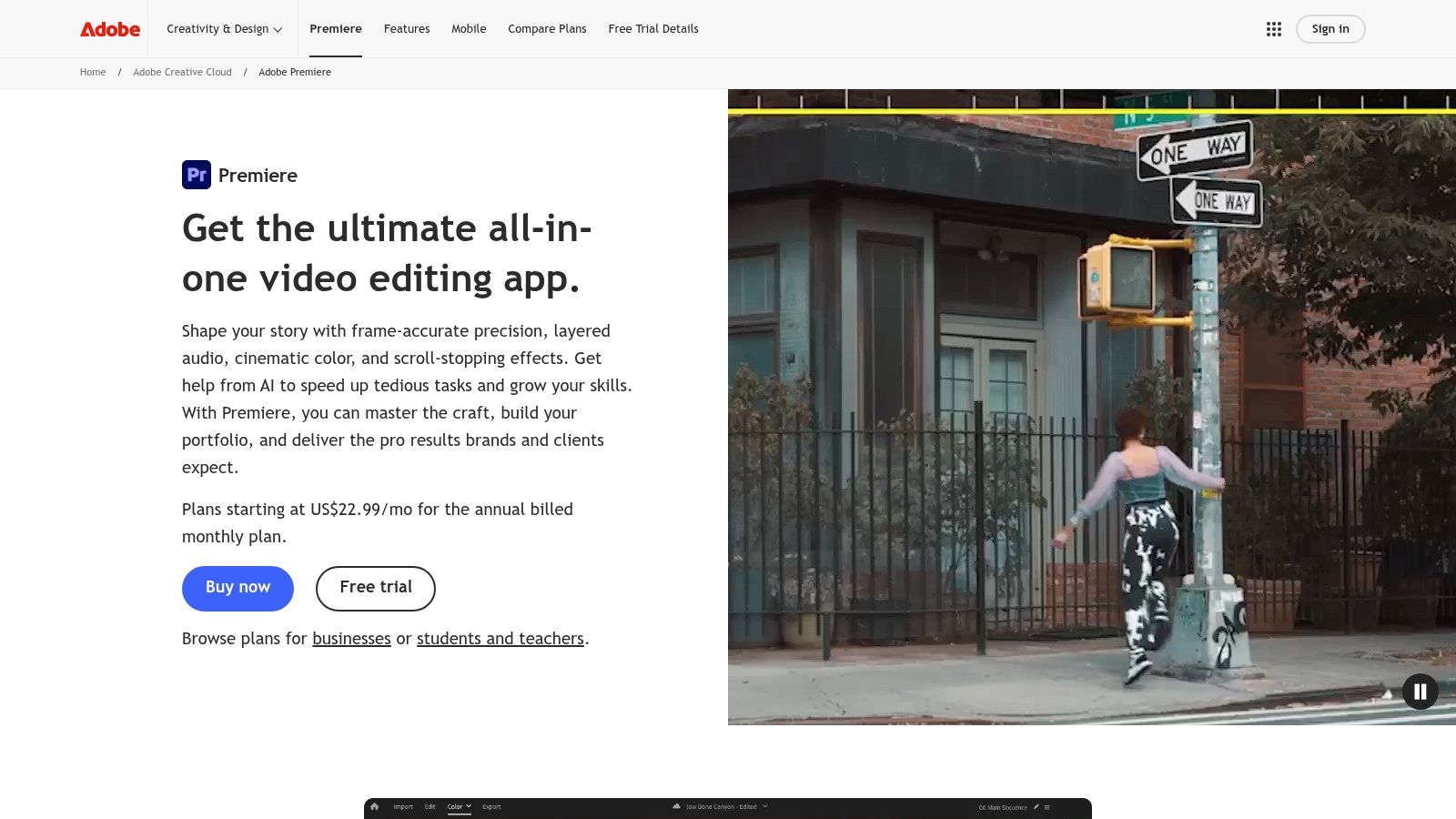
Final Cut Pro has always appealed to a specific kind of YouTuber. The creator uses Mac hardware, wants speed, and doesn't want the interface to feel heavy every time a project opens.
Creator-focused software roundups consistently describe Final Cut Pro as the fastest option for Mac-based workflows. That reputation matters because editing friction often comes from playback lag, awkward timeline management, and slow exports more than from missing features.
### Where it fits best
The Magnetic Timeline is still the defining difference. Some editors love it because it keeps projects moving quickly and reduces track-management clutter. Others never adapt to it and prefer a more traditional track layout.
Final Cut Pro works especially well for creators producing talking-head content, vlogs, reviews, tutorials, and polished but efficient YouTube videos on Apple hardware. Automatic captions, reframing, masking, and beat-aware helpers push it closer to modern creator workflows without turning it into a template-first social app.
> Final Cut Pro makes the most sense when speed on Mac is the priority and collaborative cloud editing isn't.
Its biggest limitation is also obvious. It's Mac-only. That's fine for solo Apple creators, but it becomes a blocker if a team edits across mixed devices or hands projects to freelancers on Windows.
- **Best use case:** Mac-based YouTube channels that want pro editing without Adobe
- **What works well:** Fast editing feel, smooth playback, efficient export, strong Apple silicon performance
- **What doesn't:** Cross-platform flexibility and built-in collaboration depth
The official product page is [Final Cut Pro](https://www.apple.com/final-cut-pro/).
## 3. DaVinci Resolve
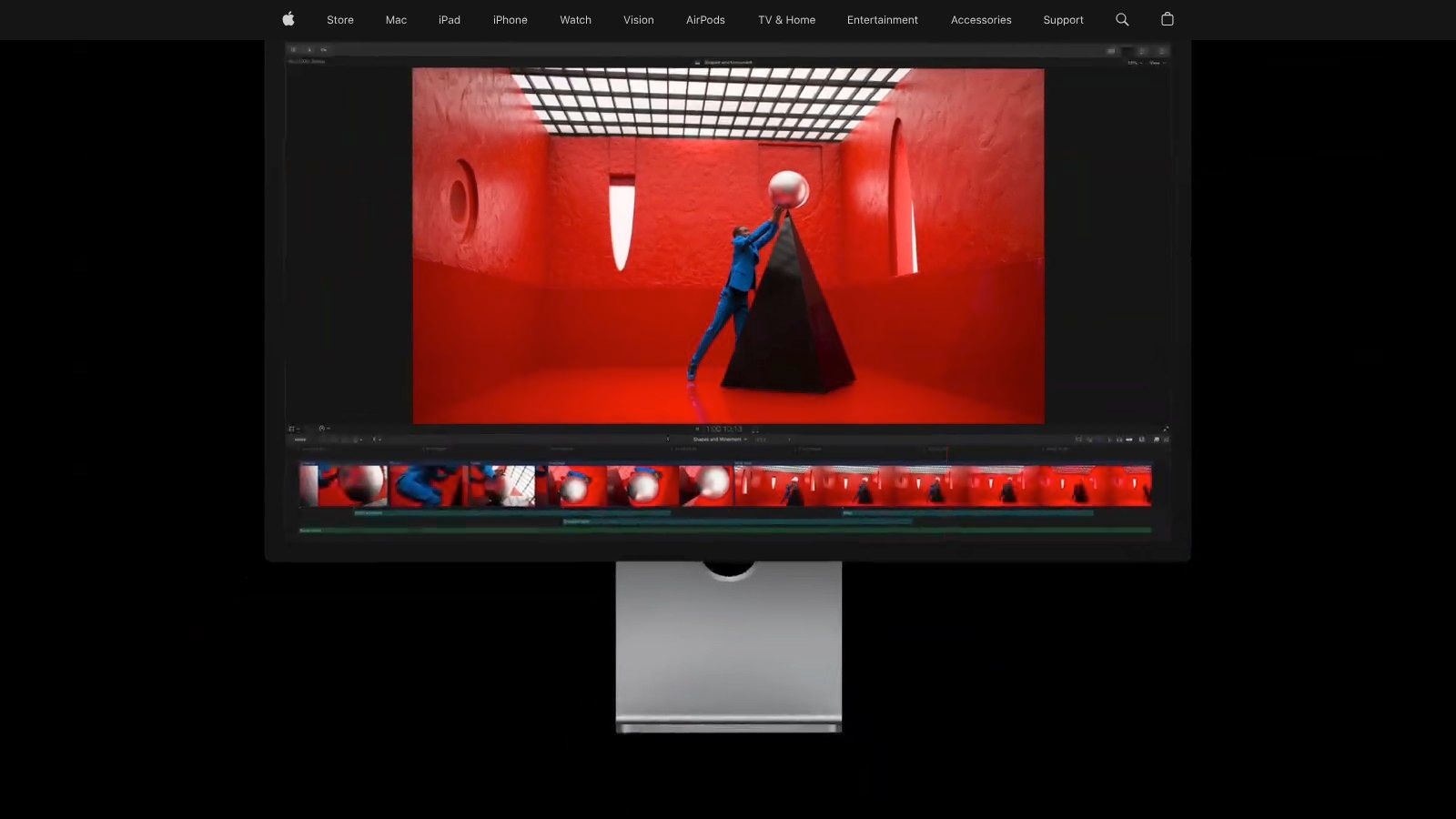
DaVinci Resolve became a serious answer to what do YouTubers use to edit videos because it stopped being “just the color grading tool.” It now covers editing, effects, audio, finishing, and collaboration inside one platform.
For creators, the biggest attraction is simple. The free version is already powerful enough for a large share of YouTube production, while the paid Studio version adds more advanced tools for teams and heavy users.
### Why Resolve keeps gaining ground
Resolve is the strongest fit for creators who care about image quality, cinematic grading, and keeping post-production in one place. The Edit and Cut pages cover different editing styles, the Color page is one of its biggest strengths, Fusion handles effects work, and Fairlight covers audio in a more serious way than most creator-first editors.
That power comes with a trade-off. Resolve asks more from the machine and more from the editor.
- **Best use case:** Creators who want strong color control, cross-platform support, and an all-in-one post workflow
- **What works well:** Excellent free tier, strong finishing tools, room to grow into advanced post-production
- **What doesn't:** Heavier learning curve, especially once Fusion or Fairlight enters the workflow
There's a reason creator guides frequently position DaVinci Resolve as the pick for cinematic looks and color work. If a channel's visual identity matters, Resolve is hard to ignore.
The official site is [DaVinci Resolve](https://www.blackmagicdesign.com/products/davinciresolve).
## 4. BlitzReels
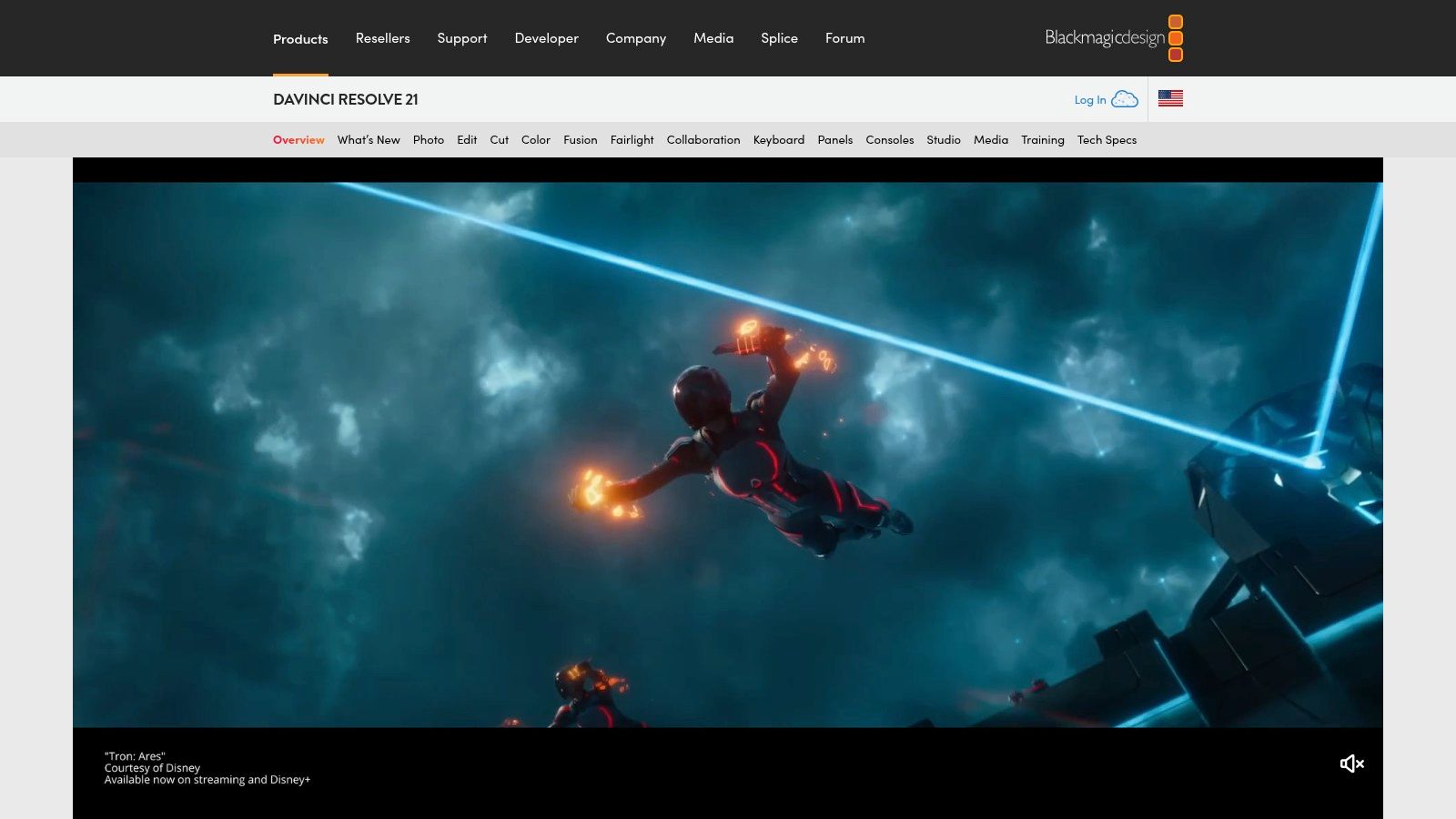
A common YouTube workflow looks like this. The long video is already recorded, but turning it into five clean Shorts still takes longer than the original shoot. BlitzReels is built for that specific job.
It fits a different editing category than Premiere Pro, Final Cut Pro, or Resolve. Those tools are for full timeline control and polished long-form post-production. BlitzReels is for repurposing existing footage into short-form clips with less manual work.
That distinction matters because choosing an editor by feature list alone usually leads to the wrong tool. Creators making YouTube essays, interviews, courses, or branded content often need one editor for main videos and a faster system for Shorts, Reels, and LinkedIn clips. As noted in [Opus Pro's overview of what editing software YouTubers use](https://www.opus.pro/blog/what-editing-software-do-youtubers-use), short-form publishing has pushed more creators toward AI-assisted clipping and formatting workflows.
### Built for repurposing, not traditional editing
BlitzReels works best when the source material already exists. That could be a podcast, webinar, customer interview, product demo, screen recording, sales call, or talking-head video. The bottleneck is not recording. It is finding strong moments, formatting them vertically, adding readable captions, and exporting quickly enough to keep a publishing schedule on track.
The workflow is simple. Upload an MP4, MOV, or screen recording, then work from automated transcription, suggested clips, hook selection, captions, reframing, cropping, and vertical layouts. If transcript accuracy is a priority in your pipeline, this [transcription guide for professionals](https://hyperwhisper.com/en/blog/video-audio-transcription) gives useful context on what to check before you publish.
For creators comparing text-driven editing tools, this [BlitzReels vs Descript comparison](https://www.blitzreels.com/compare/blitzreels-vs-descript) helps clarify where each one fits.
### Where it fits best
BlitzReels is strongest for founders, marketers, agencies, and creators running a high-volume short-form system. It suits teams that care more about speed, consistency, and reuse of long-form footage than frame-accurate timeline work.
What works well:
- **Fast clipping:** Long recordings can become multiple usable clips without reviewing every minute by hand
- **Short-form formatting built in:** Captions, reframing, resizing, hooks, and title cards are part of the core process
- **Repurposing at scale:** One source file can feed several platforms instead of producing just one finished video
- **AI Studio options:** Faceless video workflows, prompt-based creation, templates, and visual styles expand what the platform can produce
What does not:
- **Less precise control:** It does not replace a desktop editor for advanced motion design, effects work, or exact timing adjustments
- **Human review still matters:** Automated clips often need final edits for brand voice, pacing, and creative judgment
BlitzReels is the right pick for one workflow. Reduce the time between a recorded asset and short-form content that looks finished.
## 5. CapCut
CapCut is one of the clearest answers for creators asking what do YouTubers use to edit videos for Shorts, Reels, and fast social clips. It's built for speed first. That shows up in templates, mobile-friendly workflows, auto-captions, quick effects, and easy vertical exports.
The broader market direction also supports why tools like CapCut keep growing. The global video editing software market was valued at $3.2 billion in 2025 and is projected to reach $5.2 billion by 2034, with the mobile platform segment projected to be the fastest-growing at about 9.2% CAGR from 2026 to 2034, according to [Dataintelo's video editing software market report](https://dataintelo.com/report/global-video-editing-software-market).
### Why it wins on speed
CapCut is best when the creator wants to move from rough footage to publishable short-form content quickly. It handles auto-captions, text-to-speech, background removal, templates, and cloud syncing across devices, which makes it practical for creators who start on desktop and finish on mobile, or the reverse.
That speed comes with a trade-off. Template-heavy editing can make clips look generic unless the creator adjusts fonts, pacing, hooks, and visual rhythm carefully.
- **Best use case:** High-volume short-form publishing
- **What works well:** Fast edits, social-ready templates, accessible captioning and resizing tools
- **What doesn't:** Brand differentiation can get weak when every clip follows the same template logic
For creators comparing automation-first clipping tools with social-first mobile editors, this [BlitzReels vs CapCut comparison](https://www.blitzreels.com/compare/blitzreels-vs-capcut) is a useful place to see where the workflow differences show up.
The product site is [CapCut](https://www.capcut.com/).
## 6. Descript
Descript works best when the spoken words are the edit. That's why it has become popular with podcasters, educators, interview channels, and creators producing talking-head content where cutting text is faster than dragging clips around a timeline.
Instead of starting with tracks and clips, Descript starts with the transcript. Delete a sentence from the transcript and the corresponding video section disappears. That approach is extremely efficient for removing filler words, rambling sections, repeated lines, and rough starts.
### Best for transcript-first editing
Descript is especially strong for A-roll cleanup, caption creation, screen recording, and clip extraction from interviews or podcast episodes. It also fits teams that want one place for recording, trimming, subtitles, and simple publishing.
One industry report says 52% of U.S.-based enterprises adopted AI-assisted editing platforms for automated rendering, subtitle generation, and content optimization, while 48% of content creators use cloud-based editing tools for real-time collaboration and scalable workflow management, according to [Industry Research's video editor market report](https://www.industryresearch.biz/market-reports/video-editor-market-112757). Descript fits that shift toward automation and cloud-centered workflow design.
> Descript is excellent at cleaning spoken content. It's less convincing when the project depends on stylized visuals, complex motion, or highly controlled scene timing.
For creators who need a text-first workflow but are comparing it against short-form repurposing tools, this [BlitzReels vs Descript comparison](https://www.blitzreels.com/compare/blitzreels-vs-descript) helps separate transcript editing from clip-first editing.
Creators who want to improve subtitle and transcript quality can also use this [transcription guide for professionals](https://hyperwhisper.com/en/blog/video-audio-transcription).
The product and plan details are on [Descript](https://www.descript.com/pricing).
## 7. Wondershare Filmora
Filmora sits in the middle of the market. It's more capable than a bare-bones beginner editor, but it doesn't ask the user to learn a full professional post-production environment.
That balance is the appeal. A creator can open it, grab templates, apply effects, generate captions, use AI helpers, and get to a polished result without spending weeks learning color pages, node systems, or advanced motion graphics.
### Who should actually use it
Filmora works for new YouTubers, solo creators, and small businesses that want videos to look energetic and edited without adopting a heavy workflow. It's good for list videos, explainers, commentary content, reaction content, and social edits that benefit from built-in effects and preset styling.
Its limitations show up once editing taste matures. Heavy reliance on preset effects can make videos feel generic, and some buyers find plan structure and feature gating harder to evaluate than expected.
- **Best use case:** Beginners who want fast results with a traditional editing interface
- **What works well:** Templates, effects, social-friendly features, low learning barrier
- **What doesn't:** Long-term flexibility for advanced creators who want cleaner, more custom post-production
Filmora's official website is [Wondershare Filmora](https://filmora.wondershare.com/).
## 8. iMovie
iMovie is often the right answer for people who haven't started editing yet and think they need a complicated setup on day one. They usually don't.
For Apple users, iMovie gives a clean entry point into cutting clips, adding titles, applying simple transitions, using green screen, and exporting finished video without paying for another tool. It also works well on iPhone and iPad for quick edits that don't need a desktop.
### Best starting point for Apple users
iMovie is best for beginner YouTubers making simple vlogs, school projects, family channels, product demos, and lightweight social content. It's not where advanced creators stay forever, but it's a very practical place to begin.
A big reason it works is that it reduces decision fatigue. There aren't endless panels, complicated node views, or deep settings to get lost in.
> A beginner usually benefits more from finishing ten simple videos in iMovie than abandoning one “serious” edit inside a tool that feels too complex.
The ceiling is obvious. Once a creator wants stronger caption styling, more advanced effects, tighter audio work, or serious repurposing for social, iMovie starts to feel small. For mobile creators trying to keep edits simple, this guide on [how to edit videos on phone](https://www.blitzreels.com/blog/how-to-edit-videos-on-phone) is a useful next step.
Apple's support page for the app is [iMovie](https://support.apple.com/imovie).
## 9. Microsoft Clipchamp
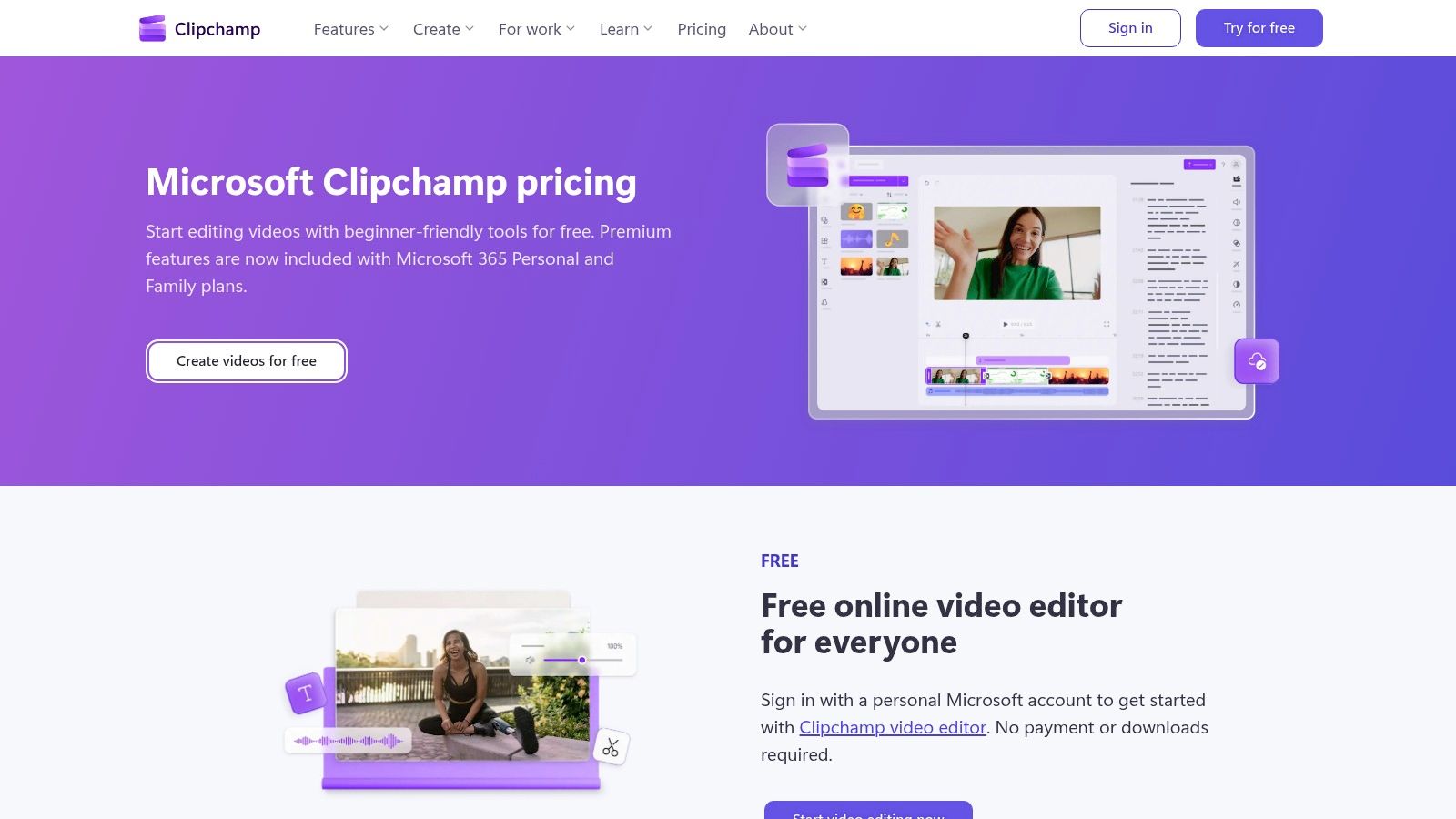
Clipchamp is a practical editor for people who aren't trying to become editors. That sounds limiting, but it is indeed the point.
It gives creators a straightforward web-based interface for timeline editing, screen and webcam recording, basic templates, brand kits, and exports that work well for tutorials, internal comms, simple YouTube videos, and social posts. It's especially relevant for Windows users and teams already inside the Microsoft ecosystem.
### Where Clipchamp makes sense
Clipchamp is a good fit for tutorials, product walkthroughs, webcam explainers, slide-based videos, and quick marketing content. If the raw material is mostly screen capture plus narration, it keeps the job simple.
It's less appealing for creators who want a large creative effects ecosystem or advanced post-production. Browser-first tools are convenient, but they can feel limiting when edits become more ambitious.
- **Best use case:** Screen recordings, webcam videos, lightweight YouTube content
- **What works well:** Accessibility, simple workflow, good entry point for non-editors
- **What doesn't:** Limited depth compared with professional desktop editors
The official pricing page is [Microsoft Clipchamp](https://clipchamp.com/en/pricing/).
## 10. Lightworks
Lightworks is easy to overlook because it doesn't dominate creator conversation the way Premiere Pro, Final Cut Pro, Resolve, or CapCut do. But for some users, that's exactly why it's interesting.
It offers a mature non-linear editing environment across Windows, macOS, and Linux, plus flexible licensing options that appeal to creators who want alternatives to the biggest software ecosystems.
### A realistic alternative for traditional editing
Lightworks suits creators who want a more traditional editing experience without committing to Adobe or Apple. It includes social templates, audio and color tools, plugin support, and more room to grow than many beginner-first apps.
The biggest downside isn't capability. It's momentum. There are fewer tutorials, fewer community resources, and less shared creator knowledge around it than there is for the most popular tools.
- **Best use case:** Editors who want a cross-platform traditional NLE with flexible licensing
- **What works well:** Mature editing environment, solid feature depth, alternatives to major ecosystems
- **What doesn't:** Smaller learning community and less mindshare in creator circles
The product site is [Lightworks](https://lwks.com/).
## Top 10 YouTube Video Editors, Feature Comparison
| Product | Core features | Speed & ease | Price & value | Best for / USP |
|---|---|---:|---|---|
| Adobe Premiere Pro | Professional timeline, advanced color/audio, motion graphics, AI tools | Powerful but steeper learning curve | Subscription (Creative Cloud), large plugin ecosystem | Industry-standard pro workflows and Adobe integration |
| Final Cut Pro | Magnetic Timeline, automatic captions, AI reframing, beat detection | Very fast on Apple silicon; moderate learning curve | One-time Mac purchase (or Creator Studio bundle) | High performance for Mac users and fast editing |
| DaVinci Resolve | Edit/Cut/Color/Fusion/Fairlight, best-in-class color tools, collaboration | Feature-rich with steeper learning curve; GPU heavy | Very capable free version; Studio for advanced AI/collab | Best color grading and pro tools in free tier |
| **BlitzReels** | Auto-transcribe, hook & best-cut detection, on‑beat captions, auto‑reframe, vertical export, AI Studio | Ultra-fast short-form pipeline, ~10 min record→publish | Free clip + 7-day trial (no card); pricing not listed upfront | Recommended, conversion-focused, scaleable short-form creation |
| CapCut | Auto-captions, TTS, background removal, templates, cloud sync | Very quick for shorts; mobile-first workflows | Strong free tier; Pro pricing varies by region/device | Template-driven, mobile-friendly social editor |
| Descript | Text-based editing (edit transcript), voice clone, Studio Sound, screen recording | Extremely fast for talking-heads and podcasts | Freemium with AI credits/media limits; higher tiers add features | Edit by transcript, ideal for repurposing spoken content |
| Wondershare Filmora | Large effects/templates library, AI helpers (auto cutout/beat tools), cross-platform | Beginner-friendly and quick stylized edits | Subscription or perpetual licenses; plan details can confuse | Easy entry for creators who want fast, polished templates |
| iMovie | Storyboards, Magic Movie auto-edits, titles, filters, 4K export | Very easy and quick on iPhone/iPad/Mac | Free for Apple users | Simple mobile-first editor and handoff to Final Cut Pro |
| Microsoft Clipchamp | Timeline editing, brand kits, templates, screen/camera recorder, cloud backup | Straightforward for non-editors and tutorials | Premium features often included with Microsoft 365 | Integrated with Microsoft ecosystem for business users |
| Lightworks | Free/Create/Pro tiers, advanced color/audio, OFX plugins, social presets | Mature performance; moderate learning curve | Free tier plus paid tiers; flexible licensing (incl. pay-once) | Cross-platform alternative with flexible licensing options |
## Choosing Your Editor It's About Workflow, Not Just Features
A creator editing weekly YouTube essays, a podcast team cutting interview clips, and a founder turning webinars into Shorts should not start with the same software shortlist. They are solving different production problems, so the right editor depends on the job the workflow needs to do.
Feature grids flatten those differences. Nearly every editor on this list can trim clips, add captions, clean up audio, and export for YouTube. The key separator is how fast the tool gets you from raw footage to a publishable video, and how much control you need along the way.
Long-form channels usually benefit from full timeline editors. Adobe Premiere Pro, Final Cut Pro, DaVinci Resolve, and Lightworks give editors tighter control over pacing, B-roll, graphics, color, and audio finishing. That control costs time, and in some cases a steeper learning curve, but it pays off when the goal is polished, higher-retention videos with a distinct editing style.
Short-form and repurposing workflows have a different bottleneck. The hard part is rarely basic editing. It is turning one source file into several platform-ready clips with captions, reframing, resized layouts, opening hooks, and exports for Shorts, Reels, TikTok, and LinkedIn without spending an hour on each variation. CapCut, Descript, Clipchamp, and BlitzReels fit that kind of production better because they reduce repetitive editing steps.
Skill level matters too.
Resolve can produce excellent work, but it asks for time and practice. Filmora gets a beginner publishing faster, though some creators outgrow its template-heavy approach. iMovie is still a valid starting point for Apple users who want the easiest path from phone to finished upload.
The better question is simple. Where does your current editing process break?
If the team misses posting deadlines because every edit starts from scratch, choose a workflow built for speed and repurposing. If the videos look generic or inconsistent, pick a tool with stronger manual control and accept the extra effort. If the channel is built around spoken content, transcript-based editing often saves more time than another traditional timeline ever will.
Software choice should match content strategy. Prestige matters less than output, consistency, and how much friction the tool adds to the publishing process.
Creators who mainly turn recordings into short-form content can also consider BlitzReels, especially if the priority is fast clipping, captions, reframing, resizing, hooks, and exports across multiple social platforms.