Faceless videos from one prompt.
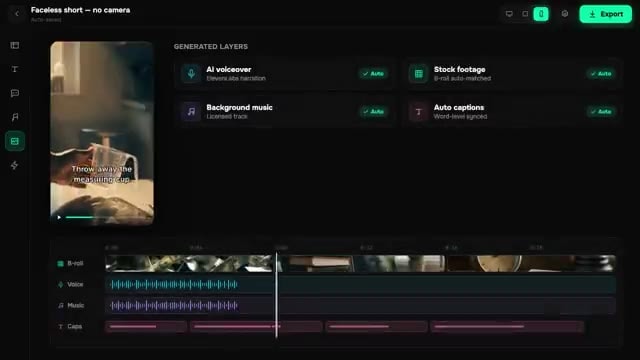
Give BlitzReels a topic or a script. You get a narrated video with visuals and captions, on a timeline you can edit before export.
- Editable timeline
- No watermark
- Export up to 4K
Needs a paid Starter, Growth or Agency plan. A standard 30-second video uses about 95 AI credits, more than the 7-day trial includes.


Trusted by 10,000+ creators



Everything your faceless video needs
5 facts about black holes
- 1
- 2
- 3
- 4
- 5
Story plan + script
Start with a topic or paste a script. BlitzReels builds a multi-scene plan and narration-ready script.
Thefounderwastoolazytofilm
Voiceover with emotion
Pick one of 42 voices in English and French, or clone your own. Narration comes with word-level timing for captions.



AI visuals
Generate scene images in cinematic, realistic, or stylized looks with built-in visual presets.
- Kling
- Veo
- Minimax
- Luma
- Wan
Optional motion clips
Turn scenes into short AI videos with models like Kling, Veo, Minimax, Luma, and Wan.
Auto captions
Captions arrive timed word by word from the voiceover. Switch between 10 caption looks in the editor.
- 9:16
- 1:1
- 16:9
Timeline + export
Edit with split and trim, then export 9:16, 16:9, or 1:1 up to 4K.
How faceless video generation works
Go from idea to a reviewed, export-ready video in three steps.
- 1
Describe the video
Enter a topic or full script. The prompt enhancer can tighten hooks and structure.
- 2
Choose style and voice
Select aspect ratio, visual style, voice, and optional music or sound effects.
- 3
Generate, edit, publish
BlitzReels assembles the timeline with captions so you can refine and export.
BlitzReels connects seven production stages into one reviewable workflow. Each stage produces an asset you can inspect before the final export.
- 1Script
- 2Voiceover
- 3Scene visuals
- 4Motion (optional)
- 5Word-timed captions
- 6Music and sound effects (optional)
- 7Timeline
Full editor included
Prompt-to-video is only the start. Every faceless project opens in the BlitzReels editor with the same feature stack as the full platform.
- 10 caption looks
- Word-level caption timing
- Rearrange scenes without breaking sync
- Split and trim tools
- Export from 480p to 4K
- No watermark
Pricing that scales with your output
Choose a paid plan and check the credit estimate before you generate.
Start with a paid plan
Faceless generation requires an active paid Starter, Growth, or Agency plan. It uses AI credits and is not included in the 7-day trial.
Upfront credit estimates
Every generation shows the estimated credit cost before you run it.
Control per-video cost
Toggle motion clips, music, and sound effects to match your budget.
Generation and exports both use credits. A standard 30-second faceless generation uses approximately 95 credits; exporting uses additional credits.
Review every AI-generated video before publishing
Generation produces an editable draft. You remain responsible for accuracy, rights, disclosure, and each platform's current publishing rules.
Check TikTok disclosure rules
Review the current AI-generated content policy before posting and label content when the policy requires it.
Read TikTok's AI content guidanceCheck Meta's publishing guidance
Confirm that visuals, audio, claims, and disclosure choices comply with the current rules for the account and placement.
Read Meta's transparency guidanceCheck YouTube disclosure rules
Review YouTube's altered or synthetic content guidance and disclose realistic generated material when required.
Read YouTube's disclosure guidance
Preview the full export, verify factual claims and pronunciation, confirm asset rights, then make the final publishing decision.
Faceless content ideas that work
Build repeatable formats for a faceless YouTube channel, TikTok, or Shorts feed.
Facts + listicles
Fast hooks, concise scenes, and readable captions for short-form feeds.
Storytime + mysteries
Voiceover-driven stories with cinematic visuals and pacing.
Product explainers
Show benefits with generated scenes and on-screen text.
Motivation + quotes
Create consistent branded shorts without showing your face.
Your competitors already use BlitzReels.
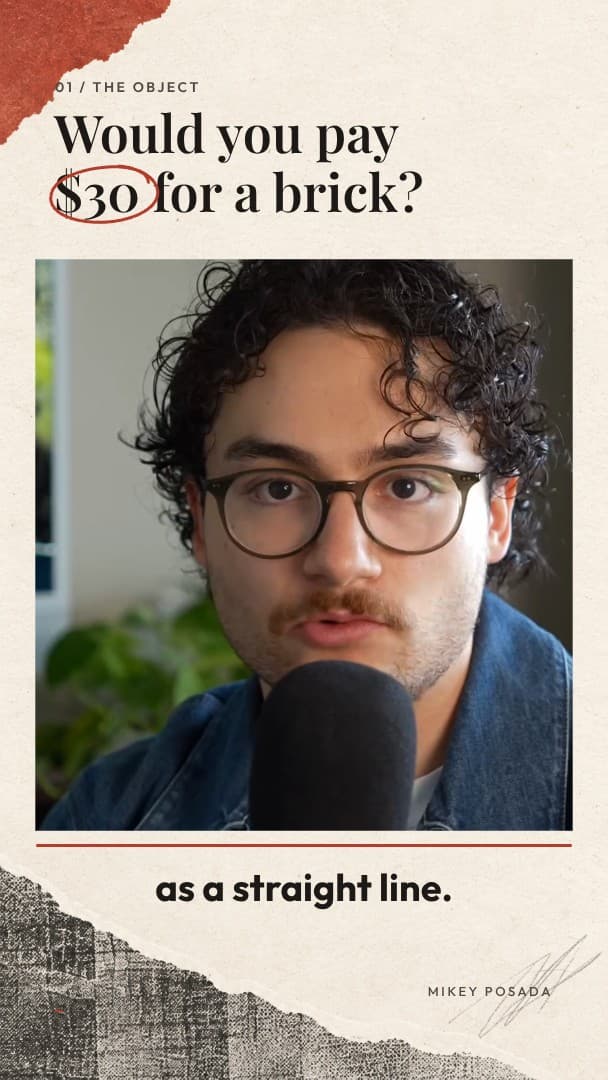
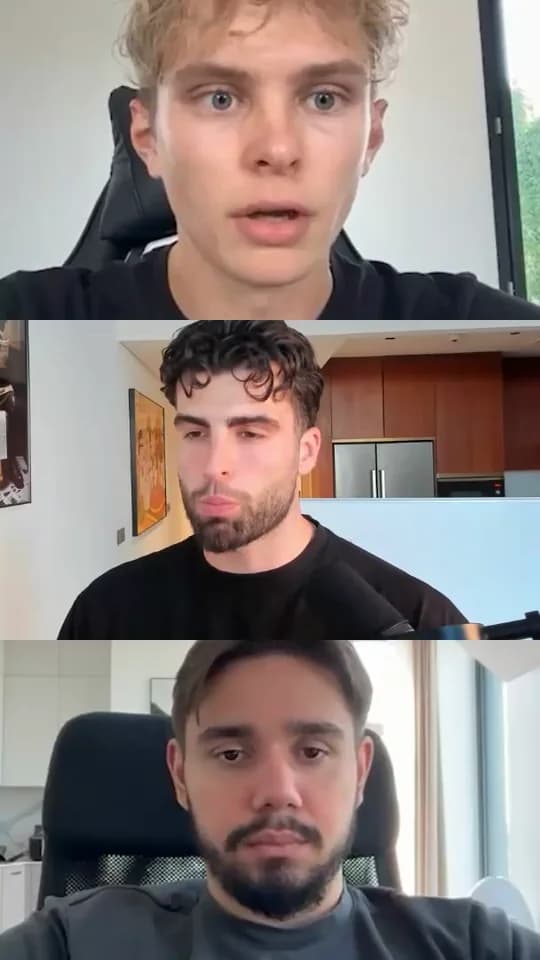






“The batch processing feature saves hours on content repurposing.”
 OmriReview on Uneed
“BlitzReels is special”
 orcdevReview on Uneed
“as always, a great product”
 Zoltan SzogyenyiReview on Uneed
Faceless video generation FAQ
- How long does it take to generate one video?
- Generation time depends on video length, provider capacity, and whether you add motion, music, or sound effects. BlitzReels shows progress while each stage runs and opens the result in an editable timeline.
- Can I create multiple videos in one workflow?
- Yes, subject to your plan credits and generation limits. Review each draft for facts, pronunciation, rights, and platform disclosures before publishing.
- What is faceless content generation?
- It is creating videos without on-camera footage. BlitzReels generates the script, voiceover, visuals, and captions so you can publish without filming yourself.
- Can I use my own script?
- Yes. Paste a full script, or start with a topic and let BlitzReels draft one for you. The AI can also improve your script's hooks and pacing.
- Does this work for TikTok, Reels, and Shorts?
- Yes. Export in 9:16 for vertical platforms, or switch to 16:9 and 1:1 when needed. Caption styles are optimized for each platform's aesthetic.
- Do I need editing experience?
- No. The timeline is designed for focused review and adjustments, with captions and timing already synced. Preview the complete export before publishing.
- What makes this different from other AI video tools?
- BlitzReels keeps story planning, voiceover, visuals, optional motion, captions, and timeline review in one project. Compare tools on output quality, editability, disclosure controls, credit cost, and the amount of manual assembly your workflow needs.
Create your first faceless video
Start from a topic or a script. An active paid plan is required.