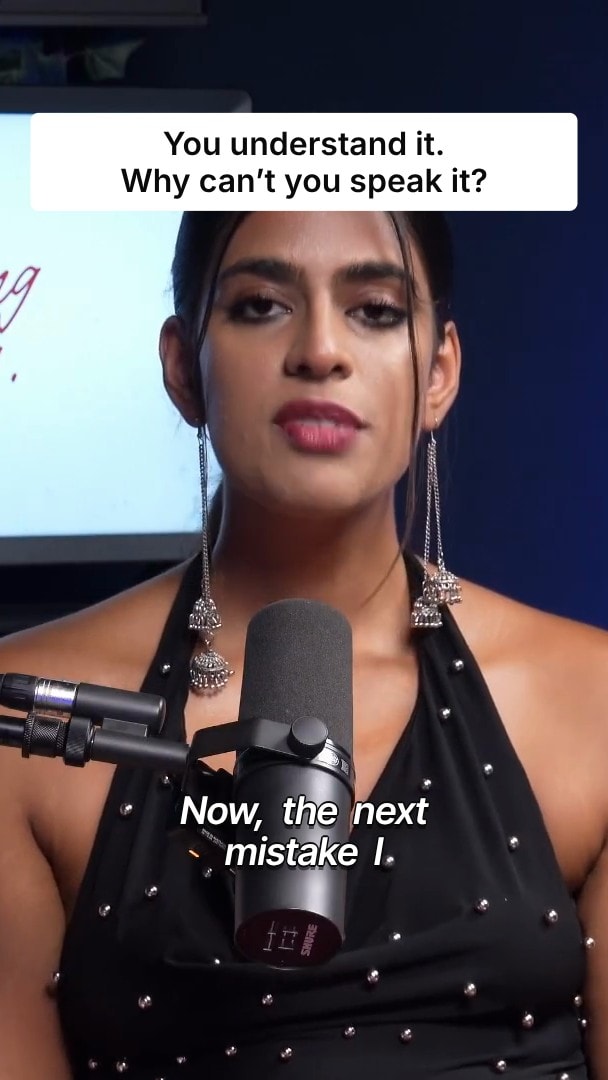
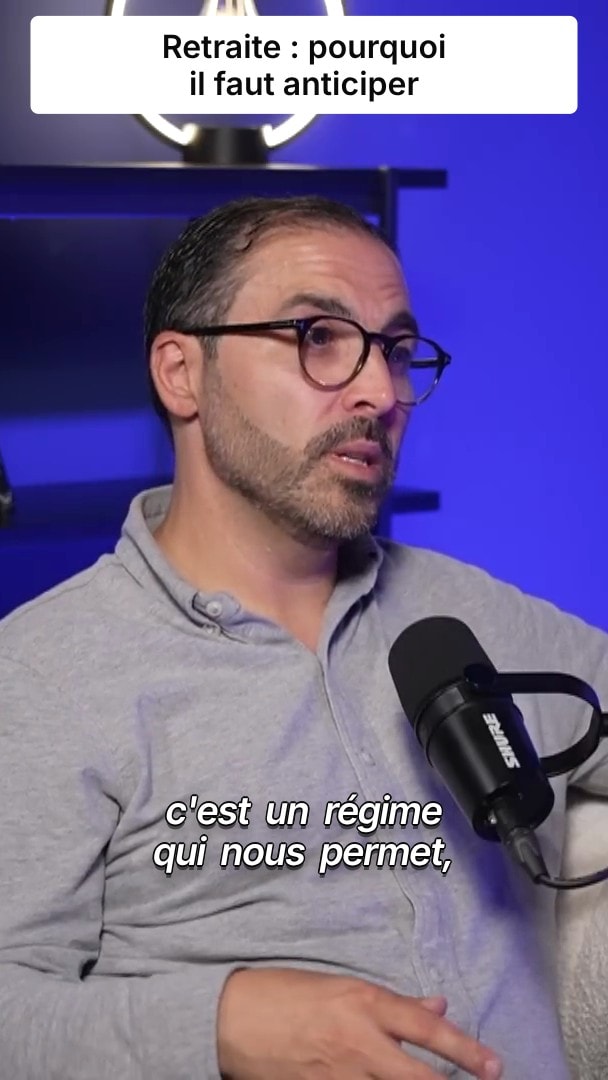
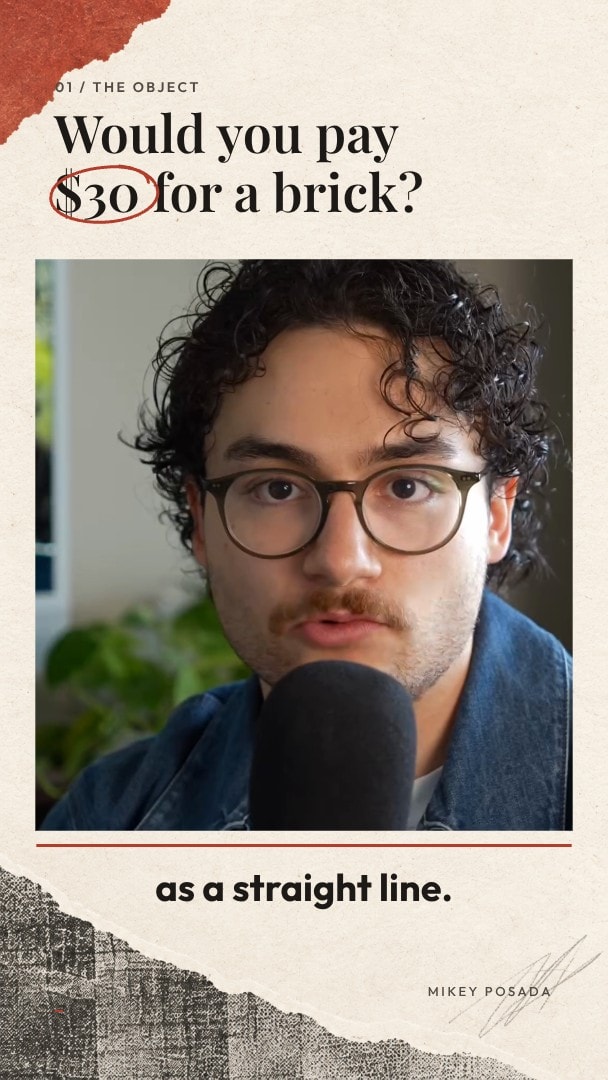
AI Agent Editor: Edit your video by typing what you want.
Ask the BlitzReels agent to cut the pauses, add B-roll or restyle the captions. It edits your timeline, and you can undo any change.
- 7-day free trial
- Cancel anytime
- No editing skills needed


Trusted by 10,000+ creators
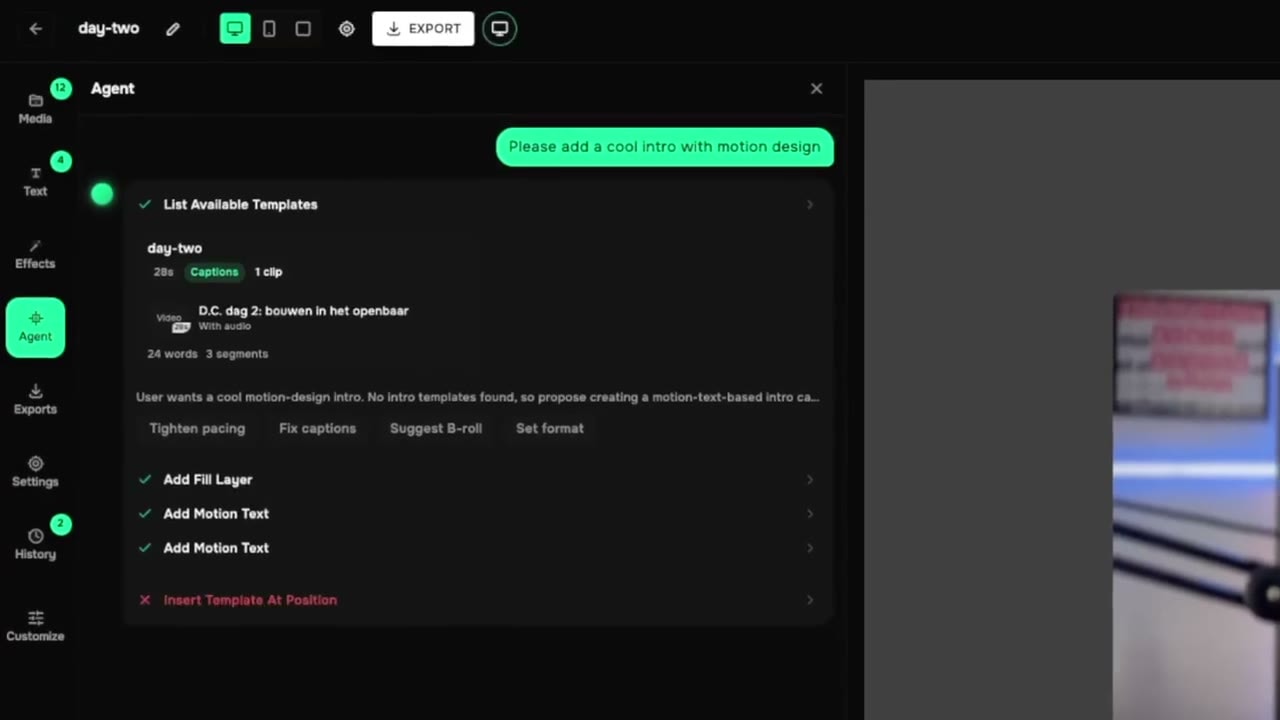
Edit your video by typing what you want
Type what you want changed and the BlitzReels agent edits your timeline. It trims clips, finds silences, adds B-roll, restyles captions and grades color. You can review or undo each change like a manual edit.
- Trim, split and move clips from a sentence
- Find and cut silent gaps
- Suggest and insert B-roll
- Restyle captions or fix a word
- Add zoom punches and color grades
- Edits appear on your timeline
One sentence, several edits
Each request runs the same tools you use by hand, so every result can be checked, adjusted or undone.
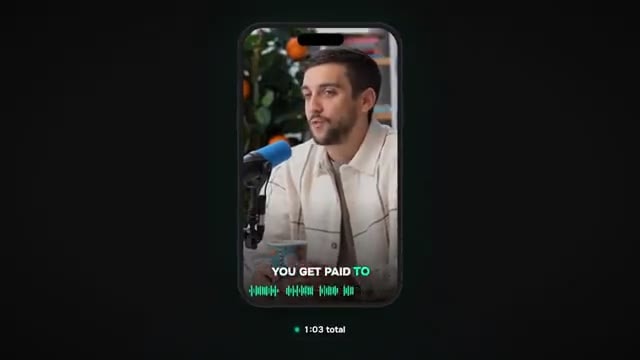
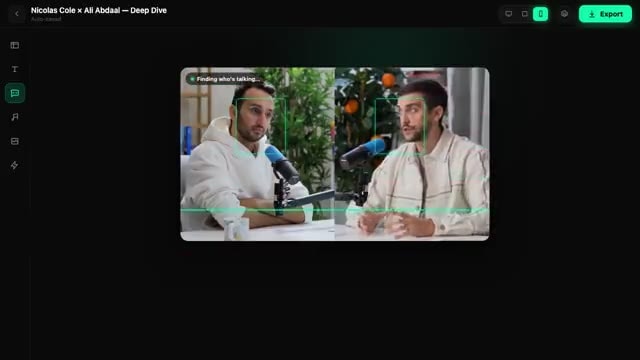
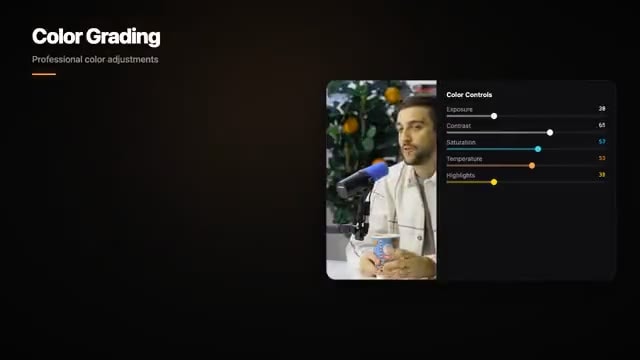
Clip from ChatGPT or Claude.
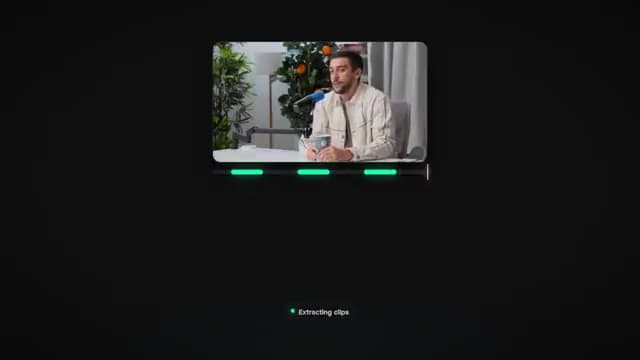
Ask ChatGPT or Claude to clip your latest podcast. BlitzReels does the work while you keep chatting.
Connect your agentWorks with
- ChatGPT
- Claude
- Codex
- Grok
- Hermes Agent
- Cursor
- OpenClaw
 Muse
 Dots

How it works
- 01
Open the Agent panel
Open any project in the editor and click Agent in the left toolbar.
- 02
Describe the edit
Write it the way you would brief an editor: “Cut the pauses and add B-roll when I talk about pricing.”
- 03
Review on the timeline
Each change appears as a normal edit. Keep it, adjust it by hand or undo it.
Your competitors already use BlitzReels.
“The batch processing feature saves hours on content repurposing.”
 OmriReview on Uneed
“BlitzReels is special”
 orcdevReview on Uneed
“as always, a great product”
 Zoltan SzogyenyiReview on Uneed
AI Agent Editor FAQ
- What can the agent change?
- Clips, audio, captions, text and effects. It can trim, split and move clips, find silences, insert B-roll, lower music under speech, apply a caption look, fix caption words and add zooms or color grades. You still choose when to export.
- Can I undo what the agent did?
- Yes. Agent edits go into the same history as your manual edits. Press Ctrl+Z or ask the agent to revert the change.
- Do I need to write precise prompts?
- No. Plain sentences work: “tighten the intro” or “make the captions yellow”. Review the result on the timeline and ask for a correction if it is not what you meant.
- Can ChatGPT or Claude edit my videos too?
- Yes, separately from the editor panel. Connect ChatGPT, Claude, Cursor or another agent to BlitzReels through MCP, the CLI or the REST API to import, clip, caption and export videos.
More features
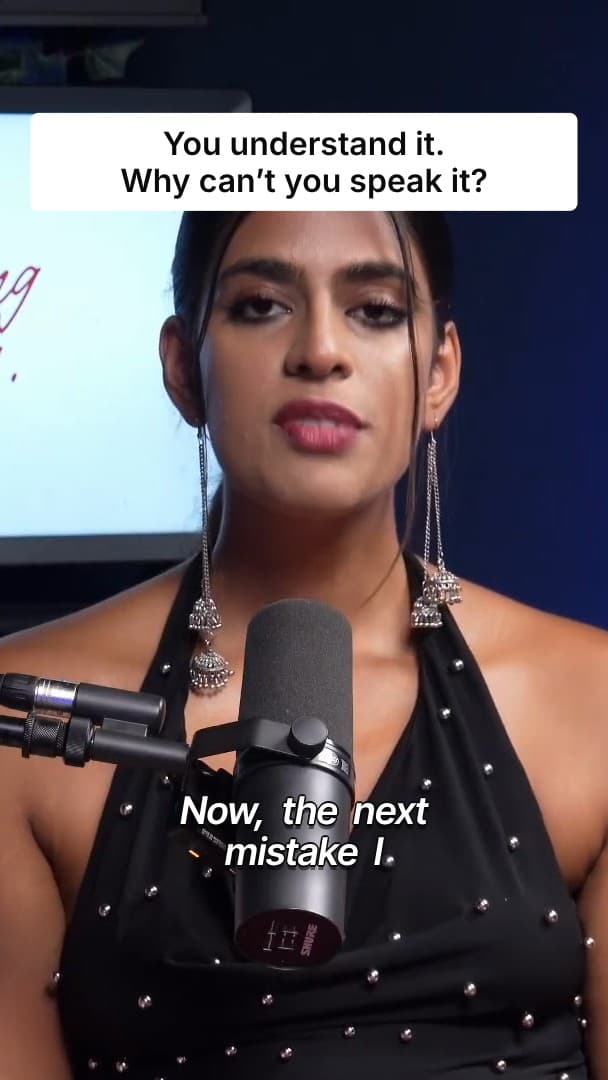
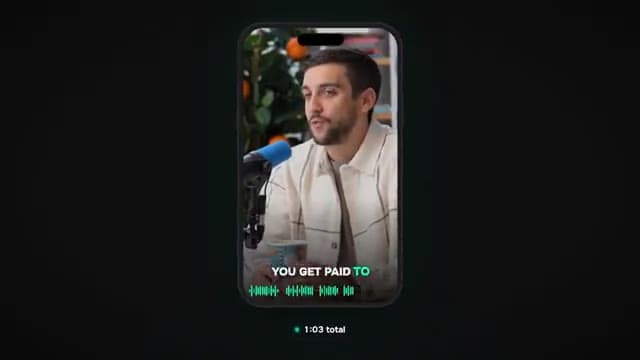
All features- Caption Styles10 animated caption looks, timed word by word
- Motion GraphicsZooms, color grades, masks and title cards
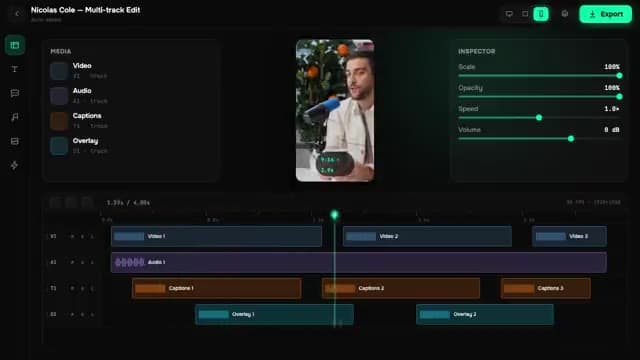
- Pro TimelineMulti-track editor with 24 keyboard shortcuts
- Silence DetectionFind and cut dead air in one pass
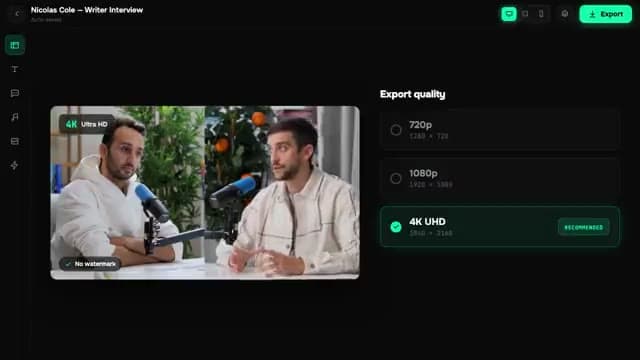
- 4K ExportCloud-rendered exports up to 4K
- Post SchedulingClip, caption and schedule from one calendar
- YouTube Shorts SchedulerSchedule Shorts straight from your clips
- TikTok SchedulerSend clips to TikTok on a schedule
- Instagram Reels SchedulerReels and Trial Reels on your calendar, coming soon
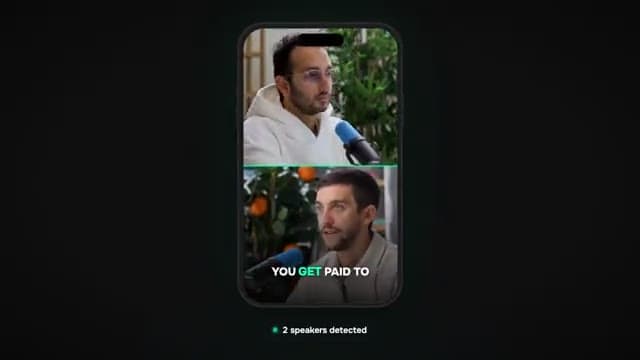
- Multi-Camera ClipsClip every camera of a podcast or webinar
- AI Voice CloningNarrate videos in your own voice

- Consistent AI CharactersKeep the same face in every scene

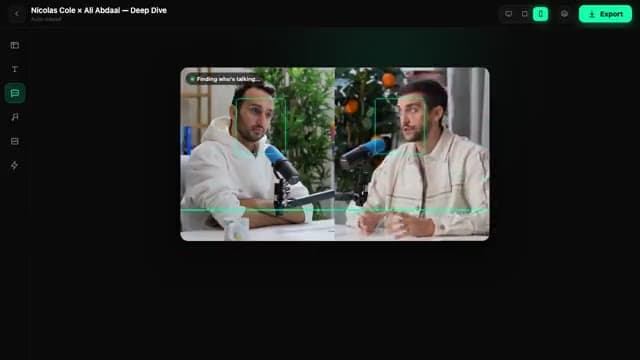
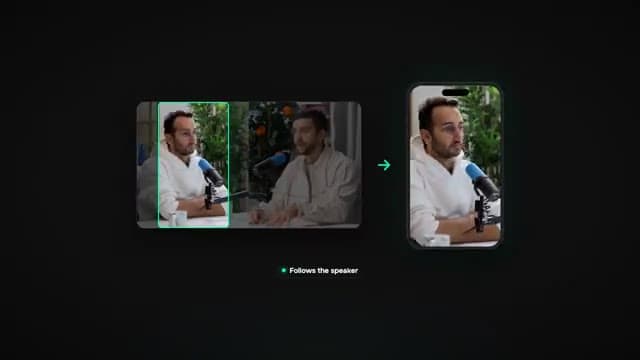
- Auto Reframe16:9 to 9:16 that follows the speaker
Your next 30 clips are already recorded.
Paste a link. Turn your videos into clips that bring clients.
- 7-day free trial
- Cancel anytime
- No editing skills needed