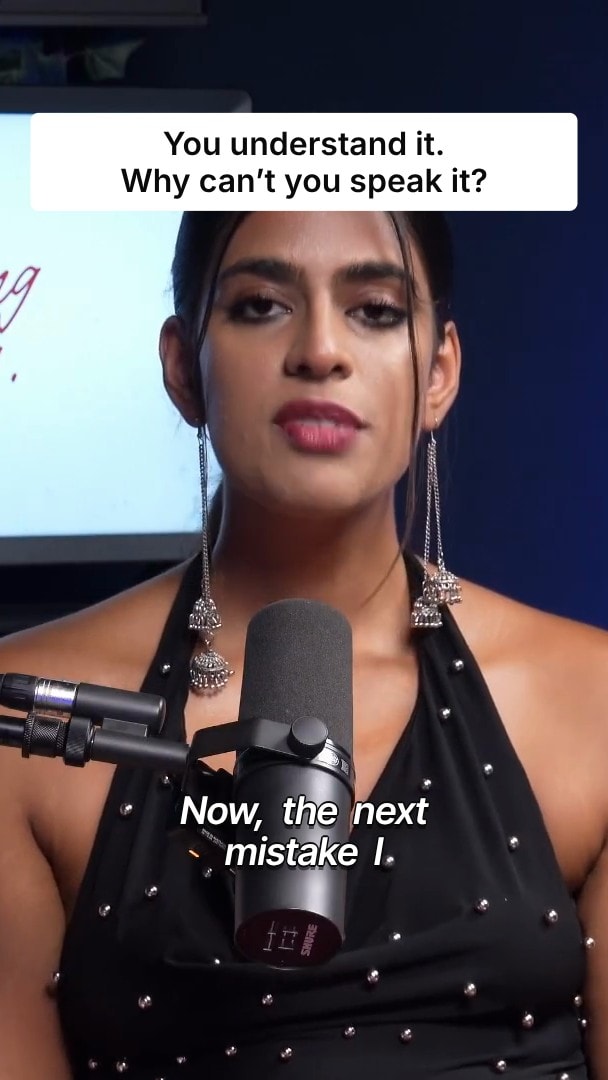
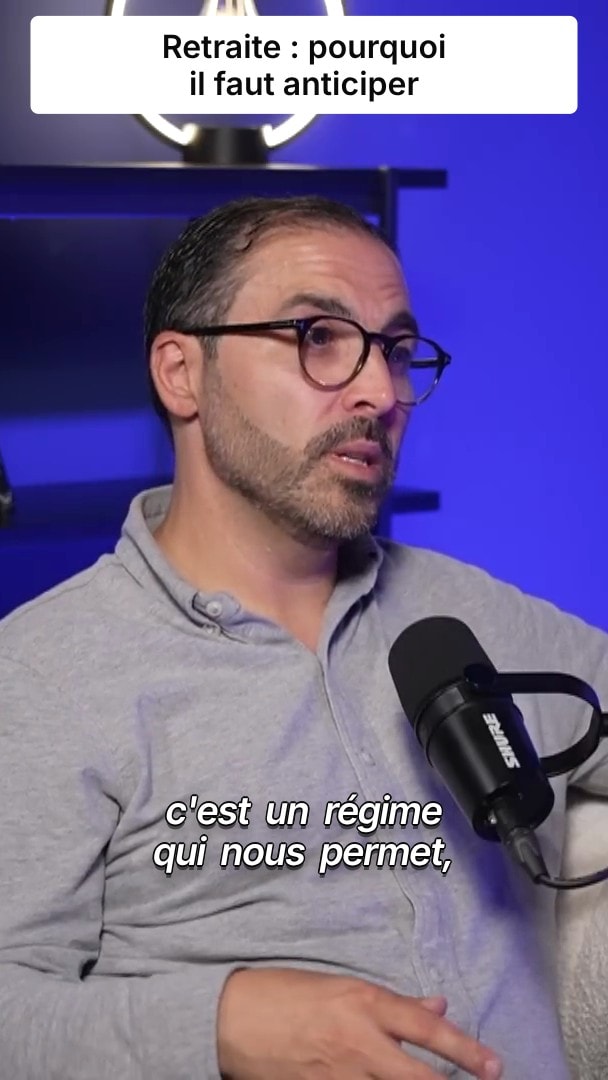
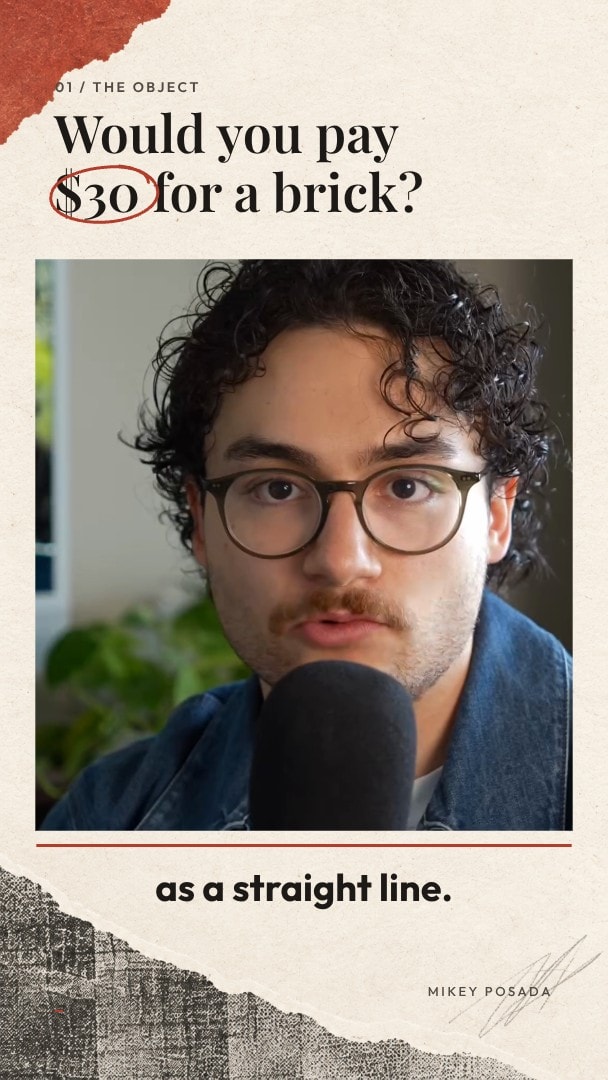
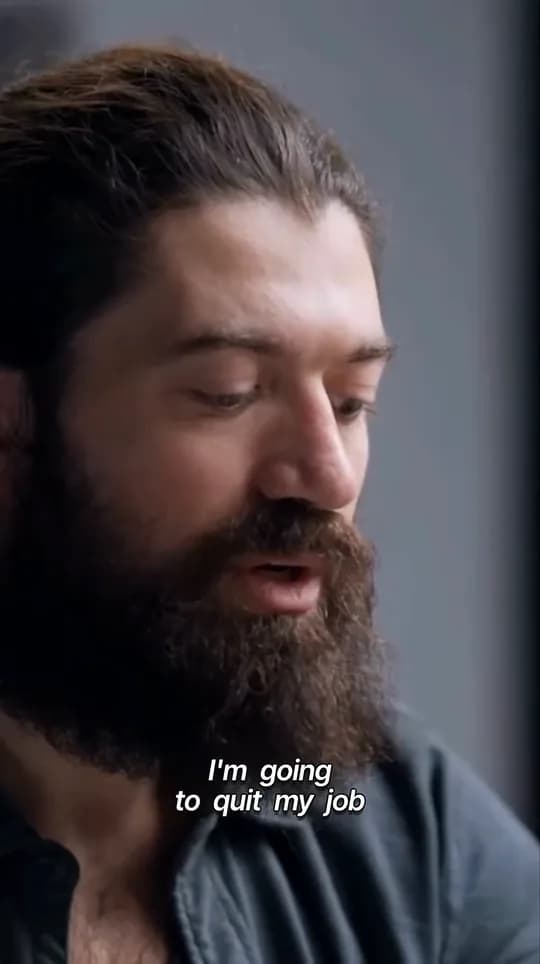
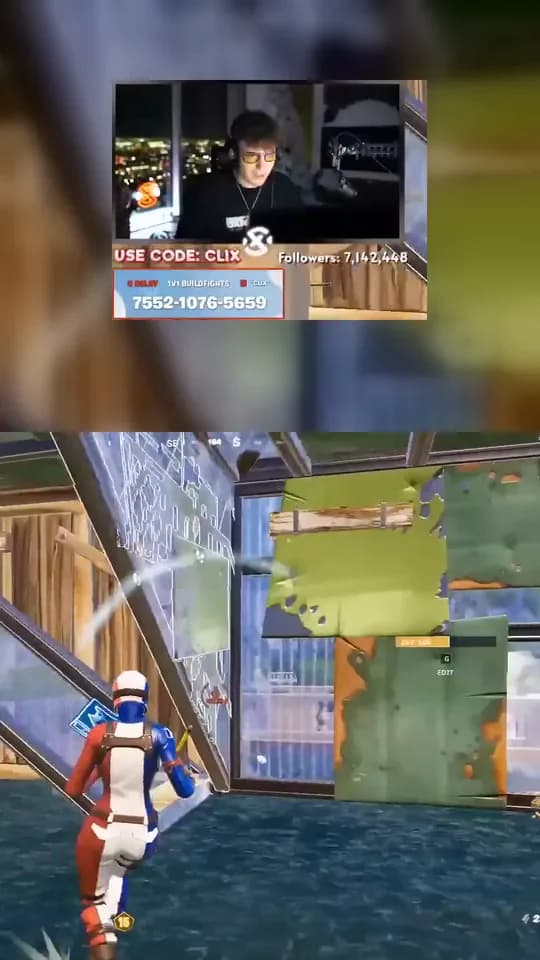
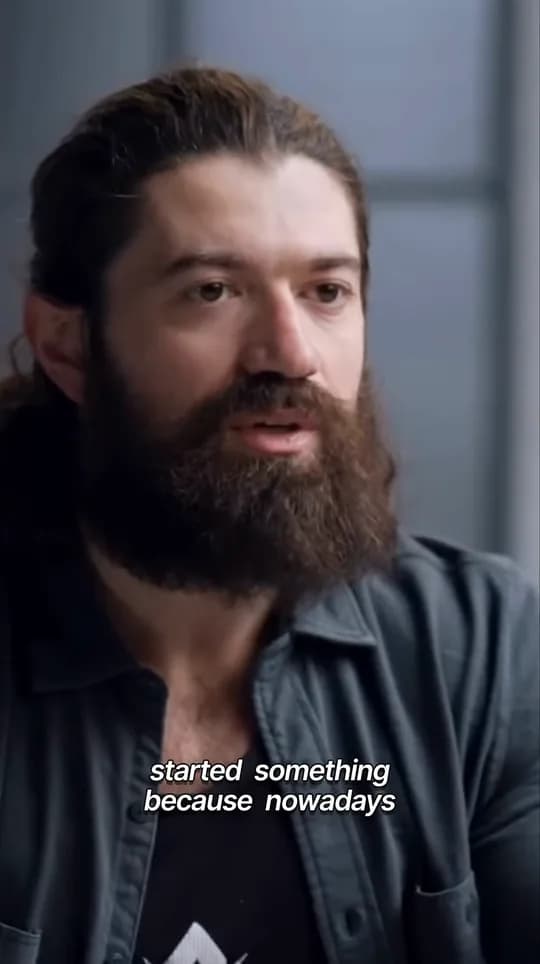
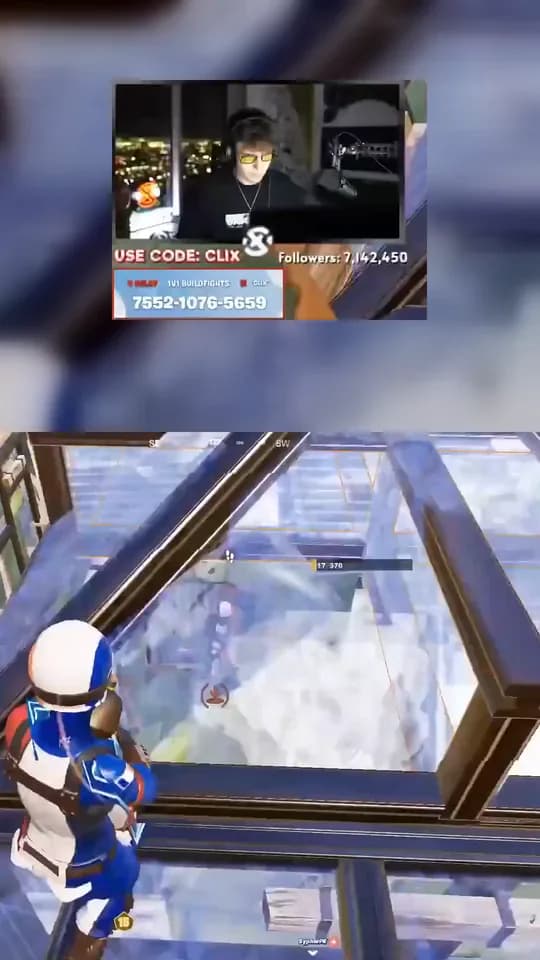
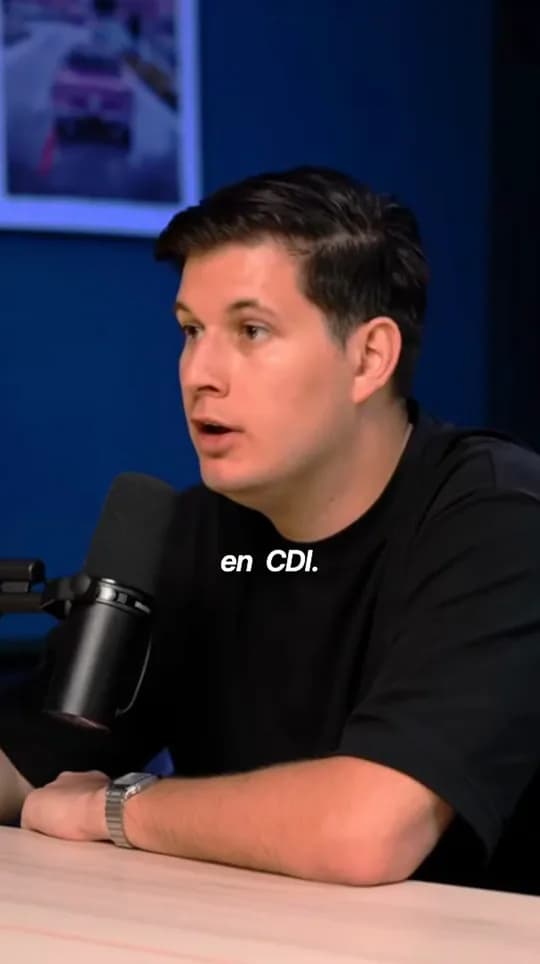
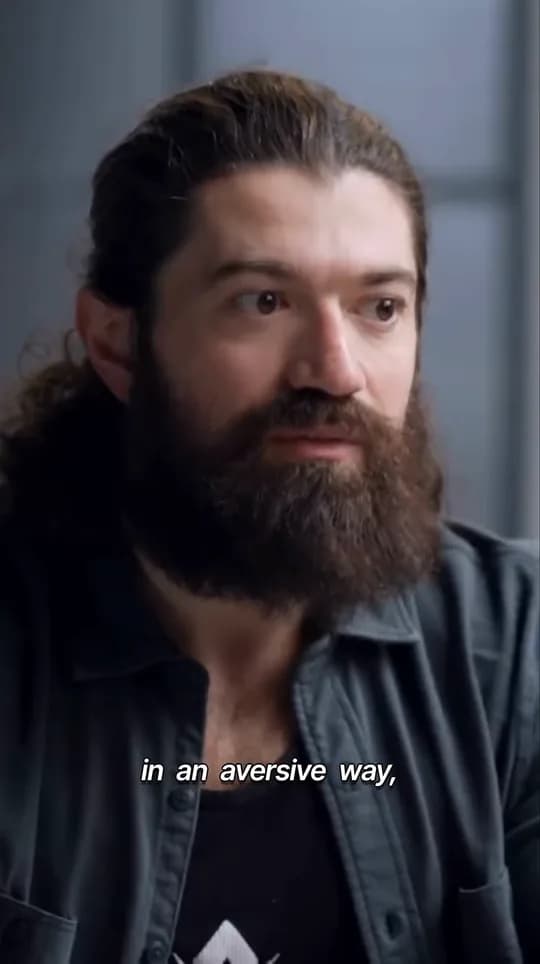
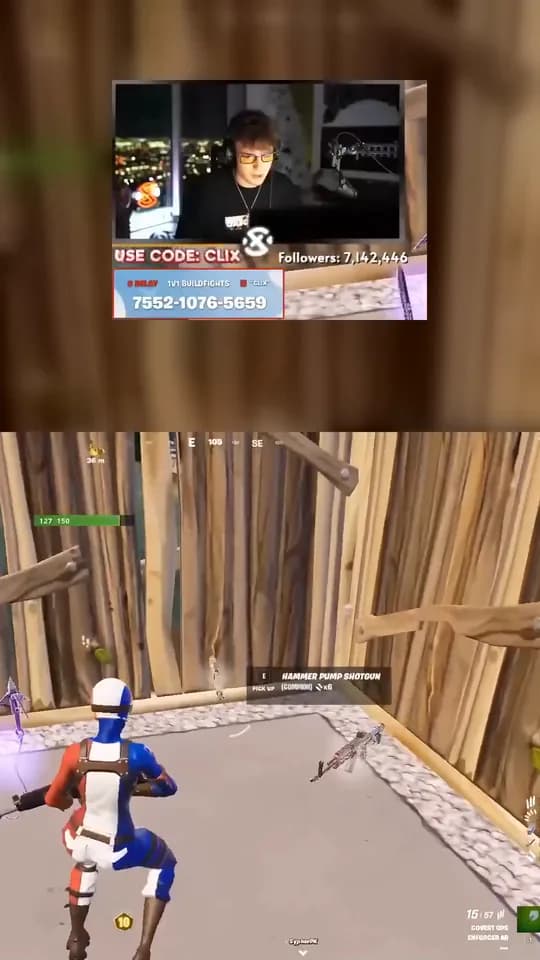
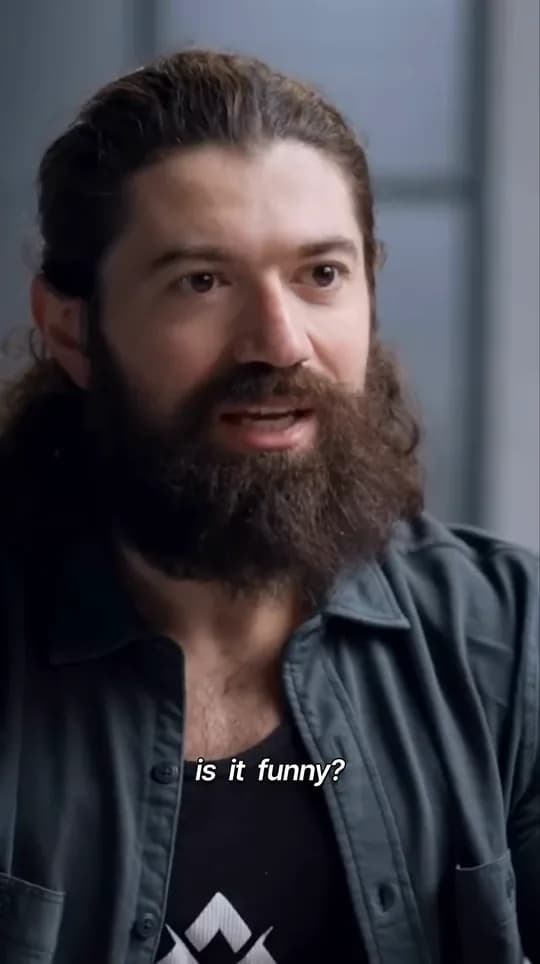
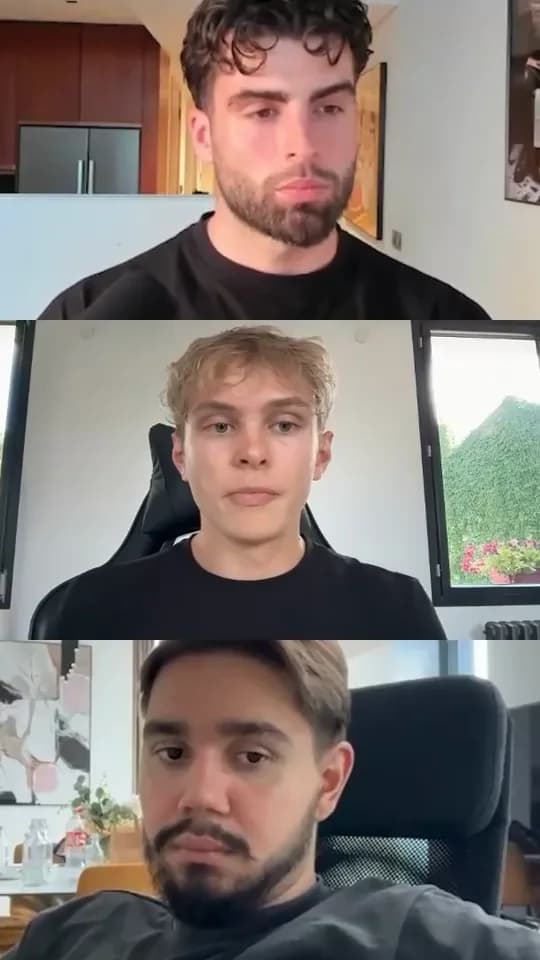
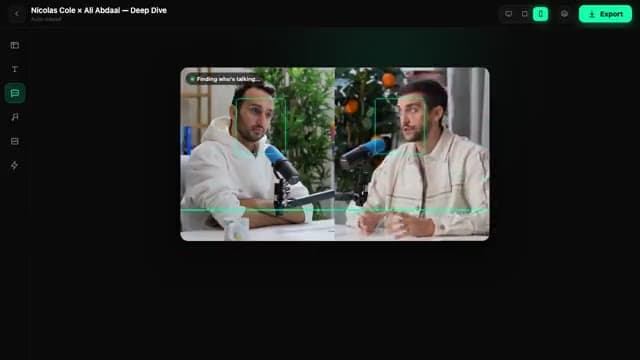
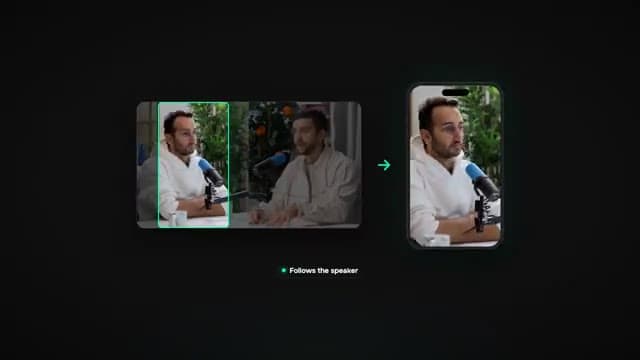
Auto Reframe: Horizontal to vertical, following the speaker.
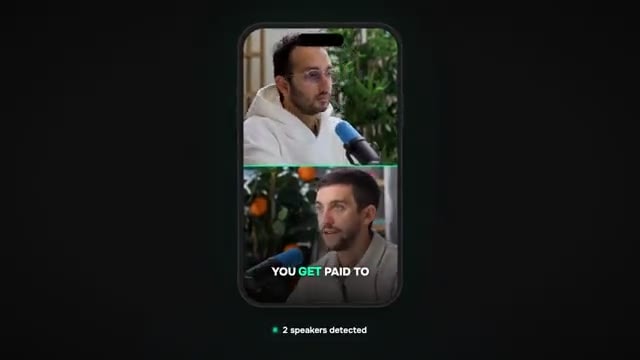
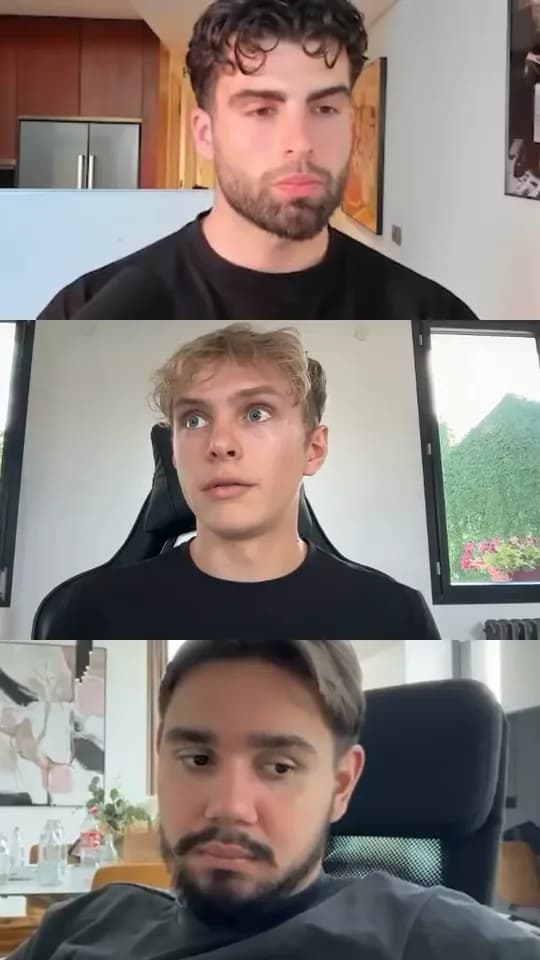
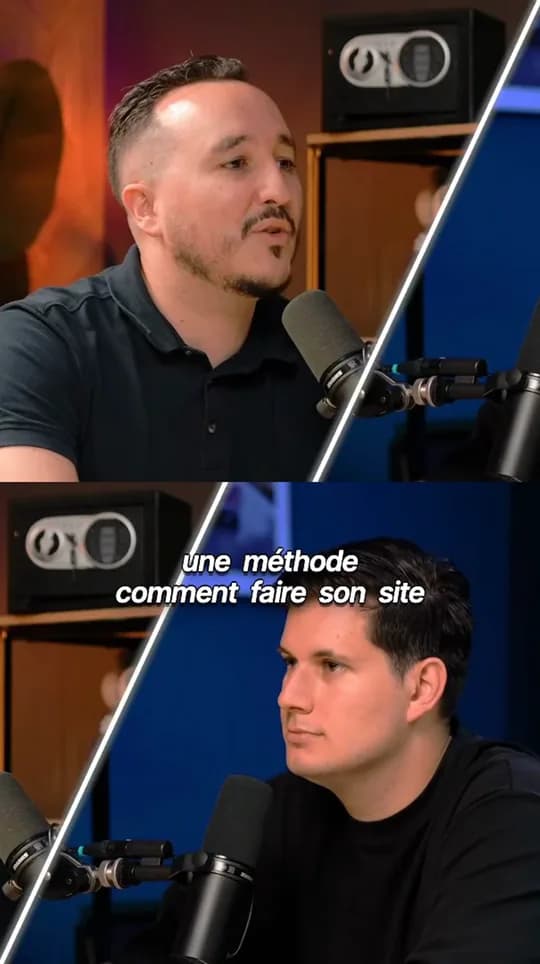
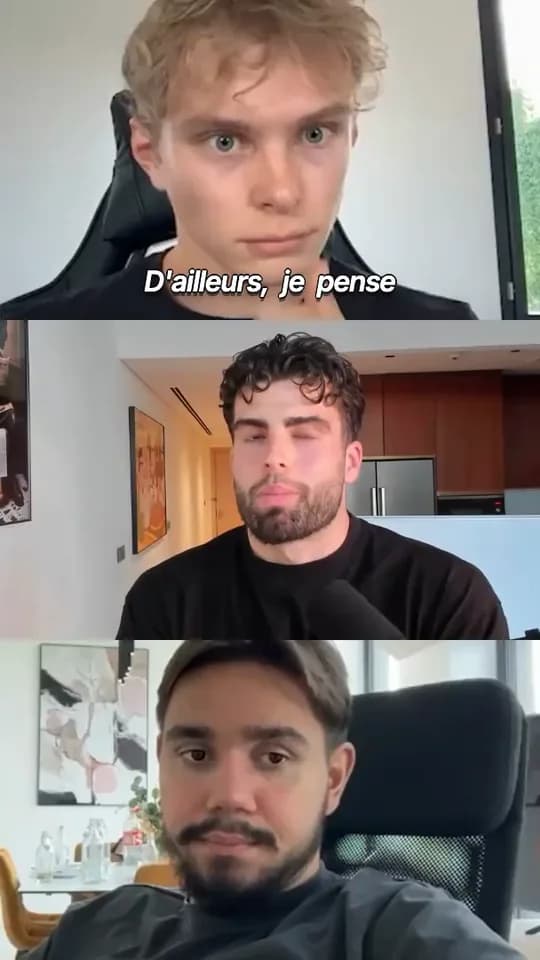
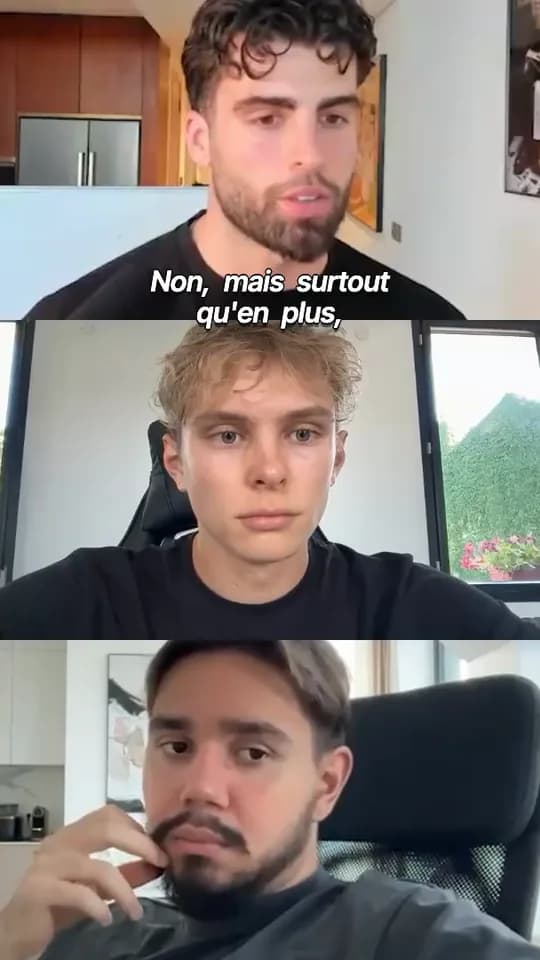
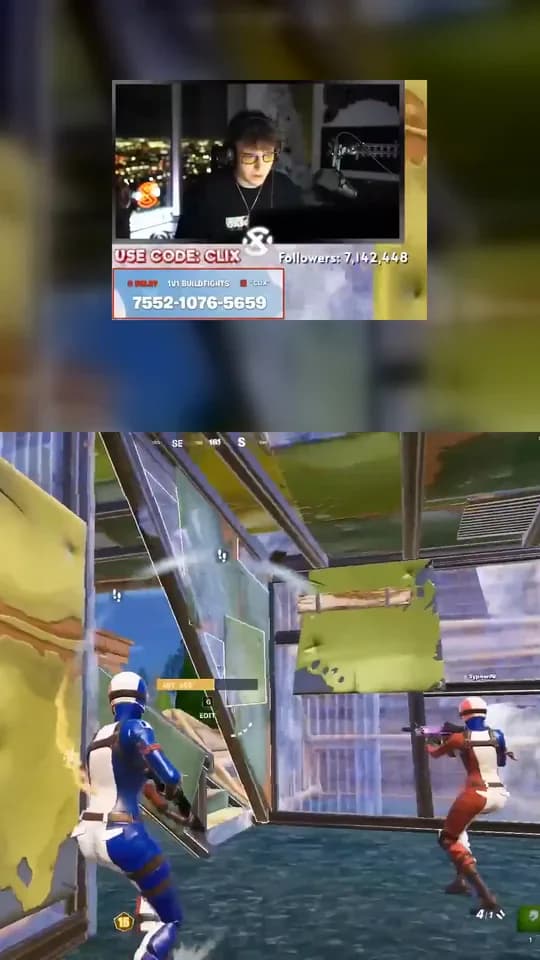
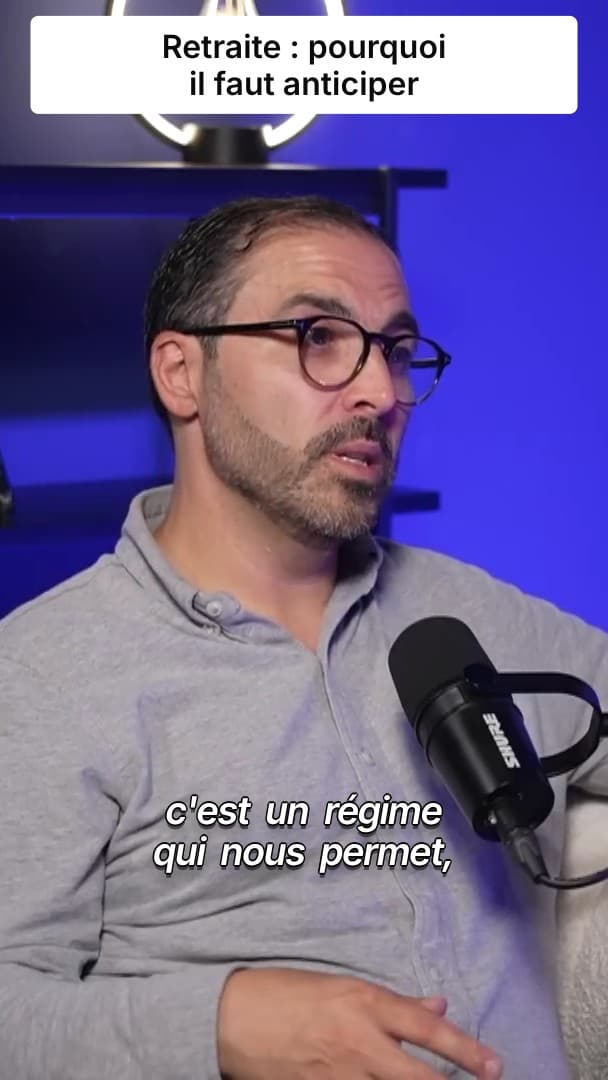
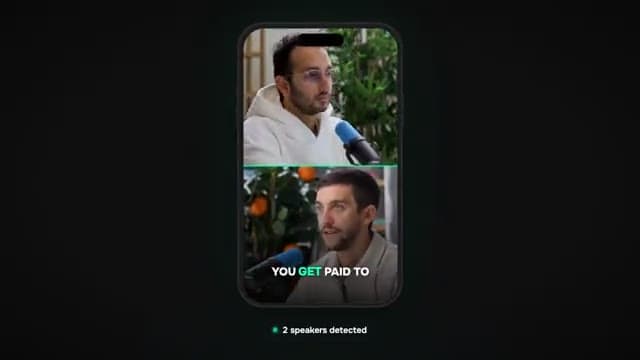
BlitzReels crops wide podcasts and webinars to 9:16 and keeps the person talking in frame. Two speakers can share the frame in a split screen.
- 7-day free trial
- Cancel anytime
- No editing skills needed


Trusted by 10,000+ creators
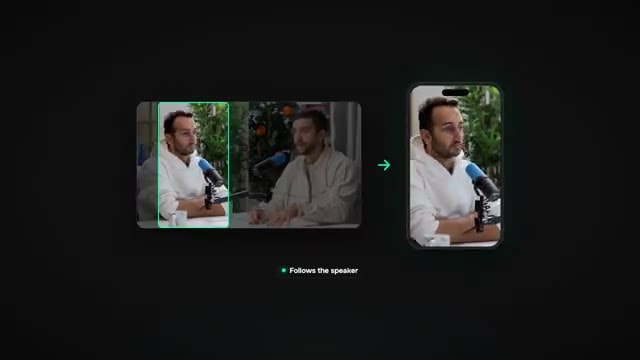
16:9 to 9:16 that follows the speaker
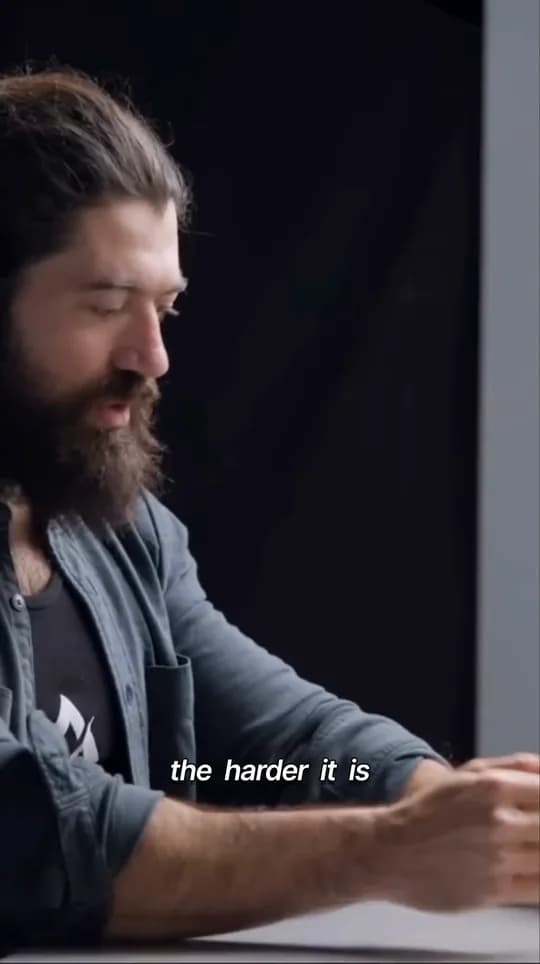
BlitzReels crops horizontal video to vertical and follows the speaker, so podcasts and webinars fill a 9:16 frame. When two people share the shot, it can stack them in a split screen.
- 16:9 to 9:16 automatically
- Follows whoever is speaking
- Split screen for two speakers
- Runs on every clip in a batch
- Adjust the crop in the editor
- Included on every plan
One speaker or two
Single-speaker shots follow the face. Two-person shots can stack both speakers.
How it works
- 01
Add a wide video
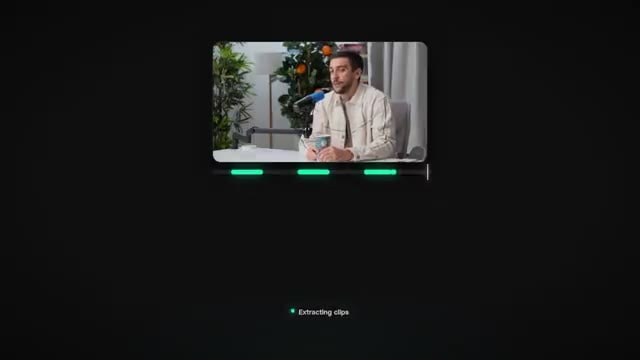
Upload a podcast, interview or webinar, or paste a YouTube link.
- 02
Turn on Auto reframe
Choose a vertical or square output and keep Auto reframe on in the clip settings.
- 03
Check the framing
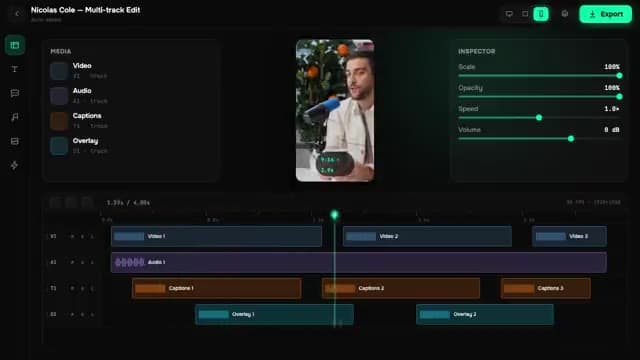
Open any clip to see the crop on the timeline and move it where you need.
Your competitors already use BlitzReels.






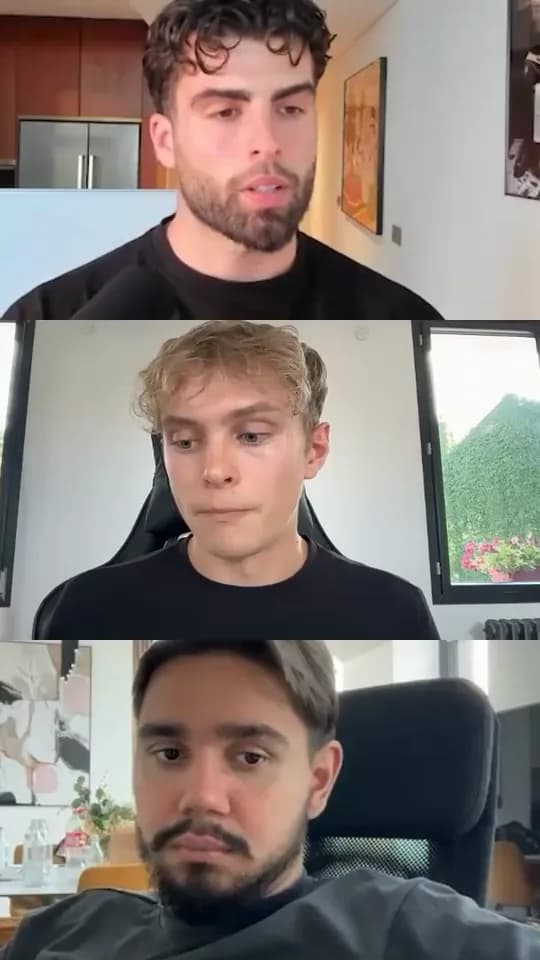
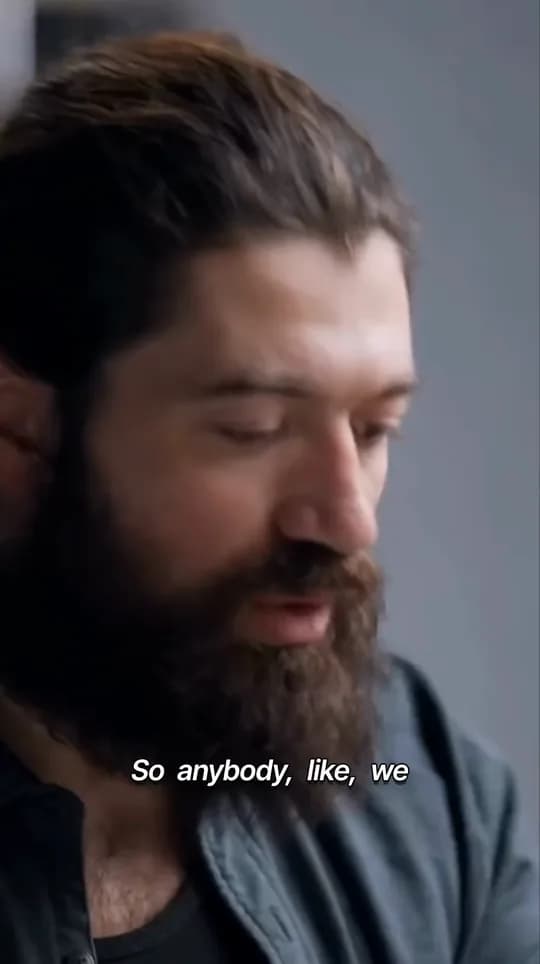

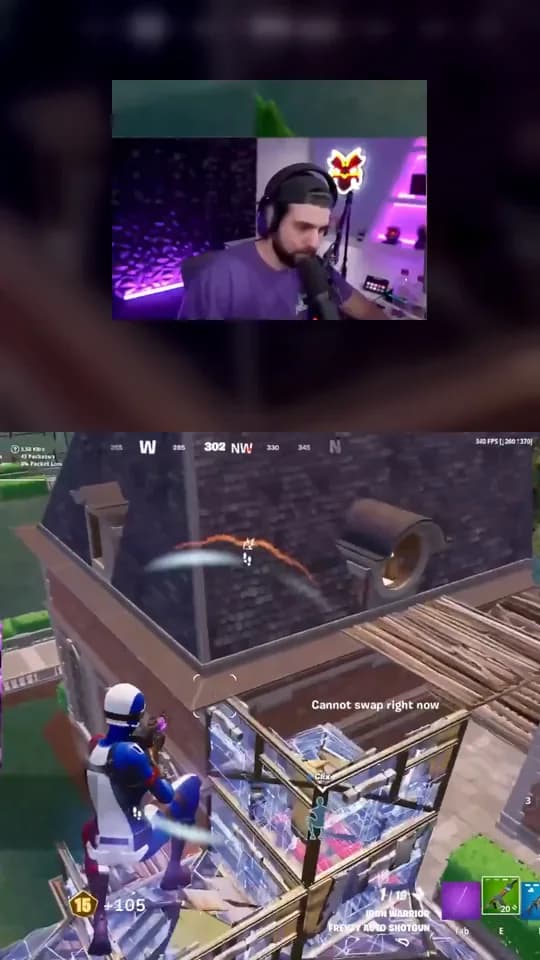
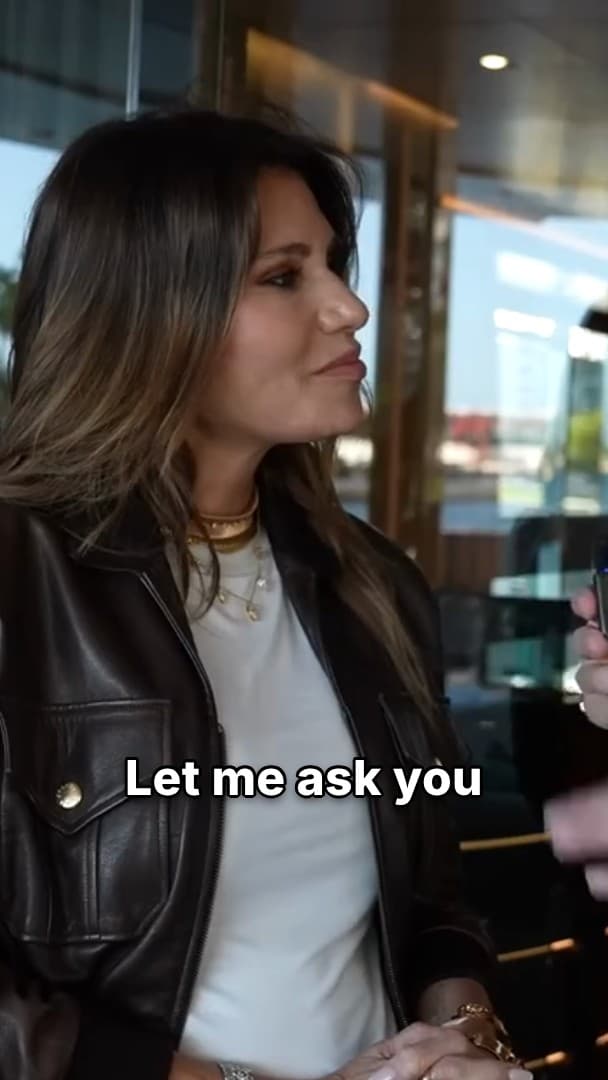
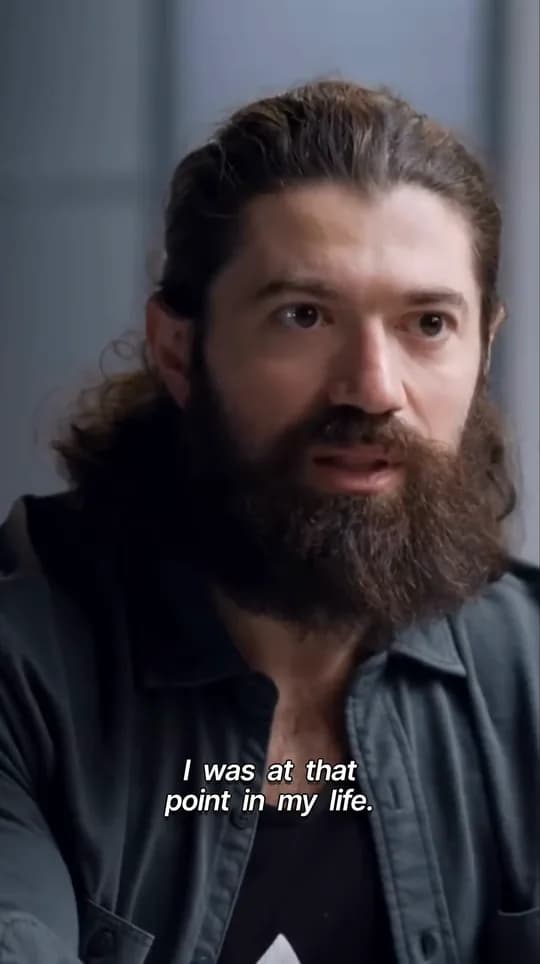


“The batch processing feature saves hours on content repurposing.”
 OmriReview on Uneed
“BlitzReels is special”
 orcdevReview on Uneed
“as always, a great product”
 Zoltan SzogyenyiReview on Uneed
Auto Reframe FAQ
- How does it pick who to follow?
- It detects the faces in each shot and keeps the active speaker in frame. In a two-person shot it can stack both speakers instead.
- Which outputs does it support?
- Vertical 9:16 and square 1:1. For a 16:9 output there is nothing to reframe.
- Is it finished?
- It is labeled beta in the app. If a crop misses, adjust it on the timeline before you export.
- Does it cost extra?
- No. Auto reframe is included on every plan.
More features
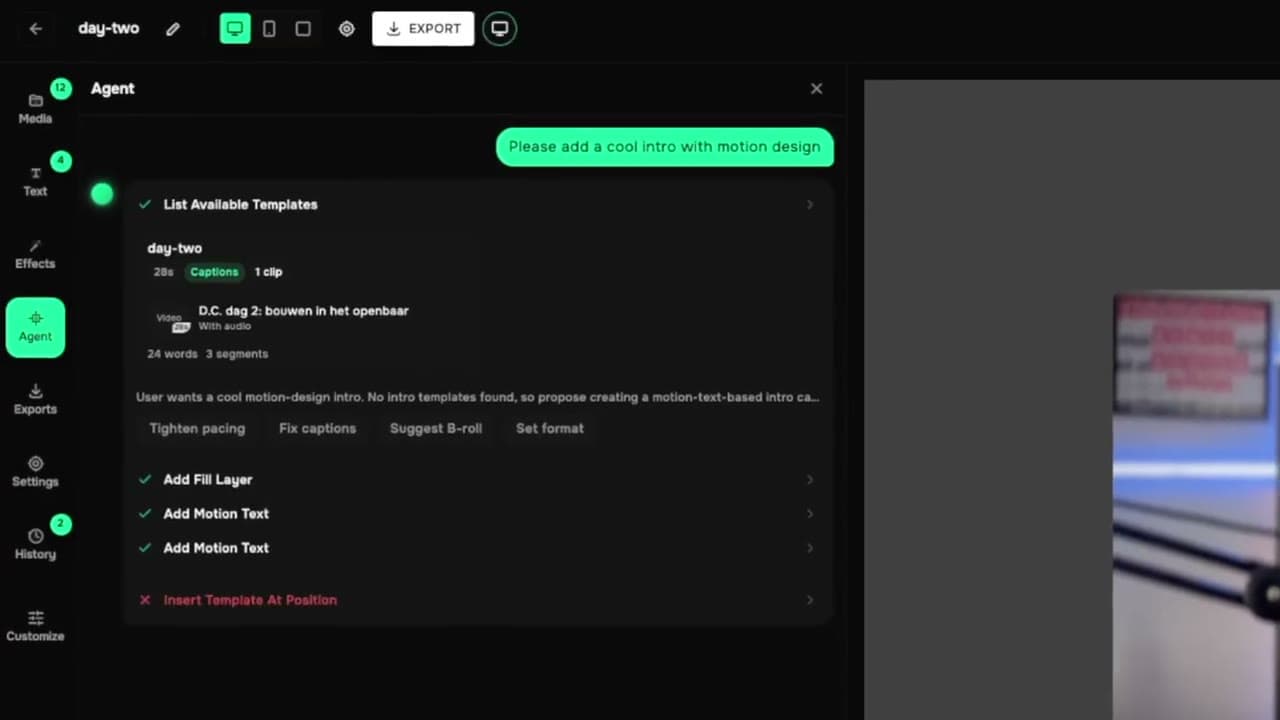
All features- AI Agent EditorEdit your video by typing what you want
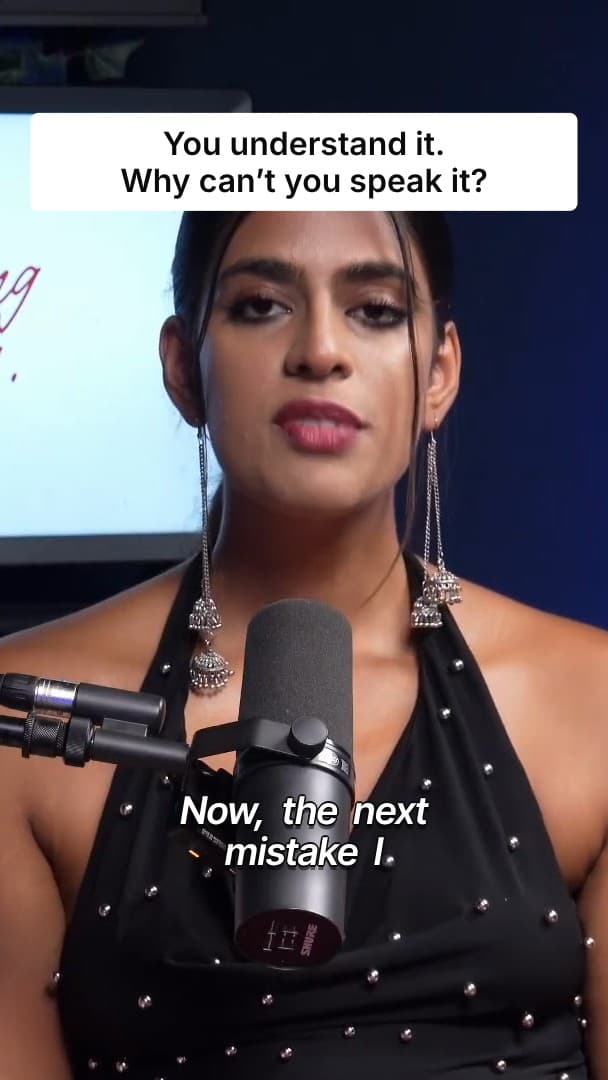
- Caption Styles10 animated caption looks, timed word by word
- Motion GraphicsZooms, color grades, masks and title cards
- Pro TimelineMulti-track editor with 24 keyboard shortcuts
- Silence DetectionFind and cut dead air in one pass

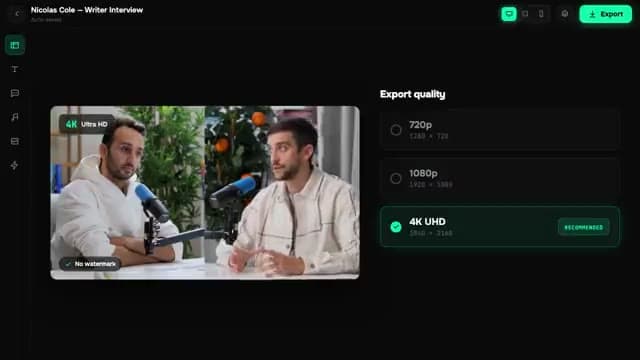
- 4K ExportCloud-rendered exports up to 4K
- Post SchedulingClip, caption and schedule from one calendar
- YouTube Shorts SchedulerSchedule Shorts straight from your clips
- TikTok SchedulerSend clips to TikTok on a schedule
- Instagram Reels SchedulerReels and Trial Reels on your calendar, coming soon
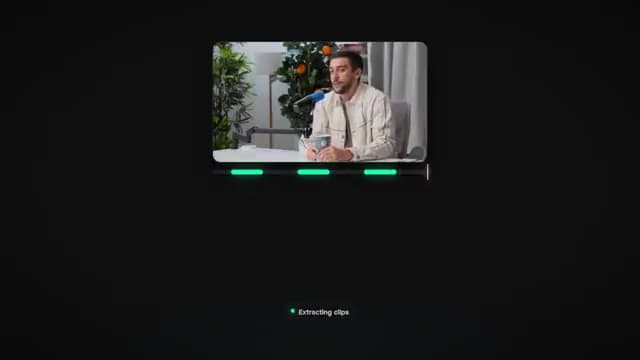
- Multi-Camera ClipsClip every camera of a podcast or webinar
- AI Voice CloningNarrate videos in your own voice

- Consistent AI CharactersKeep the same face in every scene

Your next 30 clips are already recorded.
Paste a link. Turn your videos into clips that bring clients.
- 7-day free trial
- Cancel anytime
- No editing skills needed