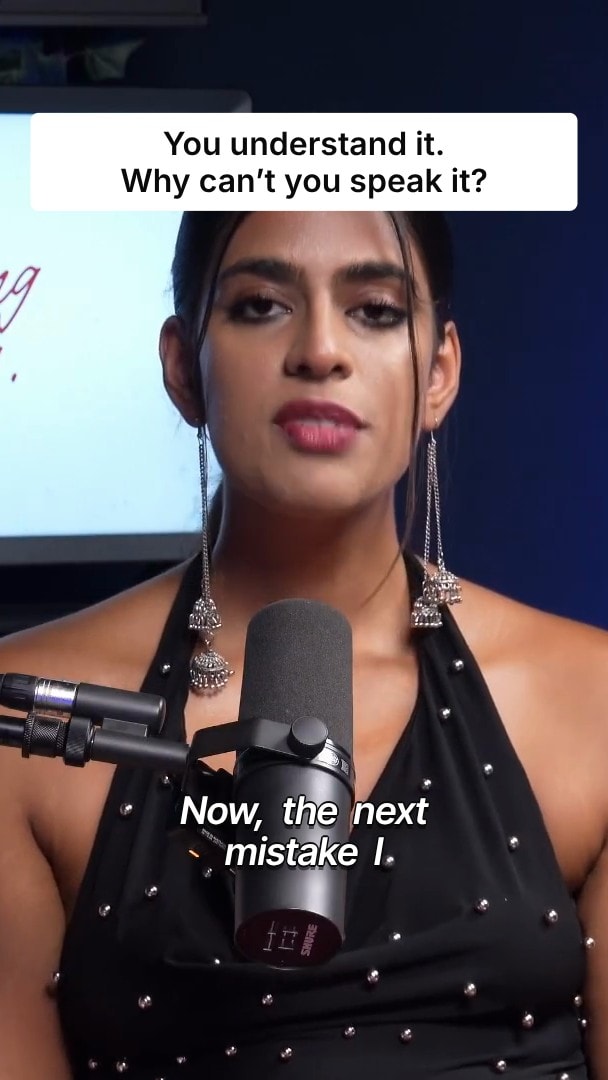
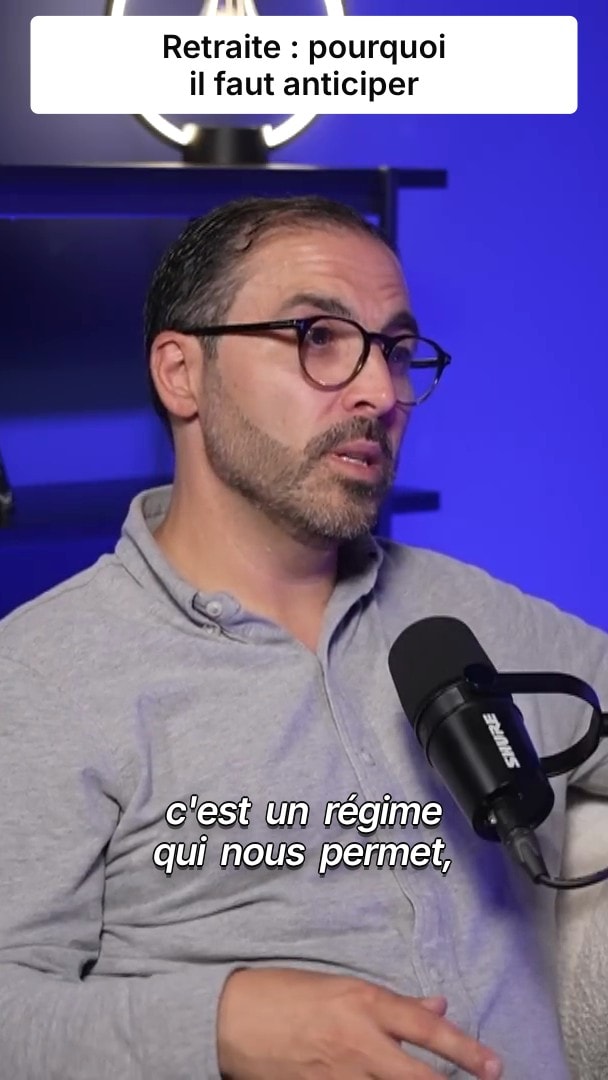
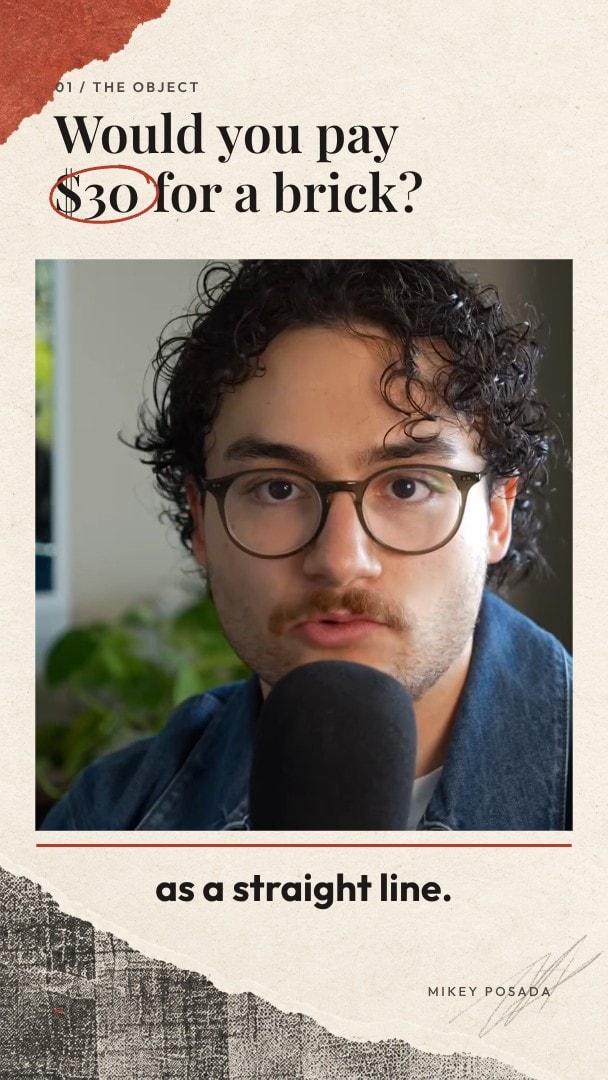
Consistent AI Characters: The same face in every scene.
Turn two or more photos into a character. AI images, AI videos and faceless videos keep that face from shot to shot.
- 7-day free trial
- Cancel anytime
- No editing skills needed


Trusted by 10,000+ creators
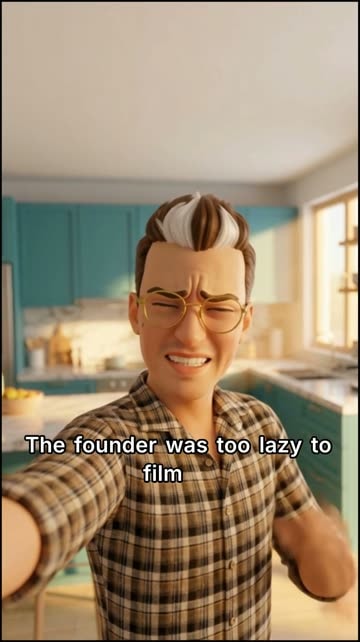


Keep the same face in every scene
Save a person as a character from two or more real photos. Every AI image, AI video and faceless video that uses the character keeps the same face from scene to scene.
- Built from two or more real photos
- Reusable across projects
- Works in AI images and videos
- Works in faceless videos
- Add a product or style reference too
- Edit any scene afterwards
Edit any scene afterwards
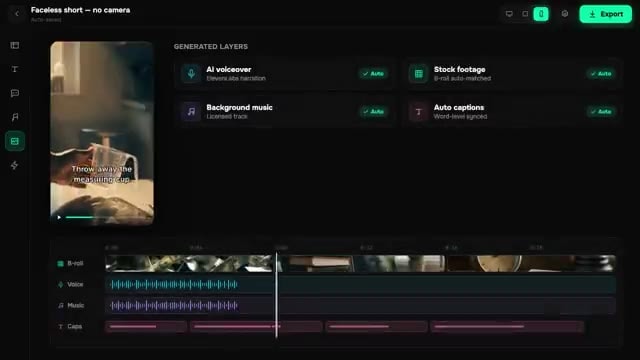
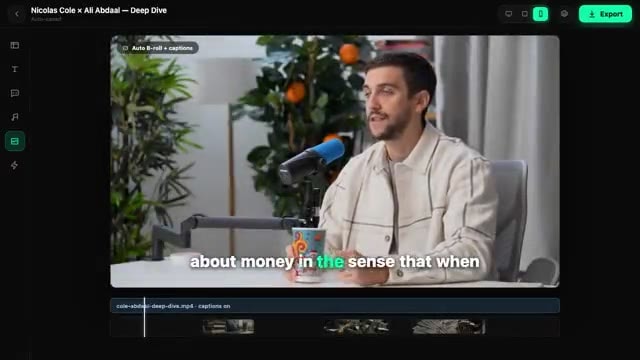
Generated scenes land on the timeline. Regenerate one shot without redoing the others.
How it works
- 01
Create the character
Open Characters in AI Studio and add two or more real photos of the same person.
- 02
Reference it
Pick the character when you generate an image, a video or a faceless video.
- 03
Edit the result
Each scene lands on the timeline, so you can regenerate one shot without redoing the rest.
Your competitors already use BlitzReels.
“The batch processing feature saves hours on content repurposing.”
 OmriReview on Uneed
“BlitzReels is special”
 orcdevReview on Uneed
“as always, a great product”
 Zoltan SzogyenyiReview on Uneed
Consistent AI Characters FAQ
- How many photos do I need?
- Two or more real photos of the same person. Clear, well-lit faces from a few angles work best.
- Can I use a character in a faceless video?
- Yes. Add the character as a reference in the faceless video form and it appears in every scene that features that person.
- Can I add a product or a visual style as well?
- Yes. Faceless videos accept face, product and style references together.
- Can I use photos of someone else?
- Only photos you have the right to use, of a person who agreed to it.
More features
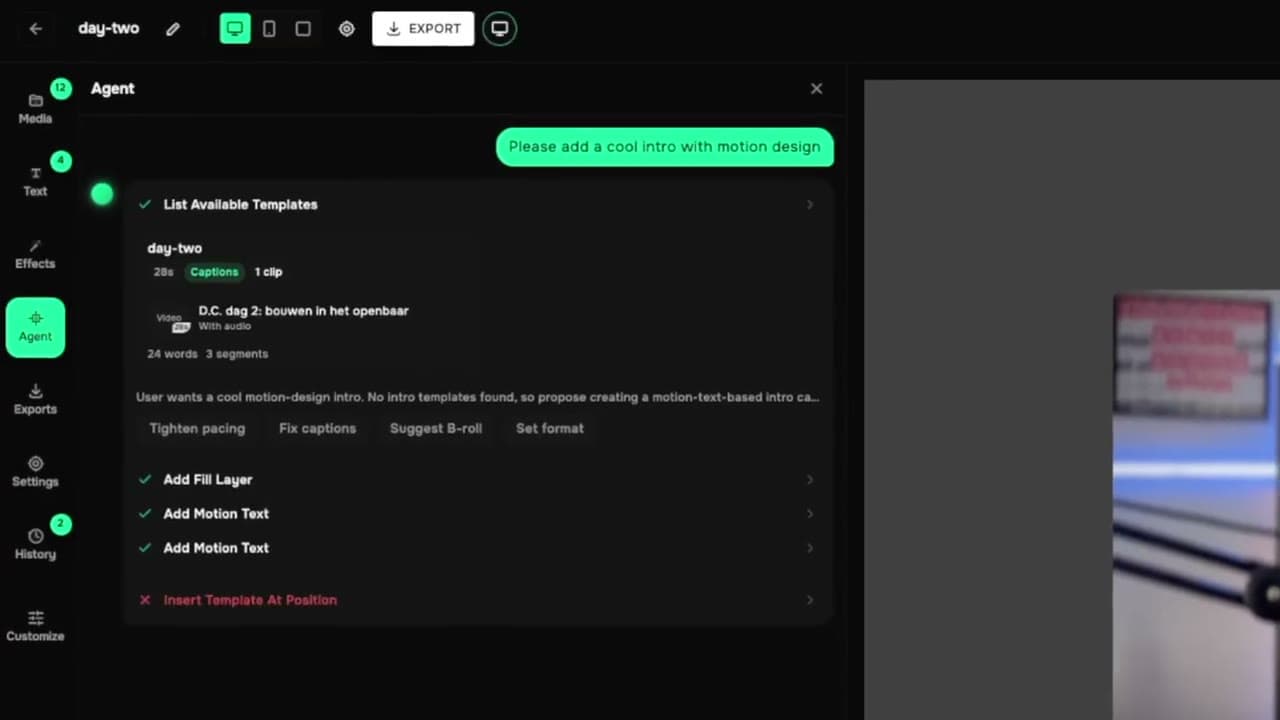
All features- AI Agent EditorEdit your video by typing what you want
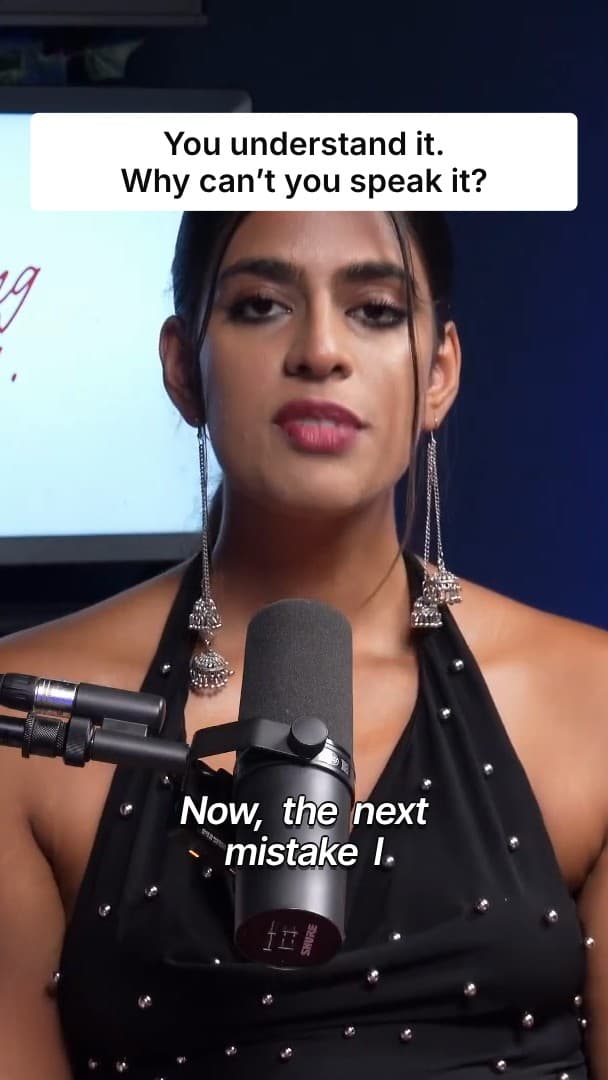
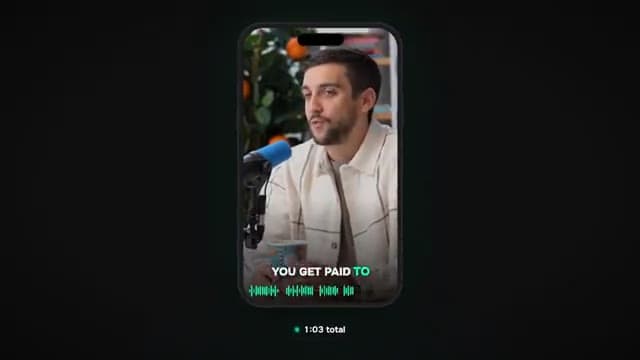
- Caption Styles10 animated caption looks, timed word by word
- Motion GraphicsZooms, color grades, masks and title cards
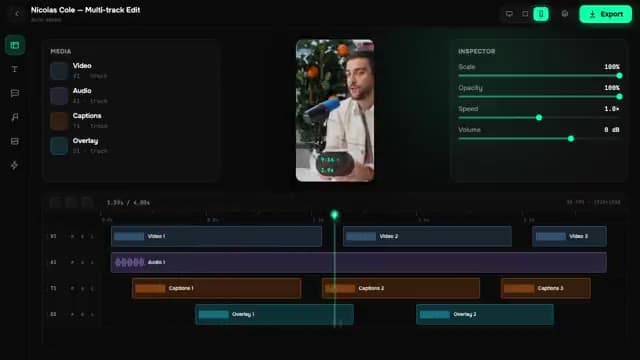
- Pro TimelineMulti-track editor with 24 keyboard shortcuts
- Silence DetectionFind and cut dead air in one pass
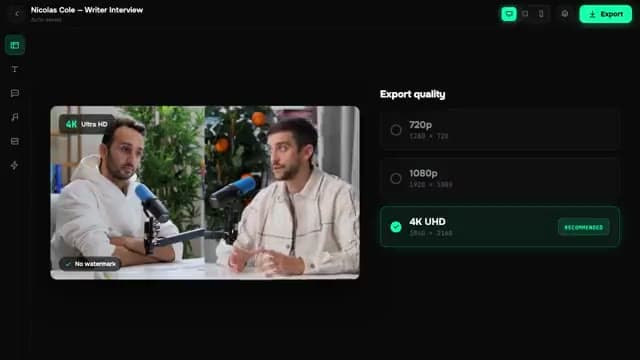
- 4K ExportCloud-rendered exports up to 4K
- Post SchedulingClip, caption and schedule from one calendar
- YouTube Shorts SchedulerSchedule Shorts straight from your clips
- TikTok SchedulerSend clips to TikTok on a schedule
- Instagram Reels SchedulerReels and Trial Reels on your calendar, coming soon
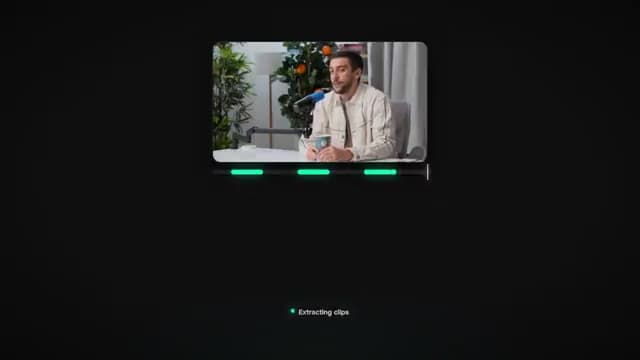
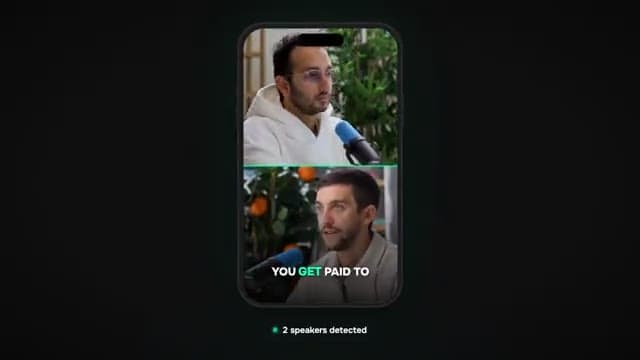
- Multi-Camera ClipsClip every camera of a podcast or webinar
- AI Voice CloningNarrate videos in your own voice

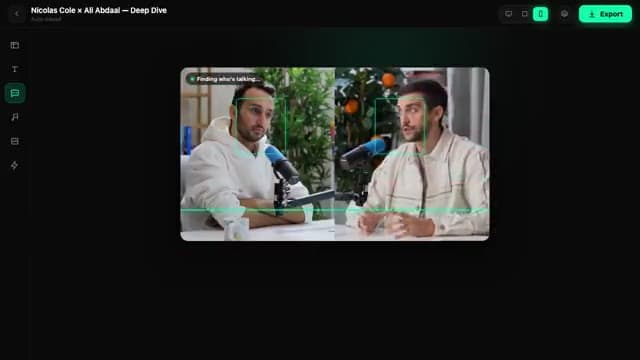
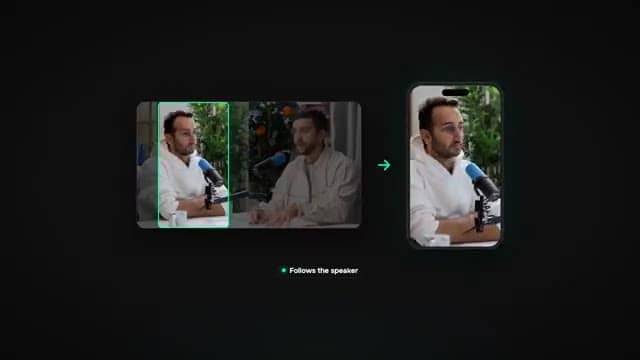
- Auto Reframe16:9 to 9:16 that follows the speaker
Your next 30 clips are already recorded.
Paste a link. Turn your videos into clips that bring clients.
- 7-day free trial
- Cancel anytime
- No editing skills needed