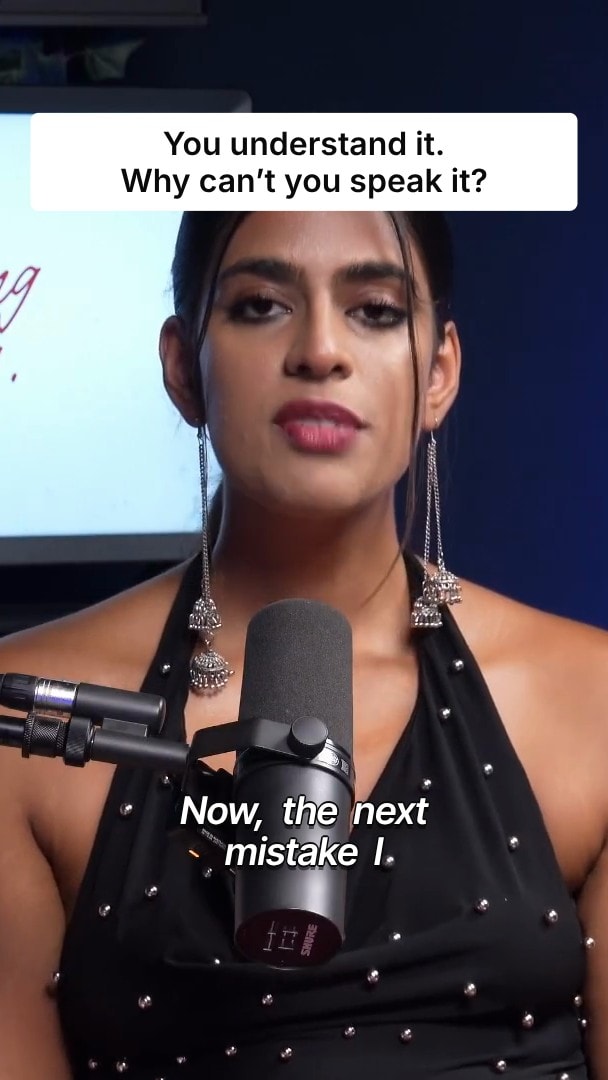
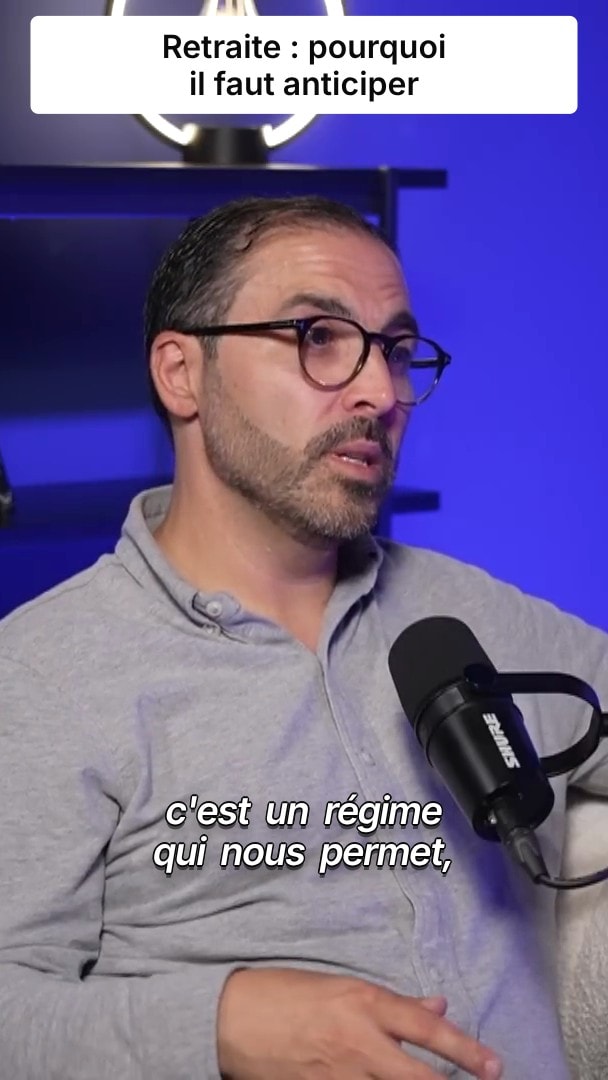
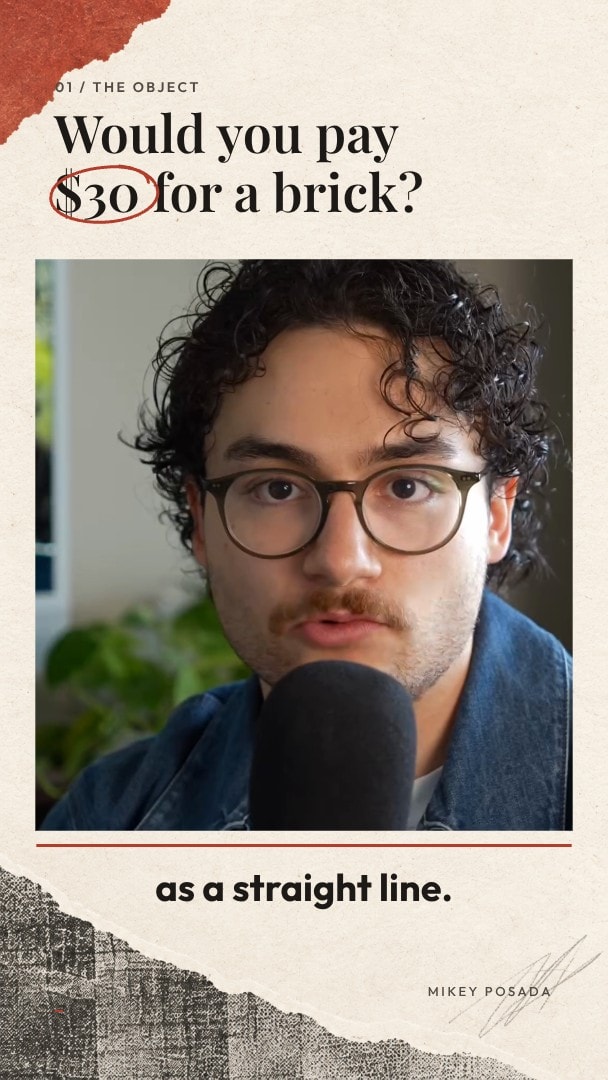
Motion Graphics: Make talking-head clips move.
Add zoom punches, color grades, masks and title cards from presets, without a motion designer or After Effects.
- 7-day free trial
- Cancel anytime
- No editing skills needed


Trusted by 10,000+ creators
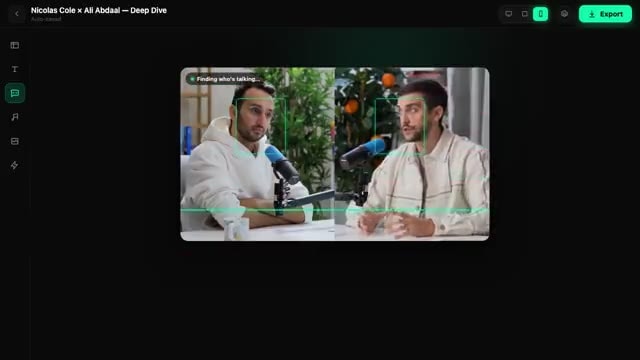
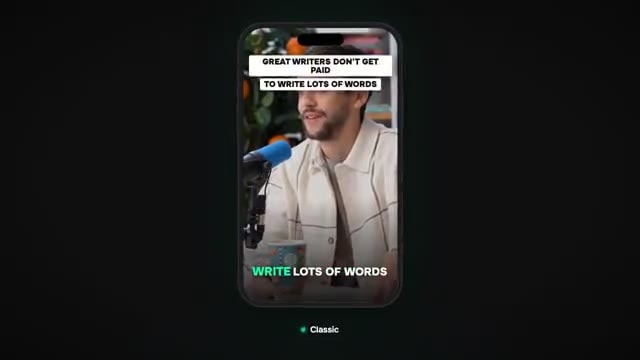
Zooms, color grades, masks and title cards
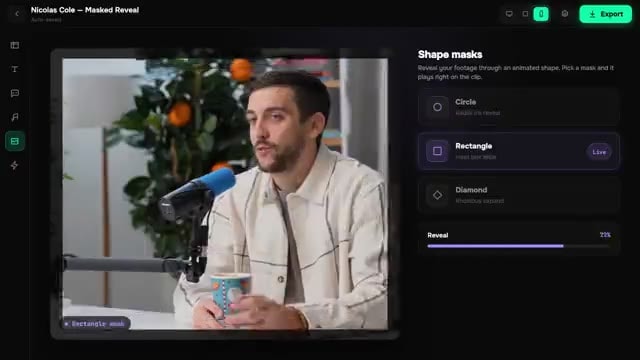
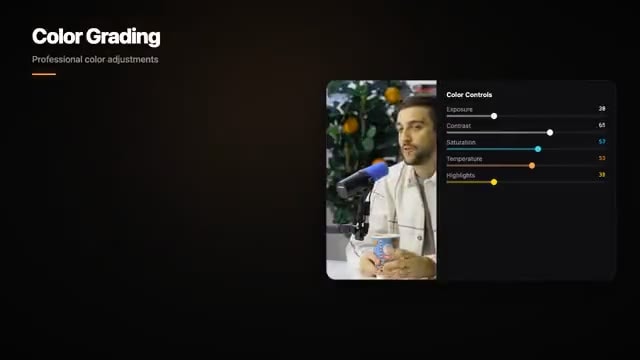
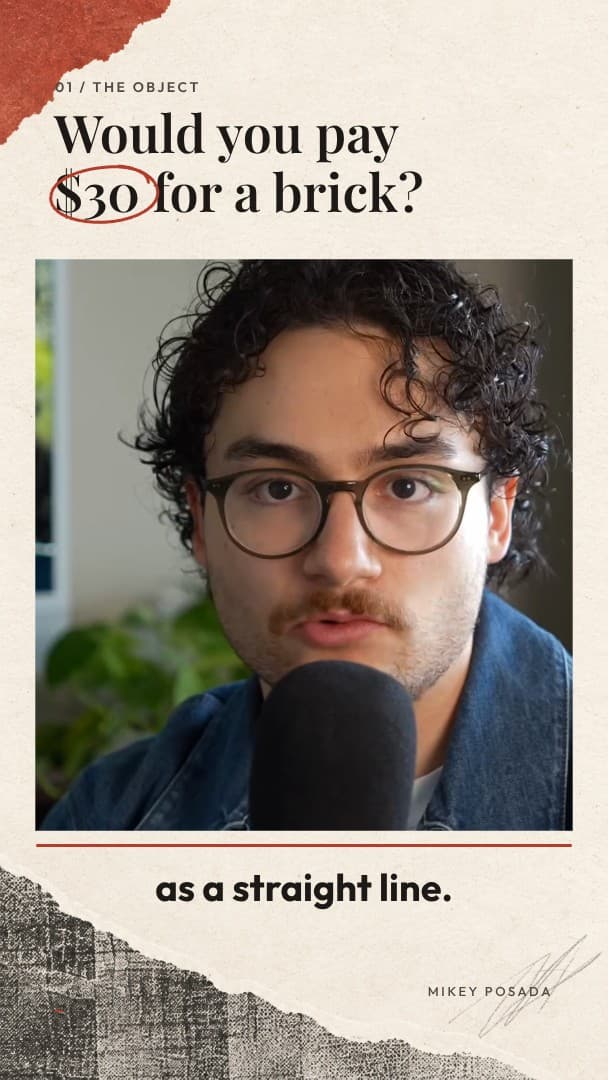
Add movement to talking-head footage without a motion designer: zoom punches, color grades, shape masks, title cards and Ken Burns pans on images. Start from a preset and fine-tune with keyframes.
- 18 zoom presets
- 16 color-grade presets
- 29 mask and frame presets
- Title cards for your hook
- Ken Burns pans on images
- Keyframes for custom moves
Effects that stack on one clip
Add a title card, a mask and a color grade to the same clip. Your original footage is never modified.
How it works
- 01
Select a clip
Click the video or image on the timeline you want to animate.
- 02
Apply a preset
Pick a zoom, color grade, mask or title card from the properties panel.
- 03
Fine-tune
Adjust timing and intensity with keyframes, then preview the result in place.
Your competitors already use BlitzReels.





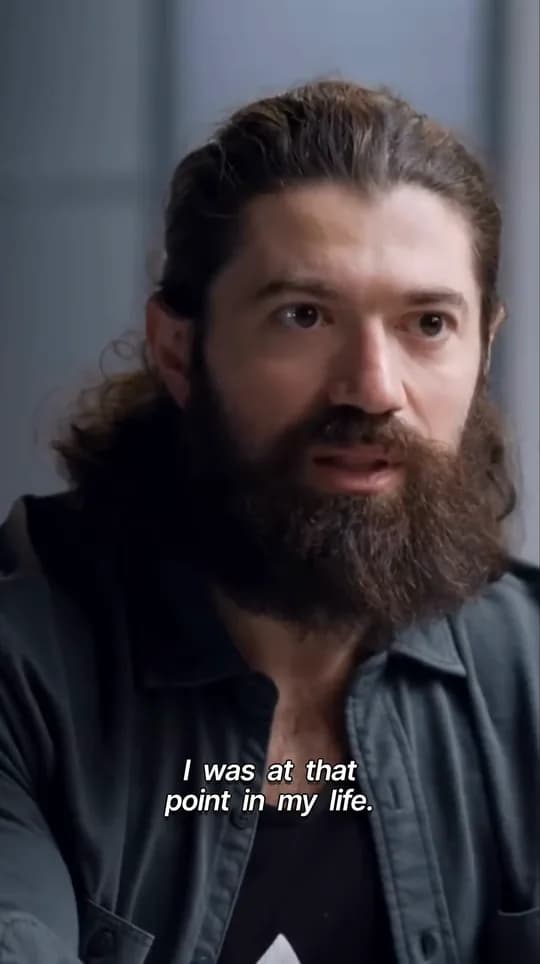


“The batch processing feature saves hours on content repurposing.”
 OmriReview on Uneed
“BlitzReels is special”
 orcdevReview on Uneed
“as always, a great product”
 Zoltan SzogyenyiReview on Uneed
Motion Graphics FAQ
- Do I need design experience?
- No. Every effect starts from a preset. Open keyframes only if you want custom timing.
- Can I stack several effects on one clip?
- Yes. A clip can have a zoom, a color grade and a mask at the same time. Your original file is never modified.
- What is the Ken Burns effect?
- A slow pan and zoom across a still image, named after the documentary filmmaker who made it popular. In BlitzReels it applies to images on your timeline.
- Can the AI add effects for me?
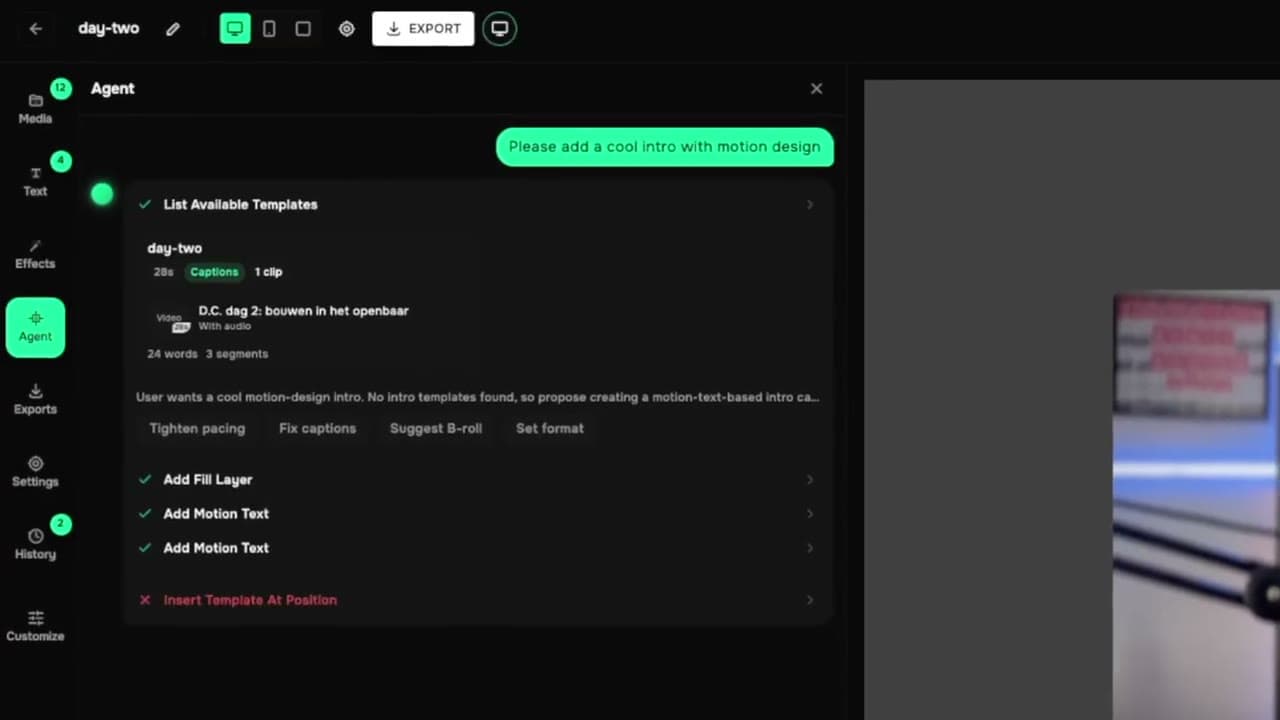
- Yes. Ask the AI agent in the editor for a zoom punch or a color grade and it adds the effect to the clip.
More features
All features- AI Agent EditorEdit your video by typing what you want
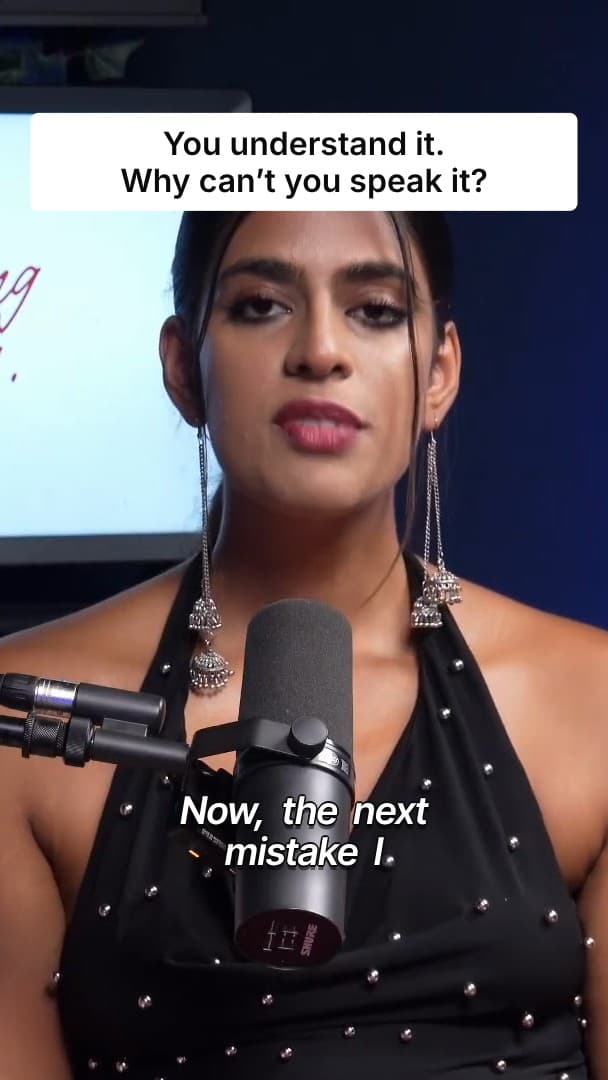
- Caption Styles10 animated caption looks, timed word by word
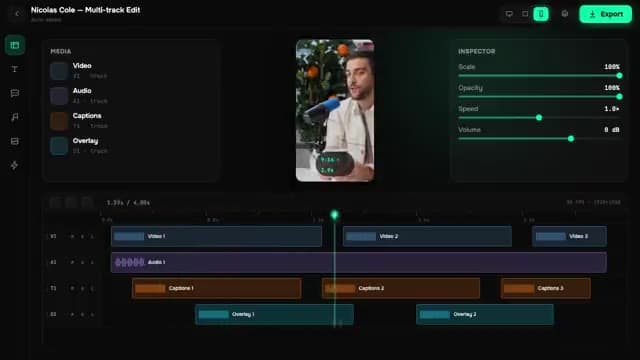
- Pro TimelineMulti-track editor with 24 keyboard shortcuts
- Silence DetectionFind and cut dead air in one pass

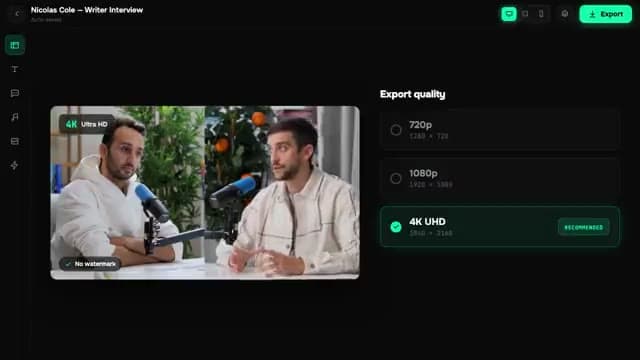
- 4K ExportCloud-rendered exports up to 4K
- Post SchedulingClip, caption and schedule from one calendar
- YouTube Shorts SchedulerSchedule Shorts straight from your clips
- TikTok SchedulerSend clips to TikTok on a schedule
- Instagram Reels SchedulerReels and Trial Reels on your calendar, coming soon
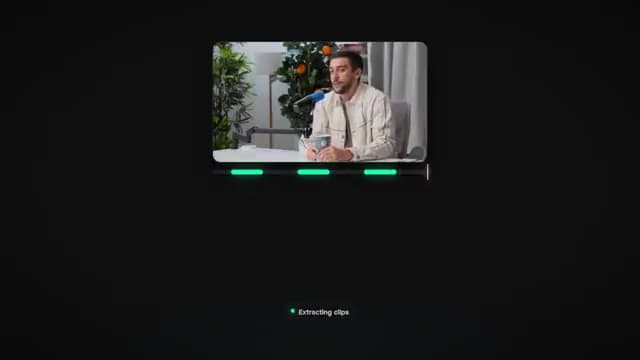
- Multi-Camera ClipsClip every camera of a podcast or webinar
- AI Voice CloningNarrate videos in your own voice

- Consistent AI CharactersKeep the same face in every scene
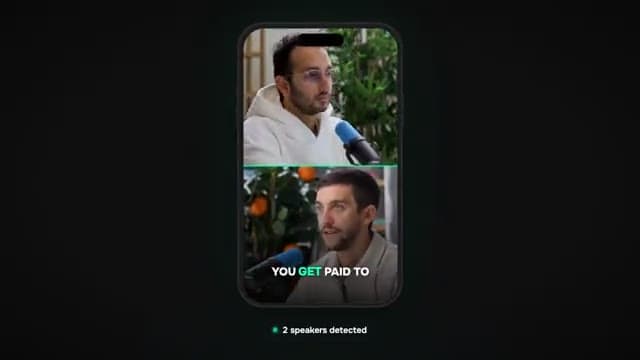
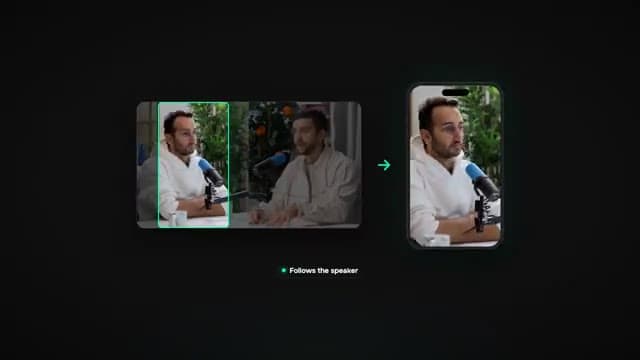
- Auto Reframe16:9 to 9:16 that follows the speaker
Your next 30 clips are already recorded.
Paste a link. Turn your videos into clips that bring clients.
- 7-day free trial
- Cancel anytime
- No editing skills needed