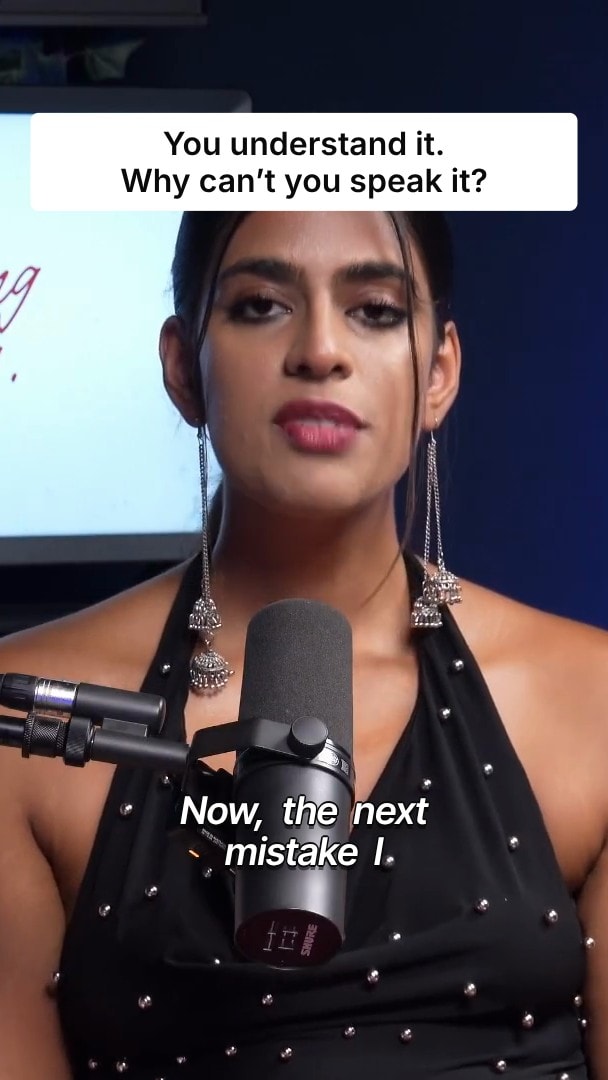
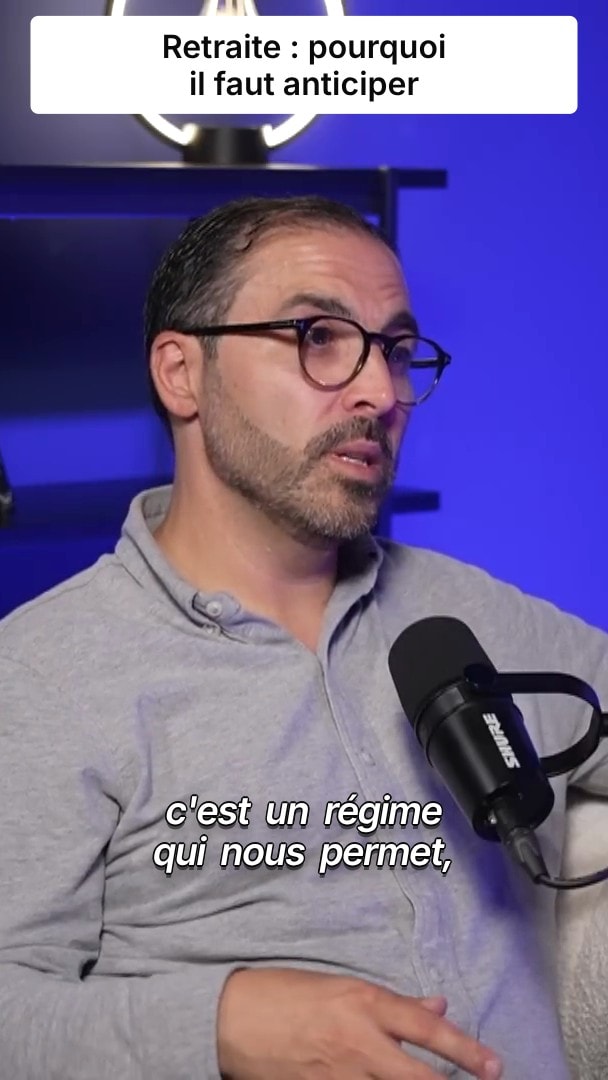
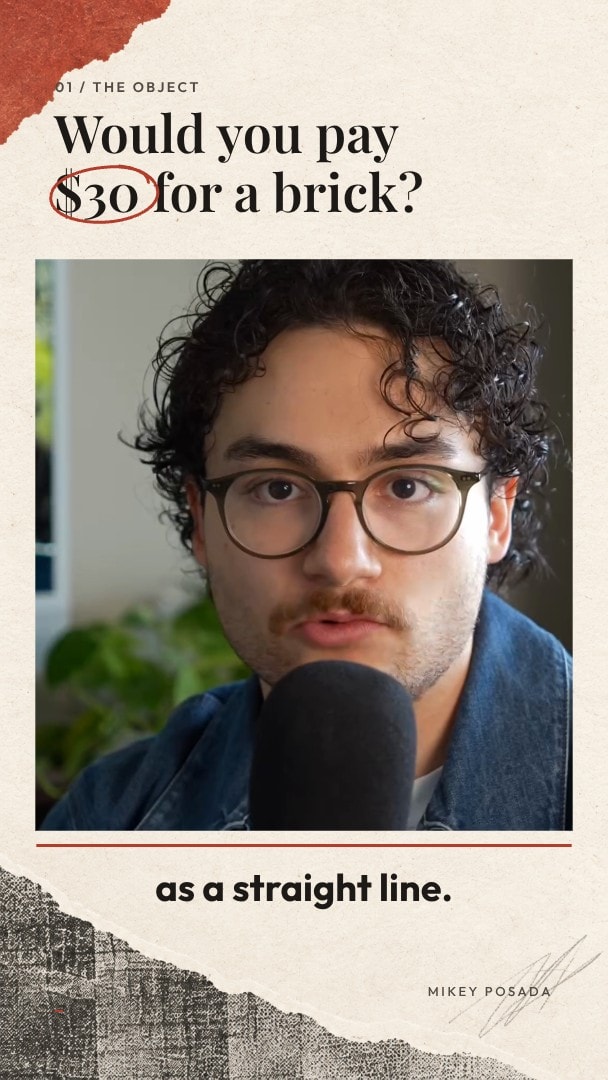
Pro Timeline: A real timeline for every AI clip.
When the AI draft is almost right, finish it yourself: trim, split and layer video, audio and captions on a multi-track timeline in your browser.
- 7-day free trial
- Cancel anytime
- No editing skills needed


Trusted by 10,000+ creators


Multi-track editor with 24 keyboard shortcuts
When an AI draft is close but not quite right, finish it on a real multi-track timeline. Trim, split, move and layer video, audio, captions and overlays, with snapping, ripple edits and full undo history.
- Video, audio, caption and overlay tracks
- 24 keyboard shortcuts
- Snapping and ripple edits
- Undo and redo history
- Zoom and scroll the timeline
- Non-destructive edits
Automatic edits stay editable
Silence cuts, zooms and title cards land on the timeline as normal edits you can move, trim or undo.

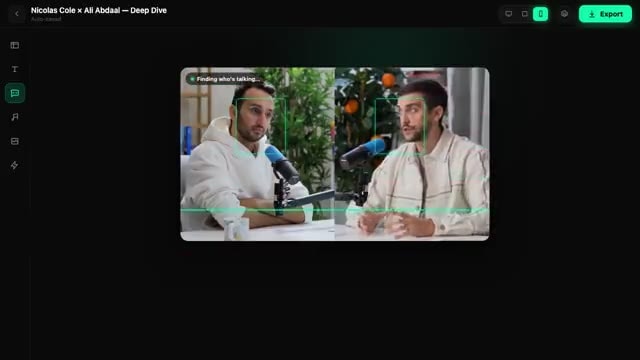
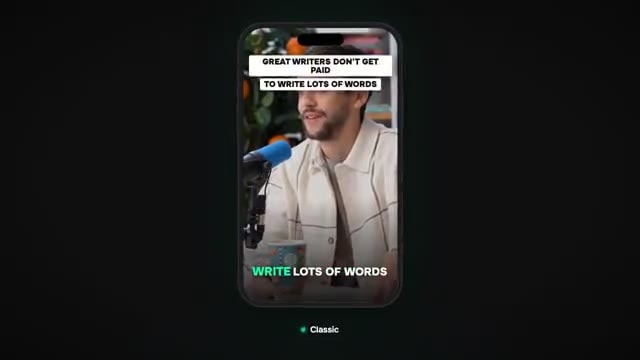
How it works
- 01
Open a clip
Every AI clip and project opens in the same editor, ready to change.
- 02
Cut, trim and layer
Split with Ctrl+B or the blade, drag edges to trim and stack captions, B-roll and music on their own tracks.
- 03
Export
Preview the result in place, then export when it looks right.
Your competitors already use BlitzReels.



















“The batch processing feature saves hours on content repurposing.”
 OmriReview on Uneed
“BlitzReels is special”
 orcdevReview on Uneed
“as always, a great product”
 Zoltan SzogyenyiReview on Uneed
Pro Timeline FAQ
- Which keyboard shortcuts are available?
- 24 DaVinci-style shortcuts, including Ctrl+B to split, B for the blade, Space to play or pause and Ctrl+Z to undo. The full list opens from the shortcuts button in the timeline header.
- Is editing non-destructive?
- Yes. Your original files are never modified, and you can undo any change from the edit history.
- Can I layer captions, B-roll and music?
- Yes. Video, audio, captions and overlays sit on their own tracks, so you can move or trim each layer without touching the others.
- Can I work with 4K footage?
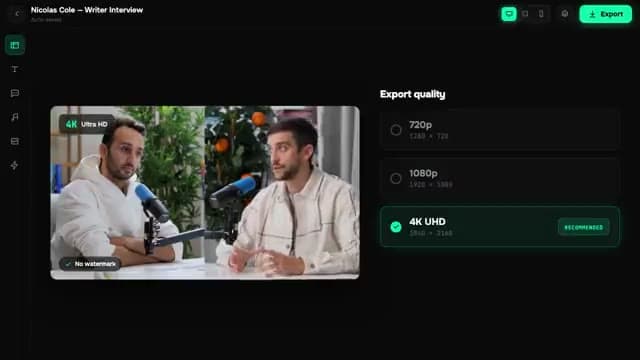
- Yes. Edit 4K footage in the timeline and export up to 4K on paid plans.
More features
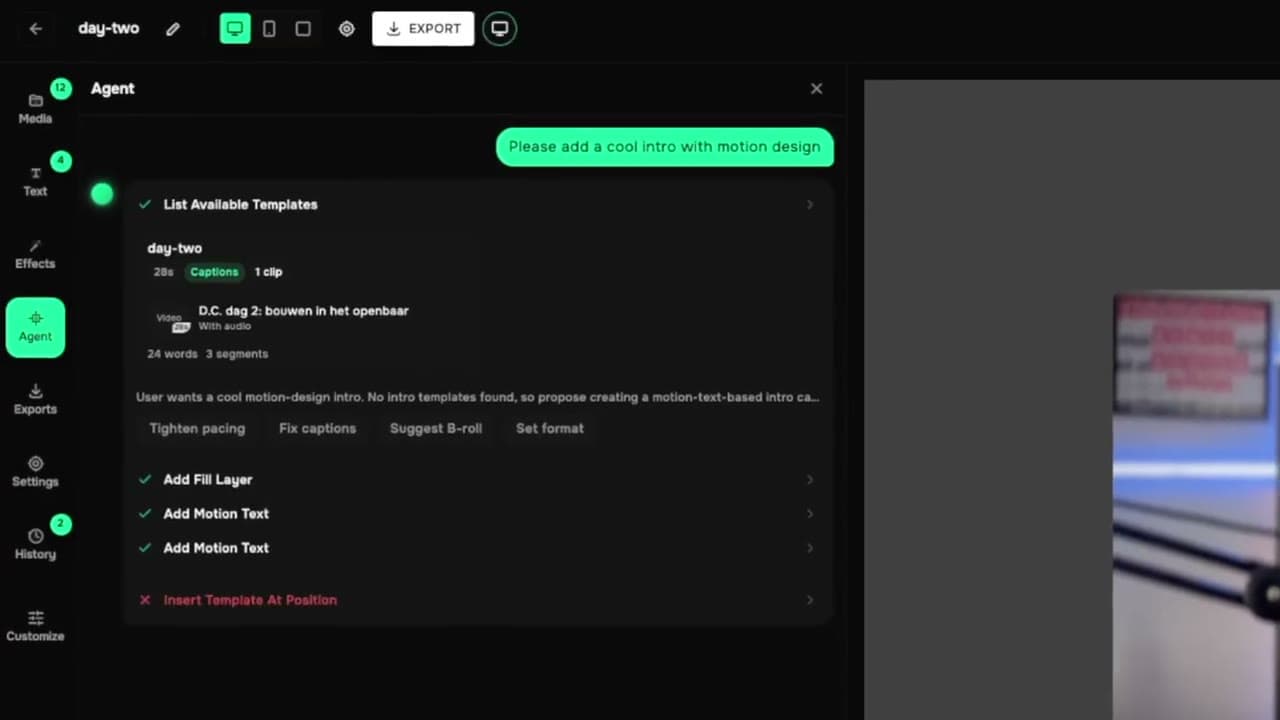
All features- AI Agent EditorEdit your video by typing what you want
- Caption Styles10 animated caption looks, timed word by word
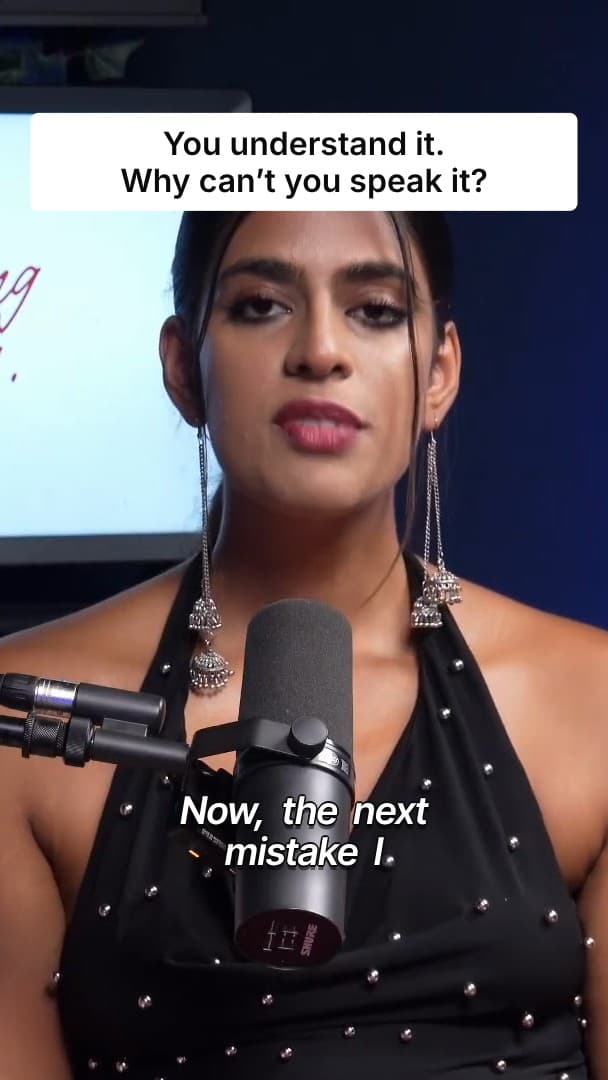
- Motion GraphicsZooms, color grades, masks and title cards
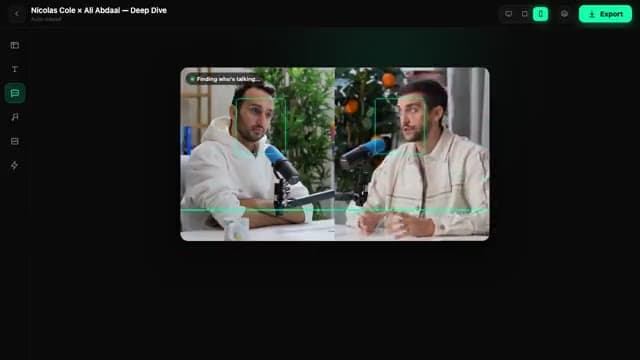
- Silence DetectionFind and cut dead air in one pass

- 4K ExportCloud-rendered exports up to 4K
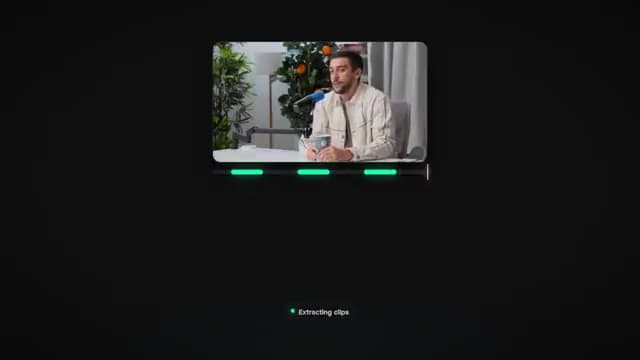
- Post SchedulingClip, caption and schedule from one calendar
- YouTube Shorts SchedulerSchedule Shorts straight from your clips
- TikTok SchedulerSend clips to TikTok on a schedule
- Instagram Reels SchedulerReels and Trial Reels on your calendar, coming soon
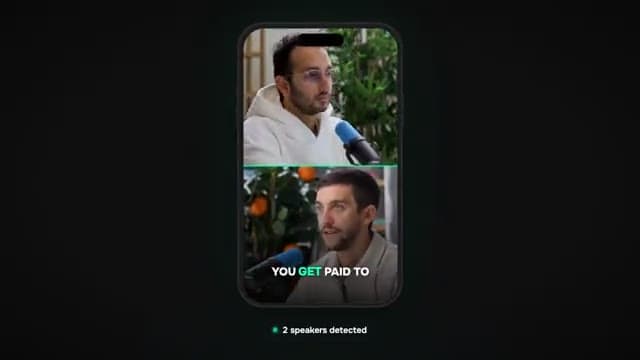
- Multi-Camera ClipsClip every camera of a podcast or webinar
- AI Voice CloningNarrate videos in your own voice

- Consistent AI CharactersKeep the same face in every scene

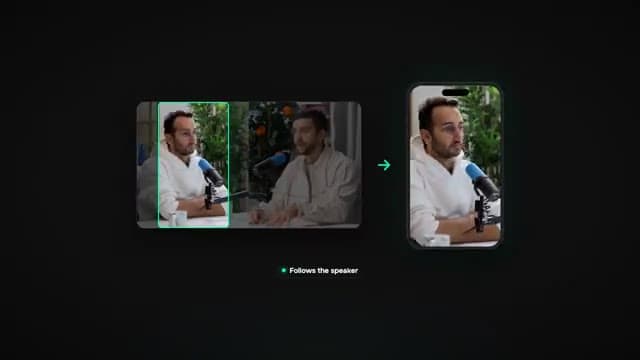
- Auto Reframe16:9 to 9:16 that follows the speaker
Your next 30 clips are already recorded.
Paste a link. Turn your videos into clips that bring clients.
- 7-day free trial
- Cancel anytime
- No editing skills needed