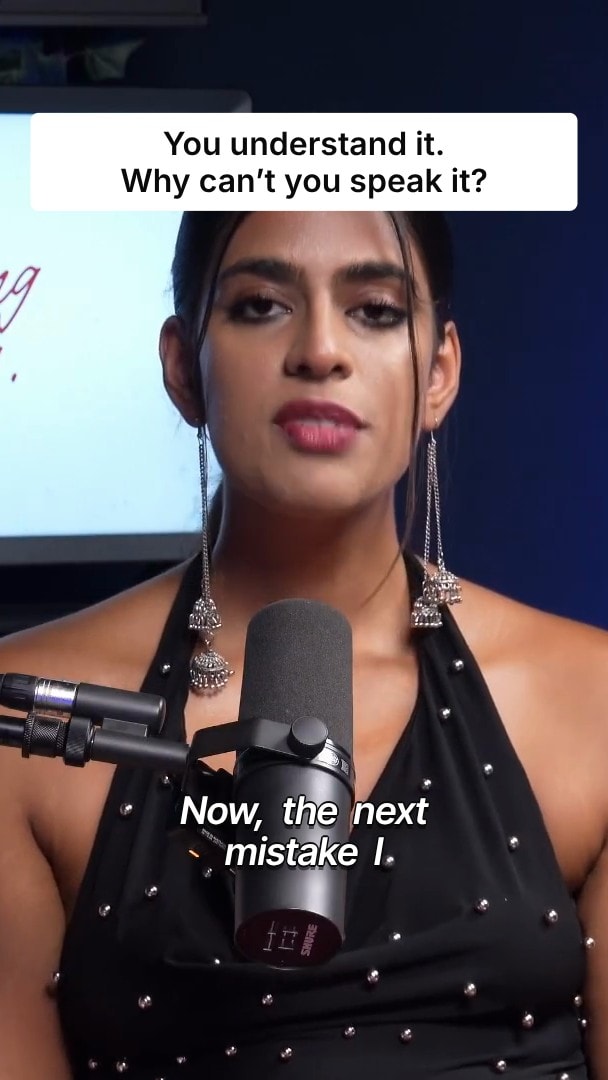
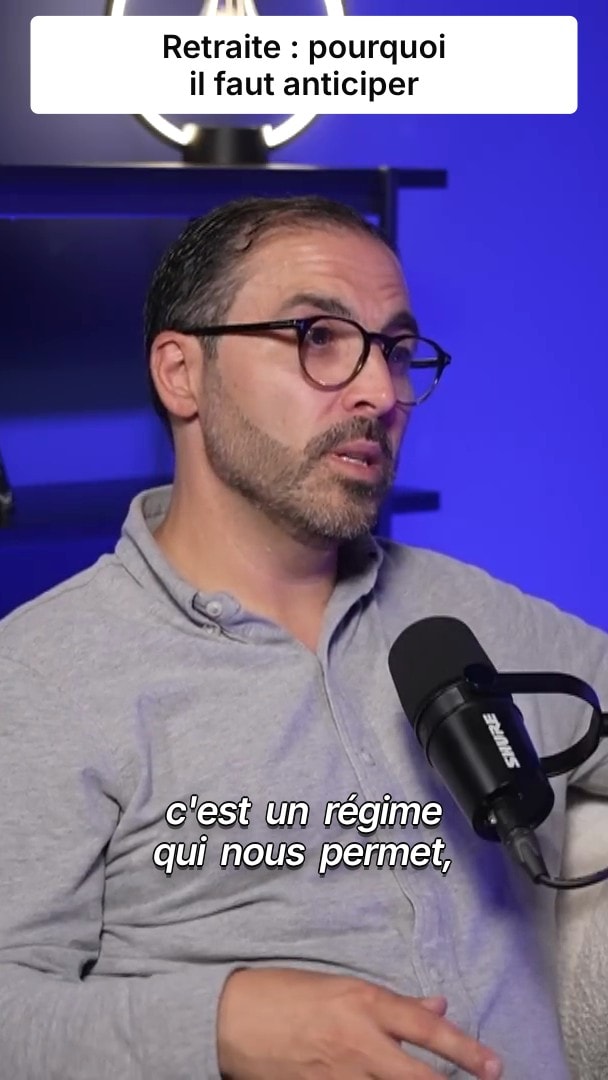
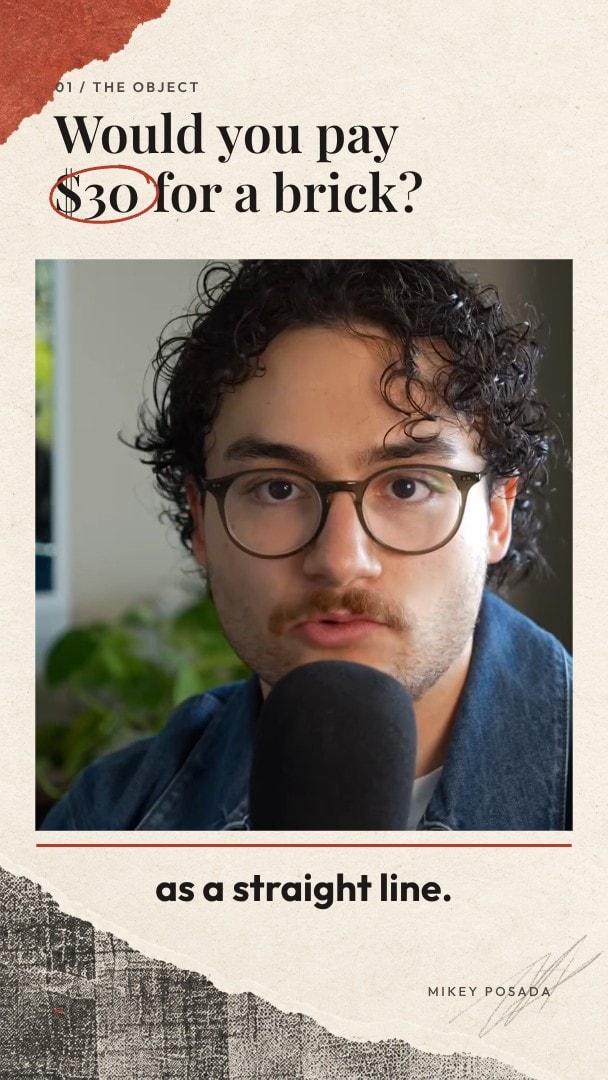
Remove silence from video. Keep the pauses that matter.
BlitzReels finds the gaps between your words, checks each one against the audio and shows what it would cut. Pick a pace, keep any pause with one click, then remove the rest in one pass.
- Checked against the audio
- Review every cut first
- Captions stay in sync


Trusted by 10,000+ creators
0:15.0→0:11.9
−3.1 s
21% shorter · 5 silences
Select a red section to keep that pause.
0.4 squestions à lui poser. Ce n'est pas que lui qui va, qui doit vous poser des questions. 0.5 sVous aussi, posez-lui des questions. 0.2 sEncore une fois, vous êtes 0.7 sd'entrepreneur en entrepreneur, d'égal à égal. 1.3 s
How BlitzReels decides what is silence
A volume threshold alone cuts quiet speech and keeps noisy pauses. BlitzReels starts from the words.
0.4 squestions à lui poser. Ce n'est pas que lui qui va, qui doit vous poser des questions. 0.5 sVous aussi, posez-lui des questions. 0.2 sEncore une fois, vous êtes 0.7 sd'entrepreneur en entrepreneur, d'égal à égal. 1.3 s
It reads the gaps between words
A pause after a sentence, a change of speaker and a pause mid-thought each get their own limit.
Gaps between words
Quiet audio
It checks each gap against the audio
A gap is cut only where the audio is quiet too, so speech the transcript missed stays in.
No captions? It listens to the volume
Anything quieter than the silence level, for longer than the shortest silence, is a candidate. Both are yours to set.
See every cut before it happens.
Silences show up as red sections on the clip. Nothing changes until you apply, and the numbers follow each choice: time saved, percent shorter and how many silences are left to remove.
- Select a red section to keep that pause
- Step through cuts with [ and ], press K to keep or cut one
- Change pace and the plan updates at once
- [
- Previous cut
- ]
- Next cut
- K
- Keep or cut
- Esc
- Deselect
One pass, and the timeline closes up.
Applying splits each clip, removes the silent parts and pulls the remaining shots together. Captions are rebuilt on the new timing, and every video clip on the timeline is handled in the same pass.
When the problem is more than pauses
Retakes and false starts
Mistake Detection reads the transcript for repeated takes, restarts and stumbles. You mark each one Keep or Cut, then remove them together. Available on paid plans.
From the CLI or your agent
Plan the cuts, read the result, then apply it. The same two steps are available over the REST API.
- $blitzreels silence plan --project-id ID --timeline-item-id ID
- $blitzreels silence apply --project-id ID --all-media-items true --confirm-preview
Your competitors already use BlitzReels.


“The batch processing feature saves hours on content repurposing.”
 OmriReview on Uneed
“BlitzReels is special”
 orcdevReview on Uneed
“as always, a great product”
 Zoltan SzogyenyiReview on Uneed
Clips from $17 a month.
Start with a 7-day free trial and cancel anytime. Pay yearly and save 40%.
Starter
For solo creators who post a few clips each month.
$29$17$17 / moBilled yearly at $204
Start free≈ 25 clips or 80 images per month.
250 AI credits included
Includes:
- 250 AI credits per month
- Unlimited exports and projects
- Make AI images and faceless videos.
- Up to 4K, no watermark
- Connect accounts and publish now
- 1 brand · 1 team member
- 50 GB storage · 2 parallel jobs
- 1 active Series (Soon)
Growth
Most popularFor creators who post every week.
$79$47$47 / moBilled yearly at $564
Choose Growth≈ 80 clips or 250 images per month.
750 AI credits included
Includes:
- 750 AI credits per month
- Unlimited exports and projects
- Make AI images and faceless videos.
- Up to 4K, no watermark
- Connect accounts and publish now
- 3 brands · 3 team members
- 500 GB storage · 3 parallel jobs
- Scheduling, calendar and queue
- Fast export
- Trend discovery (Soon)
- 10 active Series (Soon)
Agency
For teams making clips for clients.
$199$119$119 / moBilled yearly at $1,428
Choose Agency≈ 200 clips or 650 images per month.
2000 AI credits included
Includes:
- 2000 AI credits per month
- Unlimited exports and projects
- Make AI images and faceless videos.
- Up to 4K, no watermark
- Connect accounts and publish now
- Unlimited brands and team members
- 2 TB storage · 5 parallel jobs
- Scheduling, calendar and queue
- Fast export
- Client review links
- Trend discovery (Soon)
- Unlimited active Series (Soon)
Silence removal questions, answered
- What counts as silence?
- By default BlitzReels looks at the gaps between transcribed words and cuts a gap only where the audio is quiet too. Clips without captions use the volume instead: anything quieter than -35 dB for at least half a second, and you can change both values.
- Will the result sound choppy?
- Pace sets how much air stays around each sentence: Tight keeps 100 ms, Natural 250 ms and Relaxed 450 ms. You can also set the breathing room yourself, from 50 to 600 ms.
- Can I keep a pause that matters?
- Yes. Select any red section to keep it, or step through the cuts with [ and ] and press K. The time saved updates as you go, and Reset edits brings back the suggested plan.
- Does it remove “um” and “uh”?
- No. Silence removal cuts pauses. Filler words, retakes and false starts are found by Mistake Detection, a separate review on paid plans.
- Do captions stay in sync after the cut?
- Yes. After the silent parts are removed, the captions of each affected clip are rebuilt on the new timing.
- Can I undo silence removal?
- Before you apply, nothing has changed: every cut is a preview you can keep or reset. Once applied, the removal can’t be undone from the editor, so run it when the rest of the cut is settled.
- Can I remove silence from several clips at once?
- Yes. The review covers every video clip on the timeline and applies them in one pass. If a clip fails, the others are still cut and you can run it again for the rest.
- Do I have to open the editor to cut silence?
- No. On paid plans the clip creation flow has a Cut silence option, and the CLI and REST API can plan and apply the cuts on a project.
Your next 30 clips are already recorded.
Paste a link. Turn your videos into clips that bring clients.
- 7-day free trial
- Cancel anytime
- No editing skills needed