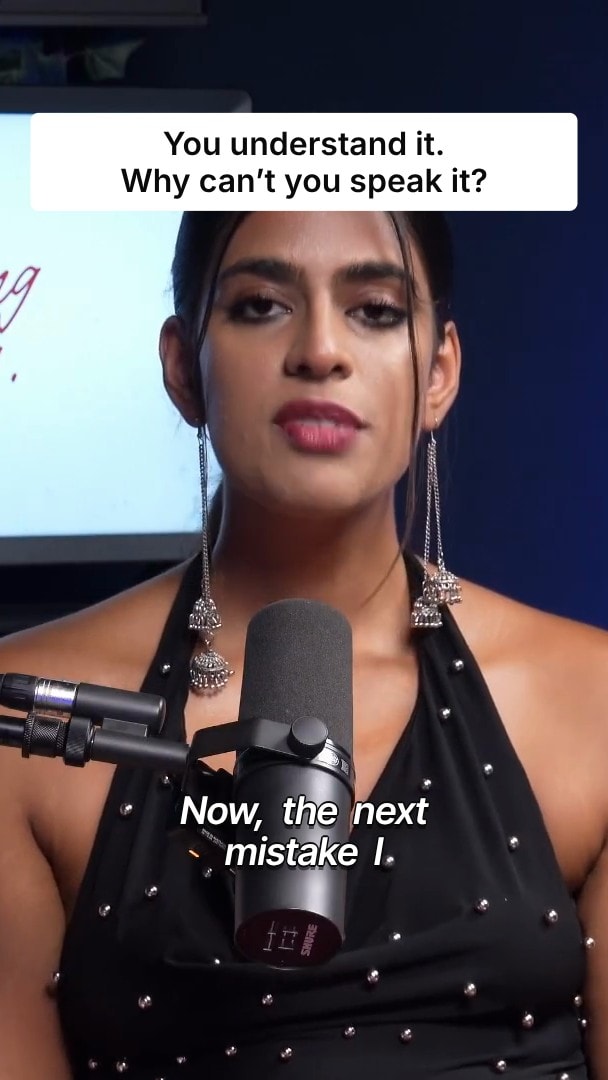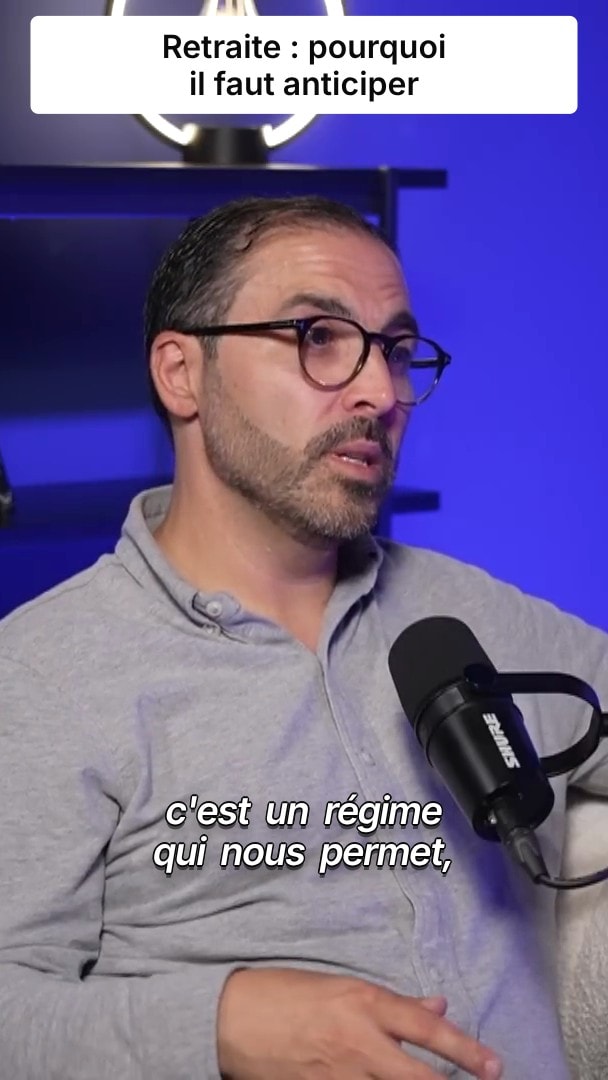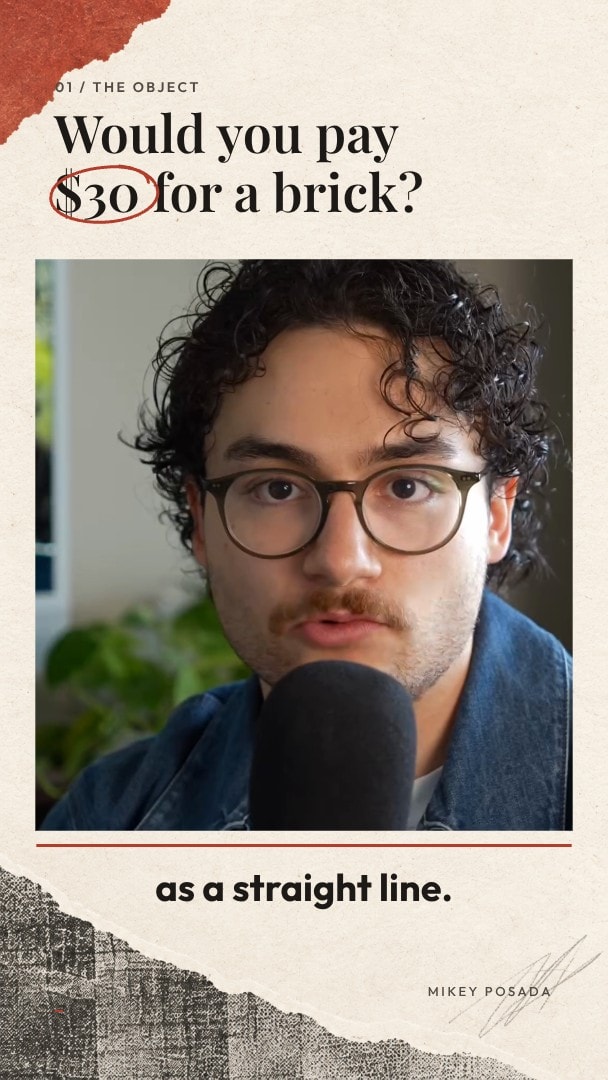
Clip and post from Grok, even on your phone.
Connect BlitzReels once on grok.com and it works in the Grok app too. Ask for clips in one sentence and they show up in your BlitzReels workspace.
- 7 days free. Cancel anytime.
- Custom connector


Trusted by 10,000+ creators
One custom connector, on web and mobile.
- 1
Open your connectors
Go to grok.com/connectors, then New Connector, then Custom.
- 2
Paste the BlitzReels URL
Paste https://blitzreels.com/api/mcp and continue.
- 3
Approve your workspace
Sign in to BlitzReels once. Every request then runs as you, inside the workspace you picked.
Things to ask Grok
Paste one into a chat. Each request runs on your BlitzReels workspace and opens in the editor.
Find the 3 funniest moments in this podcast and make vertical clips with captions.
Generate a 30-second faceless video about the Roman aqueducts.
Schedule my newest clip to YouTube tomorrow at 6 PM.
What comes back from one request
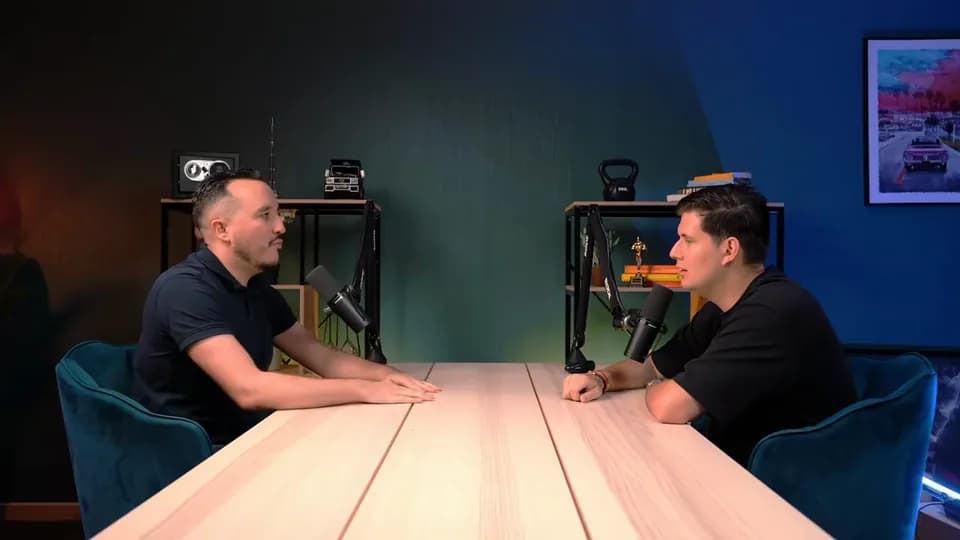 57:26
29 moments detected
1We find the moments worth posting.
We scan the whole video and keep what hooks.
 97
Half of freelancers quit in 2 years
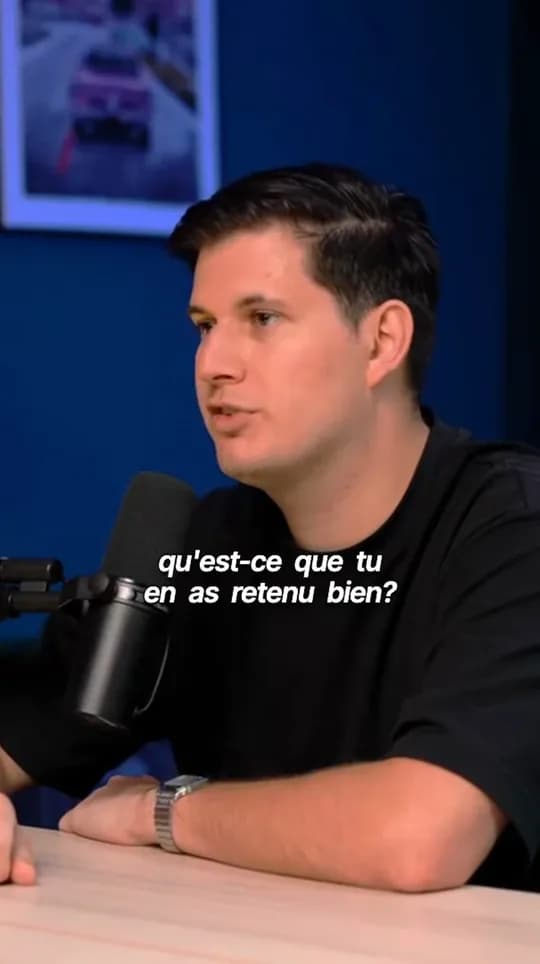 96
Why Malt actually worked
 95
18,000 new freelancers
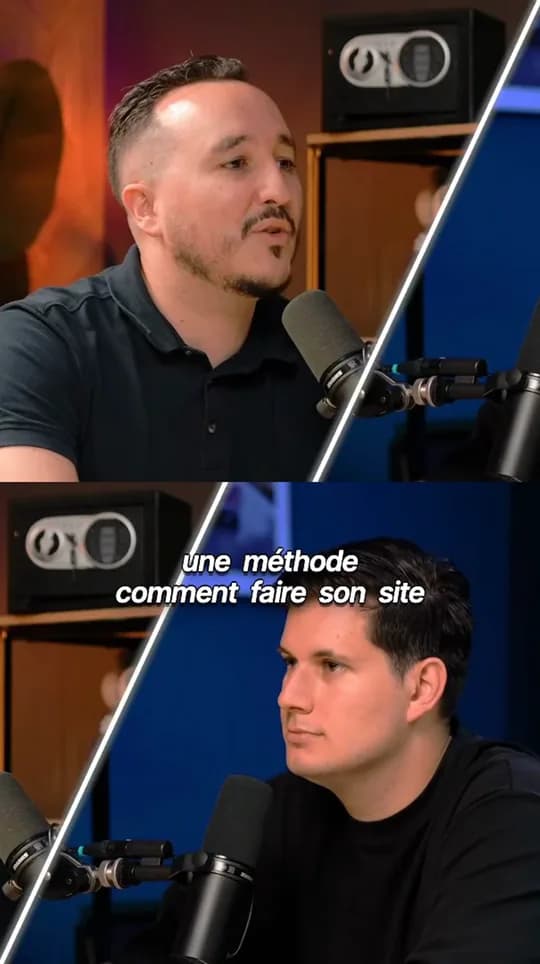 94
Why miracle methods fail
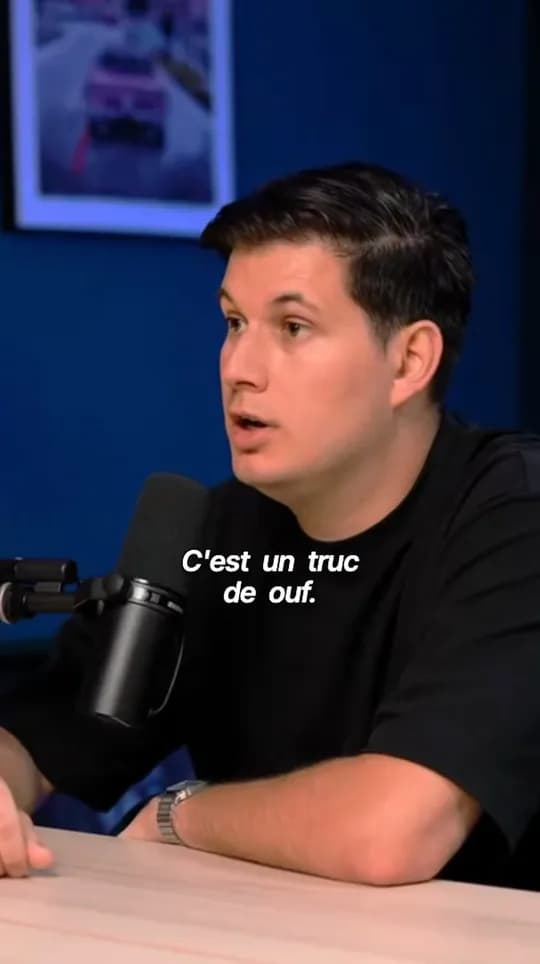 93
The training-buy trap
2Post your best 5 first.
Every clip gets a viral score out of 100.
Half of freelancers quit in 2 years
Half quit within two years. #freelance
- TikTokMon 6:00 PM
- Reels
- ShortsWed 6:00 PM
3Each clip goes out on time.
Title, hashtags and a posting slot on each platform.

What Grok can do in BlitzReels
- Clip long videos from a link or an upload
- Apply caption looks and correct caption words
- Generate faceless videos, images, voiceovers and music
- Start exports and return download links
- Schedule videos to connected accounts
Good to know
- On Grok Business and Enterprise, an administrator adds the connector first.
- Setup steps follow xAI's connector documentation; xAI may move the menu.
- Generation and exports use your BlitzReels credits and plan limits.
Your competitors already use BlitzReels.

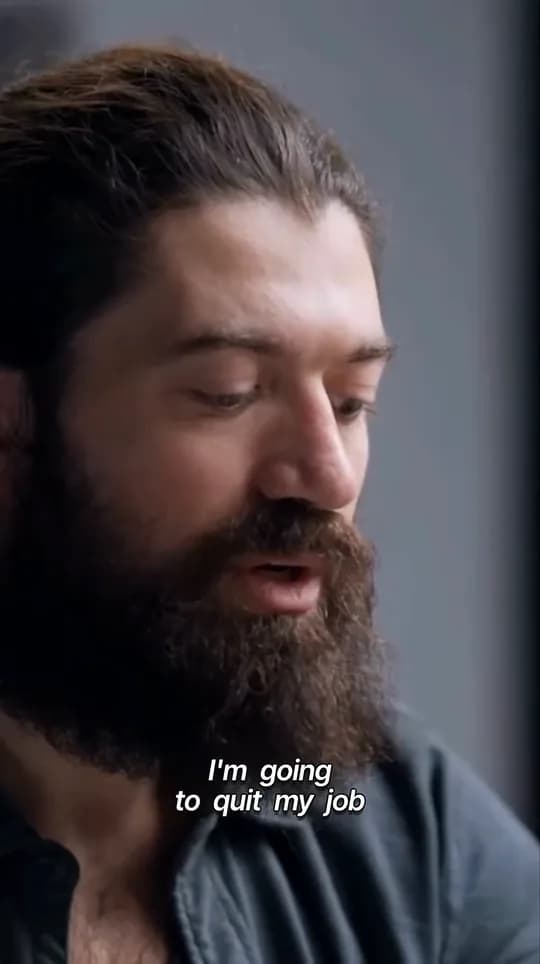
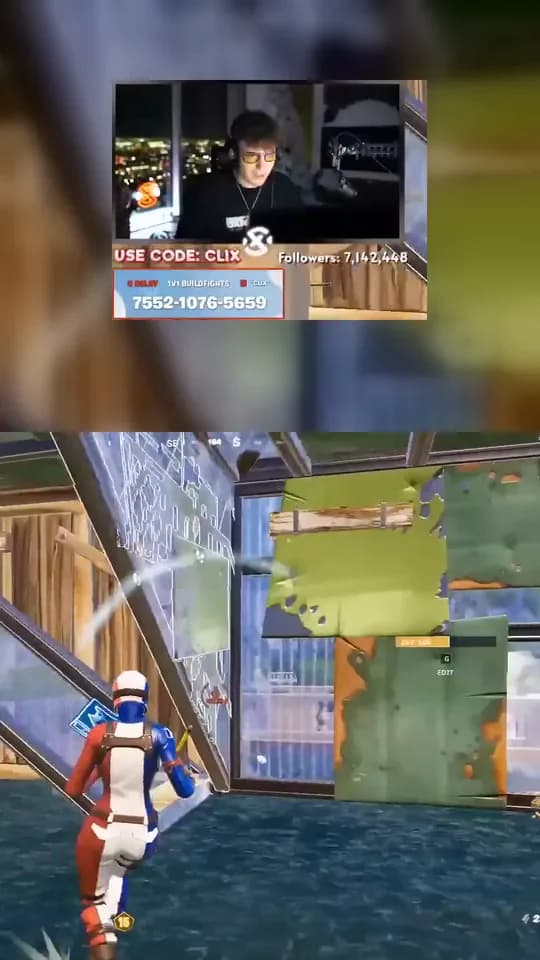
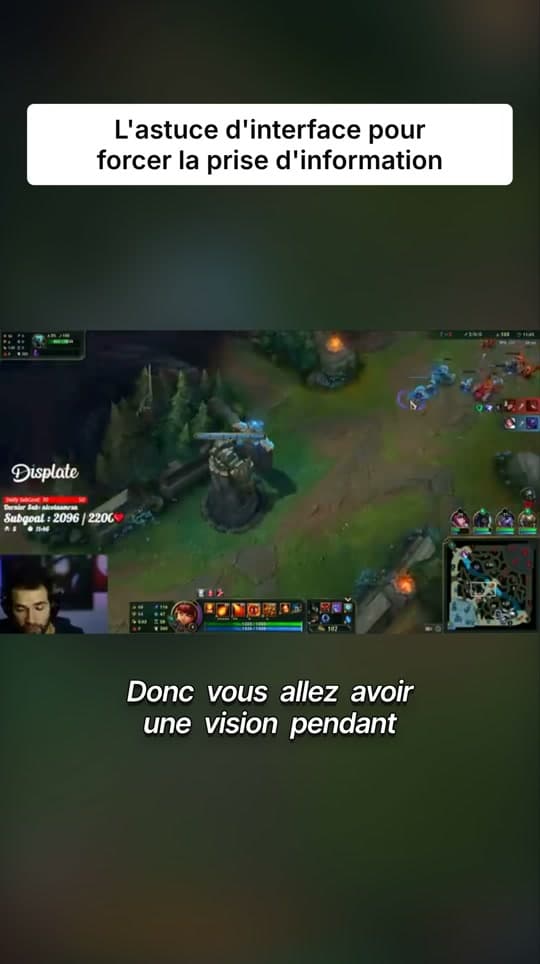
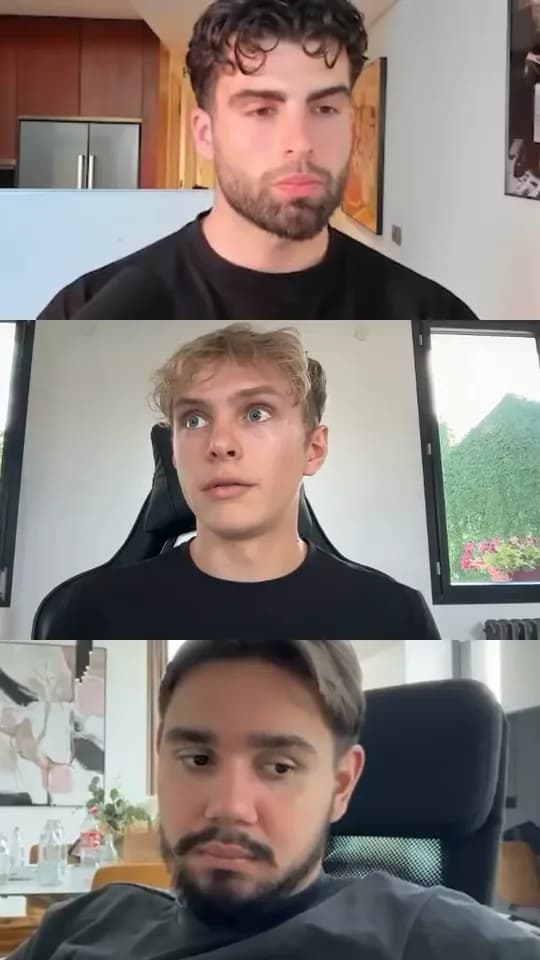




“The batch processing feature saves hours on content repurposing.”
 OmriReview on Uneed
“BlitzReels is special”
 orcdevReview on Uneed
“as always, a great product”
 Zoltan SzogyenyiReview on Uneed
Use BlitzReels from your other assistants
The same workspace, projects and exports, whichever assistant you ask.





BlitzReels in Grok, answered
- Can Grok edit videos?
- With BlitzReels connected, yes. Grok calls BlitzReels tools to clip, caption, generate and export video on your workspace.
- Does it work in the Grok mobile app?
- Grok's custom connectors work on the web, iOS and Android, so you can start a clip from your phone and finish it in the BlitzReels editor.
- How do I add BlitzReels to Grok?
- Open grok.com/connectors, choose New Connector, then Custom, paste https://blitzreels.com/api/mcp and sign in to BlitzReels.
Your next 30 clips are already recorded.
Paste a link. Turn your videos into clips that bring clients.
- 7-day free trial
- Cancel anytime
- No editing skills needed