18 free video tools to compress, resize and convert
Fix a file for TikTok, Reels or Shorts in a few clicks. The free tools run in your browser.
- No signup
- No watermark
- Files stay on your device
Most used
Compress for TikTok
Export a 1080p MP4 that holds up after TikTok re-encodes it.
Free · runs in your browser
Resize to 9:16
Crop or fit a wide video for Shorts, Reels and TikTok.
Free · runs in your browser

Vintage video effect
Add film grain, tint and a vignette, with presets like Super 8.
Free · runs in your browser
YouTube Clipper
Paste a YouTube link and get vertical clips with captions.
Free trial · account needed
All video tools
Compress
Smaller files for TikTok, Discord, WhatsApp and Telegram.
- Video CompressorReduce video file size without losing quality. Compress MP4, MOV, and other formats directly in your browser.
- Compress Video for DiscordReduce video file size to under 20MB or 8MB for Discord. Free online tool, no watermarks.
- Compress Video for WhatsAppReduce video file size to under 16MB for WhatsApp. Send longer videos easily.
- Compress Video for TikTokOptimize videos for TikTok. Perfect 9:16 dimensions and quality.
- Compress Video for TelegramCompress videos for Telegram. Send large videos up to 2GB with optimal quality.
Resize
Vertical 9:16 files for TikTok, Reels and Shorts.
- Resize VideoCrop and resize videos to perfect aspect ratios. Convert to 9:16 (Shorts/Reels), 1:1 (Instagram), 4:5, and more.
- Resize Video for TikTokResize and crop videos to perfect 9:16 vertical format for TikTok. Free, no watermarks.
- Resize Video for Instagram ReelsResize and crop videos to perfect 9:16 format for Instagram Reels. Free, no watermarks.
- YouTube Shorts Aspect Ratio ResizerResize videos to 9:16 for YouTube Shorts. Crop or fit the clip and export a 1080x1920 file.
Clip and edit
Trim, clip and build videos from photos.
- YouTube ClipperPaste a YouTube link, create an account and clip it on the 7-day trial: one video, 3 clips, 720p with a watermark.
- Slideshow Video MakerCreate a video from photos. Upload images, set durations, and download a video file.
- Video TrimmerCut or shorten MP4, MOV, WebM, or MKV. Copies the original stream when possible so quality stays the same.
Convert
Turn MOV, HEVC, WebM and other files into MP4.
Effects and backgrounds
Vintage looks and green screen removal.
Frames, subtitles and ratios
Small jobs around the edit.
- Aspect Ratio CalculatorGet the width or height for 16:9, 9:16, 1:1 or 4:5, and check the ratio of any video size.
- Video Frame ExtractorPick the exact moment from a video and save it as a JPG for thumbnails, covers, posts, or references.
- SRT Editor SoftwareEdit subtitle timing, clean caption lines, and export polished SRT or VTT files online without desktop subtitle software.
AI upscaling and cleanup
These run on BlitzReels servers and use credits. Sign in, upload your file, and you see the cost before anything starts.
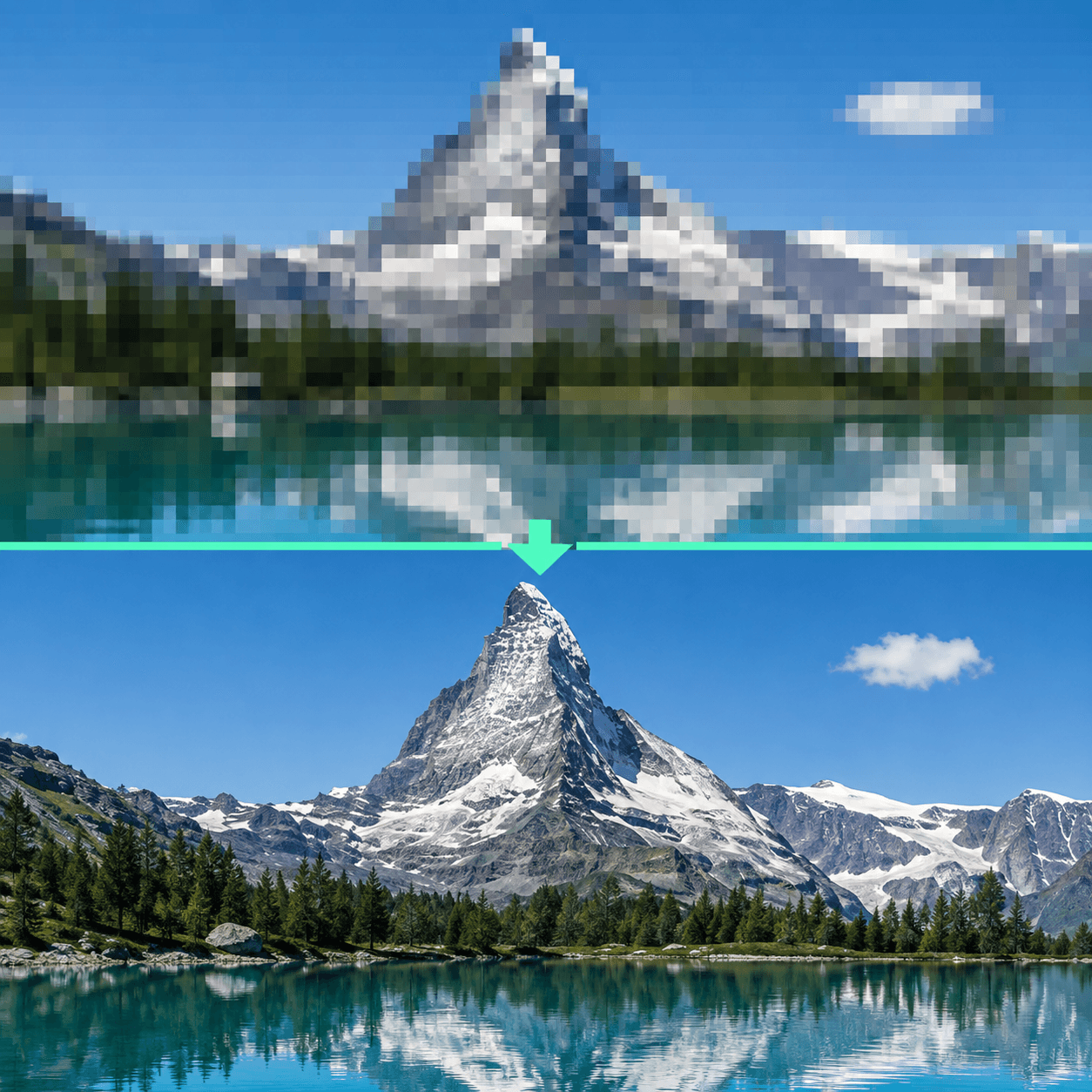
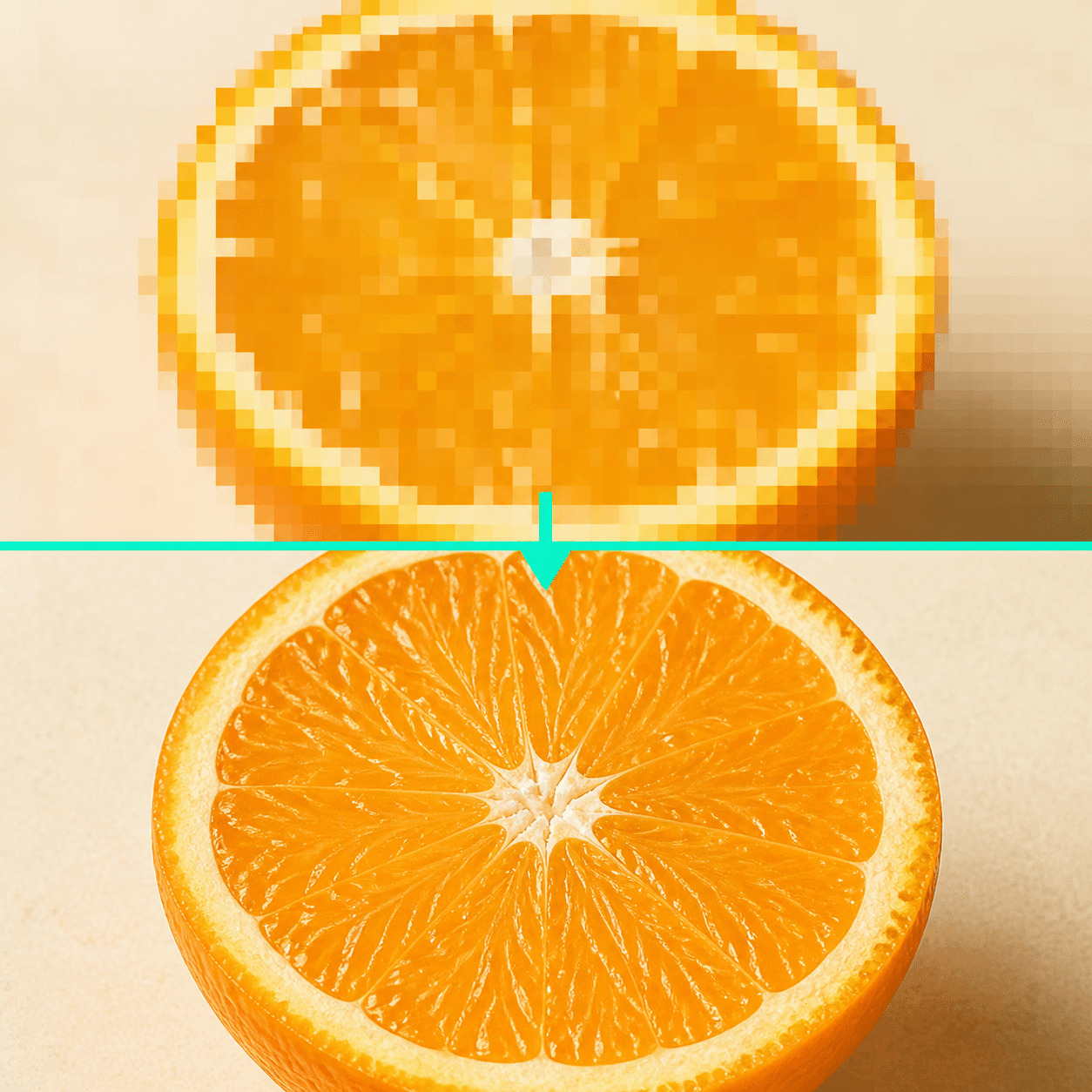
Upscale video
Rebuild detail in a low-resolution clip, then compare it with your original.
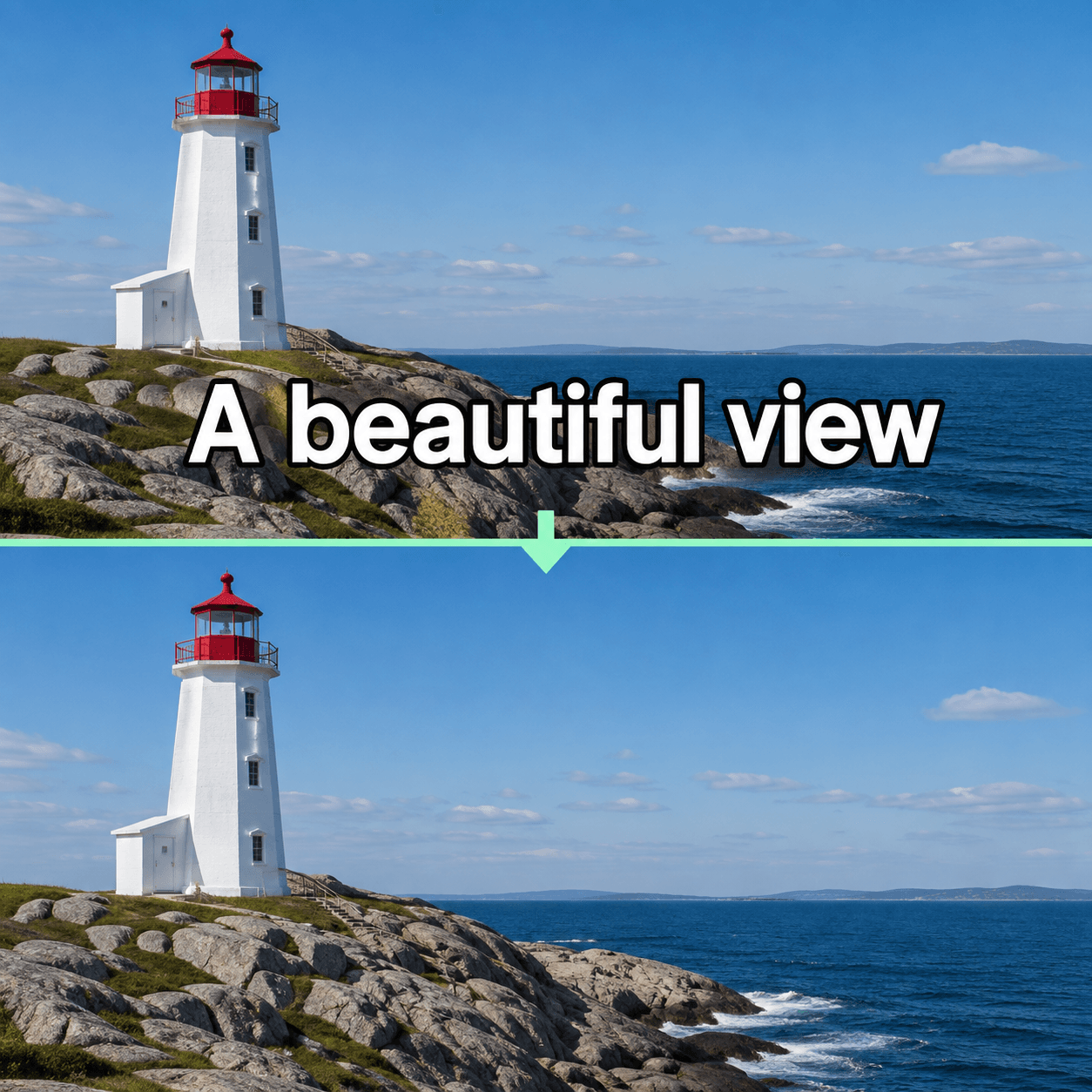
Remove captions and text
Erase burned-in captions or text logos. You pick what goes before it runs.
Post your clips everywhere from one calendar
Cut long videos into captioned clips and schedule them for TikTok, YouTube Shorts and LinkedIn from one calendar.
- 7-day free trial
- Cancel anytime
- No editing skills needed
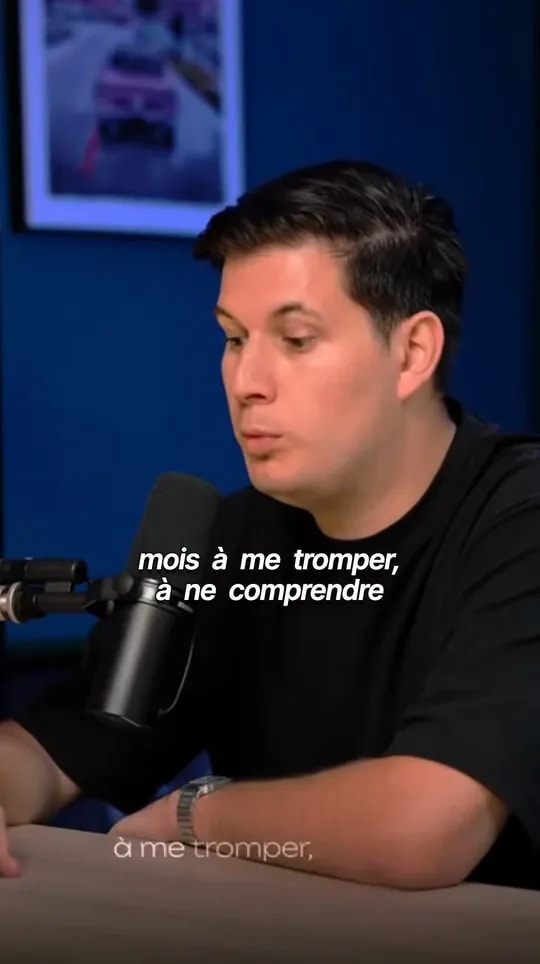
Clips from one long video
Paste a YouTube link or upload a podcast. BlitzReels picks the moments worth posting and crops them to 9:16.
How clipping worksCaptions people read
Animated captions timed to every word, in the style you pick once for every clip.
Caption stylesA week of posts, scheduled
Set your posting times once. Each new clip takes the next free slot.
See post scheduling

Questions about the tools
- Are these video tools free?
- The browser tools are free, with no account and no watermark. AI upscaling and text removal need an account and credits, and show the cost before they start. The YouTube Clipper runs on a trial. Free 7-day trial on one video: 3 clips, 720p with a watermark. You need an account, but no card. After that, Starter is $29/month.
- Are my files uploaded?
- Not with the browser tools: they process the file on your device, so it never reaches our servers. The AI tools and the YouTube Clipper upload to your BlitzReels workspace, because the work runs on our servers.
- Which file formats work?
- MP4, MOV, WebM, AVI and MKV videos, and JPG, PNG and WebP images. Your browser has to be able to decode the file, so some HEVC or unusual codecs may need the HEVC to MP4 converter first.
- Is there a file size limit?
- Browser tools accept files up to 512 MB. AI tools accept up to 1 GB. Your device's free memory can also limit very long videos.
- Do the free tools add a watermark?
- No. Files exported from the browser tools are clean. Only the YouTube Clipper trial exports carry a watermark.